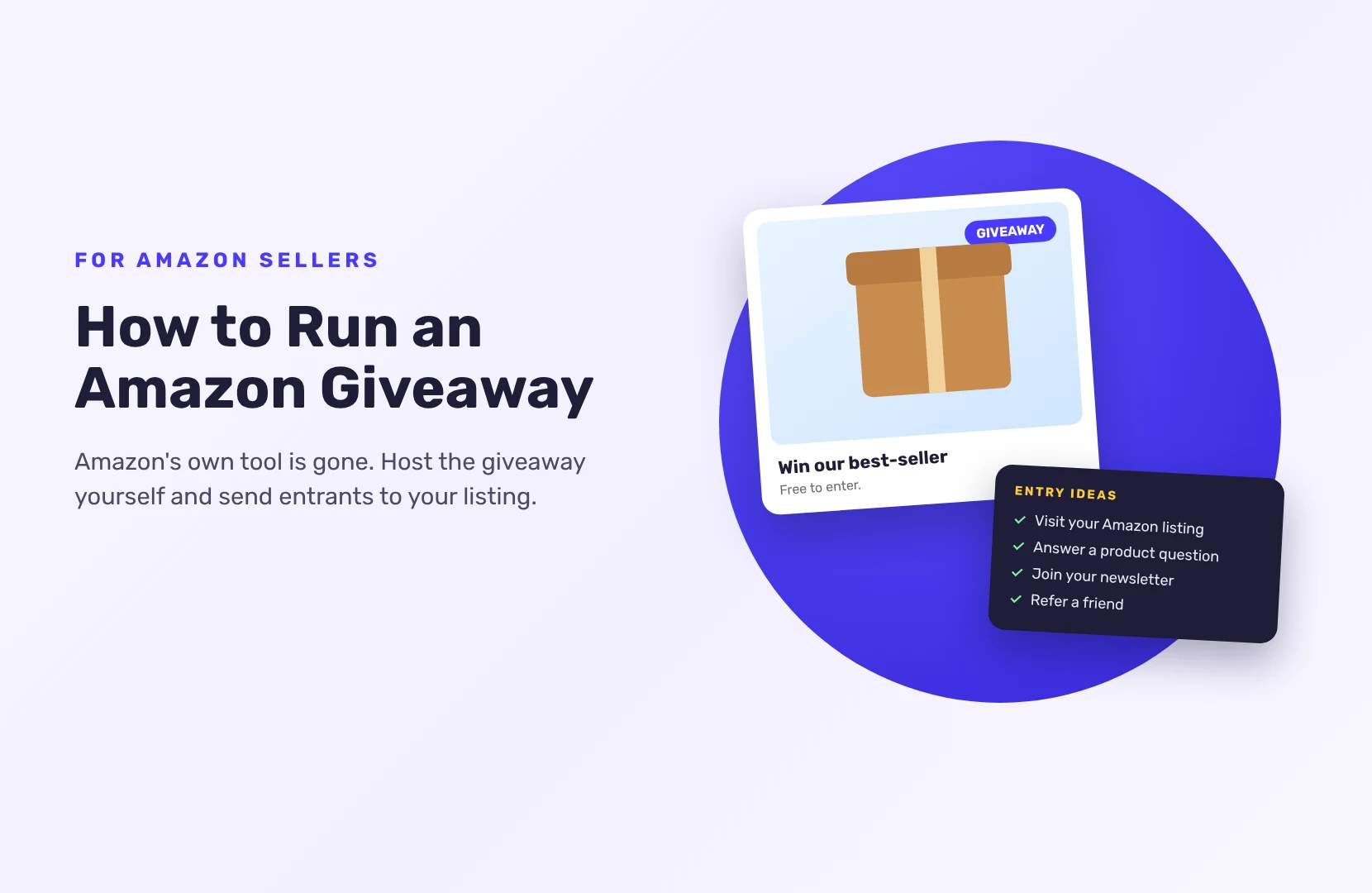
How to Run an Amazon Giveaway Now That Amazon’s Tool Is Gone
Amazon’s own Giveaway tool closed in October 2019, and Amazon hasn’t replaced it. So today an “Amazon giveaway” means a giveaway you run yourself: you pick an Amazon product or gift card as the prize, host the giveaway on your own page, and use it to send people to your Amazon listing or store and to build an audience you can reach again.
Here’s how sellers do it now, and the Amazon rules that matter.
What happened to Amazon Giveaway?
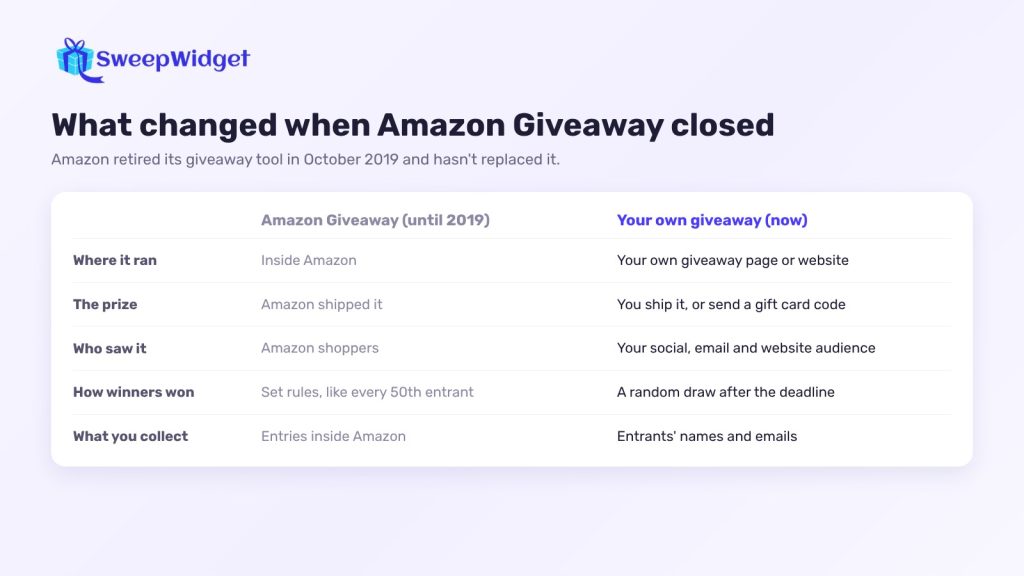
Amazon Giveaway let you buy a product on Amazon and give it away with simple rules, like “every 50th entrant wins” or “first come, first served”. Amazon also shipped the prize. Then, on October 10, 2019, it stopped accepting new giveaways, closed the program a week later on October 17, and still hasn’t replaced it.
What sellers lost:
- Amazon handling the prize. You now buy and ship it yourself, or send a gift card.
- Instant-win formats. Most giveaways now draw winners at random after a deadline. SweepWidget can do both: a random draw, or instant win on the Business plan and above.
- Amazon’s audience. Your giveaway no longer appears inside Amazon, so you promote it yourself.
What you gain: the entrants’ email addresses, entries for actions on any platform, and a giveaway you can run as long as you like. (On SweepWidget’s Free plan you can view or download up to 10 entrants’ emails.
Who an Amazon giveaway is for
- Amazon sellers launching a product or building interest in a listing.
- Authors promoting a book sold on Amazon.
- Brands and creators who use an Amazon gift card as a prize everyone understands.
SweepWidget isn’t connected to Amazon, though. Instead, it runs the giveaway page, the entries and the draw, while Amazon stays where people shop.
Amazon rules to keep in mind
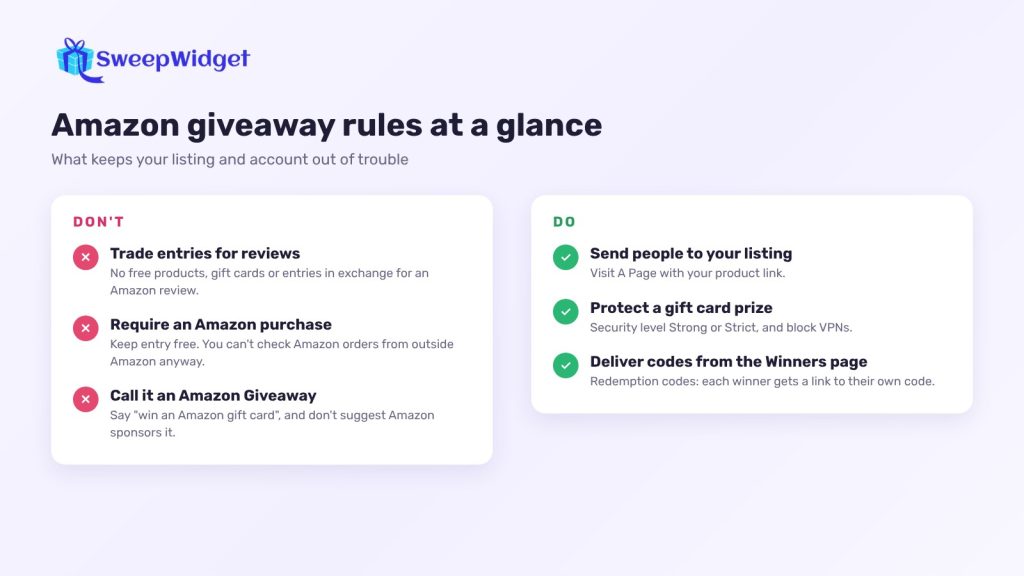
- Never trade entries for reviews. Amazon doesn’t allow sellers to offer free products, gift cards or anything else in exchange for a review, outside its own Vine program. “Leave a review for 5 entries” can get your listing or account in trouble.
- Don’t require a purchase on Amazon to enter. A required purchase for a chance to win can turn a giveaway into a lottery in many places, and you can’t check Amazon orders from outside Amazon anyway. Keep entry free.
- Don’t suggest Amazon sponsors it. Use “win an Amazon gift card”, not “Amazon Giveaway” branding. Many gift card promotions add a line such as “Amazon is not a sponsor of this promotion” and link to Amazon’s gift card terms.
How to run an Amazon giveaway, step by step
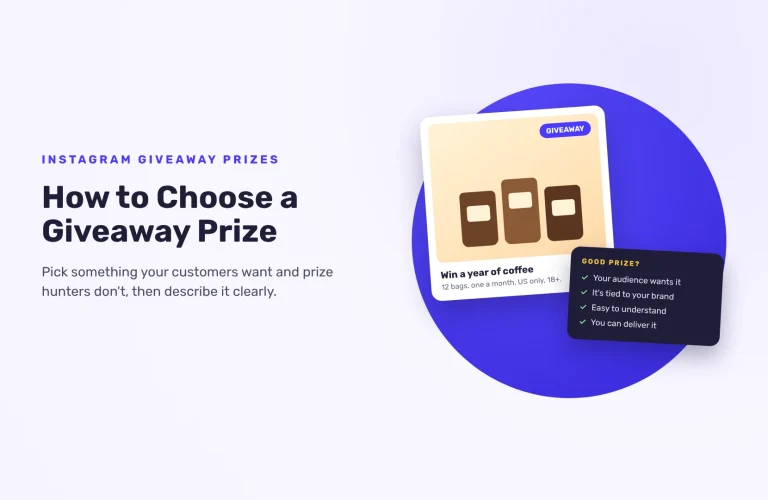
- Pick the prize. Your own product is best: it attracts people who’d buy it. A gift card brings more entries but fewer real buyers.
- Write the rules. How to enter, who can enter (age, country), start and end dates with time zone, the prize and its value, and how winners are picked and contacted. SweepWidget’s rules generator fills in a template from your details.
- Build the giveaway page and choose the entry actions (below).
- Promote it on social media, your email list, your website, and with a QR code on packaging inserts. More places to share it: giveaway and sweepstakes promotion sites.
- Close entries on time and draw at random.
- Check the winner and deliver the prize.
Entry actions that help an Amazon seller
With SweepWidget, every entrant gives a name and email. Then add actions that fit your goal:
- Visit your Amazon listing or store. Use Visit A Page with your product link. Entrants get credit when they click through.
- Answer a question about the product. Create Your Own Entry Method lets you add a task and a question, like “Which color would you pick?” Add a timer (Pro plan and above) so entrants spend a minute on the listing before they can confirm.
- Join your newsletter (Pro plan and above), sent straight to your email platform, so you can tell entrants when you launch or run a deal.
- Follow you on Instagram, TikTok or YouTube. These are taken on trust: entrants give their username and you check the winner by hand.
- Refer a friend, so each entrant gets a link that earns entries when friends enter. (Pro plan and above)
Keep the list short. Three to five actions is plenty.
Gift card giveaways attract bots
Amazon gift card giveaways are a magnet for fake entries. Turn on protection before you launch:
- Security level Strong or Strict. Standard, the default, already uses device fingerprinting to stop one person entering many times; SweepWidget recommends Strong or Strict for high-value prizes and public campaigns.
- Block VPNs and duplicate IP addresses (both on every plan).
- Disposable email addresses are blocked on every giveaway already.
- Email verification (Premium and up), so entrants confirm a real inbox with a code.
- Set a minimum number of entries when you draw, so a winner has to have done more than the bare minimum.
Picking the winner and sending the prize
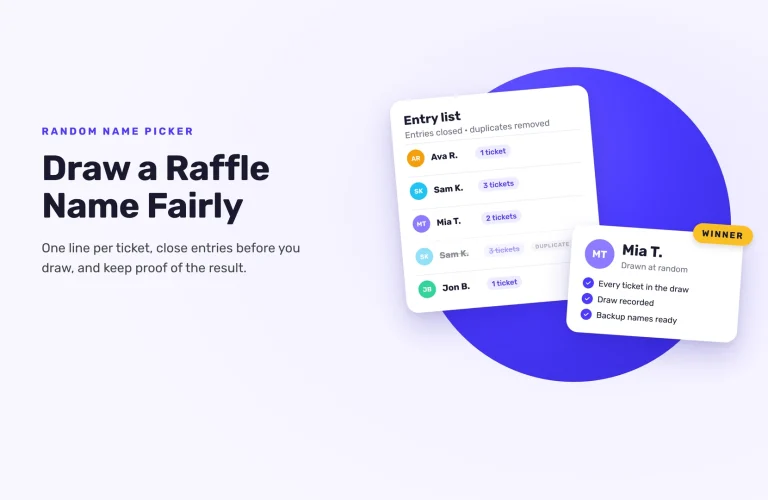
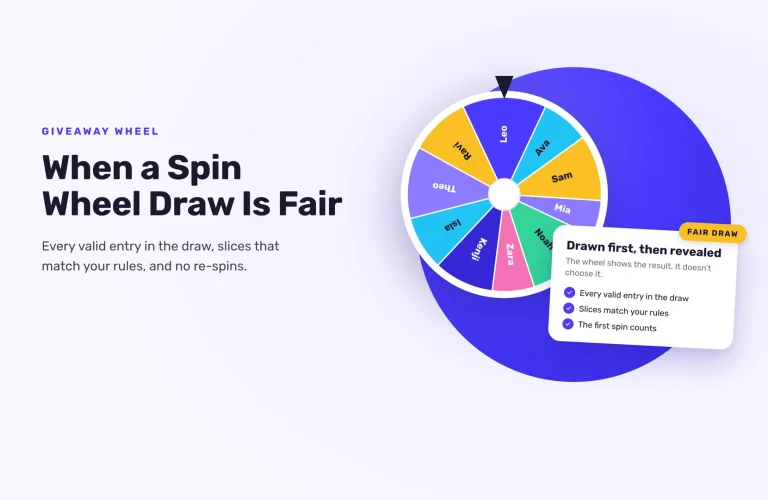
Go to Manage Entries > Pick A Winner > Randomize the Selection. The draw is weighted by entries and never picks the same person twice. Check the winner meets your rules, and draw again if they don’t.
To deliver:
- A product: email the winner (their address is on the Winners page), get their shipping details, and send it yourself.
- An Amazon gift card: add the codes as redemption codes on the prize (one code per line; the number of winners matches the number of codes), tick “Email winners the prize redemption instructions”, then use Contact Winners on the Winners page. Each winner gets a link to their own code, and you can see which codes have been claimed.
Running a gift card giveaway? See how SweepWidget blocks bots and fake entries.
FAQ
No. Amazon’s self-serve Giveaway tool was retired in October 2019 and hasn’t been replaced. Sellers now run giveaways with third-party tools.
No. Amazon doesn’t allow compensation of any kind in exchange for reviews, and that includes giveaway entries.
It’s best not to. A required purchase can make a giveaway a lottery in many places, and you can’t check Amazon orders from a giveaway tool.
Buy the gift card code, add it as a redemption code on your prize, and send it from the Winners page. The winner gets a link to claim their code.
Many are, but scams copy them. A real giveaway never asks winners to pay a fee or give card details to claim a prize.