Discord Server Promotion: How to Grow Your Server With Giveaways
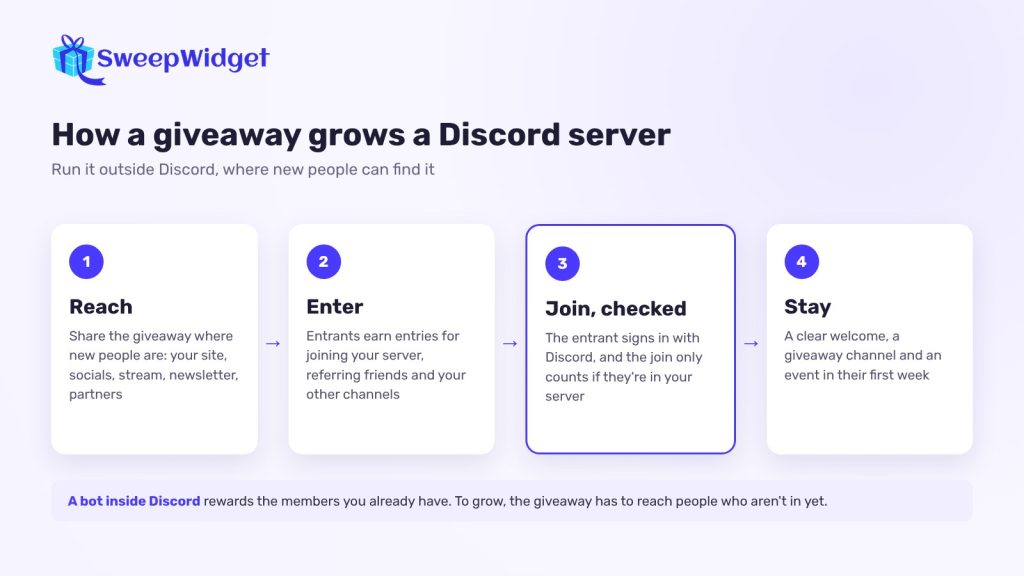
To promote a Discord server with a giveaway, run the giveaway outside Discord, where new people can see it, and make “join the server” one of the ways to enter. Use an entry method that checks the join really happened, give extra entries for actions that bring friends, and plan what new members will find when they arrive so they stay after the draw.
Here’s how to set that up, and the mistakes that leave you with a server full of people who leave the day the winner is announced.
Why a giveaway inside Discord won’t grow your server
Discord giveaway bots are great for rewarding the members you already have. But people enter by reacting or clicking inside the server, so only members can take part. They don’t bring anyone new in. More on how bots work in our guide to Discord giveaway bots.
To grow, the giveaway has to live where new people are: your website, your social profiles, your YouTube or Twitch channel, a newsletter, a partner’s audience. The entry page then sends them to your server as one of the steps.
Step 1: Pick a prize your future members want
The prize decides who joins. A generic prize (cash, a gift card, the latest phone) attracts people who want the prize, not your community. They join, enter, and leave.
Pick something only your kind of member gets excited about:
- For a gaming server: a game key, in-game currency or a seat in a community tournament.
- For a creator’s server: merch, a shout-out or a call with the creator.
- For a crypto or tech project: early access, a beta invite or project merch.
- For a brand: your product.
Step 2: Make joining the server an entry action that’s checked
On most platforms, “follow us” is taken on the entrant’s word. Discord is different: it lets a giveaway tool confirm the action. See how it works on our Discord giveaway page.
In SweepWidget, the Discord entry methods (Business plan and up) check through Discord itself:
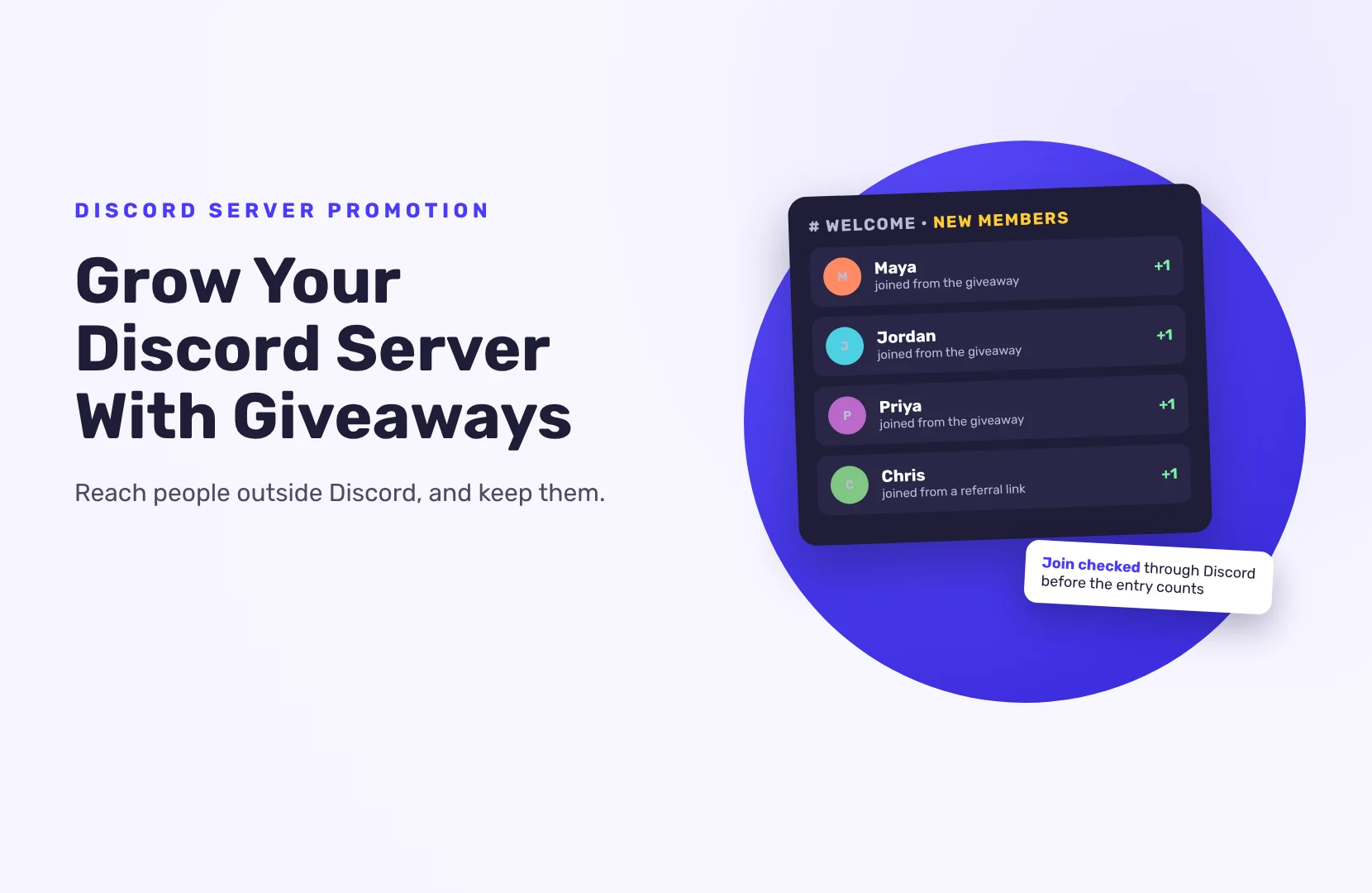
- Join a Discord server. The entrant signs in with Discord, and the entry only counts if they’re actually in your server.
- Have a server role. Credit only if the entrant holds the role you name. Point it at the role members get after they read your rules or finish onboarding, and you know every entrant made it past the front door.
- Boost the server. A bigger ask for a bigger reward. Give it more entries than the join.
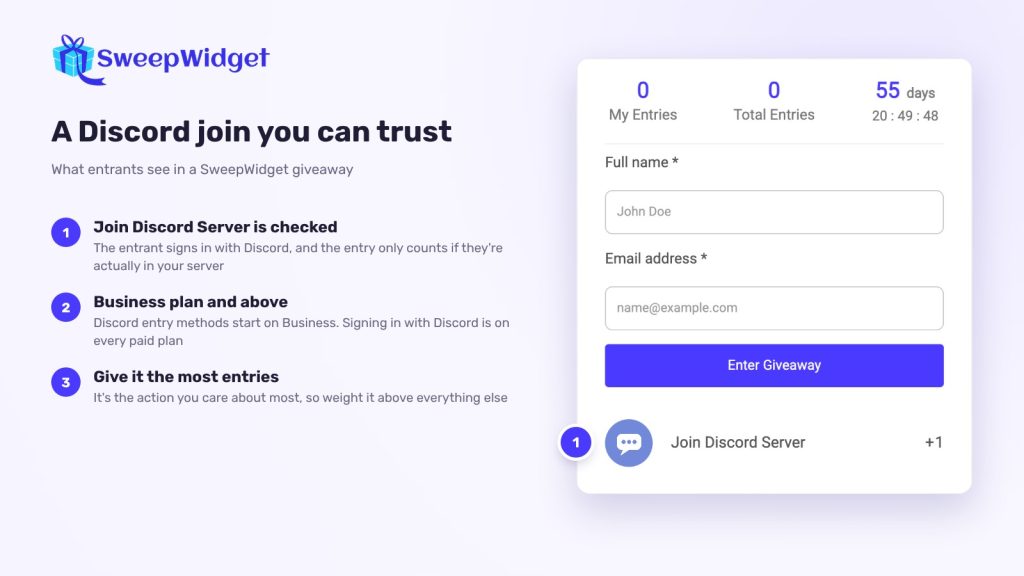
On every paid plan, you can also let people sign in to the giveaway with their Discord account, which saves them typing their details.
Step 3: Add actions that bring in more people
A join brings one person. These bring their friends:
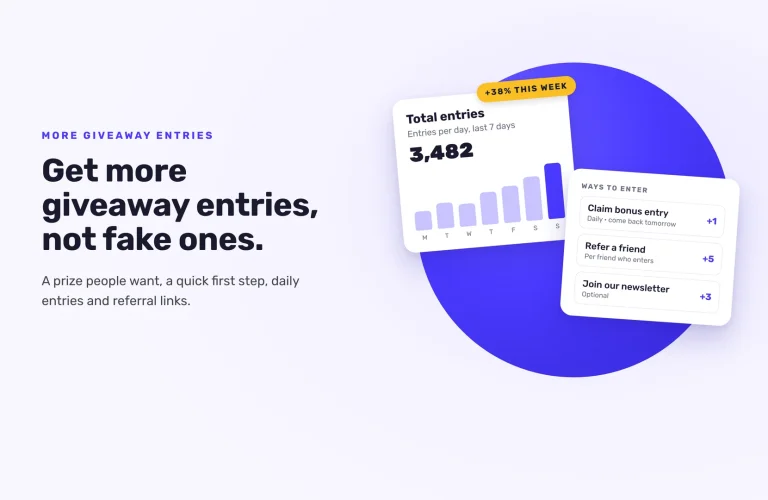
- Refer a friend (Pro and up). Each entrant gets a personal link and earns extra entries when friends enter through it. Referral credit is limited to 25 an hour and 200 a day per person, so one person can’t flood your giveaway with fake referrals. The friend always gets their own entry. For more, see how to run a referral contest.
- Your other channels. Add a Twitch follow (checked through Twitch, Pro and up), an X follow or a visit to your YouTube channel for people who know you elsewhere.
- A newsletter signup, so you can reach entrants who don’t open Discord every day.
Give the Discord join the most entries of any single action. It’s the one you care about most.
Step 4: Get the giveaway in front of new people
- Your own channels first. Post it on social media, pin it on your stream, put it in your video description and send it to your email list.
- Partner servers. Team up with a server whose members overlap with yours but who isn’t a direct rival. Each of you shares the giveaway; both servers gain.
- Server lists and communities. Share it where people look for new servers. Read each site’s and each server’s rules first: many have their own rules on promotion and on rewards for joining.
- Your current members. Ask them to share their referral link. They’re the best salespeople you have.
Start from a Discord starter template if you like, then share the hosted page link or embed the giveaway on your website.
Step 5: Plan what new members see when they arrive
Most of the work happens after the join. Before launch:
- A clear welcome channel. Rules, what the server is about, and where to go first.
- A channel for the giveaway. So new members find updates and the result without asking.
- Something to do this week. An event, a game night, a Q&A. It gives new members a reason to come back after they’ve entered.
- Roles that open more of the server. If members pick their interests, they see channels that matter to them.
Step 6: Draw the winner where everyone can see it
Do the draw live, in a voice channel or on stream. SweepWidget’s random draw weights winners by how many entries they earned, and the Live Draw (every paid plan, from Pro) shows only the winner’s name and prize, so you can share your screen without showing anyone’s email.
Before you announce a winner, check they’re still in the server. Then post the result in the giveaway channel and tell people when the next event is. That’s what keeps the new members around.
Mistakes to avoid
- A prize anyone wants. You’ll get joins, and lose them the next day.
- Only running it inside Discord. You reward existing members but don’t grow.
- An empty server. If new members find nothing going on, they leave.
- No follow-up. Announce the winner, thank everyone and point to what’s next.
Ready to grow your server?
Need more ideas for keeping new members once they’re in? Read our guide to getting your first 1,000 Discord members.
FAQ
Reach people outside Discord: your social channels, partner communities and server lists. A giveaway with “join the server” as a checked entry action gives them a reason to join now.
Yes. With SweepWidget’s Discord join method (Business and up), the entrant signs in with Discord and only gets credit if they’re in your server.
A bot is fine for rewarding current members. To bring in new members, use a giveaway page outside Discord that sends people to your server.
Give them a clear welcome, a channel worth reading and an event in their first week. Pick a prize that only your community cares about.
One to two weeks gives people time to find it and share it, without losing momentum.