How to Run an Instagram Hashtag Contest (and Collect Every Entry)
Last updated on November 16th, 2026 at 05:41 pm
To run an Instagram hashtag contest, create a short hashtag nobody else uses, ask entrants to post a photo or video with it (and tag your account), and set a clear deadline and rules. Then collect every entry, because Instagram’s hashtag page won’t show all of them, and pick the winner at random or with judges, depending on the kind of contest you announced.
Hashtag contests are great for user-generated content: you end up with real photos of real customers using your product. Here’s how to run one from the hashtag to the winner.
What is an Instagram hashtag contest?
Entrants make their own post (a photo, a Reel, a carousel) and add your contest hashtag. The hashtag is their entry ticket, and it spreads your brand to their followers.
There are two kinds, and your rules should say which one you’re running:
- Hashtag giveaway. Every valid post is an entry and the winner is drawn at random. Quality doesn’t matter.
- Hashtag contest. Judges, or a public vote, pick the best entry against criteria you publish, such as creativity or how well it shows the theme.
Choose the right hashtag
- Make it unique. Search it on Instagram first. If it already has posts, pick another, or old posts will mix with your entries.
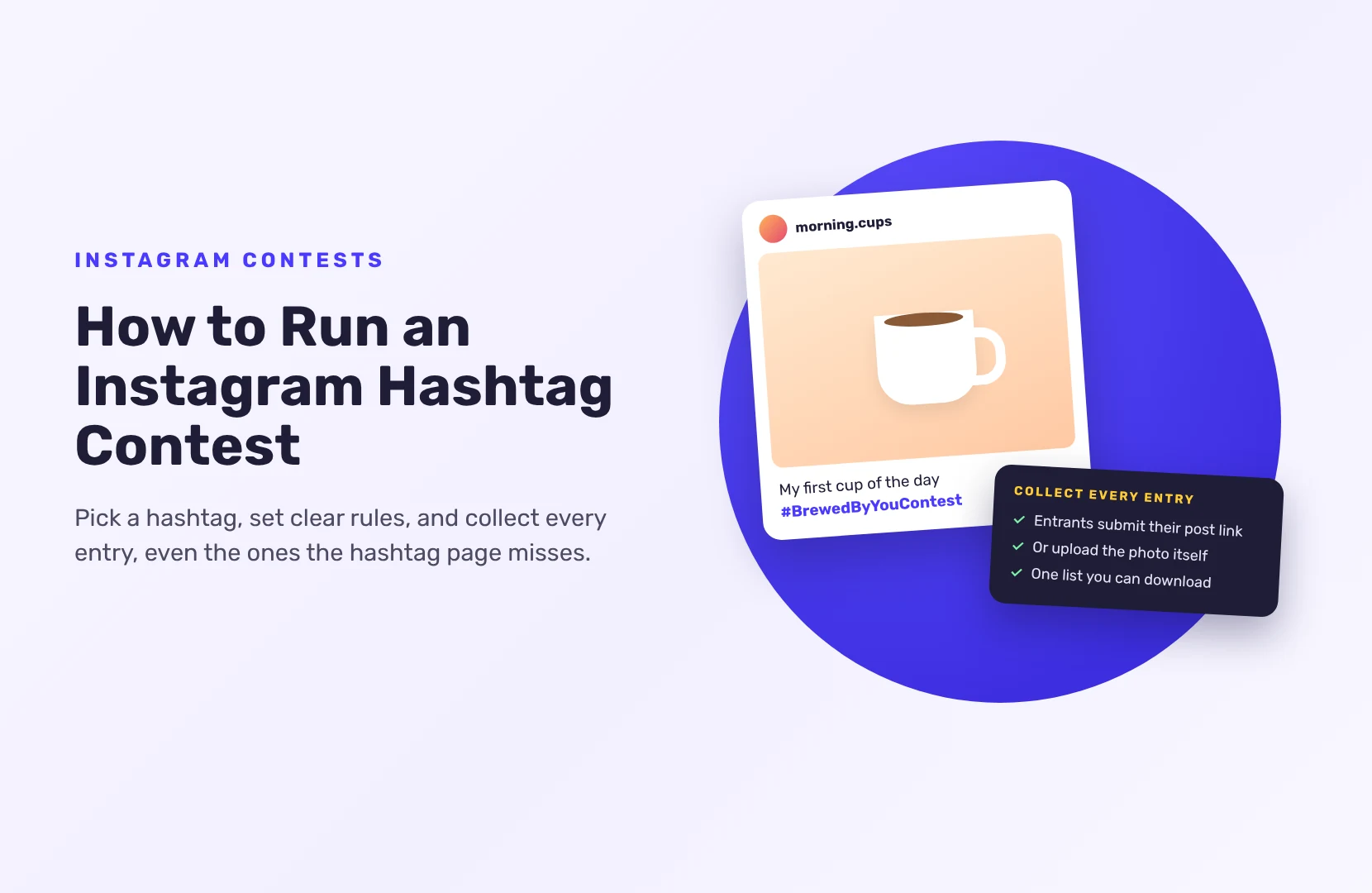
- Make it about you. Combine your brand and the theme, like #BrewedByYouContest rather than #CoffeeLove.
- Keep it short and easy to spell. Read it out loud. Check it doesn’t spell something unfortunate when words run together.
- Make sure it isn’t another brand’s name or trademark.
Write rules entrants can follow
Put the short version in your caption and the full version in your official rules:
- What to post. Photo, Reel or both, the theme, and that it must be their own content.
- What to include. Your hashtag, and a tag of your account.
- Public accounts only. Posts from private accounts don’t appear publicly on the hashtag page, so you can’t check them. If you want private accounts to take part, let them upload the photo instead (below).
- Dates. Start and end, with time zone.
- Who can enter. Age and country.
- How the winner is chosen. Random draw, judges or votes, and the criteria if judged.
- How you’ll use entries. If you want to repost or use entries in marketing, say so, and ask the creator before you do.
Instagram’s own Promotion Guidelines apply too. In short: you’re responsible for running the promotion lawfully, you must not tag content inaccurately or ask entrants to (for example, tagging people who aren’t in the photo), and entrants should release Instagram and acknowledge the promotion isn’t sponsored, endorsed or run by Instagram. Put that line in your rules. For example: “This promotion is in no way sponsored, endorsed or administered by, or associated with, Instagram. By entering, you release Instagram from any liability connected with it.”
Why the hashtag page isn’t enough to collect entries
The obvious way to collect entries is to open your hashtag on Instagram and scroll. It misses things:
- Private accounts don’t appear, even if they used your hashtag.
- Hashtag pages can’t be counted on to show every post, especially for small or new hashtags.
- You can’t export the list or record when each entry was posted.
The fix is to ask entrants to submit their post as well.
Collect entries with SweepWidget
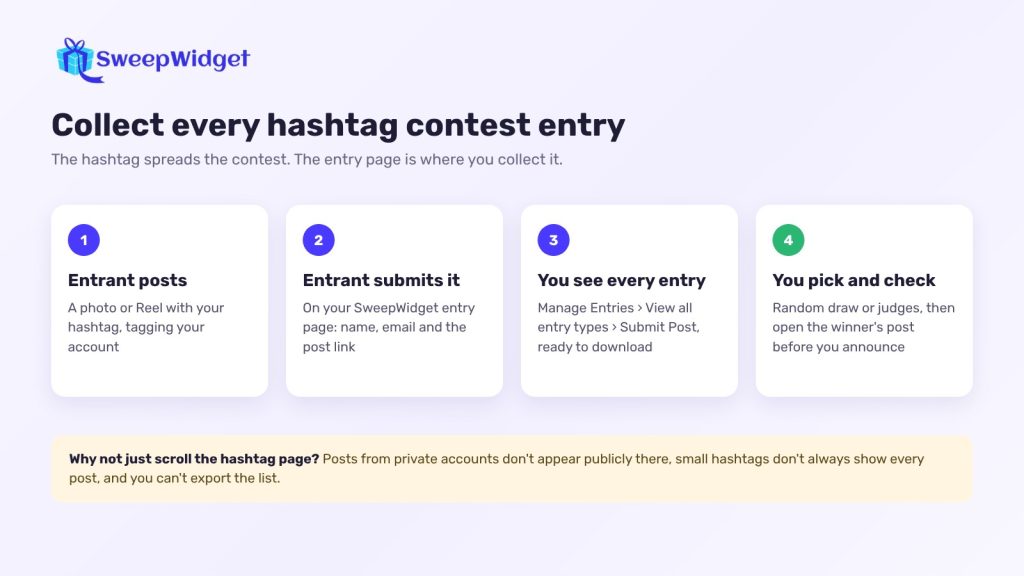
SweepWidget doesn’t read posts from an Instagram hashtag. Instead, entrants enter on your giveaway page with their name and email, and send you their post:
- Submit Post. Entrants paste the link to the Instagram post they made with your hashtag. Make it mandatory, so every entry has a post behind it. SweepWidget doesn’t check the link against Instagram, so open the winner’s post before you announce.
- Upload A File (Pro and up). Entrants upload the photo or video from their device instead. Good if some of your audience has private accounts.
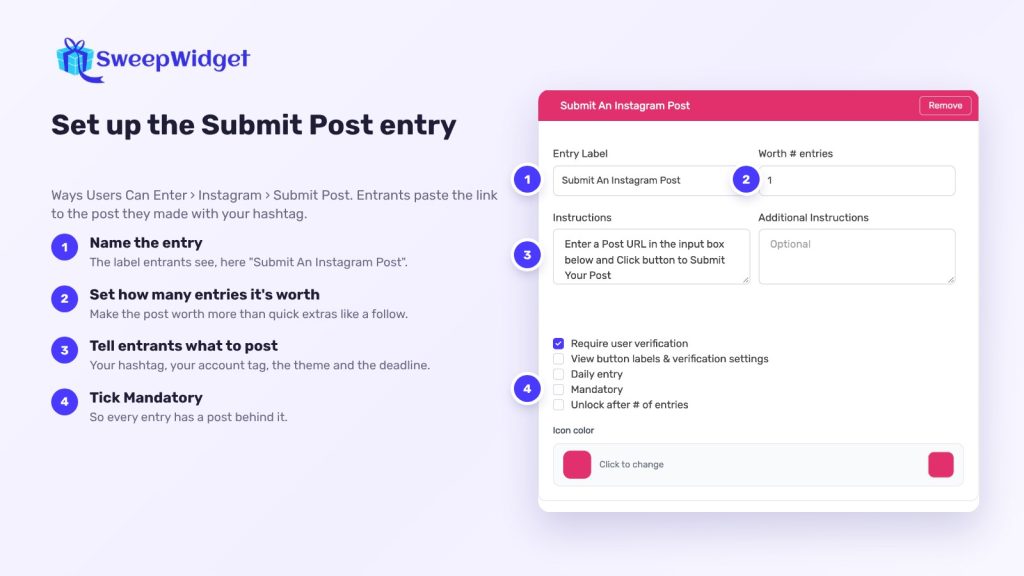
Add optional extras for more entries, like following your account, viewing a post or referring a friend. Instagram actions are taken on trust: entrants give their username, and you check the winner by hand. For more on following-based entries, see how to grow Instagram followers with a giveaway.
During the contest, go to Manage Entries > View all entry types and open the Submit Post card. You’ll see every submitted link in one list, and you can download it.
How to run it, step by step
- Set the goal and theme. UGC, awareness or sales, and one clear theme (“Show us your morning cup”).
- Choose the prize. Your product works best; it attracts people who use it.
- Pick and test the hashtag.
- Write the rules, including how the winner is chosen. SweepWidget’s terms and conditions generator gives you a template to adapt.
- Build the entry page with Submit Post or Upload A File.
- Announce it on your feed, in Stories with a link to the entry page, and in your bio. Share a few early entries (with permission) to show people what to post.
- Remind people near the deadline.
- Close entries, check them and pick the winner.
Pick the winner fairly
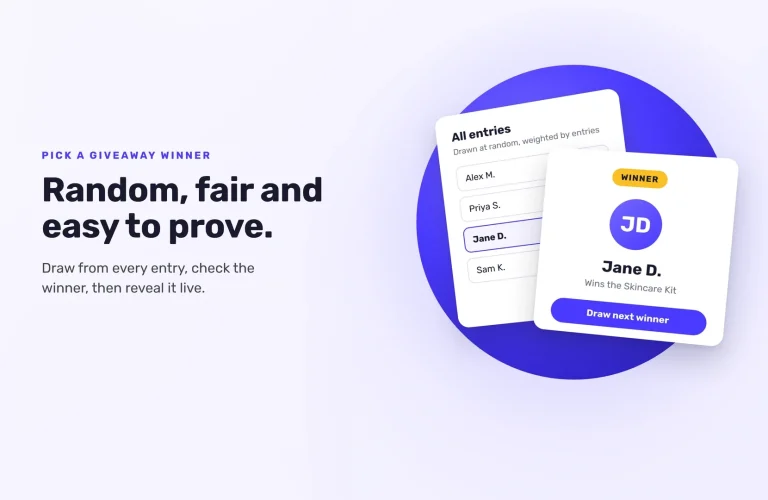
For a random giveaway, go to Manage Entries > Pick A Winner > Randomize the Selection. Then open the winner’s post and check it: public, posted in the contest window, your hashtag and tag included, their own content. If it doesn’t qualify, disqualify them and draw again.
For a judged contest, write your criteria down before you look at entries and score every entry the same way. Choose the winner with Choose Yourself in Manage Entries.
For a public vote, run it as a photo contest with uploads (Pro plan and above), where people vote in a gallery and you decide how often each person can vote.
Then contact the winner by email (their address is on the Winners page), and announce them on Instagram with their permission.
Want to see how an Instagram giveaway looks to entrants? See a live Instagram giveaway example.
Ready to run your first giveaway?
Start free on SweepWidget and move to Pro when you want to view and download all your entrants’ emails and get fraud controls. Or compare SweepWidget’s plans and features first.
No credit card required
FAQ
Don’t rely on the hashtag page alone. It hides posts from private accounts and doesn’t always show everything. Ask entrants to submit their post link or upload their photo as part of entering.
Their posts won’t show on the hashtag page. Either require public accounts in your rules, or let them upload the photo directly.
Ask the creator first, and say in your rules how you’ll use entries. Credit them when you repost.
Random is simpler and suits a giveaway. Judging suits a creative contest, but you must publish the criteria and apply them the same way to every entry.
Short, unique and tied to your brand, like #YourBrandSummerShots. Search it on Instagram first to make sure nobody else uses it.