How to Pick a Giveaway Winner Fairly (Instagram, TikTok and Every Other Platform
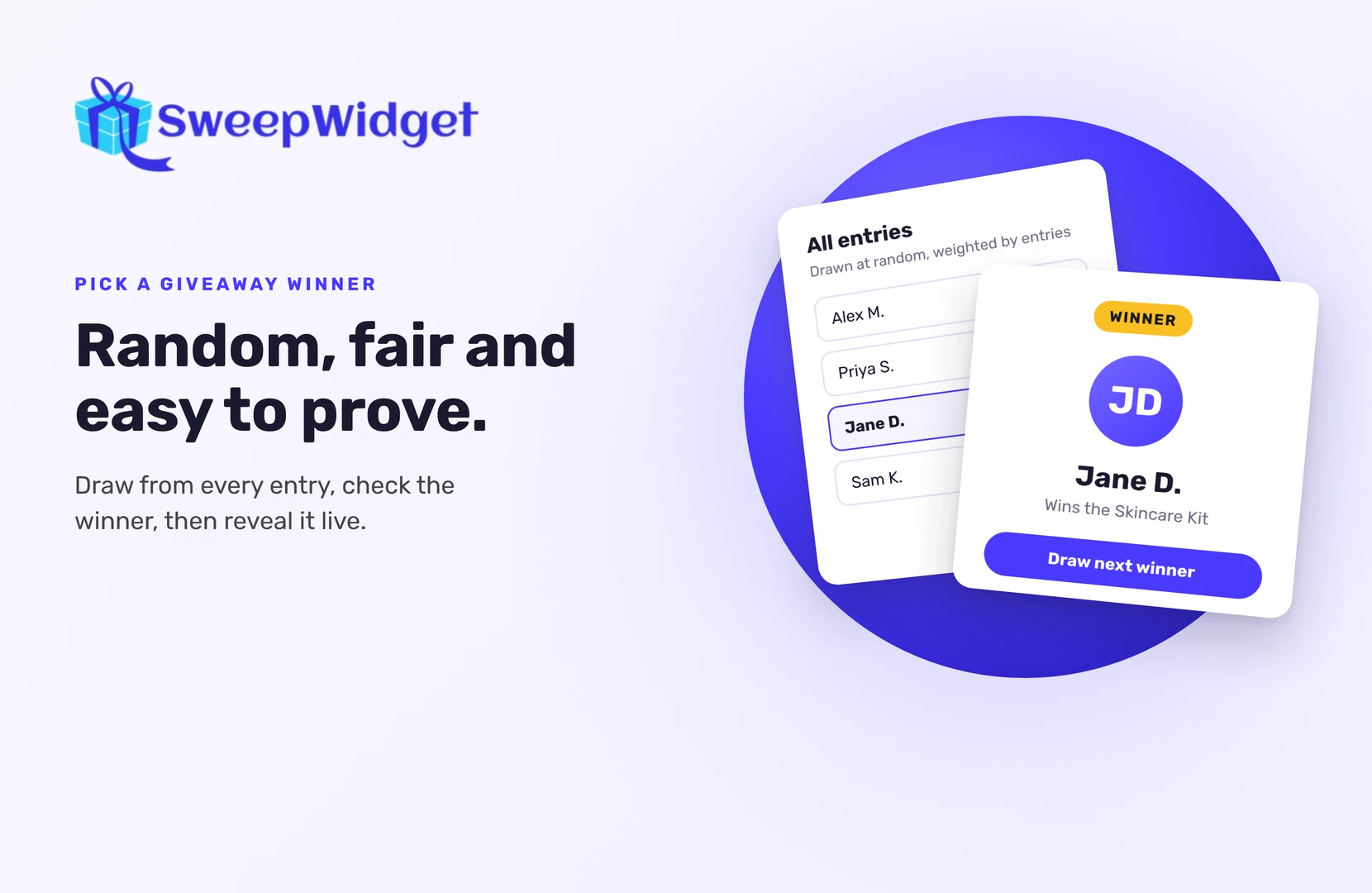
A fair giveaway winner is picked at random from everyone who entered, after the giveaway ends, and checked before you announce them. Use a tool that draws from your full entry list, keeps a record of the draw, and lets you replace a winner who doesn’t qualify.
That’s the whole idea. The rest of this guide shows how to do it on Instagram, TikTok and everywhere else, and how to make sure your audience trusts the result.
What makes a giveaway draw fair?
Three things.
- Everyone who followed the rules has a chance. The draw covers every valid entry, not just the comments you scrolled past.
- Nobody chooses the result by hand. A random draw decides, unless your giveaway is a judged contest (more on that below).
- You can show how it happened. A recording of the draw, or a live draw on screen, answers “was it rigged?” before anyone asks.
Picking a friend, a regular customer or the first comment breaks all three. So does scrolling and stopping on a name.
How to pick a random winner, step by step
Here’s how it works in SweepWidget. Most giveaway tools follow a similar flow.
- Wait until the giveaway ends. Drawing early leaves out people who still had time to enter.
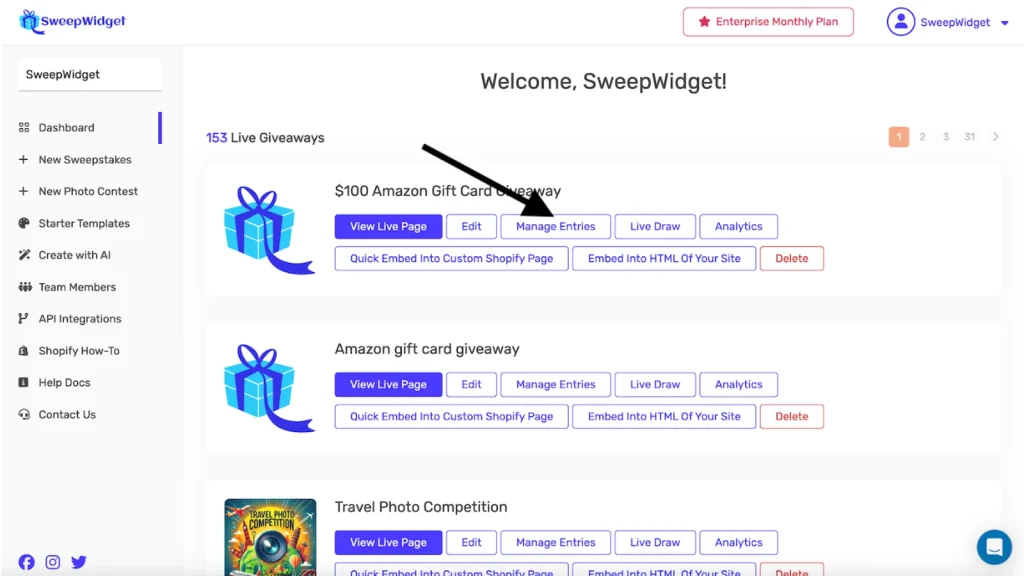
- Open your dashboard, find the giveaway and click Manage Entries.
- Click Pick A Winner, then Randomize the Selection.
- Choose how many winners to draw (up to 250 at a time). The total depends on your plan: the free plan picks one winner, Pro up to 50, Business 250, Premium 1,000 and Enterprise unlimited.
- Optional: set a minimum or maximum number of entries. A minimum of 3, for example, only includes people who completed several entry actions.
- Click Draw Winners, then View Winners.
People who already won are left out of later draws, so drawing again for a second prize never picks the same person twice.
Does having more entries mean better odds?
Yes, and that’s fair as long as your rules say so. SweepWidget uses a weighted random draw: someone with 10 entries has better odds than someone with 1, but it’s still random. More entries never guarantee a win.
If you want to level the field, set a maximum entry count. For example, a maximum of 10 keeps people with a long list of referral entries from dominating the draw.
How to pick an Instagram giveaway winner
Instagram is the platform where most “was it fair?” questions come up, for one reason: Instagram doesn’t let any outside tool check whether someone followed your account or liked your post. Meta’s API simply doesn’t offer that.
So on Instagram (and on Facebook and TikTok, for the same reason), entrants confirm their username after they follow, like or repost. Then:
- Draw your winner at random as above.
- Check the winner by hand. Open their profile and confirm they actually did what your rules asked, for example that they follow you.
- If they didn’t, disqualify them and draw again.
You only check the winner, not every entry, so this takes a minute. It also keeps entry easy for everyone else.
Running a comment giveaway instead? Compare the options in our roundup of Instagram giveaway picker tools.
How to pick a TikTok giveaway winner
TikTok works the same way as Instagram. Its API doesn’t support checking follows, likes or video views, so draw at random and then check the winner’s profile before you announce them.
What about Discord, Twitch and other platforms?
A few platforms do let SweepWidget check the action when someone enters: Discord, Twitch, Reddit, Bluesky and Telegram. Entrants sign in with their account, and the entry only counts if the platform confirms it, for example the server join or the follow. That means a winner from these entry methods is already checked when you draw. YouTube and X work like Instagram: entrants confirm the action themselves, so check the winner by hand.
A practical mix: use one checked action (like a Discord join or Twitch follow) alongside your Instagram or TikTok actions. You get the reach of Instagram and a stronger signal that entrants are real.
Random draw or judged contest?
A random draw fits sweepstakes and giveaways where everyone has a chance to win.
A judged contest fits photo, video and creative competitions, where you choose the best entry. In SweepWidget that’s Choose Yourself: tick the entries you want, click Pick A Winner, then Choose Yourself and Draw Winners. Write your judging criteria down before you look at entries, and apply them the same way to everyone.
Don’t mix the two. If your rules promise a random draw, don’t hand-pick.
How to show your audience the draw was fair
- Record the draw. A short screen recording of the draw is easy proof if anyone asks.
- Draw live. On a stream or at an event, a live draw on screen does the convincing for you. SweepWidget’s Live Draw (paid plans) shows only the winner’s name and prize, never emails, so it’s safe to share your screen. You can reveal the winner instantly, with a countdown, or with a spin wheel. The winner is decided the moment you click draw; the animation is just the reveal.
- Announce clearly. Say when the draw happened and how the winner was chosen. If you name the winner publicly, make sure your rules say you will, or ask their permission first.
What to do after you pick a winner
- Check eligibility. Make sure the winner meets your rules, for example age or country.
- Contact them within 24 to 48 hours. SweepWidget doesn’t message winners for you. The winner’s email is on the Winners page; click their name to see the social handles they entered with.
- Set a reply deadline. If they don’t answer in time, disqualify them and draw a replacement.
- Made a mistake? Unpick the winner, which keeps them eligible, and draw again.
Want to run your next draw this way? See how to randomly pick a winner in SweepWidget.
FAQ
Is it fair to give extra entries for extra actions?Yes, as long as your rules explain it. Extra entries improve someone’s odds, but the draw is still random. You can cap entries per person with a maximum entry setting.
Can a giveaway tool check that my Instagram winner followed me?No tool can do that automatically, because Instagram’s API doesn’t allow it. Entrants confirm their username, and you check the winner’s profile by hand before announcing.
Can I pick more than one winner at once?Yes. SweepWidget draws up to 250 winners at a time, and the total you can pick depends on your plan (the free plan picks one winner). Earlier winners are never drawn again.
What if my winner doesn’t reply?Give them a clear deadline in your rules and your message. If they miss it, disqualify them and draw a replacement from the remaining entries.
Should I pick the winner live?If you have a live audience, yes. A live draw is the easiest way to show it was random. Otherwise, record your screen during the draw.