How to Run an Instagram Giveaway: Steps, Rules and Picking a Winner
To run an Instagram giveaway, pick one goal and a prize your followers actually want, write short rules, choose what people do to enter, promote it for one to two weeks, then draw a winner at random and check them before you announce. The steps below take you through each part.
1. Pick one goal
Every choice that follows depends on it. Common goals:
- More followers. Ask entrants to follow your account.
- More reach. Ask them to tag a friend or repost.
- An email list. Collect emails with a hosted giveaway (step 4).
- Content. Ask entrants to post their own photo, with #giveaway or #contest in the caption so viewers can tell it’s an entry. If the photo has to show your product, also give people who haven’t bought it a free way to enter, so entering never requires a purchase.
One goal keeps the giveaway simple to enter and easy to measure.
2. Choose a prize your audience wants
The best prize is something only your ideal customer would want, like your own product, a bundle, or a gift card to your store. A generic prize (a phone, a big cash amount) draws people who want the prize, not your brand, and they unfollow when it ends.
3. Write short, clear rules
Your caption needs the short version:
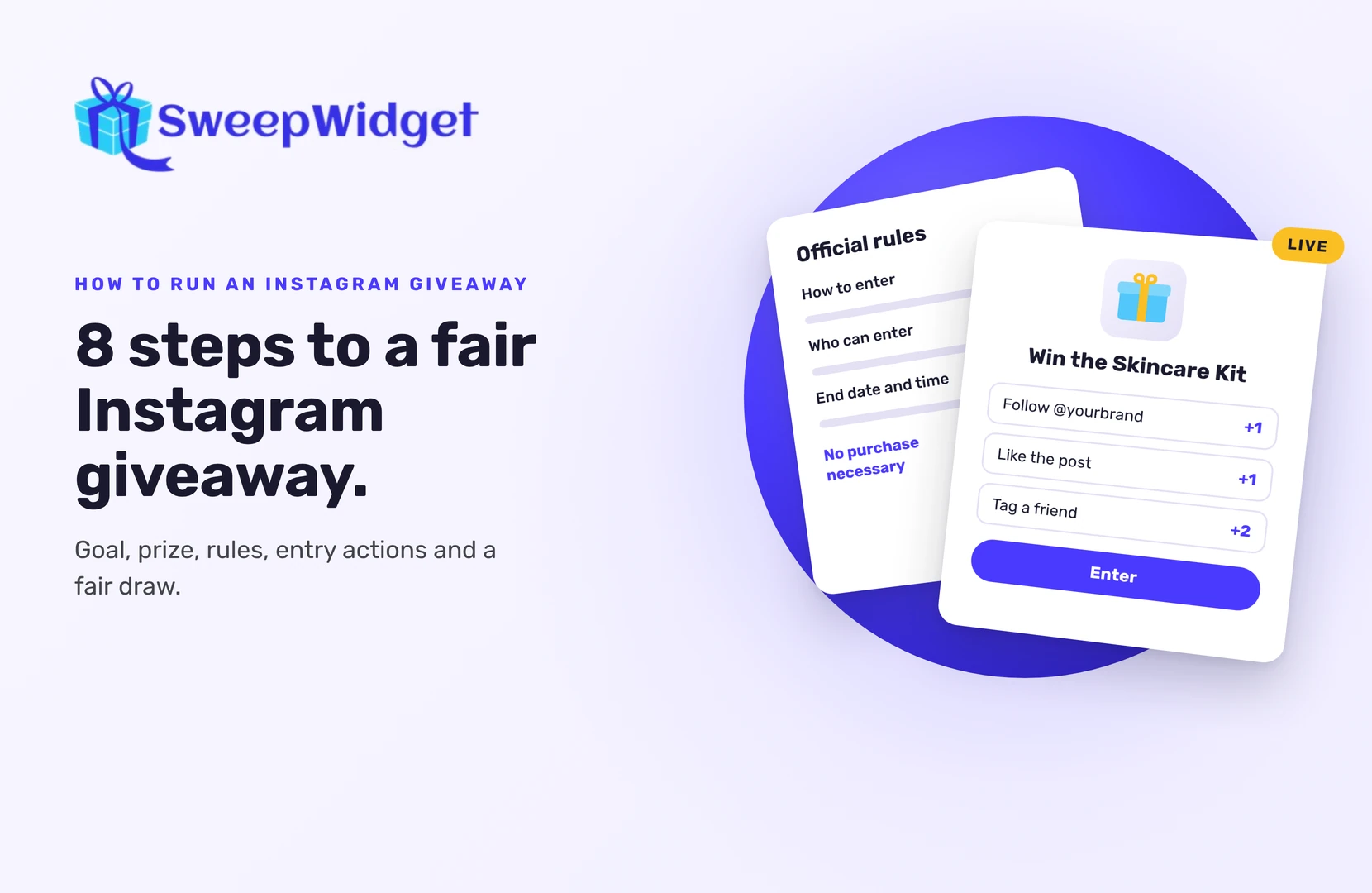
- How to enter
- The end date and time, with time zone
- Who can enter (for example, age and country)
- How and when the winner will be picked and announced
- No purchase necessary to enter or win
- A line saying the giveaway isn’t sponsored, endorsed or administered by, or associated with, Instagram
Then publish full official rules and link to them. SweepWidget includes a rules generator that fills in a template from your giveaway details; you’re still responsible for checking it fits your local laws. Instagram also asks that your official rules include a release of Instagram by each entrant, and that you don’t ask people to tag themselves in photos they aren’t in. Read Instagram’s promotion guidelines before you post.
4. Choose how people enter
There are two ways to run an Instagram giveaway.
A comment giveaway. People comment on your post, often tagging friends. It’s quick to set up. You pick the winner from the comments with a comment picker tool (this isn’t a SweepWidget feature), and you only get usernames, not email addresses.
A hosted giveaway. People enter through a giveaway page or a widget on your site, and complete actions for entries. With SweepWidget, the Instagram actions are:
- Follow an account
- Like a post
- Repost a post
- View a post or visit a profile
- Tag a friend in the comments of a post
- Submit their own post
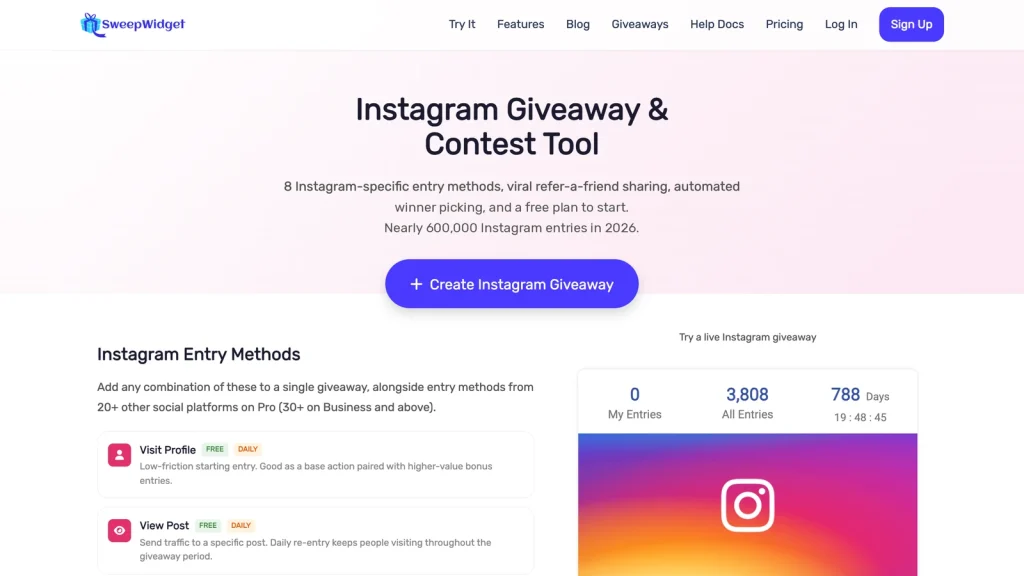
Each action can earn entries, and every entrant leaves their name and email, so you keep a way to reach them after the giveaway ends. On the free plan you can view and download up to 10 entrants’ emails; paid plans unlock the full list. You can also add actions on other platforms, like a YouTube subscribe or a newsletter signup.
The quickest start is a starter template: pick it, change the prize and dates, and publish. Or describe your giveaway and let the AI builder set it up for you to edit.
5. Protect it from fake entries
Instagram doesn’t let any outside tool confirm that someone followed your account or liked your post. In SweepWidget, entrants confirm the username they used, and you check the winner before announcing (step 7). A few settings help keep entries real:
- Email verification (Enterprise plan only). Entrants confirm their email with a 4-digit code.
- Security settings. Raise the security level to block suspicious entries. Some advanced security settings need the Premium plan or higher. Higher levels can sometimes block real entrants too, so test an entry yourself after changing it.
- A checked action. Add one action the platform can confirm, like a Discord join or Twitch follow.
6. Promote it
Running a giveaway for one to two weeks gives people time to find it without losing interest.
- Post it on your feed and pin it to your profile grid.
- Share it in stories with a link, several times, and once more near the end.
- Put the link in your bio.
- Tell your email list and your other channels.
- Partner with a brand or creator your audience trusts, and run it from both accounts. If you pay the creator, their post needs Instagram’s paid partnership label or #ad.
7. Pick a winner fairly
When the giveaway ends:
- Draw a winner at random from all entries. In SweepWidget, go to Manage Entries, click Pick A Winner, then Randomize the Selection. You can require a minimum number of entries, for example to only include people who completed several actions. The free plan draws one winner; paid plans let you draw more.
- Record your screen during the draw.
- Check the winner: open their Instagram profile and confirm they did what your rules asked.
- If they didn’t, disqualify them and draw again.
8. Announce the winner and follow up
Contact the winner first, by email or direct message, with a deadline to reply. SweepWidget doesn’t contact winners for you, with one exception: if your prize uses redemption codes and you ticked “Email winners the prize redemption instructions”, the Contact Winners button on the Winners page emails every winner their code in one click. For any other prize, you contact the winner yourself. Their email is on the Winners page; click their name to see the social handles they entered with. Once they reply, announce the winner in a post or story (with their permission).
Then follow up with everyone else. A thank-you message or a small discount for entrants turns a one-off giveaway into new customers.
Want to see what a finished one looks like? See an example Instagram giveaway.
FAQ
One to two weeks suits most accounts. Shorter giveaways don’t reach enough people; much longer ones lose momentum.
Yes, many giveaways do. Instagram doesn’t let tools confirm follows automatically, so check that your winner follows you before announcing.
You should publish rules that explain how to enter, who can enter, the dates and how the winner is picked. SweepWidget’s rules generator gives you a starting template, but you’re responsible for making sure it fits your local laws.
Draw at random from all valid entries after the end date, record the draw, then check the winner meets your rules. If they don’t, draw again.
A comment giveaway is fastest to set up. A hosted giveaway gives you more ways to enter, entries from other platforms, and an email address for every entrant.