How to Do a Raffle Online (Set It Up, Collect Entries, Draw a Winner)
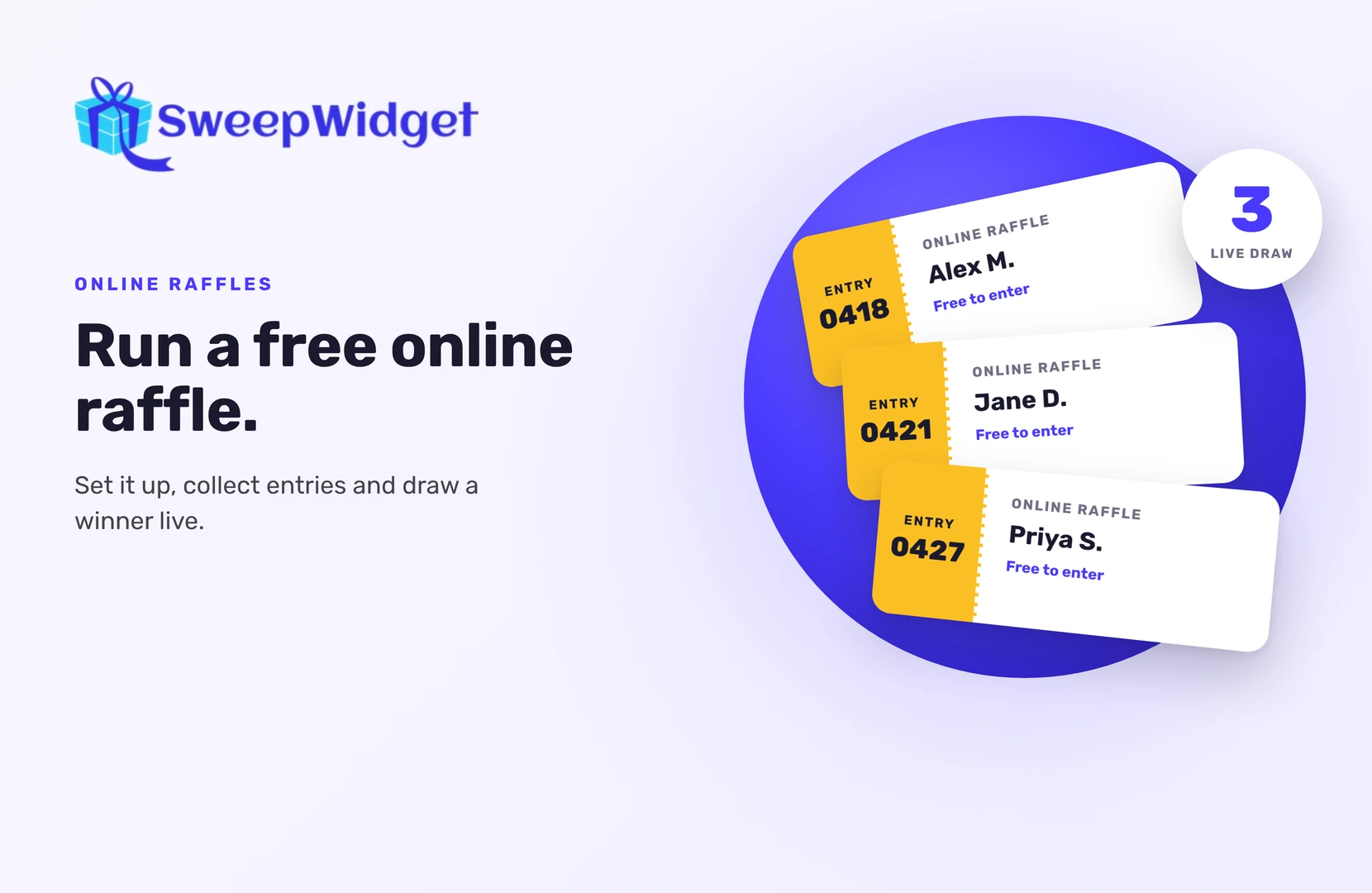
To do a raffle online, put up an entry page where people sign up for free, decide how many entries (“tickets”) each person gets, close entries at a set time, and draw the winner at random from the full list. Then check the winner, contact them, and announce the result.
You don’t need paper tickets, a drum or a room full of people. This guide covers free-to-enter raffles. In the US, a raffle where people pay for a ticket is usually treated as a lottery, and most states only allow licensed nonprofits to run one. If you want to sell tickets, check your state’s rules and speak to a lawyer first.
What is an online raffle?
An online raffle works like a paper one. Each entry is a ticket. When entries close, one ticket is drawn at random and its owner wins.
Online, the “tickets” are entries that people earn on a web page: by signing up, following you, joining your newsletter or referring a friend. The draw happens in software, so every entry is counted and nobody picks the result by hand. A digital raffle app like SweepWidget handles the entry page, the cut-off time and the draw for you.
Online raffle in 8 steps
1. Choose your goal and prize
Decide what the raffle is for. Email signups, more followers, traffic to your store, or a thank-you to existing customers. The goal tells you what people should do to enter.
Pick a prize your audience wants. Your own product, a bundle or a gift card to your store attracts people who might buy from you later. A generic prize mostly attracts prize hunters.
2. Decide what counts as a ticket
This is the part most people skip. Write it down before you build anything:
- One entry per person, the classic raffle. Everyone has the same odds.
- Extra entries for extra actions. Signing up is one entry, following on Instagram is two more, referring a friend is five. In SweepWidget, each entry method has an “entries worth” value you set.
- Daily entries. Some entry methods can be repeated once a day. A Bonus entry with daily re-entry brings people back to your page.
More entries means better odds, just like holding more tickets. It never guarantees a win.
3. Set the dates and time zone
Pick a start and end date, and say which time zone you mean. One to two weeks gives people time to find the raffle without losing interest. SweepWidget stops accepting entries at the end time on its own, so nobody slips in late.
4. Write short rules
Your entry page should say, in plain words:
- How to enter and what each action is worth
- Who can enter (for example, age and country)
- The end date and time
- How and when the winner is drawn and contacted
- No purchase necessary to enter or win
Then add full official rules. SweepWidget has an official rules generator that fills in a template from your details. Before it runs, it asks you to agree that you’re responsible for making sure the rules fit where you live.
5. Build the entry page
In SweepWidget there are three quick ways to start:
- Starter templates. Pick one, change the prize and dates, publish.
- Create with AI. Describe your raffle in a sentence and edit what it builds.
- From scratch. Add a title, dates, prizes and entry methods yourself.
Every entrant gives their name and email, so you can contact the winner and stay in touch with everyone else. On the free plan you can view and download up to 10 entrants’ emails; paid plans unlock the full list.
When you click Save & Publish, you get a hosted landing page link to share, embed code for your own site, and a QR code you can download for posters, flyers or a table at an event.
6. Keep entries honest
A raffle is only fair if each person gets the tickets they earned and no more. A few settings help:
- Block duplicate IP addresses (paid plans), so one person can’t enter again and again with new email addresses.
- Block VPNs (paid plans), which people use to hide repeat entries.
- Email verification (Enterprise plan only). Entrants confirm their email with a 4-digit code.
7. Promote it
Share the link everywhere your audience already is: social posts, stories, your email list, your website. Remind people once more near the end. If you run an event, print the QR code and put it where people queue.
8. Draw the winner
When entries close:
- Open your dashboard, find the raffle and click Manage Entries.
- Click Pick A Winner, then Randomize the Selection.
- Choose how many winners to draw. You can also require a minimum number of entries, for example to only include people who completed every action. The free plan draws one winner; paid plans let you draw more.
- Click Draw Winners, then View Winners.
The draw is weighted by entries, the same way more tickets give better odds. People who already won aren’t drawn again, so drawing for a second prize never picks the same person twice. How many winners you can pick depends on your plan.
Drawing live, like a real raffle
The best part of a paper raffle is the moment the ticket comes out of the drum. You can keep that online.
SweepWidget’s Live Draw (paid plans) is made for streams, webinars and events. It shows only the winner’s name and prize, never emails, so it’s safe to share your screen. You can reveal the winner instantly, after a 3-2-1 countdown, or on a spin wheel with entrant names. Presentation mode goes full screen, and you can press the spacebar to draw the next winner.

The winner is picked the moment you click draw. The animation is only the reveal.
If you aren’t drawing live, record your screen while you draw. It answers “was it rigged?” before anyone asks.
Mixing paper and online entries
Running a raffle at an event and online at the same time? Two options in SweepWidget:
- Enter at the booth. Put the entry page on a tablet at your stand. To let several people enter from the same device, go to Manage Entries and add the device’s IP address under Allow emails / IP’s (a paid-plan feature), with an asterisk at the end (for example 123.456.789.*). Your usual limits still apply to everyone entering from home.
- Upload paper entries. On Premium and up, you can upload entries from a CSV file, with an entry amount for each person. Paper slips go into the same draw as online entries.
After the draw
- Check the winner. Make sure they meet your rules, like age and country, and did what your rules asked.
- Contact them within 24 to 48 hours. SweepWidget doesn’t contact winners for you, with one exception: if your prize uses redemption codes and you ticked “Email winners the prize redemption instructions”, the Contact Winners button on the Winners page emails every winner their code in one click. For any other prize, contact the winner yourself. Their email is on the Winners page.
- Set a reply deadline. If they miss it, disqualify them and draw again.
- Picked the wrong person? Unpick them, which keeps them eligible, and draw again.
- Announce the winner once they’ve replied, with their permission.
Then thank everyone who entered. A small discount for entrants turns a one-off raffle into new customers.
Ready to run your draw? See how to randomly pick a winner in SweepWidget.
FAQ
Close. Both draw a random winner from everyone who entered. People usually say “raffle” when each entry works like a ticket, and “giveaway” when entries come from actions like following or sharing.
This guide covers free-to-enter raffles. A raffle where people pay for a ticket is usually treated as a lottery in the US, and most states only allow licensed nonprofits to run one. If you want to charge for tickets, check your state’s rules and speak to a lawyer first.
Use a tool that draws from the full entry list after entries close, and record your screen or draw live. Don’t pick by scrolling or by hand.
Yes, if your rules say so. Give extra entries for extra actions or daily visits. Each extra entry improves someone’s odds without guaranteeing a win.
Yes. You can draw several winners at once, and earlier winners are never drawn again. How many you can pick in total depends on your plan (the free plan picks one winner).