How to Pick a TikTok Giveaway Winner (and Check They Really Entered)
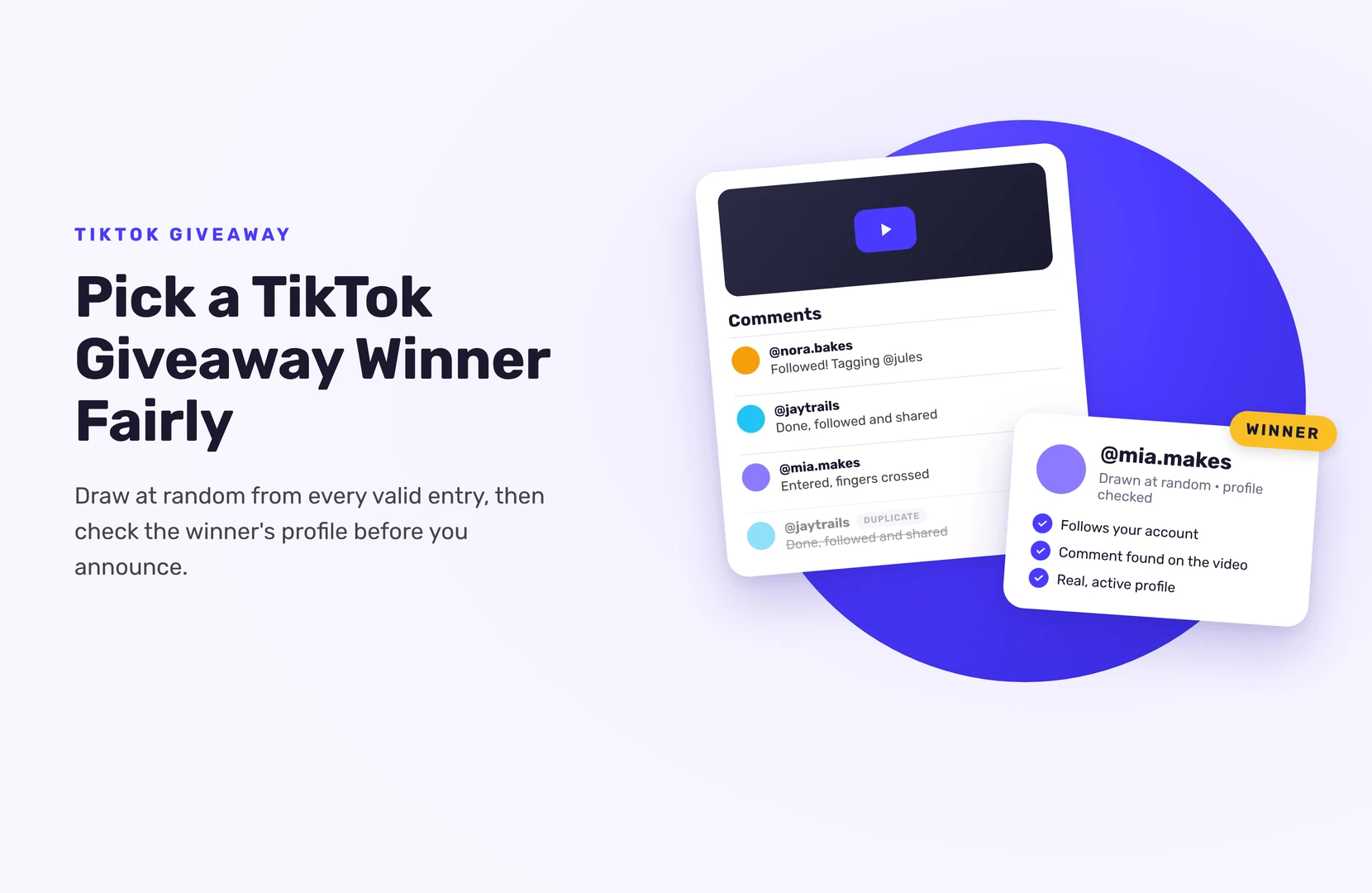
To pick a TikTok giveaway winner, draw at random from every valid entry after the giveaway ends: either the comments on your giveaway video (with a comment picker) or the entry list of a hosted giveaway. Then open the winner’s TikTok profile and check they did what your rules asked before you announce them.
The check matters on TikTok because no tool can confirm a TikTok follow or like for you. Here’s how to do both parts properly.
Two kinds of TikTok giveaway, two ways to draw
- Comment giveaway. People comment on your video to enter. You draw from the comments.
- Hosted giveaway. People enter on a giveaway page with their name and email and earn entries for TikTok actions (visiting your profile works on the free plan; follow, like, comment, share and watch need Pro). You draw from the entry list.
If you’re still choosing between them, our guide to the best tools to run a TikTok giveaway compares both. This article is about the draw itself.
How to pick a winner from TikTok comments
- Wait for the deadline in your rules to pass.
- Load the comments into a TikTok comment picker. Make sure it loads all of them, not just the first few hundred.
- Remove duplicate users, so one person commenting ten times doesn’t get ten chances (unless your rules allow it).
- Apply your rules as filters. If entrants had to tag a friend or use a word, filter for it. Remove your own account and staff.
- Draw at random, plus one or two backups in a set order.
- Record the draw or keep the tool’s results page.
- Check the winner (see below), then contact them.
How to pick a TikTok winner in SweepWidget
If you ran the giveaway through SweepWidget, every entry is already in one list, with the TikTok username each entrant gave:
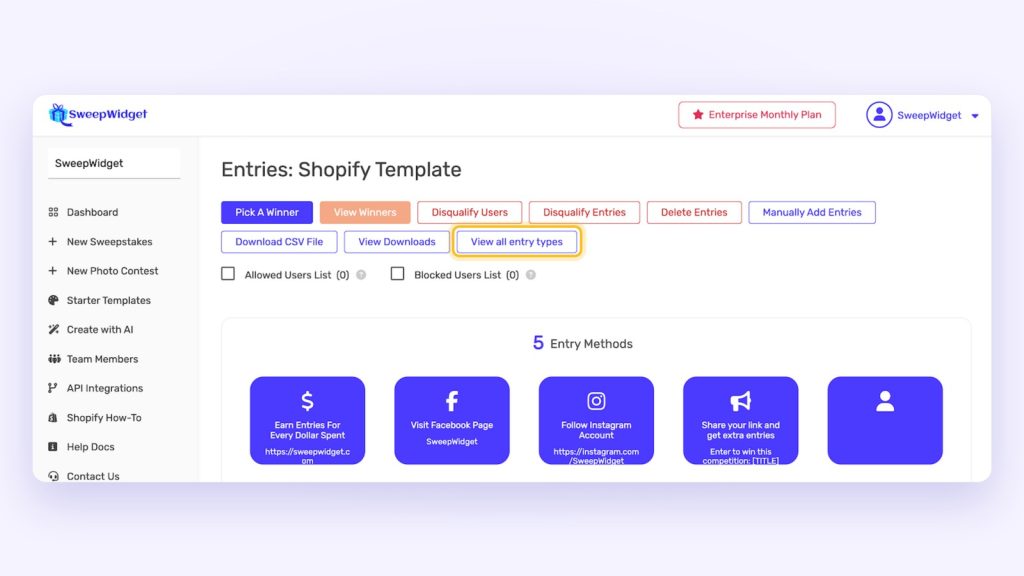
- Open your dashboard, find the giveaway and click Manage Entries.
- Click Pick A Winner, then Randomize the Selection.
- Choose how many winners to draw (up to 250 at a time).
- Optional: set a minimum number of entries, for example to only include people who completed all your TikTok actions.
- Click Draw Winners, then View Winners.
The draw is weighted by entries, so someone with more entries has better odds, but nobody is certain to win. People who already won aren’t drawn again.
Want a bonus prize just for people who did one action, like following you? Click View all entry types, open that entry method, and you’ll see only the people who completed it. You can pick a winner from that list by hand.
How to check a TikTok winner really entered
TikTok doesn’t let outside tools confirm follows, likes, comments or shares. In SweepWidget, entrants confirm the username they used for each TikTok action, and the action is taken on trust. Visit User gives credit once the entrant opens your profile link, and Watch Video plays the video inside the giveaway. So check the winner, not every entry:
- Open the winner’s entry in Manage Entries and note the TikTok username they gave for each action.
- Follow: look for that username in your followers list.
- Comment: find their comment on the video.
- Like and share: these are harder to see. Don’t promise you’ll check them, or don’t make them required.
- Look at the account. A profile created yesterday with no videos and a random name is worth a closer look.
If the winner didn’t do what your rules required, disqualify them and draw again. If you picked someone by mistake, unpick them instead, which keeps them in the draw.
This check takes a minute per winner, and it keeps entering quick for everyone else.
Drawing live on TikTok LIVE
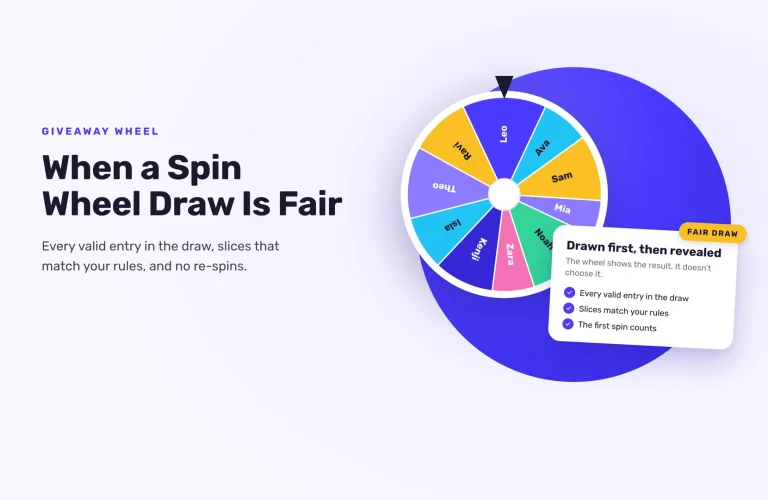
A live draw is the most convincing way to show it wasn’t rigged. SweepWidget’s Live Draw (every paid plan, from Pro) shows only the winner’s name and prize, never emails, so you can put it on your stream. Reveal the winner instantly, after a 3-2-1 countdown or on a spin wheel. The winner is drawn the moment you click; the animation is just the reveal.
Not live? Record your screen while you draw, and post a short clip with the announcement.
How to contact a TikTok giveaway winner
- Email first, if you have it. Every SweepWidget entrant leaves a name and email, and you’ll find them on the Winners page. SweepWidget doesn’t message winners for you, except for prizes set up with redemption codes.
- TikTok DM or a comment reply for comment giveaways. Some accounts can’t receive messages because of their privacy settings or age, so a reply to their comment may be the only way in.
- Set a deadline to reply, as your rules say. If they miss it, contact your first backup.
Scammers copy giveaway accounts and DM entrants “you won, pay shipping to claim”. Say in your video and caption that you’ll only contact winners from your official account and never ask for payment.
Announce the winner
Post a short video or pin a comment with the winner’s username (with their permission), how many entries there were, and how the winner was drawn. Thank everyone who entered. If you ran a hosted giveaway, you can choose whether to show the winner’s name on the giveaway page.
Ready to run your next draw? See how to randomly pick a winner in SweepWidget.
FAQ
Not automatically. TikTok doesn’t allow it. Entrants give their username, and you check the winner’s follow in your followers list before you announce them.
No. SweepWidget can’t import TikTok comments. Its “Comment On Video” entry method asks entrants for the username they commented with, and you draw from your giveaway’s entry list.
If you have a live audience, yes. Otherwise record the draw and share the clip with your announcement.
Give a reply deadline in your rules and your message. If they miss it, disqualify them and contact your backup winner.
Yes, as long as your rules say so. More entries improve the odds; they never guarantee a win. A maximum entry setting doesn’t cap anyone’s odds: it leaves out everyone with more entries than the number you set, so only use it if your rules say so.