How to Get More Followers on Facebook: A 10-Step Plan
To get more followers on Facebook, give people a reason to follow: a Page that’s clear about what it offers, posts worth coming back for, and a promotion that points new people at it. SweepWidget covers the promotion part. You can run a giveaway with a Facebook entry, set it up on the Free plan, and keep it inside Meta’s rules.
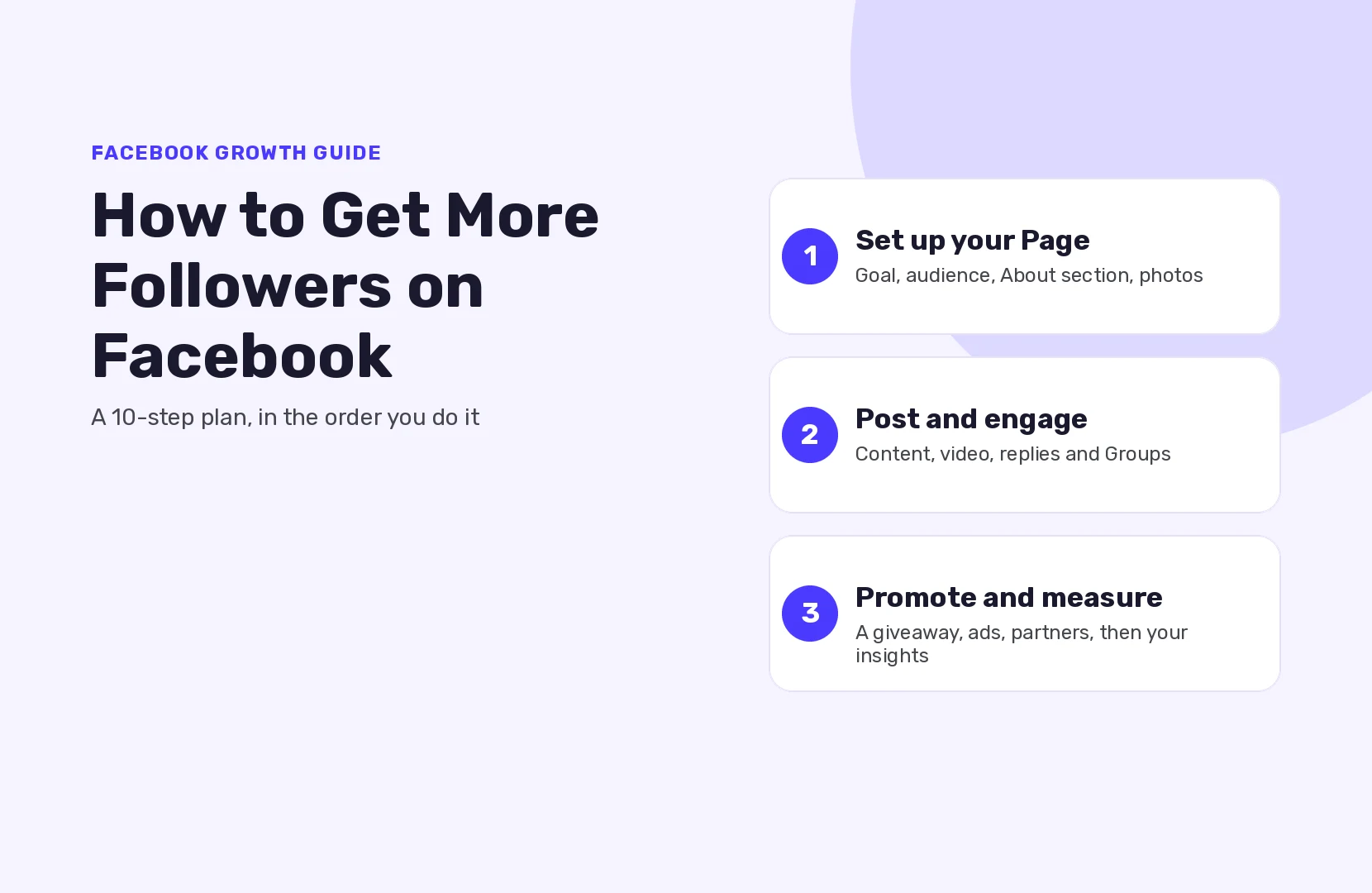
The steps below follow the order you’d do them in: set up first, promote second, measure last.
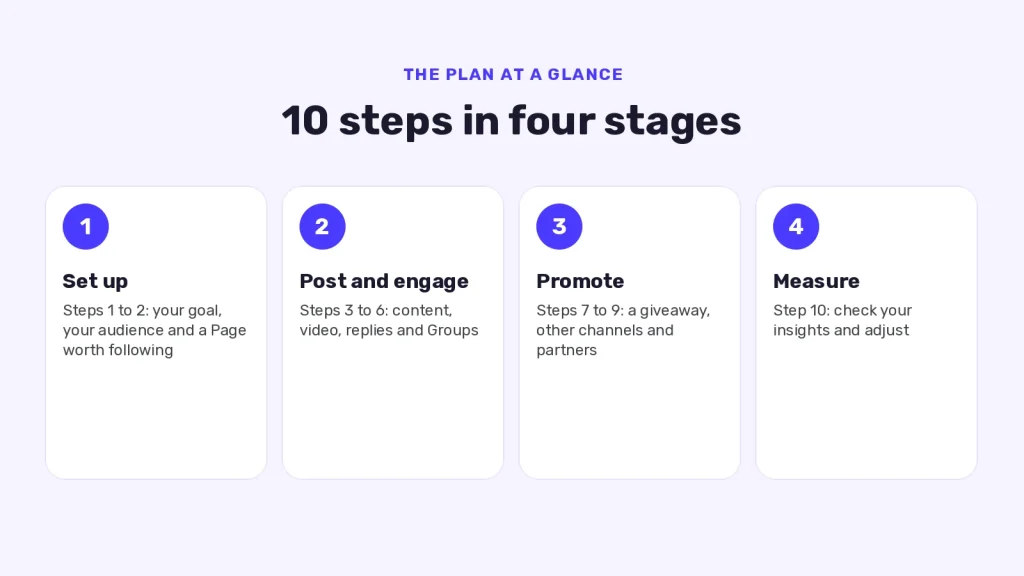
Step 1: Set a goal and know who you want
Decide what a follower is worth to you before you chase the number. Write down one goal, such as more website visits, more product launches seen, or a stronger community. Then describe the person you want: age range, interests, and what they’d want from your Page.
- Define your audience. Use Facebook’s targeting options (demographics, interests, behaviors) to describe who you want to reach.
- Look at similar Pages. Note which posts get comments on competitors’ Pages and which topics they skip.
- Pick a measurable target. “500 new followers in 60 days” is easier to track than “grow the Page.”
Step 2: Fix your Page so visitors want to follow
Most people decide in a few seconds. Make those seconds count.
- Write a clear “About” section. Say what you do, who it’s for and why it’s worth following.
- Use sharp profile and cover photos. They should show your brand at a glance.
- Use the Page features that fit your business. A shop section or an events list gives visitors something to do besides follow.
Step 3: Post content that’s worth following
Mix formats: images, short videos, polls and useful articles. Each post should give something: a solution, a story, a laugh. Write in a conversational tone and end with one clear call to action, like a question people can answer in the comments.
Post on a steady schedule. Open Insights in your Business Dashboard to see who your audience is and which posts they respond to, then schedule around what works. How often to post depends on your audience, so start with something you can keep up and adjust from the data.
Step 4: Use video
Video tends to hold attention better than plain text. Live videos, Stories and pre-recorded clips all work.
- Keep the message short and open on something visual.
- Ask a question so viewers have a reason to comment.
- Check Insights (Views and Engagement) to see which videos got the most attention, then repeat what worked.
Step 5: Reply to comments and messages
Answer comments and messages quickly. It shows you’re paying attention, and it turns casual visitors into followers. Live Q&A sessions are a good way to do this at scale: you answer questions in real time and share behind-the-scenes content.
Step 6: Use Facebook Groups
A group tied to your brand gives your most loyal followers a place to talk, get first looks at products and give feedback. You can also join existing groups in your niche. Contribute useful answers rather than posting promotions, and let your Page link do the work.
If you run your own group:
- Set clear rules so discussion stays on topic.
- Post discussion prompts regularly and reply to members.
- Tell your Page followers the group exists.
- Check group analytics to see which discussions work.
Step 7: Run a giveaway that sends people to your Page
A giveaway gives people an immediate reason to visit your Page. Pick a prize your ideal follower would want. A relevant prize, such as exclusive access or a product from your range, tends to attract better followers than a generic gift card. For a full walkthrough, read How to Run a Facebook Giveaway or Contest.
Here’s how to set it up in SweepWidget:
- Create the giveaway. The Free plan has unlimited campaigns and unlimited entries, and you can view or download up to 10 entrants’ emails. No credit card needed.
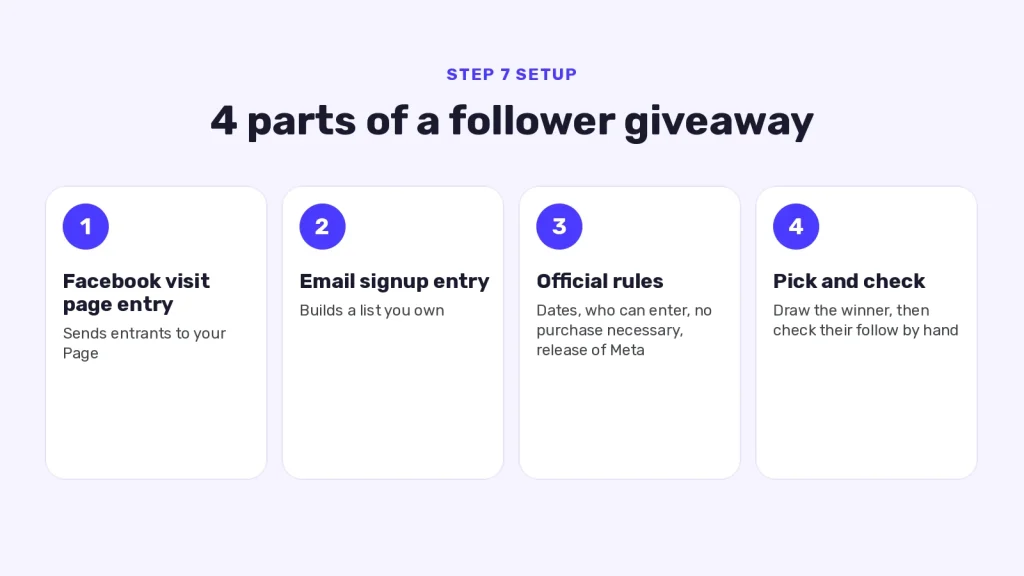
- Add a Facebook entry. Use the Facebook visit page entry (available on every plan) so entrants land on your Page. See the Facebook giveaway examples for setups.
- Add an email signup entry too. That way you build a list you own, not just a follower count.
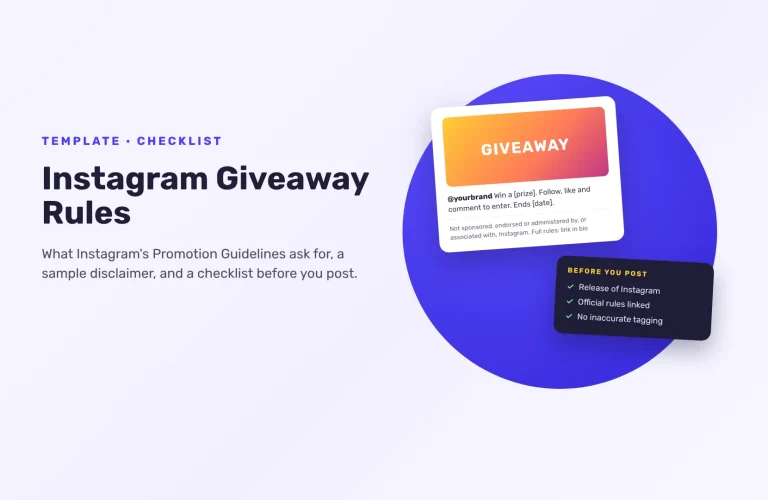
- Publish official rules. Include the dates, who can enter, the prize, a clear “no purchase necessary” line, how the winner is chosen and how you’ll contact them. Require entrants to release Meta and hold it harmless, and to acknowledge that the promotion is in no way sponsored, endorsed, administered by or associated with Meta. Read Meta’s Promotions policy before you launch.
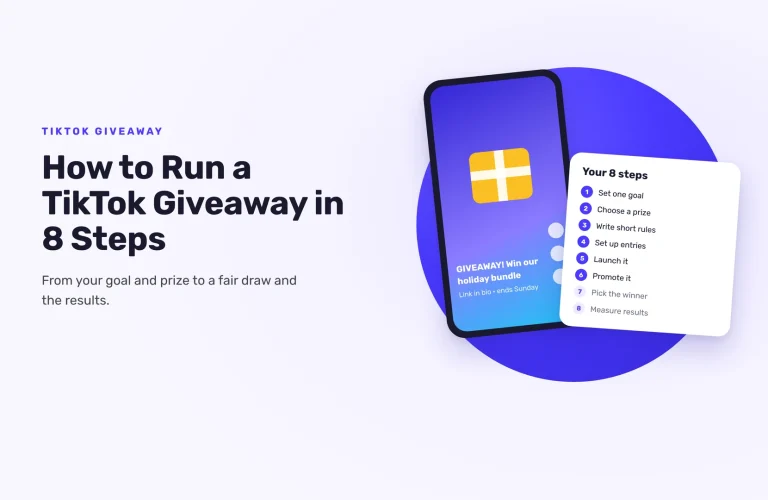
- Pick the winner. Go to Manage Entries > Pick A Winner > Randomize the Selection. The draw is weighted by the entries each person earned.
- Contact the winner. Do it within 24 to 48 hours, set a reply deadline and draw again if they miss it. Tell your followers you’ll never ask for payment to claim a prize, because fake “prize” accounts do message people.
What to skip on Facebook: Meta doesn’t allow you to require or reward people for sharing, reposting or tagging others, or for otherwise publicizing your promotion. Don’t add entries that do that, and don’t ask for it in your post. Also, Facebook doesn’t let outside tools check who followed or liked your Page, so a Facebook entry is taken on trust. Check the winner’s follow by hand before you announce them.
This is general information, not legal advice. Sweepstakes rules vary by country and state; see the our guide to FTC rules for giveaways for the basics. In the US, if the total prize value is over $5,000, New York and Florida require you to register the promotion before you launch.
Step 8: Promote your Page everywhere else
Followers won’t find you on their own. Send your existing audience to the Page.
- Add social icons to your website and emails. Make them large and easy to find.
- Cross-promote on other platforms. Use Instagram, X or LinkedIn to show a preview and say the rest lives on Facebook.
- Use hashtags. Relevant ones make posts easier to find.
- Try Facebook Ads. Target by interest and demographic, use a clear image and a single call to action, and test a couple of formats. The SweepWidget case study shows how one giveaway host used a $300 Facebook and Instagram ad budget to promote a giveaway after organic reach fell short.
- Schedule across platforms. Viraly is a tool for scheduling posts to Facebook, Instagram, YouTube, TikTok, X, LinkedIn and Pinterest. Best for: keeping a steady promotion rhythm without posting by hand.
Step 9: Partner with influencers and other brands
Choose people whose audience matches the one you described in step 1. Look for brands that complement yours rather than compete with it, and plan a joint giveaway or co-hosted event.
If an influencer is paid or gets free product, they must label the post as a paid partnership. The FTC expects clear disclosure. Put it with the post itself, not buried at the end (see the FTC’s Disclosures 101 for Social Media Influencers).
If you sell a subscription, course or SaaS product, you can pay partners only when they bring a paying customer. Rekomi is an affiliate platform with custom tracking links, conversion tracking and payouts. Best for: turning a one-off Facebook collaboration into an ongoing referral channel for a recurring-revenue business.
Step 10: Check the numbers and adjust
Every couple of weeks, open Insights in your Business Dashboard. Audience shows your follows, unfollows and total followers, and Views and Engagement show how many people saw and interacted with your posts. Keep the posts, times and formats that bring followers, and drop the rest. Read your comments too, since people tell you what they want more of.
When this isn’t enough
Posting and engagement build a Page slowly. If you want a faster push, a giveaway helps most when you plan it. You choose the prize, the dates and the entries, and you collect emails along the way. The Pro plan allows up to 50 winners per giveaway, and styling and branding need Pro. Premium and Enterprise add email verification to help screen fake entries. See SweepWidget pricing for the full plan list.
Ready to run your first giveaway?
Start free on SweepWidget and move to a paid plan when you want to view and download all your entrants’ emails and use fraud controls such as duplicate-IP blocking.
No credit card required
FAQ
Combine steps 2 to 6: a clear Page, steady useful posts, video, fast replies and an active group. Add a giveaway on the SweepWidget Free plan and promote the Page on your site and other channels. There’s no fixed timeline, so track growth in Insights.
Yes. Use an entry that sends people to your Page, publish official rules and follow Meta’s promotion guidelines. Don’t reward sharing, tagging or inviting.
No. Facebook doesn’t let outside tools verify follows or likes, so those entries are taken on trust. Check the winner by hand.
They can. Target by interest and demographic, use a clear call to action and test formats. Start with a small budget and keep what works.
Start with a pace you can keep. Then adjust using the engagement data in Insights.