Contest Software: What It Does and How to Choose It
Contest software is a tool that lets you create a contest or giveaway, collect entries, manage prizes and choose winners without spreadsheets or manual tracking. To pick the right one, match it to your goal (email list, followers, leads or sales), your channels, and the prizes you plan to give away. This guide covers what these tools do, what to check before you commit, and how to run your first contest.
What does contest software actually do?
At its simplest, contest software replaces the manual work. Without it, you ask people to comment or email you, then copy names into a sheet and hope nothing gets lost. With it, you build one contest page or widget, set the ways people can enter, and let the tool record the entries.
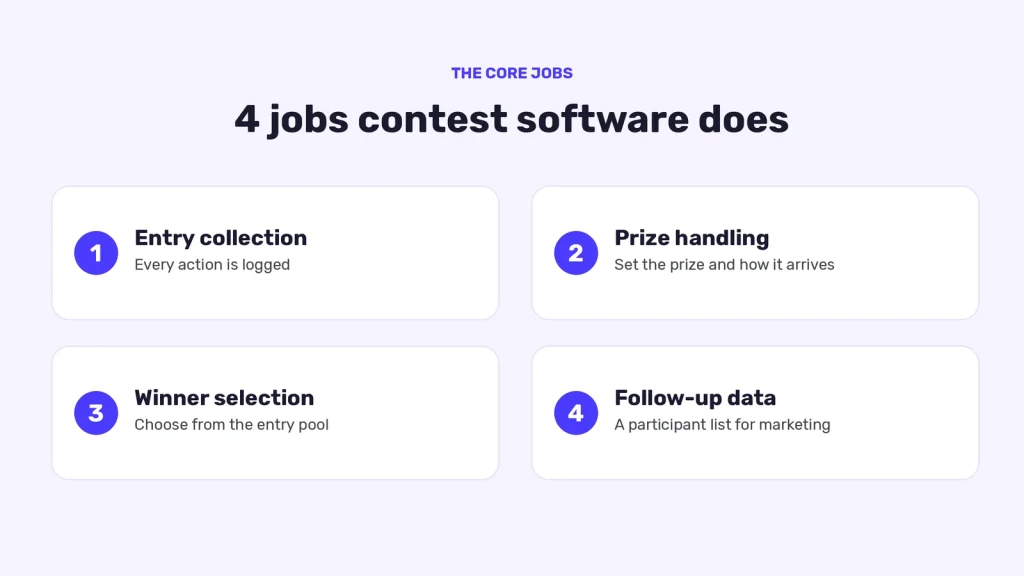
Most contest tools cover four jobs:
- Entry collection. People complete actions such as signing up with an email or following an account. The tool logs each one.
- Prize handling. You set what is being given away and how it reaches the winner.
- Winner selection. The tool helps you choose winners from the entry pool.
- Follow-up data. You get a list of participants you can use for marketing, where the rules and laws that apply to you allow it.
Contest, giveaway and sweepstakes software overlap heavily. If a tool does these four jobs well, the label matters less than whether it fits your campaign.
Who uses contest software, and for what?
The goal you choose shapes which features matter most. Three common examples:
- Email list growth. A brand offers a prize in exchange for email signups. SweepWidget’s email giveaway page names Mailchimp, ActiveCampaign, GetResponse, HubSpot and Iterable among its integrations for this use. Named integrations and CRM sync need the Pro plan or above.
- Lead generation for B2B. The same page covers lead generation for SaaS and B2B companies, not just consumer brands. A software company might offer a year of its product or a consulting session. Subscribers can land in your CRM as leads with full attribution, so sales knows who came from the contest.
- Audience growth on a specific platform. On SoundCloud, SweepWidget’s Follow Artist entry method is a Pro method for growing followers. The platform guidance is to make it the highest-point action so participants prioritise it.
Decide which of these you’re after before you compare tools, because the goal determines your entry actions and integrations.
What should you look for in contest software?
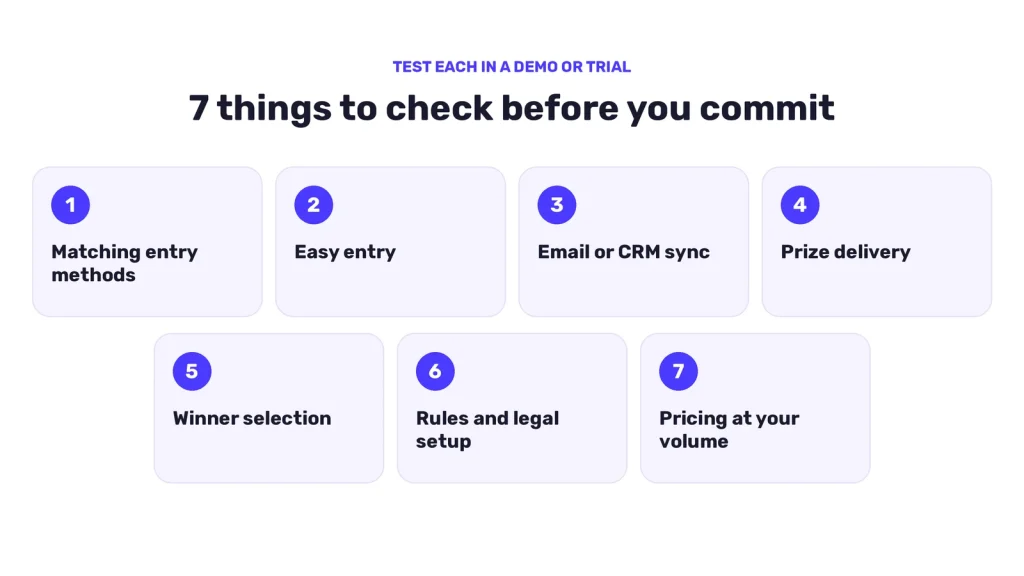
Use this checklist when you compare tools. It’s a buying guide, so test each item in a demo or trial rather than taking a feature page’s word for it.
- Entry methods that match your channels. If your audience lives on one or two platforms, check the tool has actions for those platforms, not just a generic form. SweepWidget has 120+ entry methods, with 20+ social platforms on the Pro plan and 30+ on Business and above.
- Easy entry for participants. A difficult registration process is one of the common giveaway mistakes SweepWidget lists in its own mistakes post. Keep sign-up short, and check which login options the tool supports for your audience.
- Integrations with your email or CRM tool. If entries don’t flow into the system you already use, someone will be exporting spreadsheets by hand. SweepWidget has 38 email integrations, including HubSpot, ActiveCampaign, GetResponse, Iterable and Mailchimp.
- Prize delivery options. Digital prizes are easier to deliver when the tool supports them. SweepWidget’s redemption codes, for example, cover gift cards, discount codes, license keys, access tokens, event tickets and digital downloads.
- Winner selection you can explain. You should be able to tell entrants how winners were chosen. SweepWidget lets you select winners with the random picker, by votes or manually.
- Support for your rules and legal setup. More on this below. SweepWidget provides an official rules template.
- Pricing that fits your volume. Compare plans on the SweepWidget pricing page and on any competitor’s own page, and re-check prices in the same month you decide. SweepWidget’s free plan has unlimited giveaways and entries; the main limit is that you can view or download up to 10 entrants’ emails.
How do you run your first contest with contest software?
Here is a simple process that works for most campaigns.
- Pick one goal. Email signups, followers or leads. One goal keeps the entry actions focused.
- Choose a prize your audience actually wants. Generic prizes attract people who only chase giveaways and leave when the contest ends. A prize tied to your product attracts people likely to buy it. SweepWidget’s Patreon example makes the same point for creators: digital products, exclusive content or a custom commission often work better than cash for niche audiences.
- Set the entry actions. Offer a small set. If you want one action to matter most, give it the highest points. For example, in SweepWidget’s Telegram and X example, joining Telegram earns 5 points and the X Follow and Repost actions earn 3 points each.
- Connect your email or CRM tool. Do this before launch so every entry goes where your team will use it.
- Publish your official rules. State who can enter, when the contest runs, and how winners are chosen and notified.
- Promote it on your own channels. Use your site, email list and social profiles. Don’t ask people to share, tag or invite others on a Facebook Page or group in exchange for entries or rewards, because Meta’s rules restrict that.
- Pick and notify winners, then follow up. Deliver the prize promptly, then message the wider entrant list in line with the permissions they gave.
No credit card required
Does contest software handle the legal side?
No tool can do that for you. SweepWidget provides an official rules template, but its own docs say it does not provide legal advice and takes no responsibility for whether you are in compliance with the law. Sweepstakes, contest and lottery laws differ by country, state and province. Some promotions require registration, bonding or specific disclosures. You are responsible for the official rules you publish, the eligibility restrictions you configure, the prizes you award, and compliance with the laws and platform policies that apply.
This is general information, not legal advice. Talk to qualified legal counsel about your promotion, and see the U.S. Federal Trade Commission’s advertising and marketing guidance for official information on disclosures and promotions.
What mistakes should you avoid?
- Too many entry actions. A long list slows people down. Start with a few.
- A hard sign-up process. If entering feels like a chore, people drop out.
- Prizes with no tie to your brand. You collect entries but not customers.
- Skipping the integration step. Entries sit in the tool and never reach your marketing system.
- Treating the rules as an afterthought. Write them before you launch, not after someone asks.
FAQ
It’s software that lets you build a contest or giveaway, collect entries, manage prizes and choose winners in one place, instead of tracking everything by hand.
In practice, mostly yes. The terms overlap, and tools usually cover the same core jobs. Judge a tool by its entry methods, integrations and prize options, not its label.
Yes. A B2B company can offer a product-related prize, collect signups and pass them to a CRM with attribution. SweepWidget lists HubSpot, ActiveCampaign, GetResponse, Iterable and Mailchimp among its integrations. CRM sync needs the Pro plan or above; on the free plan, emails are captured in your SweepWidget dashboard.
No. You are responsible for your official rules, eligibility and compliance with the laws that apply to you. The software gives you tools to publish rules and set eligibility, and SweepWidget provides an official rules template, but it does not provide legal advice or take responsibility for your compliance. Consult qualified legal counsel.
Prizes your target audience values, and ideally ones related to what you do. Niche prizes tend to attract engaged people, while generic ones attract people who leave after the contest ends.
Ready to try it?
If you want to see how this works in practice, set up a contest with SweepWidget, connect your email or CRM tool and choose entry actions that match your goal. SweepWidget’s free plan has unlimited giveaways and entries; the main limit is that you can view or download up to 10 entrants’ emails. [CHECK: this paragraph has no link. Add one to your sign-up or pricing page.
No credit card required