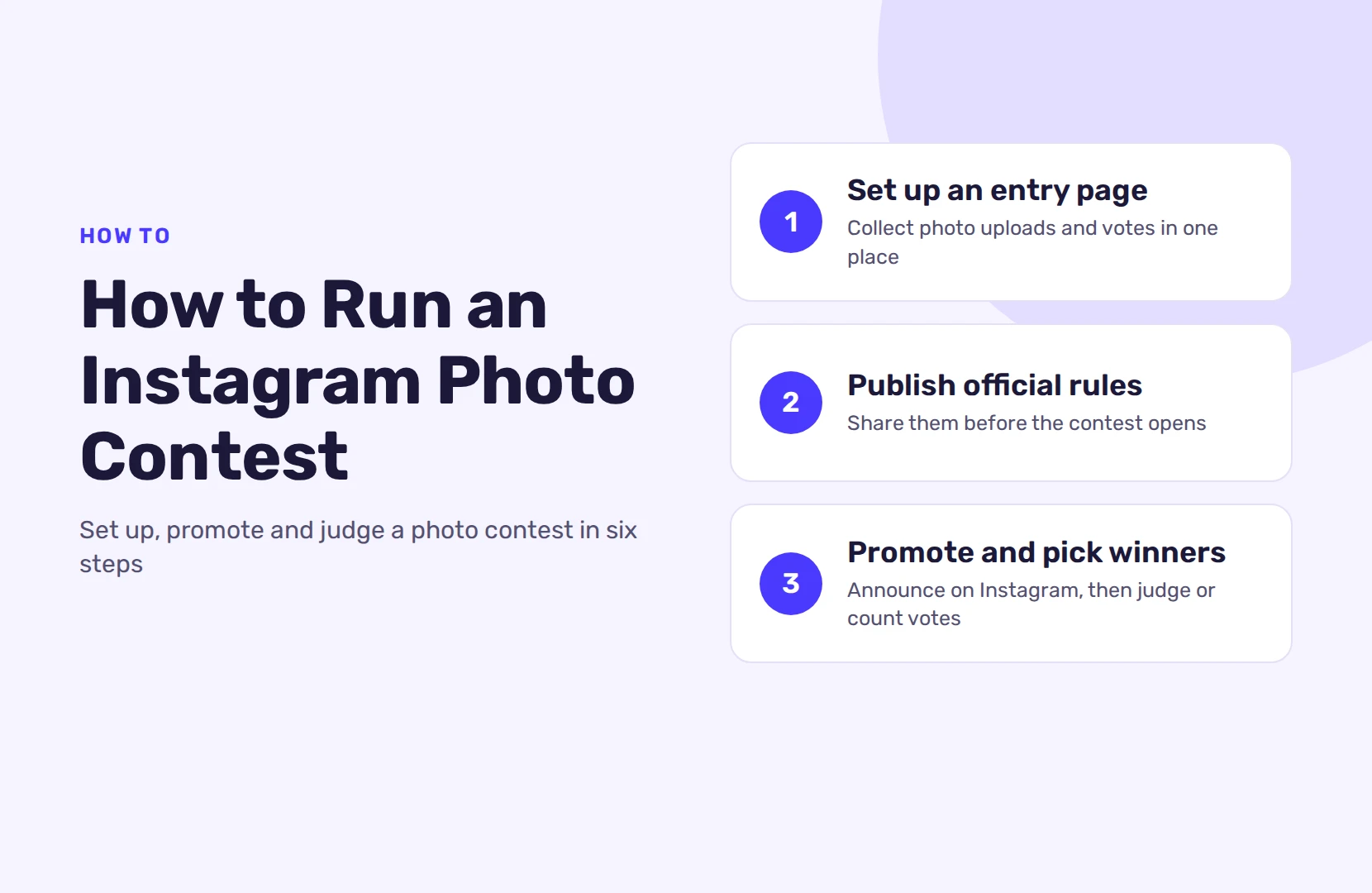
How to Run an Instagram Photo Contest
To run an Instagram photo contest, pick a theme and a prize, write official rules, collect photos on an entry page, promote it on Instagram, then pick winners by judging or by votes. SweepWidget can host the entry page, the photo uploads and the voting, so you don’t have to collect photos from comments by hand. Photo contests on SweepWidget need the Pro plan or above.
This guide walks through each step in the order you’ll do it.
What kind of photo contest should you run?
Decide first whether you want a contest or a giveaway. A giveaway picks winners at random. A contest judges entries on merit, such as the best photo. SweepWidget supports both: a random drawing, or a leaderboard where the person with the most points wins. Leaderboards need the Business plan or above.
For photos, you have two common formats:
- Judged contest. You or a panel pick the winner against criteria you publish.
- Voting contest. People upload a photo, your audience browses and votes, and you pick the winners when it ends.
Pick one goal too: user-generated content, followers, or an email list. Everything else follows from it. For more on uploads and voting, see how to run a photo contest online and the photo contest app guide.
How do you set up the contest entry page?
![Numbered steps: 6 steps to set up your contest entry page. 1. Choose the Pro plan; 2. Create a photo contest; 3. Add Upload a File; 4. Set dates and prize; 5. Turn on voting; 6. Paste your rules. [[](https://sweepwidget.com/blog/wp-content/uploads/2026/11/114-instagram-photo-contest-what-it-shows-1024x576.webp)
Instagram itself isn’t built to collect, moderate and count contest entries, so most brands use a separate entry page and send people there from Instagram. Here’s the setup on SweepWidget:
- Sign up and choose the Pro plan or above (see plans). Pro is $29/mo or $290/yr (list prices) and allows up to 50 winners per contest.
- Create a photo contest. The photo contest tool page shows what’s available, and the photo contest help docs cover each setting.
- Add the Upload a File entry method so people can submit their photo.Photos and videos can be up to 100 MB each, and each entry can have a caption of up to 1,000 characters.
- Set your start and end dates, prize and number of winners.
- Turn on voting if you want your audience to choose.
- Paste your official rules into the page (more on that below).
One limit to know: SweepWidget photo contests don’t import photos straight from Instagram or Facebook. Entrants upload photos from their device, so tell them to save the picture first.
Which extra entry methods should you add?
Upload a File can sit alongside other entry methods in the same contest, and entrants earn points for each action. That lets you collect photos and grow your audience at once. You can combine uploads with Instagram Follow, YouTube Subscribe, email signup or refer-a-friend. SweepWidget has 120+ entry methods; the newsletter signup and refer-a-friend entries, and the Instagram follow, like and comment entries, need Pro, which photo contests need anyway.
Keep these limits in mind:
- Follows and likes are taken on trust. Instagram, Facebook and TikTok don’t let outside tools check follows or likes, so those entries can’t be verified automatically. Check the winner by hand before you announce.
- Skip entries that Meta restricts. Meta says a promotion on a Page, group or event must not require or incentivize people to share, repost, tag others or otherwise publicize it, so skip refer-a-friend, share and tag-a-friend entries on Facebook and Instagram. Don’t ask people to tag themselves in photos where they don’t appear. Tag-a-friend entries can also get your post reported as spam.
If you want email addresses, add an email signup entry, which needs Pro. SweepWidget connects to 30+ email and CRM tools, listed in the integration setup guide. On the Free plan, entrants’ emails are still collected in your SweepWidget dashboard, but you can view or download only the first 10.
What rules do you need to publish?
Publish official rules before the contest opens, and link them in your Instagram bio and caption. SweepWidget’s terms and conditions generator, available on every plan, gives you a starting template; you stay responsible for your own rules and local law. Your rules should include:
- The official rules, with eligibility such as age and residency.
- A statement that the promotion isn’t sponsored, endorsed or administered by, or associated with, Meta, and entrants’ release of Meta and agreement to hold it harmless. Meta doesn’t sponsor or run the promotion.
- No purchase to enter. In the US, the FTC says a sweepstakes that requires a purchase to enter is illegal. See No Purchase Necessary and sweepstakes vs contest vs lottery.
- Compliance with the laws where you run the contest, including any registration your location requires. If the prizes total more than $5,000 and the promotion is tied to consumer products or services, you may have to register ahead of time with New York and Florida, and may need a bond or deposit.
Also add:
- Dates and time zone for start and end.
- Host name and any sponsor.
- Judging criteria and how winners are chosen.
- Photo ownership. Say whether you may repost entries, and get permission before you do.
- Prize details and how winners are contacted.
If a brand or creator is paid or gifted to promote the contest, label it with Instagram’s paid partnership tool and a clear disclosure. See the FTC’s guidance on social media disclosures. For the Instagram rules checklist, see Instagram giveaway rules; for Facebook, see the Facebook giveaway guide.
This is general information, not legal advice. Check the rules for your country and state, or ask a lawyer, especially if the prize is large, before you launch.
How do you promote the contest on Instagram?
- Post a clear announcement. Show the prize, the theme and the end date in the first image. Put the “how to enter” in the first lines of the caption.
- Link the entry page in your bio and Stories link sticker.
- Add a contest hashtag and a disclosure like #contest, so people can tell it’s a promotion.
- Share example photos (your own, or ones you have permission to use) so people know what you’re after.
- Remind people with Stories and a reminder post a few days before the deadline.
How do you pick and announce winners?
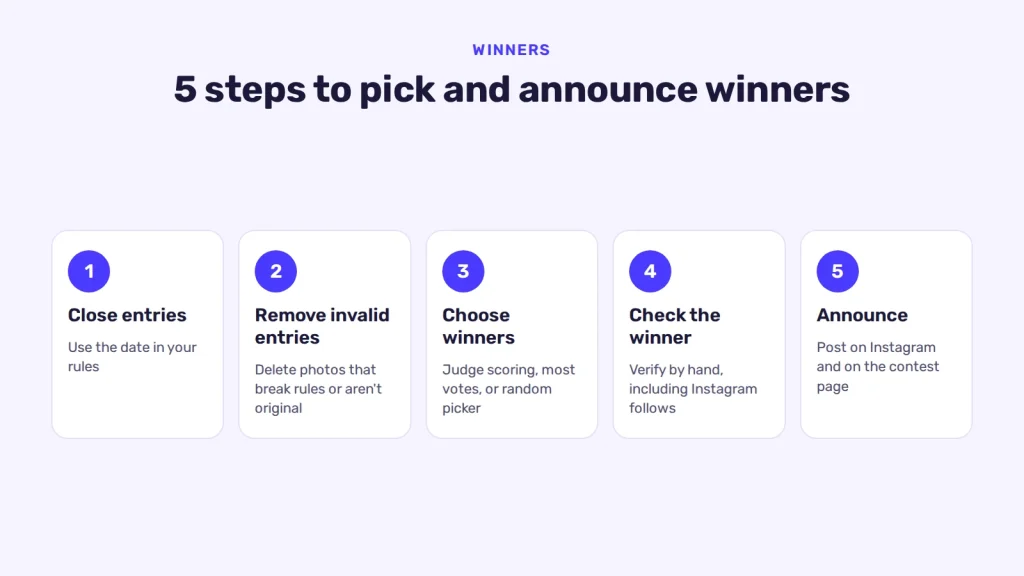
- Close entries on the date in your rules.
- Remove invalid entries. Delete photos that break your rules or aren’t original.
- Choose winners by your published method: judge scoring, the most votes, or SweepWidget’s random picker or leaderboard mode. See how to pick a winner.
- Check the winner by hand, including any Instagram follow entries. SweepWidget keeps only the current winners list, with no draw log, so take a screenshot or screen recording of the result.
- Announce on Instagram and on the contest page.
Watch for fake winner scams. Contact winners only from your official account, never ask for a fee or card details to send a prize, and tell entrants in your rules how you’ll reach winners. Scammers often copy your account and message your entrants first.
When is this not enough?
A hashtag-only contest is the simplest option, but it gives you no email list and no moderation. It also leaves you scrolling the hashtag by hand to find entries. A hosted entry page fixes that. If you want ideas for the Instagram side, see the SweepWidget Instagram examples and our guide to how to run an Instagram giveaway.
Ready to run your first giveaway?
Start free on SweepWidget and move to Pro when you want to view and download all your entrants’ emails , run photo contests, add the newsletter entry and get fraud controls.
No credit card required
FAQ
You can run a basic one in a post, with entries as comments or a hashtag. It’s manual, and you’ll count and check entries yourself. SweepWidget’s photo contests need the Pro plan or above, though the Free plan has unlimited campaigns and unlimited entries for other giveaway types, with only the first 10 entrants’ details visible.
A hashtag is easy for entrants but hard for you to track. An upload page gives you one place for every entry. On SweepWidget, entrants upload photos from their device; photos aren’t pulled in from Instagram.
It’s best to skip it. Tag-a-friend entries can get your post reported as spam, and Meta says a promotion must not require or incentivize people to share, repost or tag others. Ask for a photo or an email signup instead.
That depends on your plan: Pro allows 50 per contest, Business 250, Premium 1,000 and Enterprise unlimited.
Yes. Meta’s promotion rules need entrants to release Meta and to acknowledge that Meta doesn’t sponsor or run the promotion. Local law may add more, so get legal advice for your situation.