Facebook Sweepstakes App: How to Run One the Right Way
SweepWidget is a Facebook sweepstakes app you can use to collect entries, publish rules and pick a winner. You post the giveaway link on your Facebook Page, and entrants complete the actions on the SweepWidget entry form. This guide covers setup, which entry types to skip on Facebook, how to promote the giveaway and how to finish cleanly.
What does a Facebook sweepstakes app actually do?
It does the work Facebook doesn’t do for you. A Page post can announce a prize, but it can’t give you a clean entry list, a rules page or a random draw. An app like SweepWidget fills that gap:
- It collects each entrant’s details on one entry form.
- It lets you add actions, such as visiting your Page, signing up to your newsletter or filling in a custom form field.
- It picks a winner at random.
- It generates official rules that include the standard statement that the promotion isn’t sponsored, endorsed or administered by Facebook. The rules generator is available on the Free plan.
SweepWidget runs outside Facebook, so you promote the link on your Page. For Facebook-specific examples, see the Facebook giveaway page.
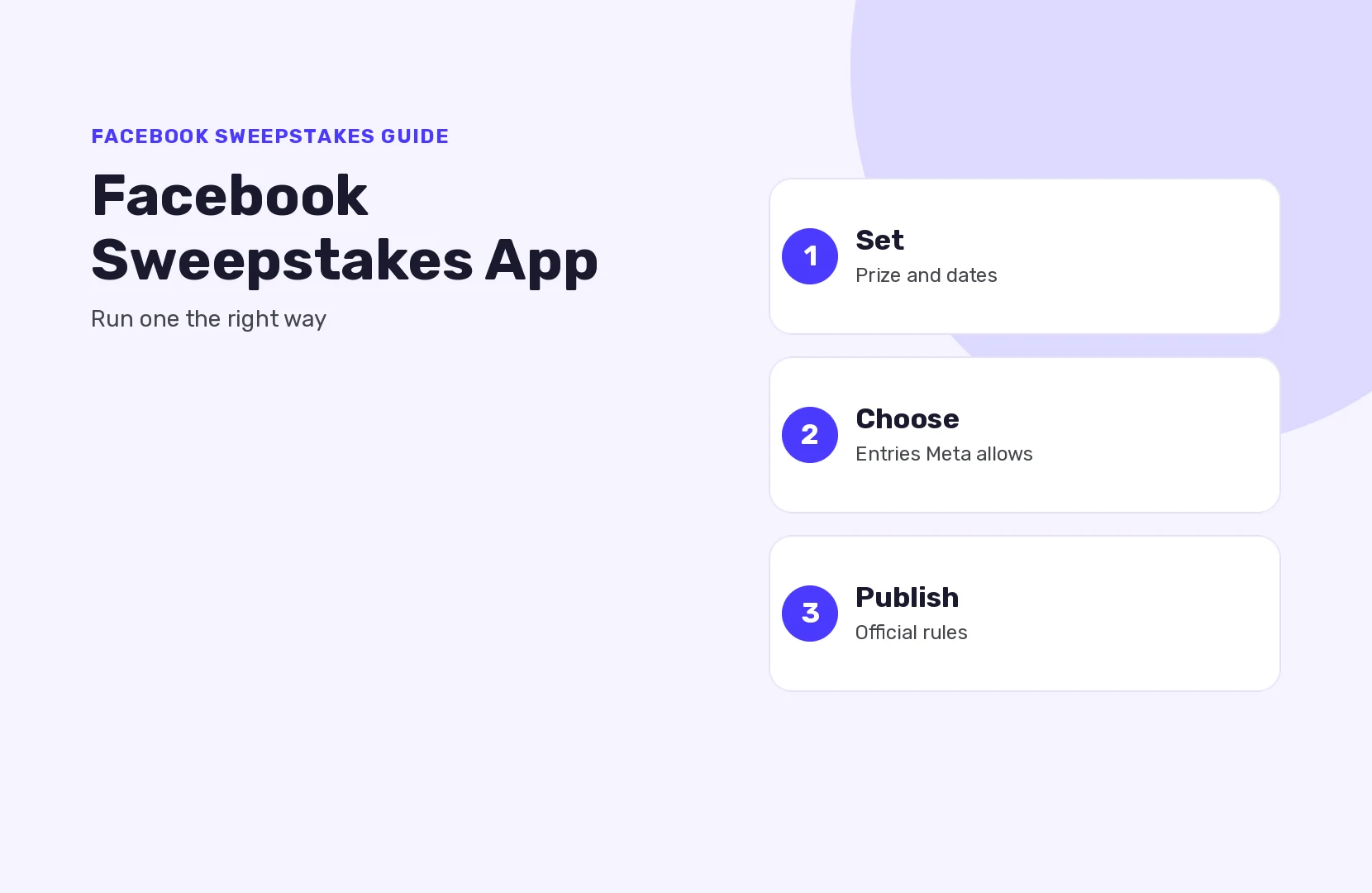
Step 1: Set the prize, dates and goal
Decide three things before you open the editor:
- Prize. Pick something your ideal customer wants, so entrants are likely buyers and not prize hunters.
- Dates. Set a start and end date. A short window of one to two weeks is easy to promote.
- Goal. Choose one: email signups, Page visits or product interest. One goal keeps the entry list short.
Then create a giveaway in SweepWidget. The Free plan allows unlimited campaigns and unlimited entries, and you can view or download up to 10 entrants’ emails.
Step 2: Choose entry methods Meta allows
Here Facebook’s rules matter. Meta’s promotion rules say your promotion must not require or incentivize people to share, repost, tag others or otherwise publicize it. Skip any entry that does this.
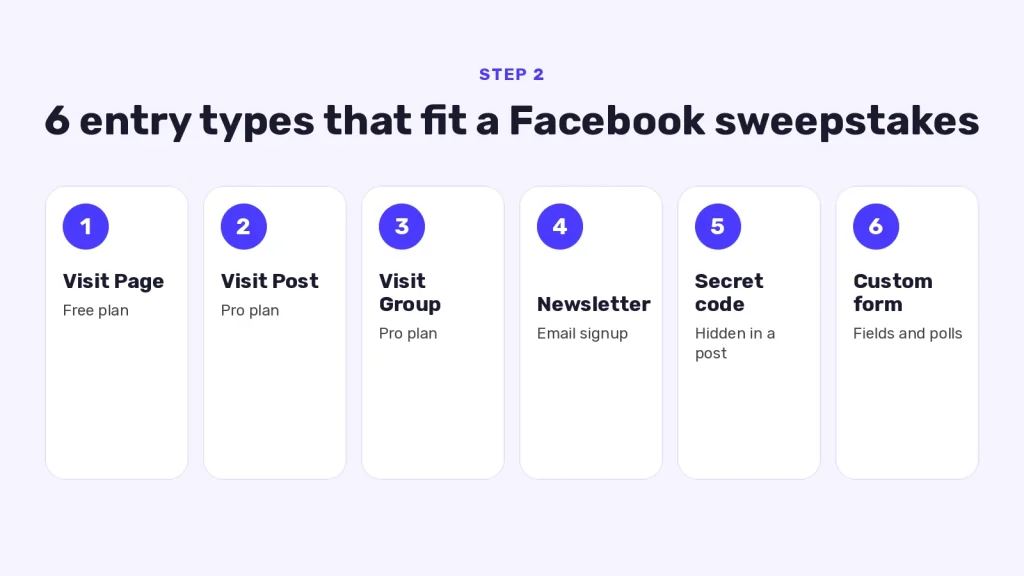
Entry types that fit a Facebook-promoted sweepstakes:
- Visit Page, Visit Post and Visit Group. These send people to your Facebook content. Visit Page is on the Free plan; Visit Post and Visit Group need Pro.
- Subscribe to newsletter (Pro). Entrants join your email list, and the entry can sync to your email platform.
- Custom form fields and polls (Pro). Ask a product question or collect a preference.
- Secret codes (Pro). Hide a code in a post or a newsletter so followers go looking for it.
Be honest about one limit. SweepWidget’s Facebook entries send people to your Page, post or group. They don’t require a like or follow, and Facebook doesn’t let outside tools check likes or follows, so you can’t prove one happened. If your rules ask for a like or follow, check the winner by hand before you announce.
Turn off referral entries. If you announce the giveaway on a Facebook Page or group, leave out refer-a-friend and any “share for extra entries” entry, so the giveaway stays within Meta’s promotion rules.
Step 3: Publish official rules
Every sweepstakes needs rules that people can read before they enter. Include:
- Who can enter, including age and location.
- Start and end dates.
- How to enter, and that no purchase is necessary.
- Prize description and who picks the winner.
- A line that the promotion isn’t sponsored, endorsed, administered by or associated with Meta, and a full release of Meta by each entrant, who holds Meta harmless.
- How and when you’ll contact the winner.
SweepWidget can generate rules with the platform disclaimer (available on the Free plan), and the giveaway can run in 103 languages. Link the rules in your Page post and on the entry form.
This is general information, not legal advice. A sweepstakes must be free to enter. The FTC says sweepstakes-type promotions that require a purchase are illegal in the US (see its advertising guide for small business). If the prizes total more than $5,000 and the promotion is tied to consumer products or services, you may have to register ahead of time with New York and Florida, and may need a bond or deposit. Other states and countries have their own rules, so ask a lawyer if the prize is large. For Facebook itself, read Meta’s Pages, Groups and Events policies. See also our official rules template and FTC rules for giveaways.
Step 4: Promote the giveaway on Facebook
Post the link on your Page and keep the post simple:
- Show the prize in the first image.
- Say how to enter, and put the end date in the text.
- Link the official rules.
- Add a short line asking people to visit the link. Don’t ask them to share or tag.
If you work with creators or partners, label paid partnerships using Facebook’s branded content tools and follow the FTC’s Disclosures 101. Entrants should know when a post is an ad.
For a deeper walkthrough of Page posts and timing, read how to run a Facebook giveaway.
Step 5: Pick and verify the winner
Use the built-in random picker when the giveaway ends. Then check the winner before you announce:
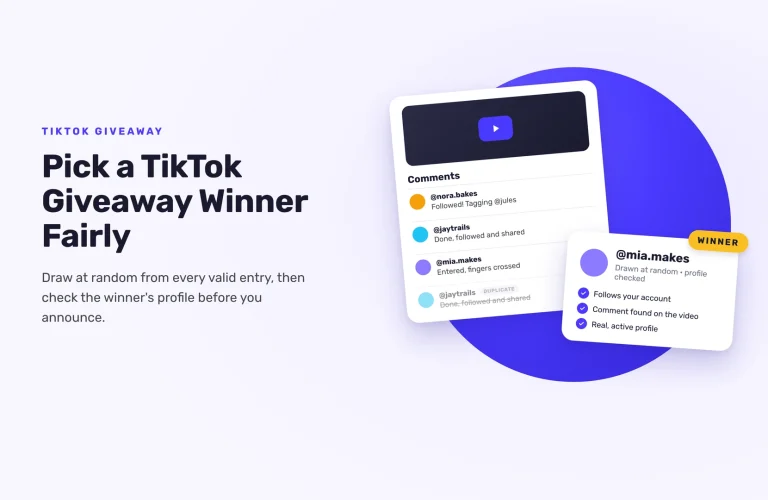
- Check any entry your rules require that SweepWidget can’t verify, such as a like or follow.
- Review the entry for duplicates or signs of a fake account.
- Contact them through the email they entered.
A few extra tips:
- Winner count: Free supports 1 winner per giveaway and Pro supports 50. Business supports 250, Premium 1,000 and Enterprise is unlimited.
- Fraud controls: Email verification and geo-blocking need the Premium plan. Phone verification needs Enterprise.
- Backup winner: Draw a second name in case the first doesn’t reply.
Watch out for fake winner scams
Scammers copy giveaway posts and message people pretending to be the brand. Protect your winners:
- Announce that you’ll only contact winners by email from your own domain. Never ask for a fee, a card number or a password.
- Tell winners to ignore Facebook messages that claim a prize.
- Post the winner’s first name and initial, or an entry ID, in a Page update. Don’t post full contact details.
Checklist before you launch
- Prize: It’s clear and you can ship it.
- Rules: They’re published and linked in the post.
- Entries: None requires or rewards sharing, reposting, tagging or publicizing, and referral entries are off.
- Disclosure: Any partner post is labeled as a paid partnership.
- Winner check: You’ve planned a manual check for any like or follow your rules require.
- Scam notice: You’ve told entrants how you’ll contact the winner.
When is a free setup not enough?
The Free plan is enough for a first giveaway. Move up when you need more:
- Pro ($29/mo or $290/yr): All entrants’ emails, VPN blocking, IP entry limits, Visit Post and Visit Group entries, and up to 50 winners.
- Business ($59/mo or $590/yr): Leaderboards, coupons and Zapier integration.
- Premium ($119/mo or $1,190/yr): No SweepWidget branding, white-label, custom CSS, a custom landing page URL, email verification, geo-blocking and an email whitelist.
- Enterprise ($249/mo or $2,490/yr): API access, custom webhooks, phone verification and dedicated support.
Yearly billing is 12 months for the price of 10, about 17% off. See pricing. If you’re comparing tools first, read our sweepstakes software guide.
Ready to run your first giveaway?
Start free on SweepWidget and move to Pro when you want to view and download all your entrants’ emails and use fraud controls such as VPN blocking and IP limits.
No credit card required
FAQ
Facebook does not offer a built-in tool to collect entries and pick a winner. SweepWidget lets you build the entry form and draw winners, and you post the link on your Facebook Page.
No. Meta’s rules say a promotion must not require or incentivize sharing, reposting, tagging others or otherwise publicizing it. Use other entry types, and turn off referral entries if you announce the giveaway on a Page or group.
No. Facebook doesn’t let outside tools verify likes or follows. SweepWidget’s Visit Page entry sends people to your Page, and the optional Like Page button (Pro) never has to be clicked to earn points. If your rules ask for a like, check the winner by hand.
Yes. Publish them before the giveaway starts and link them in your post. Include the line that Meta doesn’t sponsor, endorse or administer the promotion, and require entrants to release Meta and hold it harmless.
Use SweepWidget’s random picker when the giveaway ends, then verify the winner and contact them by email. For a Facebook-focused picker comparison, see our picker tool post.