Caption Contest Examples You Can Copy and Run
Caption contest examples all follow one pattern: you show a photo, video or scene, and people write the funniest or smartest line for it. You can run one with a comment on a social post, or with SweepWidget, which collects captions in a photo voting gallery where people vote and you pick the winner. The gallery needs a Pro plan or higher. Below are eight setups to copy, then the steps, rules and limits to know before you launch.
These are example setups, not customer case studies. Swap in your own photo, prize and audience.
What is a caption contest?
A caption contest is a skill-based contest. Entrants write a caption, and the winner is chosen by you, a judging panel or a public vote. It works well when you want comments, user content and a reason for people to come back, without asking them to do much.
What are good caption contest examples?
Here are eight formats. Each lists the setup, the entry step and how to pick a winner.
1. The weekly photo caption
- Setup: Post one funny photo each week with the line “Caption this.”
- Entry: Comment your caption on the post.
- Winner: You pick your favorite, or the most-liked comment.
- Prize: A small one, or none at all. A weekly series can run on bragging rights, with a bigger monthly prize.
2. The product-in-the-wild caption
- Setup: Photograph your product in an odd place, such as a coffee mug on a mountain summit.
- Entry: Submit a caption in a form or in the comments.
- Winner: Staff pick.
- Prize: The product itself.
3. The public-vote gallery
- Setup: Entrants submit a photo and a caption, and everyone can browse the gallery.
- Entry: Upload and caption. Photo and video uploads and voting need Pro.
- Winner: Most votes. SweepWidget’s photo voting gallery shows each entry’s name, caption and vote count, and voters can sort by Most Popular, Newest, Oldest or Random.
- Prize: Something your audience would really use.
4. The finalists vote
- Setup: You choose five captions from the comments, then put them to a vote.
- Entry: Comments first, votes second.
- Winner: Top vote-getter.
- Why it works: It rewards the best writing, not just the biggest follower count.
5. The meme-template caption
- Setup: Share a recognizable meme-style image with the text left blank.
- Entry: Fill in the caption.
- Winner: Staff pick or public vote.
- Best for: Younger, social-first audiences.
6. The behind-the-scenes caption
- Setup: Post an unpolished team photo, such as the office dog at a meeting.
- Entry: Comment your caption.
- Winner: Your team votes.
- Best for: Small brands that want a human feel.
7. The “caption the clip” video contest
- Setup: Post a short silent video.
- Entry: Write the voice-over line or subtitle.
- Winner: Staff pick.
- Best for: Brands that already post video.
8. The seasonal caption
- Setup: Tie the photo to a holiday or event, such as a dressed-up pet or a snowed-in storefront.
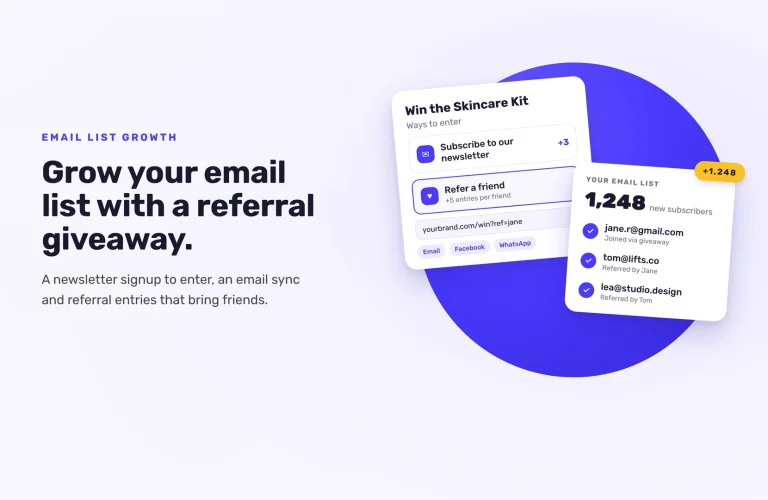
- Entry: Caption plus an email signup, if you want to grow your list. The newsletter signup entry and the email integrations need Pro.
- Winner: Random draw among entrants who submitted a caption that follows your rules, or a vote.
- Best for: Campaigns with a clear start and end date.
How do you run a caption contest in 5 steps?
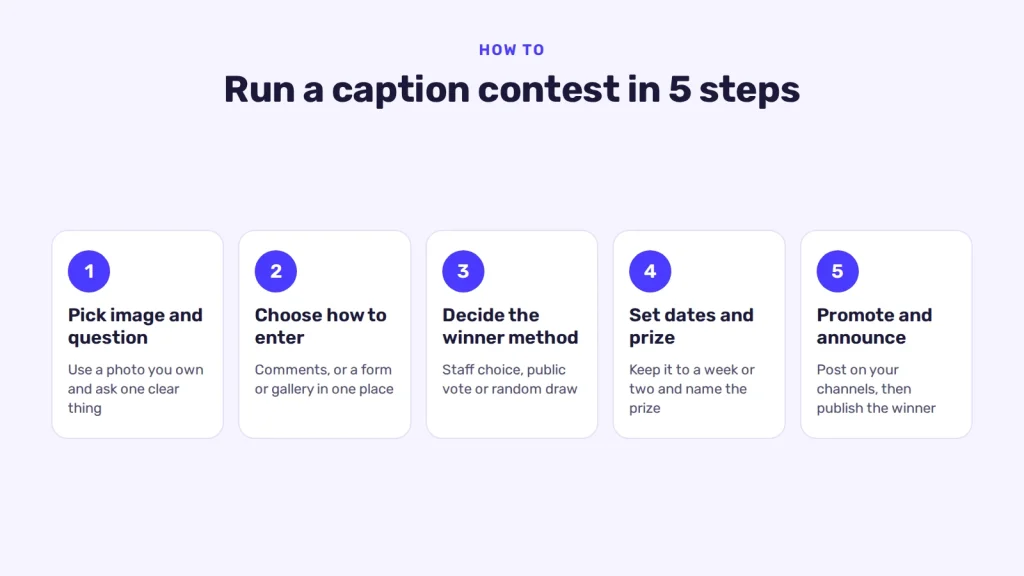
- Pick the image and the question. Use a photo you own or have the right to use. Ask one clear thing: “Caption this.”
- Choose how people enter. Comments are the easiest. A form or gallery on SweepWidget collects entries in one place, so you aren’t scrolling through threads.
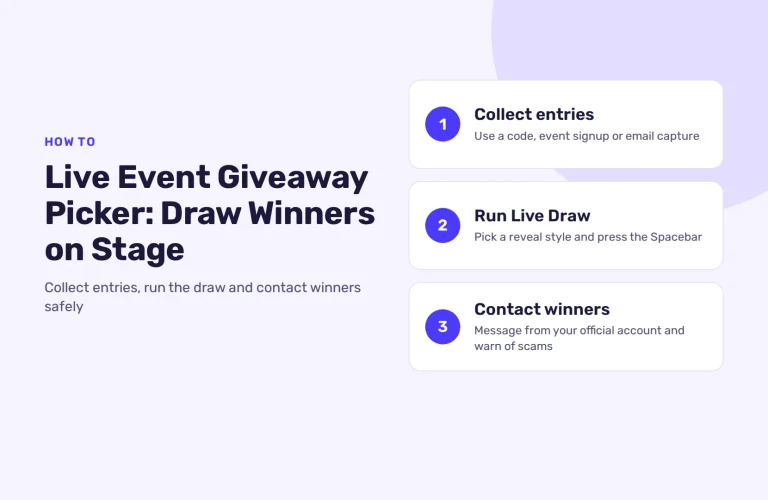
- Decide how you’ll choose the winner. Pick staff choice, public vote or random draw before you launch, and say so in your rules. You can also pick winners yourself from your entry list.
- Set the dates and prize. Keep it short, usually a week or two, and name the prize and how many winners there will be.
- Promote it, then announce the winner. Post the contest on your channels and email list, then publish the winner in the same place. To show the contest on your own site, copy the embed code into your site’s HTML, or share the free hosted page. Turning the giveaway into a popup needs Pro.
SweepWidget’s photo contest tool covers the gallery format. For more on voting contests, see Photo Contest App and How to Run a Photo Contest Online. In the voting gallery, voters click an entry and click Cast Vote (or your custom text). If you require login, they sign in with Facebook, Google or X first.
Which prizes work for caption contests?
Pick prizes that match the audience you want, not just a gift card. A product, a bundle or an experience tied to your brand attracts people who care about it. Check the number of winners against your plan: Free allows 1 winner per giveaway, Pro 50, Business 250, Premium 1,000 and Enterprise unlimited.
What rules do you need?
Caption contests are still promotions, so treat them like one.
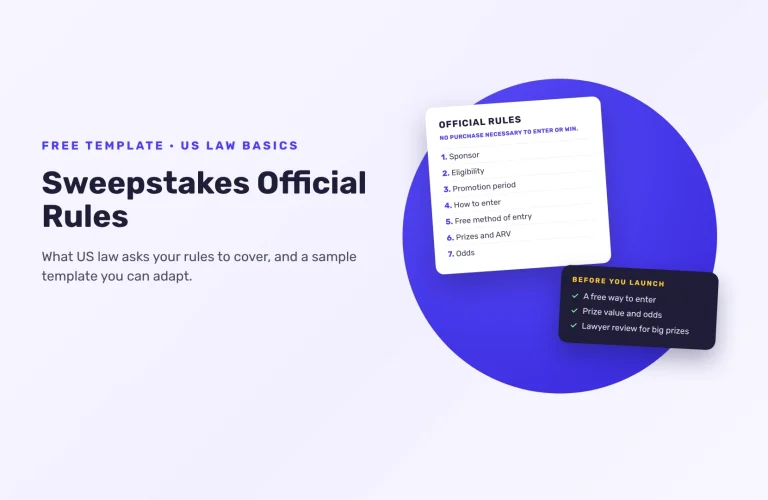
- Publish official rules. State who can enter, the dates, how the winner is chosen, the prize and who runs the contest. SweepWidget’s terms and conditions generator is on every plan and gives you a starting template; you stay responsible for your own rules and local law.
- Follow the platform’s promotion rules. Instagram, Facebook and TikTok each publish their own. Read them before you post. Meta says a promotion on a Page, group or event must not require or incentivize people to share, repost, tag others or otherwise publicize it. Entrants must release Meta and hold it harmless, and acknowledge that Meta doesn’t sponsor or run the promotion. Skip those entry types and stick to captions and comments. See our Facebook giveaway guide and Instagram giveaway rules.
- Don’t require a purchase. In the US, the FTC says a sweepstakes that requires a purchase to enter is illegal. Read No Purchase Necessary and Sweepstakes vs contest vs lottery.
- Label paid partnerships. If a creator or partner promotes your contest, they should disclose it. The FTC explains how in its endorsement guidance.
- Check prize registration. If the prizes total more than $5,000 and the promotion is tied to consumer products or services, you may have to register ahead of time with New York and Florida, and may need a bond or deposit.
- Watch for fake winner scams. Impersonators often message people claiming they won. Announce winners publicly, say you’ll only contact them from your official account, and never ask winners to pay anything.
This is general information, not legal advice. Rules on prize promotions vary by country and state, so check the official sources, such as the FTC, or ask a lawyer if the prize is large.
What should you check before you launch?
- Image rights: Use only photos you own or are licensed to use.
- Clear question: One instruction, one deadline.
- Judging method: Written in the rules before entries open.
- Content rules: Say you may remove offensive or off-topic captions.
- Entry limits: Decide whether one caption or several per person.
- Winner contact plan: Public announcement plus a message from your official account.
When is a comment-based contest not enough?
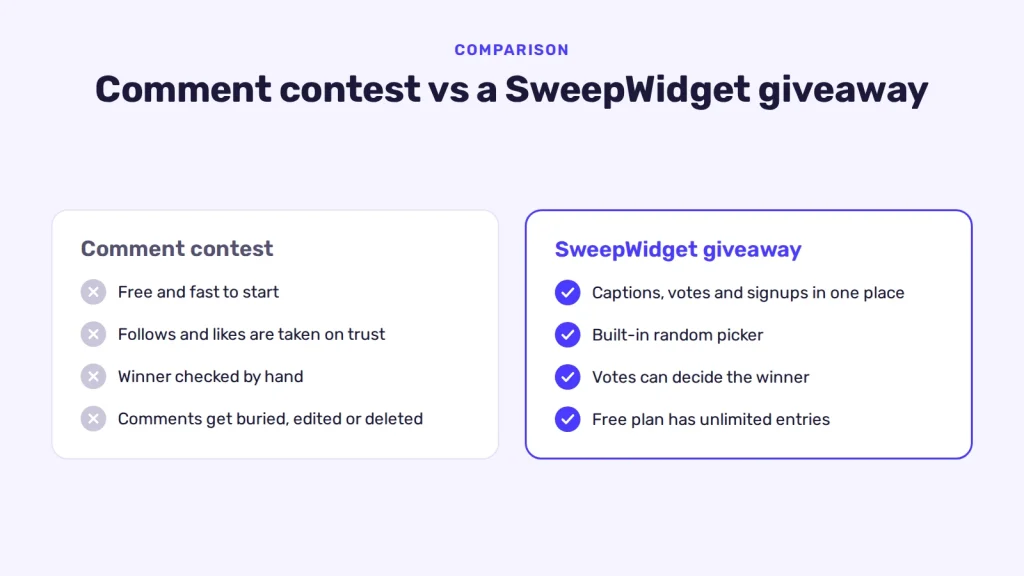
Comment contests are free and fast, but they have limits. Follows and likes on Instagram, TikTok, X and Facebook are taken on trust, so you check the winner by hand. Comments also get buried, edited or deleted, and you end up collecting entries by hand.
A SweepWidget giveaway helps when you want captions, votes and optional email signups in one place. With 120+ entry methods to choose from, you can mix them to fit your contest. Pick a winner with the built-in random picker, or let votes decide. The Free plan has unlimited campaigns and unlimited entries, and every entrant’s email is collected in your SweepWidget dashboard, but you can view or download only the first 10 entrants’ emails. Pro shows all entrants’ emails and connects to your email tool. Photo and video contests, and voting, also need Pro; on Free, refer-a-friend, secret code, file upload and purchase entries are locked. See pricing for plan details. If you’re comparing tools first, start with our guide to contest software.
Ready to run your first giveaway?
Start free on SweepWidget and move to Pro when you want to view and download all your entrants’ emails and run photo voting. Fraud controls such as the email verification code and geo-blocking are on Premium.
No credit card required
FAQ
You post a funny photo and ask followers to comment with the best caption. The winner is the one you like most, or the one with the most votes. Weekly “Caption this” posts are the most common version.
Choose the method before you launch. Staff pick, public vote and random draw all work. Write the method in your official rules so the result is clear.
No. A weekly series can run on recognition alone. A prize tends to bring in more entries, especially for a monthly or larger contest.
Yes. Followers comment their caption on your post. Follow Instagram’s promotion rules, publish official rules and check the winner by hand, because follows, likes and comments on Instagram are taken on trust. To run it on your own site instead, copy the embed code into your site’s HTML. Turning the giveaway into a popup needs Pro.
They’re generally treated as skill contests, but rules vary by location and by prize. This is general information, not legal advice. Check official sources or ask a lawyer if the prize is large.