How to Grow Your Email List With a Referral Giveaway
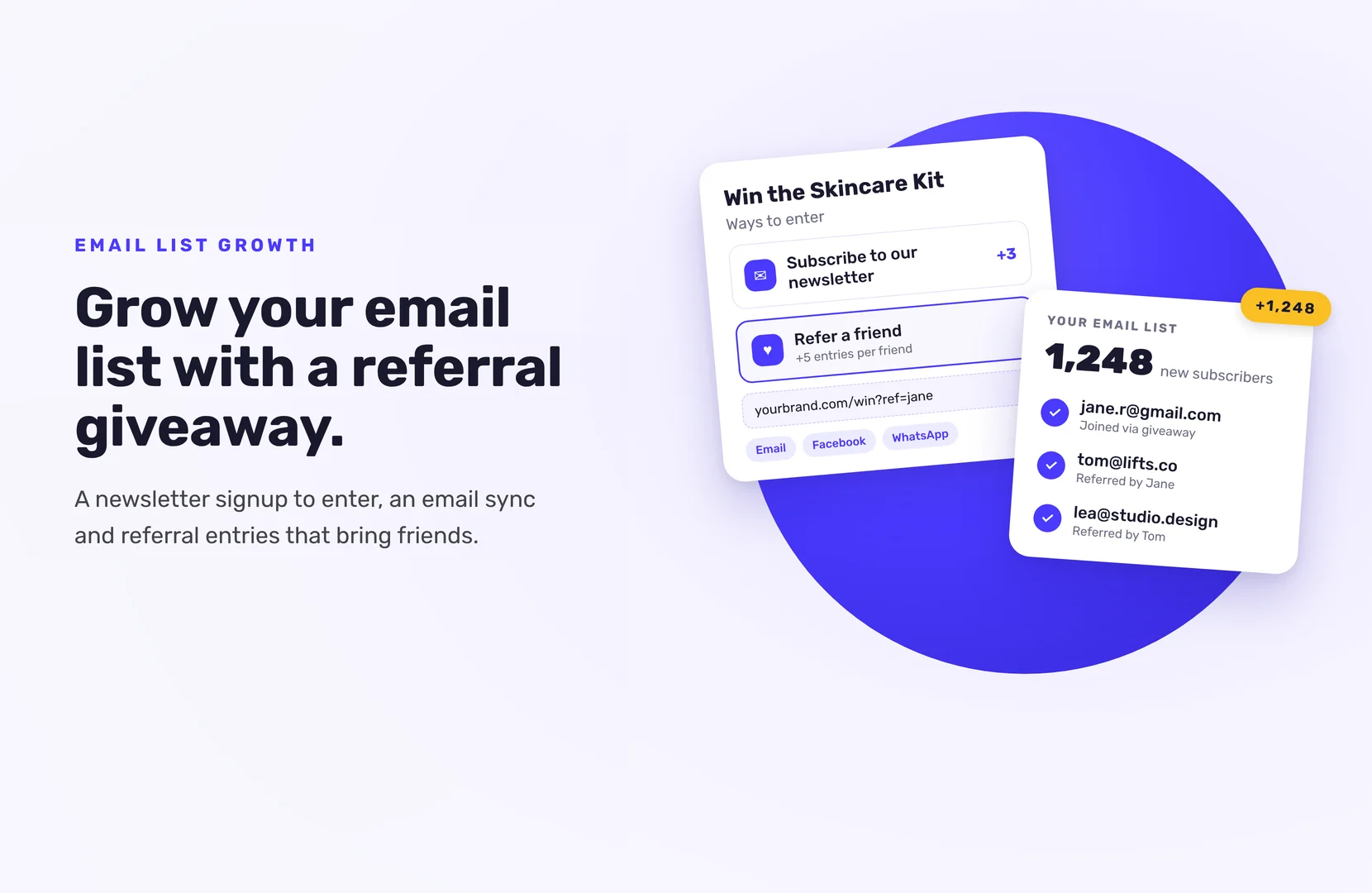
To grow your email list with a giveaway, make a newsletter signup one of the ways to enter, and connect the giveaway to your email platform so every subscriber goes onto your list automatically. Then give extra entries for referrals, so each person who enters brings in friends who sign up too.
The prize decides who those subscribers are, so choose it first.
Why a giveaway is good for list building
People will gladly give you their email for a chance to win something they want. Every SweepWidget entrant gives a name and email address to enter. That alone doesn’t put them on your newsletter. The newsletter signup step is where they say yes to hearing from you, and that’s the list you want to grow.
A referral link makes the list grow faster. Each new friend who enters goes through the same signup step, so one entrant’s share can add several subscribers.
1. Choose a prize only your future customers would want
This matters more than anything else on this page. A generic prize, like a phone or a large cash amount, fills your list with people who want the prize and nothing else. They unsubscribe after the draw.
Give away your own product, a bundle, or a gift card to your store. The people who enter for that are the people you want to email next month.
2. Add a newsletter signup as an entry method
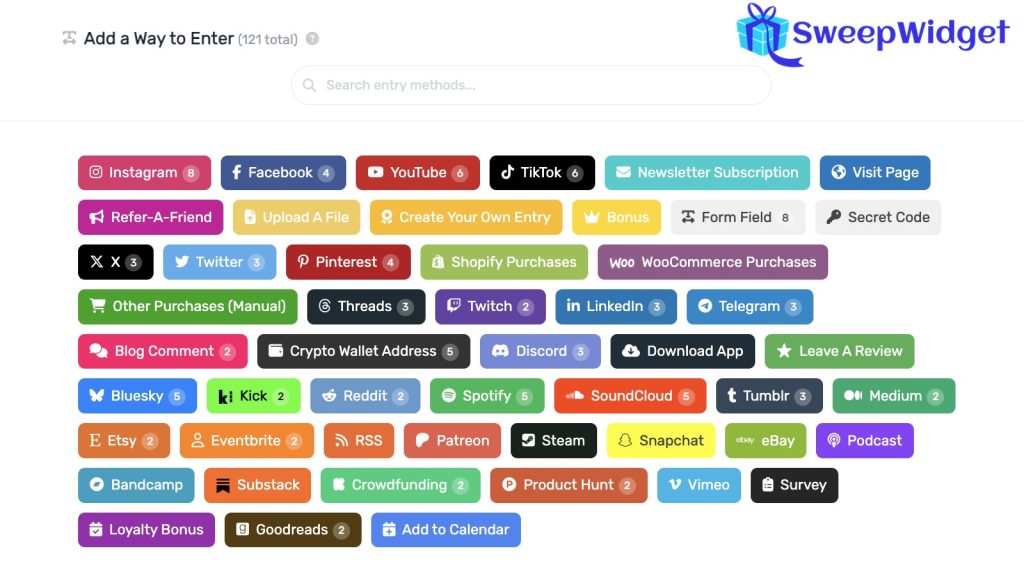
In SweepWidget, add the Subscribe To Newsletter entry method (Pro plan and above). You set:
- Worth # entries. How many entries the signup earns. Make it worth more than easy actions like visiting a page.
- Newsletter Name. Use your real newsletter name, so people know what they’re joining.
- Mandatory. Tick it if everyone must subscribe to enter.
Mandatory or optional? If you need every entrant on your list, make it mandatory. If you’d rather keep only people who actually chose to subscribe, leave it optional and worth extra entries. Either way, say in the description what they’ll get from you and how often.
3. Connect your email platform
This is what turns entries into subscribers without a CSV import.
- In the Subscribe To Newsletter entry method, tick Integrate Your Email List.
- Pick your platform. SweepWidget has 30+ email integrations, including Mailchimp, Klaviyo, ConvertKit, MailerLite, HubSpot, ActiveCampaign and AWeber.
- Paste your API key, or click to connect your account (AWeber, Constant Contact and HubSpot connect in one click).
- Click Fetch Lists and pick the list new subscribers should join.
- Save, then enter your own giveaway with a test email and check it reaches your list.
Two things trip people up:
- Klaviyo. Use a private API key with Lists, Profiles and Subscriptions access. If the list uses double opt-in (Klaviyo’s default), entrants show as “Never Subscribed” until they click Klaviyo’s confirmation email.
- HubSpot. Only static lists can be picked, not smart lists.
If your platform isn’t listed, Zapier can connect it (Business plan and above).
4. Add refer-a-friend so entrants spread it
Add the Refer-A-Friend entry method. Each entrant gets their own link. When a friend enters through it, the person who shared gets credit.
- Show it at the top. The “Featured at top” option gives the share link the most exposure. Entrants see it right after they enter.
- Make sharing easy. Entrants can share by email, Facebook, WhatsApp, Telegram, LinkedIn and more, or copy the link anywhere they like.
- Send the link by email. With a custom confirmation email (Premium plan and above), you can include each entrant’s referral link, so they can share it later.
Every friend who arrives through a referral link sees the same newsletter signup. That’s how referrals grow the list, not only the entry count. If referrals are the main point of your campaign, with prizes for top referrers and a leaderboard, our guide to running a referral contest covers that setup. [Add the link once the referral contest guide is live. Leaderboards are a Business plan feature.]
5. Keep the list clean
A big list of fake addresses hurts your sender reputation. A few settings help:
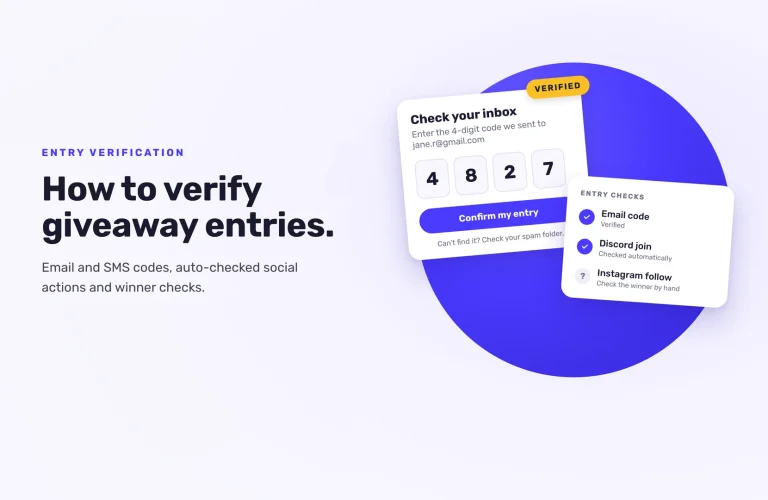
- Email verification. Entrants confirm their address with a 4-digit code (Enterprise plan), so you only collect emails that work.
- Security level. The default Standard level adds device fingerprinting, which helps catch fake entries.
- Disposable email blocking. Throwaway addresses from disposable email services are blocked on every giveaway, on every plan.
- Credit real referrals only. SweepWidget won’t give anyone credit for referring themselves. On Business and above, you can also give credit only after the referred friend earns a set number of entries.
6. Promote it, then follow up fast
Share the hosted landing page link on social media and in your existing emails, embed the giveaway on your website, and print the QR code for your shop counter or packaging. One to two weeks gives people time to find it and share it.
When it ends, don’t go quiet. Send your new subscribers a welcome email soon after they join, while they still remember you. Then announce the winner and send everyone else a thank-you, ideally with a small discount. That first email after the draw is what turns giveaway entrants into readers who stay.
Keep a copy of your entries too. On paid plans you can download every entrant’s details as a CSV from Manage Entries, so you have a backup if a sync to your email platform ever fails.
Ready to set it up? See how to add the Subscribe To Newsletter entry method, or compare plans to see what Pro includes.
FAQ
Make it mandatory if you need every entrant on your list. Leave it optional and worth extra entries if you only want people who chose to subscribe. Optional sign-ups tend to be people who actually want to hear from you.
Some will. You keep more of them when the prize is related to what you sell and your first email arrives soon after they enter.
SweepWidget connects directly to Mailchimp, Klaviyo, ConvertKit, HubSpot, ActiveCampaign and many others. Platforms that aren’t listed can connect through Zapier.
Either your API key is missing Subscriptions access, or your Klaviyo list uses double opt-in. With double opt-in, entrants stay unsubscribed until they confirm by email.
Not really. The Free plan shows names and emails for only the first 10 entrants, and the newsletter entry method and email integrations need the Pro plan.