What App Can I Use to Pick a Random Winner?
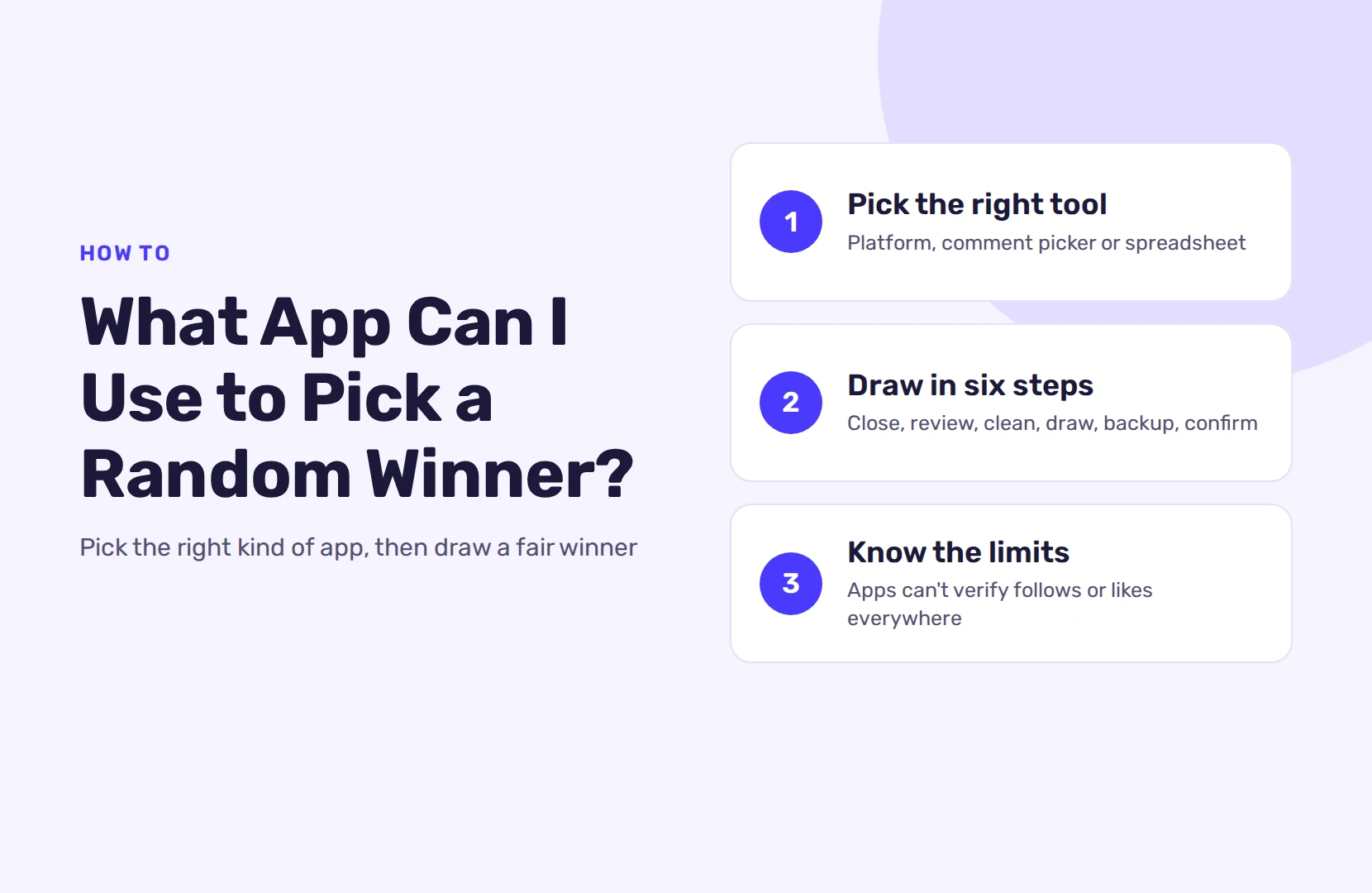
Use a giveaway app that collects the entries and draws the winner in the same place. SweepWidget does this: it has a built-in random winner picker that weights by entry points, offers 120+ entry methods, and you can also pick a winner manually or award the person with the most points using leaderboard mode. If your giveaway only lives in the comments of one post, a simpler comment picker can do the job. Below we cover which kind of app fits which situation and how to pick a random winner fairly.
Which kind of app fits which job?
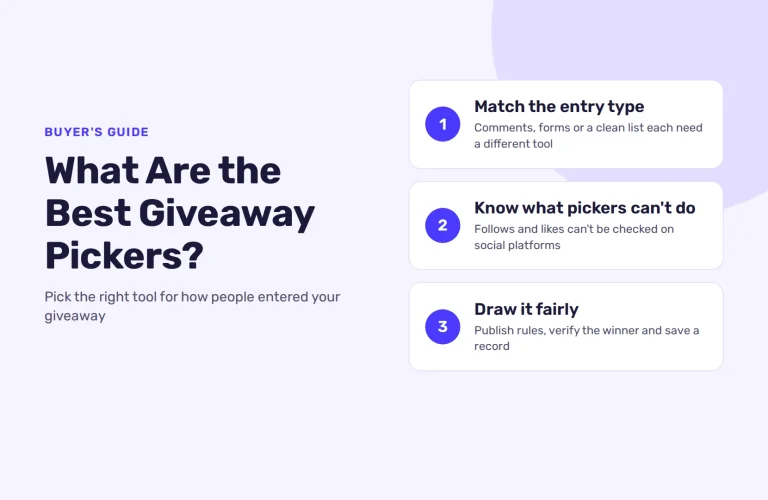
There are three common ways to draw a winner. They suit different giveaways.
Giveaway platform with a built-in picker
SweepWidget collects entries, tracks them, and draws the winner from the entrant list. The draw is weighted by entry points, so people who completed more entry methods have more chances.
Best for: giveaways with several entry methods, or where you want one record of who entered and how.
Comment or reaction picker
These tools pull comments or likes from a social post and draw one at random. They’re quick for a single-post giveaway.
Best for: a one-off “comment to win” post where you don’t need entry tracking or bonus entries.
Spreadsheet or random number generator
You paste names into a sheet, number them and draw. It’s free and flexible, but it’s manual. You also have to trust that the list is complete.
Best for: very small draws, such as an office raffle with a handful of names.
We make SweepWidget, so we only describe the other options in general terms here. Check any tool’s own page for its current features and limits.
How does SweepWidget pick a random winner?
SweepWidget has a built-in random winner picker weighted by entry points. You can also:
- Select a winner manually. Useful for judged or hand-checked contests.
- Use leaderboard mode. The person with the most points wins. Leaderboards need the Business plan or above.
- Export all entries to CSV. Review the entries before you draw. On Free, the details of only the first 10 entrants are filled in.
For photo and video contests you have a third route: pick the entry with the most votes in the gallery. Photo and video contests (uploads and voting) need Pro. You can also combine approaches, such as a “People’s Choice” prize for the most-voted submission and a separate random draw among all entrants.
The number of winners per giveaway depends on your plan:
| Plan | Price | Winners per giveaway |
| Free | $0 | 1 |
| Pro | $29/mo or $290/yr | 50 |
| Business | $59/mo or $590/yr | 250 |
| Premium | $119/mo or $1,190/yr | 1,000 |
| Enterprise | $249/mo or $2,490/yr | Unlimited |
These are list prices. Yearly billing is 12 months for the price of 10, about 17% off. See the full list on the SweepWidget pricing page.
How do you pick a random winner step by step?
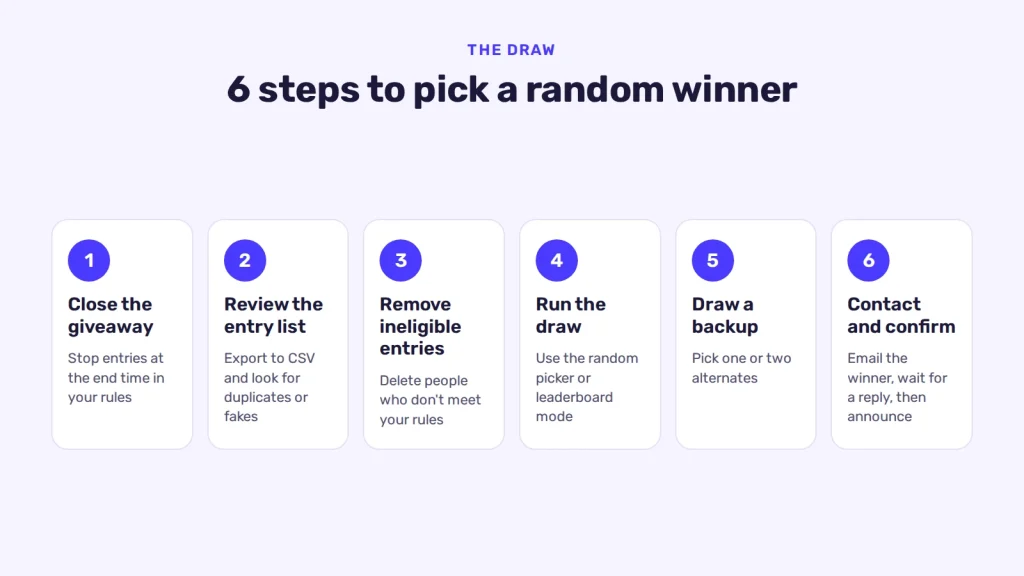
- Close the giveaway. Stop entries at the end time in your official rules. Don’t accept late entries.
- Review the entry list. Export the entries to CSV if you want to look for duplicates or obvious fakes before you draw.
- Remove ineligible entries. Delete anyone who doesn’t meet your rules, such as people outside the eligible region or under the age limit.
- Run the draw. Use the random winner picker. If you want points to decide it, use leaderboard mode instead. SweepWidget’s own guide on how to randomly pick a winner shows the exact screens. SweepWidget keeps only the current winners list, not a log of draws, so take a screenshot or screen recording of the draw if you want a record.
- Draw a backup. Pick one or two alternates in case the winner doesn’t reply or turns out to be ineligible.
- Contact and confirm. Email the winner, wait for a reply by your stated deadline, then announce.
If you’d rather choose by hand, here is how to manually pick a winner. For a plain name draw, see our post on the random name picker for raffles and giveaways.
What can an app not check for you?
Be clear about the limits before you promise anything.
- **Instagram, TikTok, X, Facebook and YouTube subscribe entries can’t be checked by outside tools. Those entries are taken on trust, so check the winner by hand before you announce.
- A random draw is only as fair as the list. If fake or duplicate entries are in the pool, they can win. Review the entry list before you draw.
- Weighted draws aren’t equal-odds draws. If someone asks why a person with more entries won, your rules should already say that bonus entries increase chances.
What should you check before you announce a winner?
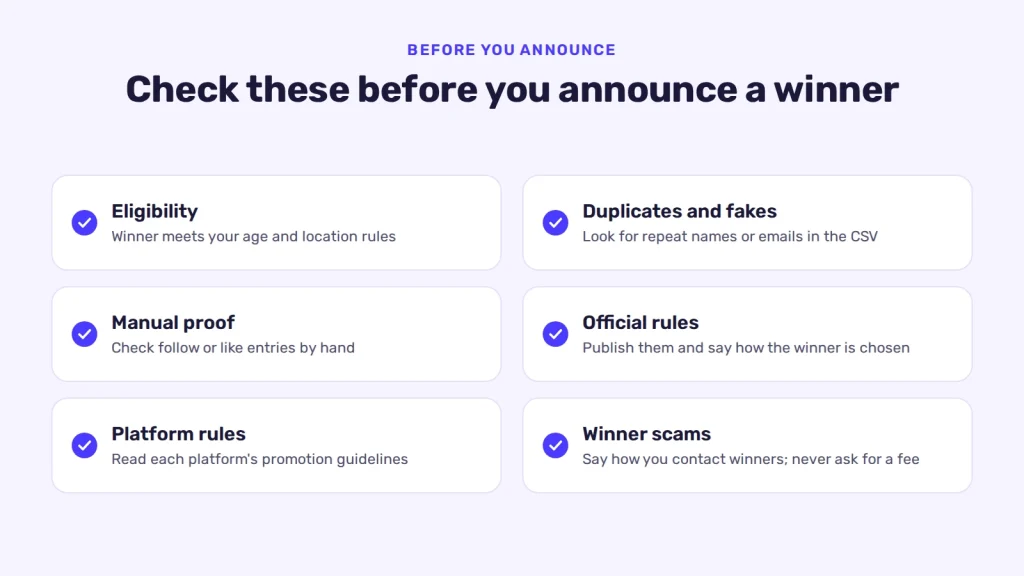
Use this checklist:
- Eligibility. Confirm the winner meets your age, location and other rules.
- Duplicates and fakes. Look through the CSV for repeat names or emails.
- Manual proof. For follow or like entries on platforms that can’t be verified, check the winner’s account yourself.
- Official rules. Publish them before the giveaway starts, and say how the winner is chosen. A short line like “winner chosen at random, weighted by entry points” is enough for the draw method. SweepWidget’s terms and conditions generator is on every plan and gives you a starting template; you stay responsible for your own rules.
- Platform rules. Each platform has its own promotion rules. On Facebook, a promotion on a Page, group or event must not require or incentivize people to share, repost, tag others or otherwise publicize it. Entrants must release Meta and hold it harmless, and acknowledge that Meta doesn’t sponsor or run the promotion. See our Facebook giveaway guide. On Instagram and other platforms, read the current promotion guidelines before you set entry methods.
- No purchase. In the US, the FTC says a sweepstakes that requires a purchase to enter is illegal. See No Purchase Necessary and sweepstakes vs contest vs lottery.
- Prize size. If the prizes total more than $5,000 and the promotion is tied to consumer products or services, you may have to register ahead of time with New York and Florida, and may need a bond or deposit.
- Paid partnerships. If an influencer or partner promotes the giveaway, they need to label it. See the FTC’s guidance on endorsements.
- Winner scams. Scammers copy giveaway posts and message fake “winners.” Say in your rules how you contact winners, and never ask a winner to pay a fee to receive a prize.
This is general information, not legal advice. Sweepstakes and contest rules vary by country and state, so check the official sources, and ask a lawyer if the prize is large, before you run a prize giveaway.
For more on the fairness side, read our post on how to pick a giveaway winner fairly.
When is a simple picker not enough?
A comment picker or spreadsheet is fine for a small, one-post giveaway. It starts to struggle when:
- You want people to earn extra entries for different actions.
- You need a record of every entry and a way to remove duplicates.
- You want to draw more than one winner or run a leaderboard.
- You want to export entrants to review them before you draw.
That’s where an app that handles entries and the draw together saves time. On the Free plan you get unlimited campaigns and unlimited entries, and you can view or download up to 10 entrants’ emails. Entrants’ emails are still collected in your SweepWidget dashboard. Free allows one winner per giveaway. Pro lets you view and download all entrants’ emails , connects to your email tool, adds the newsletter entry, refer-a-friend, secret code, file upload and photo and video contests (all locked on Free), and draws up to 50 winners. Fraud controls go further on higher plans: email verification code and geo-blocking are on Premium, and phone (SMS) verification is on Enterprise.
Ready to run your first giveaway?
Start free on SweepWidget and move to Pro when you want to view and download all your entrants’ emails and connect your email tool.
No credit card required
FAQ
SweepWidget has a built-in random winner picker that weights by entry points. You can also select a winner manually or use leaderboard mode.
Yes, depending on your plan. Free allows 1 winner per giveaway, Pro 50, Business 250, Premium 1,000, and Enterprise is unlimited.
It’s fair if the entry list is clean and your rules say how the draw works. Review the entries before you draw, and note that SweepWidget’s picker is weighted by entry points, so more entries mean better odds.
Not on every platform. Instagram, TikTok, X and Facebook entries can’t be checked by outside tools, so those entries rely on trust. Check the winner’s account by hand before you announce.
Set a reply deadline in your rules, then move to the backup winner you drew. Pick one or two alternates at the time of the draw so you don’t have to redraw.