What Are the Best Giveaway Pickers?
The best giveaway pickers depend on how people entered. If entries came through a form, bonus actions or referrals, use a giveaway platform like SweepWidget that tracks entries and draws the winner in one place. If people just commented on a post, a comment picker is enough. If you already have a clean list, a basic random draw works.
This article groups pickers by the job they do. It also covers what each can’t do and how to keep the draw fair. We make SweepWidget, so for other kinds of tools we only describe what the category is known for.
What kinds of giveaway pickers are there?
There are three kinds. They differ in where the entries come from.
| Kind | Where entries come from | Best for |
| Hosted giveaway platform | Entries collected inside the tool | Giveaways with several entry actions, emails or fraud risk |
| Comment picker | Comments on a social post | Simple “comment to enter” giveaways |
| Random draw from a list | A spreadsheet you built | Small draws with an already-clean list |
Which picker works for a giveaway with many entry actions?
SweepWidget is a hosted giveaway platform. Entrants enter on a page or widget you share, and SweepWidget counts the entries and keeps the winners list. Winners are picked with a built-in random picker, weighted by points, or by leaderboard rank. The draw happens in the same place the entries were counted, so there’s no export-and-paste step to get wrong.
What that gives you:
- Unlimited campaigns and unlimited entries on every plan, Free included. SweepWidget has 120+ entry methods. On Free you can view or download only the first 10 entrants’ emails, though emails are still collected in your SweepWidget dashboard. Pro lets you view and download all of them.
- Multiple winners by plan. Free draws 1 winner per giveaway, Pro 50, Business 250, Premium 1,000 and Enterprise unlimited.
- Leaderboards on the Business plan and above, if you’d rather pick the top scorer than draw at random.
- Fraud controls. Email verification code and geo-blocking are on the Premium plan, and phone (SMS) verification is on Enterprise. See pricing for the full plan list.
- What Free leaves out. The newsletter signup entry and email integrations, photo and video contests, and the refer-a-friend, secret code, file upload and purchase entries need Pro or are locked on Free.
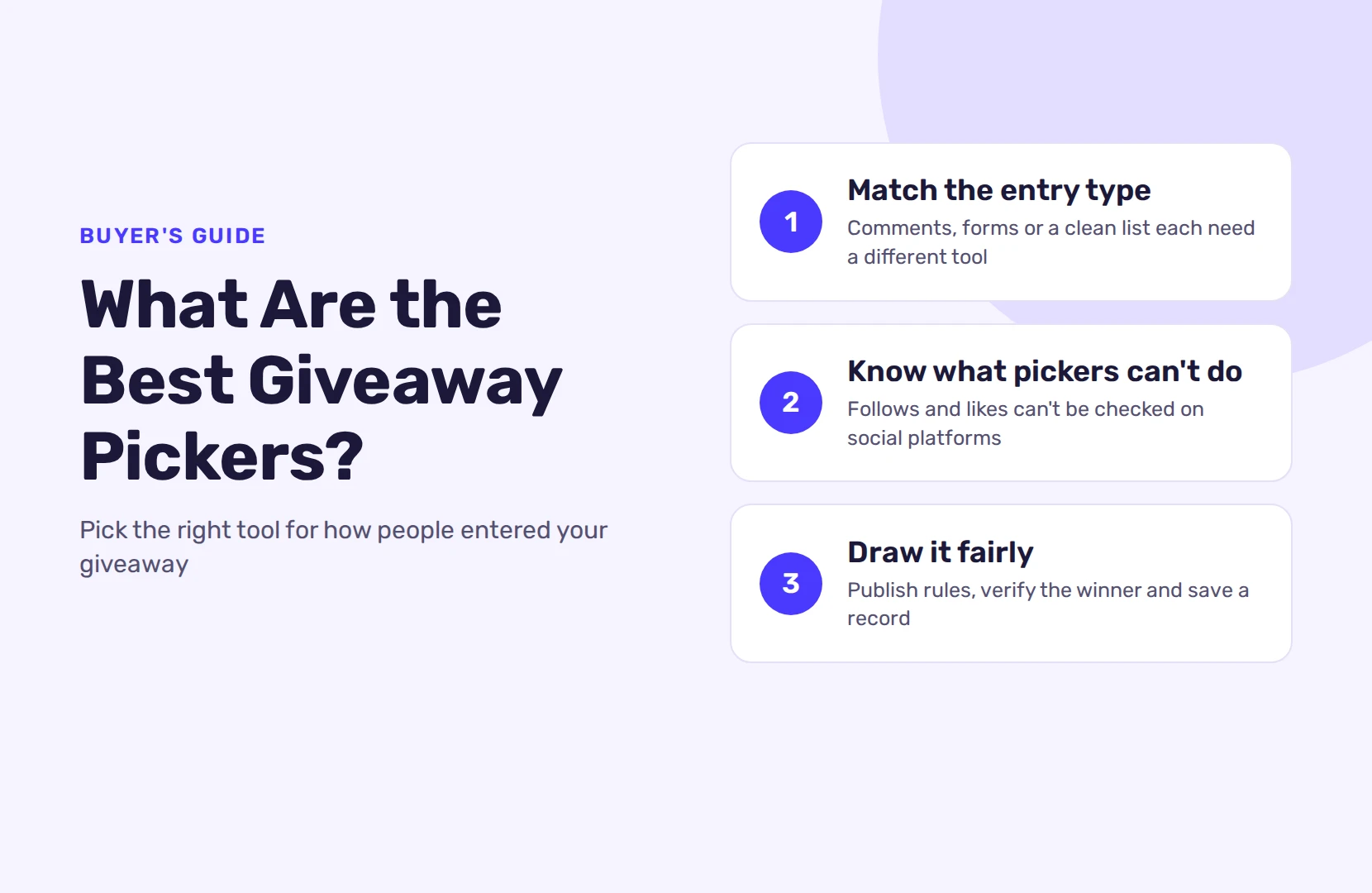
Limits to know: Instagram, Facebook and TikTok don’t let outside tools check follows or likes. Those entries are taken on trust, so check the winner by hand before you announce them.
Best for: giveaways that collect emails, reward several actions or need protection from fake entries.
Which picker works for “comment to win” giveaways?
Comment pickers pull the comments from a post and choose one at random. They’re quick, and many have filters for required hashtags or one entry per person. This category tends to be what people mean when they search for a “giveaway bot.”
Where comment pickers stop:
- They only see comments, so you can’t reward other actions or capture emails.
- They can’t tell a real account from a fake one.
- Rules like “follow us” can’t be checked by the picker.
For platform-specific steps, read How to Pick a Winner From Facebook Comments or How to Pick a Winner on X (Twitter). Not sure whether you need a comment giveaway or a hosted one? See Comment Giveaway or Hosted Giveaway.
Best for: a one-off post where a comment is the only way to enter.
When is a random draw from a list enough?
If you already have a clean list of eligible entrants, a spreadsheet or random-number tool will draw a name. That’s fine for a small, low-stakes draw. But it does nothing about duplicates, ineligible entrants or proof of how the draw happened. You have to handle those yourself.
Best for: small draws from a list you’ve already checked.
How do you choose a giveaway picker?
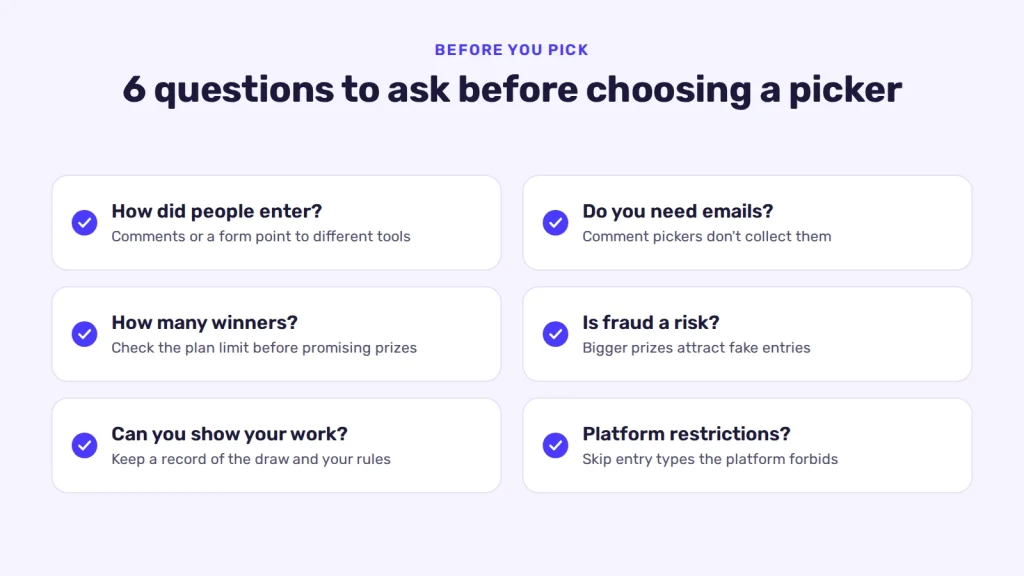
Answer these before you pick a tool:
- How did people enter? Comments only points to a comment picker. Several actions or a form points to a platform.
- Do you need emails? Comment pickers don’t collect them. A platform does.
- How many winners? Check the plan limit before you promise a number of prizes.
- Is fraud a risk? Bigger prizes attract fake entries. Look for verification options.
- Can you show your work? Keep your rules and a screenshot or screen recording of the draw.
- Are there platform restrictions? Skip entry types the platform forbids (see below).
Our pick
If your giveaway is more than one comment on one post, we’d start with SweepWidget. It keeps entries and the draw together, and the Free plan lets you try it with no credit card. If it really is just a comment contest, a comment picker is the lighter choice. Whichever you use, check your winner by hand.
What should you do before you draw?
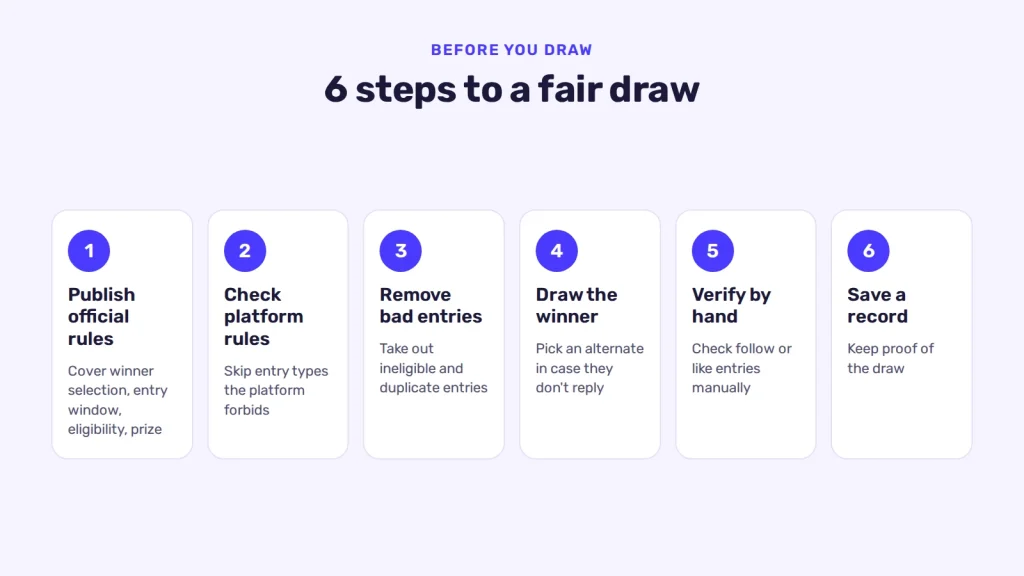
Follow these steps in order:
- Publish official rules. Say how winners are chosen, the entry window, eligibility and the prize. SweepWidget’s free template can help.
- Check platform rules. On Facebook, Meta says a promotion on a Page, group or event must not require or incentivize people to share, repost, tag others or otherwise publicize it. Entrants must release Meta and hold it harmless, and acknowledge that Meta doesn’t sponsor or run the promotion. Skip those entry types there. See the Facebook giveaway guide.
- Remove ineligible and duplicate entries.
- Draw the winner, and pick an alternate in case they don’t reply.
- Verify the winner by hand, especially for follow or like entries that can’t be checked automatically.
- Save a record of the draw, such as a screenshot or screen recording.
For more on getting the draw right, see Comment Giveaway or Hosted Giveaway.
What about disclosures and winner scams?
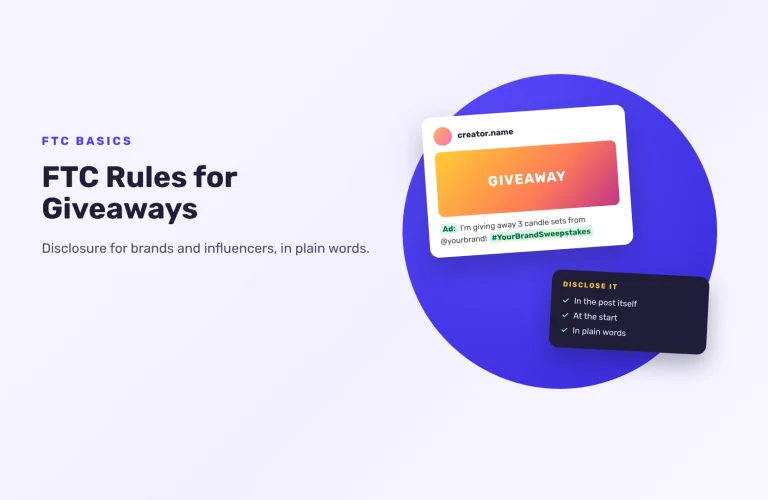
If a brand gave you the prize or you’re paid to promote the giveaway, label it as a paid partnership. The FTC explains how in its disclosure guidance. Also, in the US the FTC says a sweepstakes that requires a purchase to enter is illegal; see No Purchase Necessary and Sweepstakes vs Contest vs Lottery. If the prizes total more than $5,000 and the promotion is tied to consumer products or services, you may have to register ahead of time with New York and Florida, and may need a bond or deposit. This is general information, not legal advice. Ask a lawyer if the prize is large. Contest and sweepstakes rules vary by country and state.
When you contact a winner by message, tell entrants in your rules how that will happen. Scammers often pose as giveaway hosts and message people who didn’t win. Never ask a winner to pay a fee to claim a prize, and announce winners publicly so entrants know the real process.
Ready to run your first giveaway?
Start free on SweepWidget and move to Pro when you want to view and download all your entrants’ emails and connect your email tool.
No credit card required
FAQ
It depends on how people entered. SweepWidget’s Free plan has unlimited campaigns and unlimited entries and draws 1 winner per giveaway. For comment-only giveaways, a free comment picker may be enough.
“Giveaway bot” can mean a picker or a bot that enters contests automatically. Pickers are fine if you check the winner. Bot entries are a fraud problem, so use verification and review winners before announcing.
Not on Instagram, Facebook or TikTok. They don’t let outside tools check follows or likes, so those entries rely on trust. Check the winner by hand.
On SweepWidget it depends on your plan: 1 on Free, 50 on Pro, 250 on Business, 1,000 on Premium and unlimited on Enterprise.
Yes, it’s good practice. Rules tell entrants how winners are chosen and protect you if someone questions the draw. Check local requirements, as they vary.