Unlimited Entry Giveaway Generator: How to Set One Up
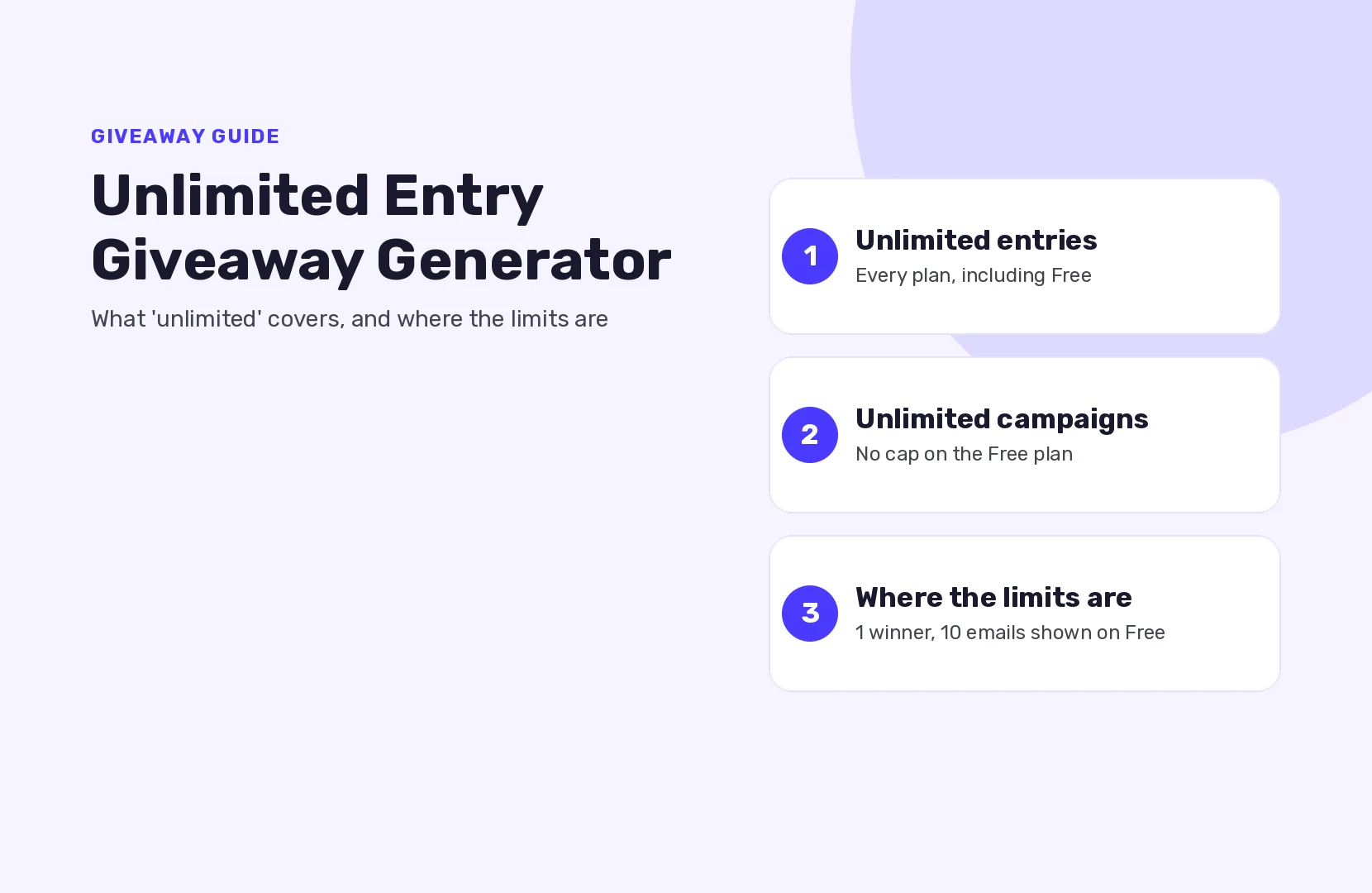
SweepWidget is an unlimited entry giveaway generator: every plan, including Free, takes unlimited entries, so a busy giveaway never gets cut off. The Free plan also gives you unlimited campaigns, and you can view or download up to 10 entrants’ emails. Paid plans change other things: how many winners you can draw, how many emails you can see, and which protection and branding features you get.
This guide covers what “unlimited” means, how to set up a giveaway, how to keep entries clean, and where the limits are.
What does “unlimited entry” actually mean?
It can mean three different things, and only some of them are limits you’ll hit:
- Unlimited entries in total. No plan caps how many people can enter your giveaway. This is true on every SweepWidget plan.
- Unlimited campaigns. The Free plan has no cap on how many giveaways you run.
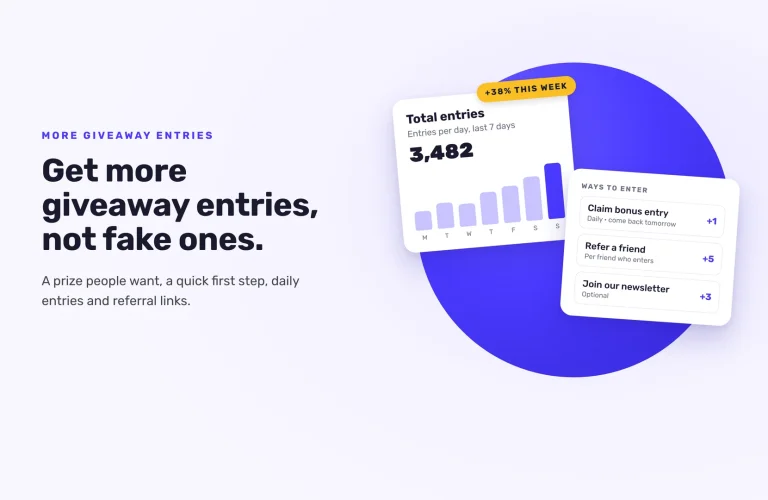
- Unlimited ways to earn entries. Entrants can earn extra entries through actions you choose, such as following an account, subscribing to a newsletter or referring friends.
The limits are elsewhere. Free lets you view or download up to 10 entrants’ emails, and it allows one winner per giveaway. If you want all entrants’ emails and more winners, you need a paid plan (see the table below).
Is a giveaway generator the same as a giveaway bot?
No. A generator builds the giveaway: the entry form, the entry actions, the rules and the winner draw. A “giveaway bot” is what people often search for when they want something that picks a winner from comments or enters contests automatically.
A bot that enters contests on someone’s behalf usually breaks the rules of the platform and the giveaway, and SweepWidget isn’t built for that. It’s built for the host. It also helps you block fake entries, which is a different job from creating them.
How do you set up an unlimited entry giveaway?
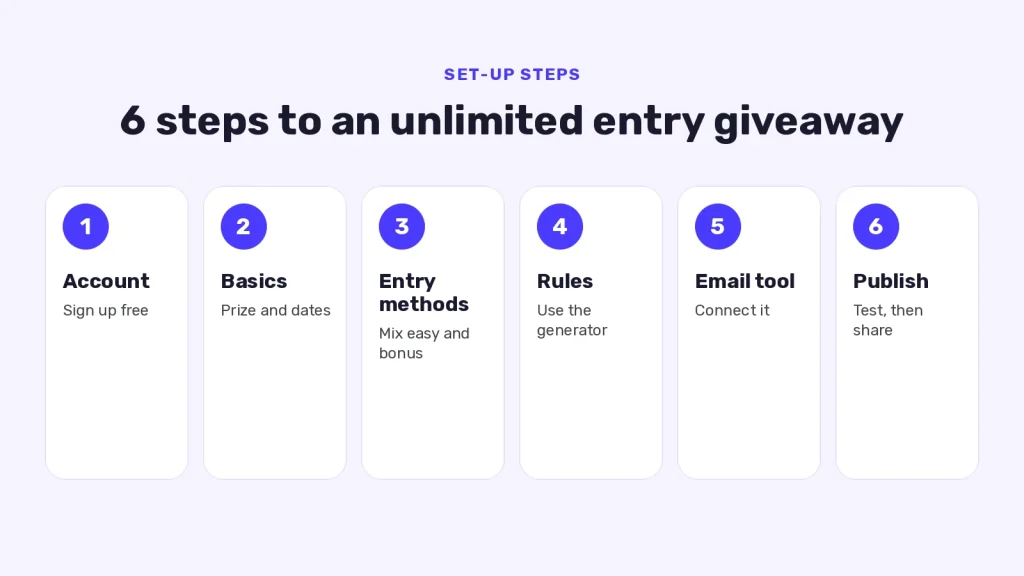
- Create a free account. Sign up for the Free plan. No credit card is needed.
- Add the basics. Name your giveaway, set the prize, and choose start and end dates and your time zone.
- Add entry methods. Open the Entry Methods tab and add the actions you want. Mix easy ones (an email signup) with optional bonus ones (following an account, referring friends). Giveaways with more entry methods tend to attract more entrants. SweepWidget’s own figures across 70,000+ giveaways show contests with 5 or more entry methods averaging 787 entrants, against 163 for single-method giveaways. That is an average across many giveaways, not a promise for yours.
- Write your rules. On the Basic Info tab, scroll to Update terms and conditions, then click Terms and conditions generator. Fill in your company details, minimum age, eligible countries, prizes and contact email. The dates and time zone come from your schedule. The rules open with a “no purchase is necessary to enter or win” statement. Edit them freely.
- Connect your email tool. If you want entrants to land in your list, set up one of the 30+ CRM and email integrations (Pro and above). The Subscribe to Newsletter entry method syncs new subscribers straight to your email platform.
- Preview, then publish. Test the entry flow yourself, from a phone as well as a laptop, before you share the link.
Which entry methods should you add?
Pick actions that match your goal, not every action available.
- Email list growth: an email signup as the main entry, plus a newsletter subscription as a bonus.
- Social following: one follow entry per platform you want to grow, such as YouTube subscribe or Instagram follow.
- Reach: a Refer-A-Friend entry. Referrals are unlimited per link unless you set a cap. To cap them, tick “Limit how many friends each user is allowed to refer?” and enter a maximum. Capping referrals needs the Business plan or above.
Platform rules matter here. Instagram, Facebook and TikTok don’t let outside tools check follows or likes. Those entries are taken on trust, so check the winner by hand before you announce them. On Facebook (Meta), don’t reward sharing, tagging or inviting on a Page or group. Leave those entry types out of any giveaway you promote there. Meta’s policy also asks you to have entrants release Meta from liability. Check each platform’s current promotion rules before you launch.
For platform-specific walkthroughs, see our guides to running an Instagram giveaway and running a YouTube giveaway.
How do you keep unlimited entries clean?
More entries means more chances for fake ones. Build in some friction:
- Use verification where it fits. Email verification needs the Premium plan or above. Phone verification needs Enterprise.
- Review entries. You can moderate entries, and disqualify and delete the ones that don’t belong.
- Choose actions that SweepWidget can check. Some entry actions can be verified through an API and others are taken on trust. Treat the unverified ones as a claim, not proof.
SweepWidget also includes settings against VPN use, repeated entries from one IP address, and reCAPTCHA. VPN blocking and per-IP entry limits are on the Pro plan and above. Check the pricing plan comparison for the full list of protection settings by plan.
How do you pick a winner?
Once the giveaway ends, you can draw randomly or pick manually. Read the step-by-step in how to randomly pick a winner. Winners per giveaway depend on your plan:
| Plan | Monthly | Yearly | Winners per giveaway |
| Free | $0 | – | 1 |
| Pro | $29/mo | $290/yr | 50 |
| Business | $59/mo | $590/yr | 250 |
| Premium | $119/mo | $1,190/yr | 1,000 |
| Enterprise | $249/mo | $2,490/yr | Unlimited |
Yearly billing is 12 months for the price of 10, about 17% off. Pro and above give you all entrants’ emails. Prices are standard list prices from the pricing page on 24 Nov 2026; sales and first-year offers may differ.
What do you need to do before you launch?
Use this checklist:
- Publish official rules. Show them inside the giveaway. Include eligibility, entry period, prizes, odds, how the winner is chosen, and who the sponsor is. The generator gives you a starting point, but it isn’t legal advice. Check the result with a legal professional for your location. A giveaway must be free to enter, so include a clear “no purchase necessary” statement; the generator adds one. If you give extra entries for purchases, keep a free way to enter with the same odds. In the US, New York and Florida require registration for prizes over $5,000 in total. Our guide to FTC rules for giveaways explains why.
- Follow each platform’s promotion rules. Instagram, Facebook, TikTok and YouTube each have their own. Don’t ask people to do something the platform forbids.
- Label paid partnerships. If an influencer promotes your giveaway, they need to disclose it. The FTC explains how in Disclosures 101 for Social Media Influencers.
- Warn winners about scams. Fake “winner” messages are common. Tell people where you’ll announce winners, say you’ll never ask for payment or card details, and contact winners only from your official accounts.
- Test the flow. Enter your own giveaway once, from a new device.
This is general information, not legal advice.
When is a free unlimited giveaway not enough?
The Free plan works for a first giveaway or a small one. You’ll want to move up when:
- You need more than one winner. Free allows 1. Pro allows 50.
- You want your full entrant list. Free shows up to 10 entrants’ emails. Pro and above show all of them.
- You need your own look. Custom styling and branding start on Pro. Removing SweepWidget branding needs Premium or above.
- You run giveaways for more than one brand. Pro includes 1 brand, Business 2, Premium 3 and Enterprise 5.
- You need stronger entry checks. Email verification starts on Premium and phone verification on Enterprise.
If you downgrade, your giveaways keep running but follow the new plan’s limits, and features that aren’t included stop working. Nothing is deleted.
Ready to run your first giveaway?
Start free on SweepWidget and move to a paid plan when you want to view and download all your entrants’ emails and use fraud controls such as VPN blocking and IP limits.
No credit card required
FAQ
Yes. The Free plan has unlimited campaigns and unlimited entries. The limits are 1 winner per giveaway and up to 10 entrants’ emails visible or downloadable.
Entries come from the actions you add, so you control the entry methods. For referrals, capping how many friends each person can refer needs the Business plan or above. Leave the limit off for unlimited referrals.
Yes. Publish rules wherever you run a giveaway. The Terms and conditions generator on the Basic Info tab gives you a draft you can edit. Have a legal professional check them for your location.
Yes, but follow each platform’s rules. Outside tools can’t verify follows or likes there, so check the winner by hand. On Facebook, don’t reward sharing, tagging or inviting.
Every entry captures an email address. Free plan lets you view or download up to 10. Pro plan and above give you all entrants’ emails, and 30+ CRM and email integrations can sync new subscribers to your list.