How to Run a Leaderboard Contest (Points, Prizes and Fair Play)
To run a leaderboard contest, decide what earns points, show everyone their rank while the contest runs, and say up front how winners are chosen: the top spots, a random draw weighted by points, or both. Then check the top entries before you award anything, because the people at the top are the ones most worth checking.
A leaderboard turns a giveaway into a race. That’s great for engagement, as long as the race feels fair. Here’s how to set one up.
What is a leaderboard contest?
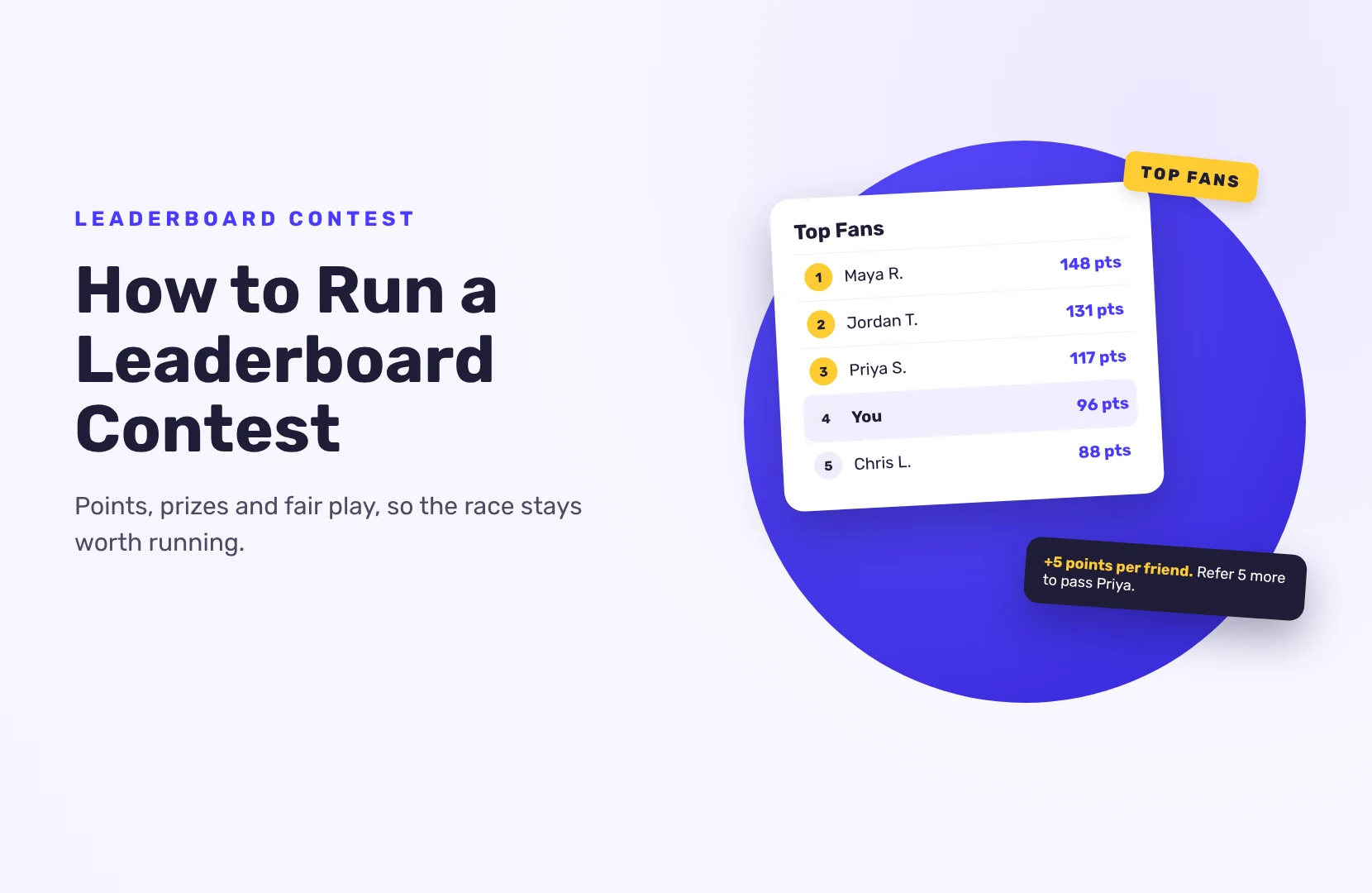
It’s a contest where people earn points for actions (entering, sharing, following, buying) and a public ranking shows who’s ahead. The ranking itself is the motivation: people do one more action to move up a place.
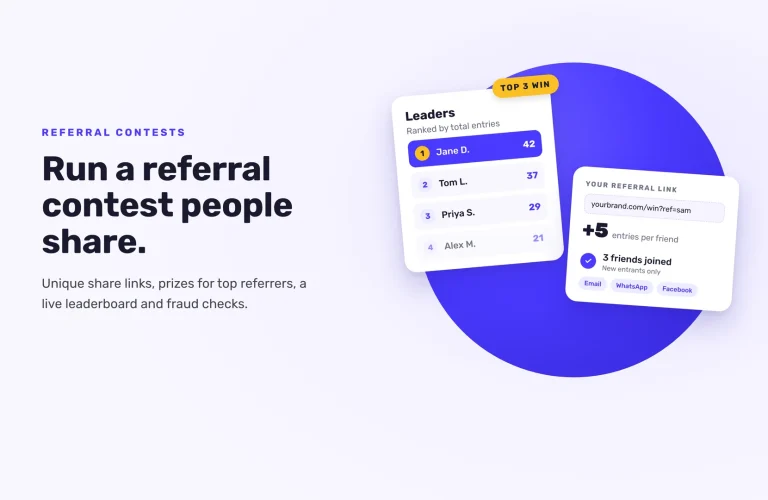
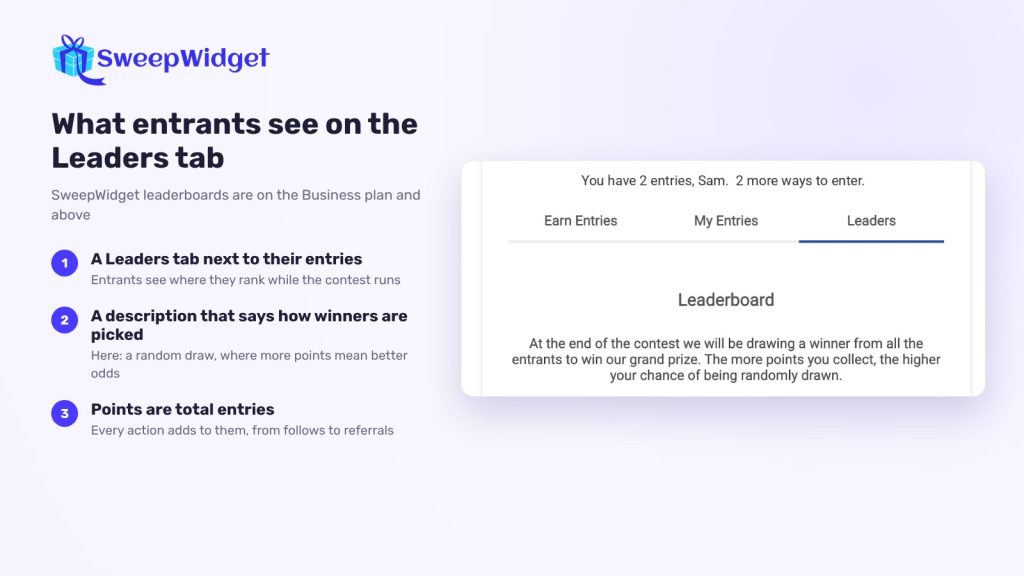
In SweepWidget, the points are the entrant’s total entries. Every entry action adds to it: a follow, a newsletter signup, a referral, a daily bonus. The leaderboard is available on the Business plan and above.
Step 1: Decide how winners are chosen
Do this first, because it changes everything else. You have three options:
- Top spots win. First place gets the grand prize, second gets the next one, and so on. It’s the most motivating for competitive people, and it’s the one most worth checking for cheating.
- Weighted random draw. More points mean better odds, but anyone can win. The leaderboard shows who has the best chances. This keeps casual entrants interested.
- Both. Prizes for the top three, plus a random draw for everyone else.
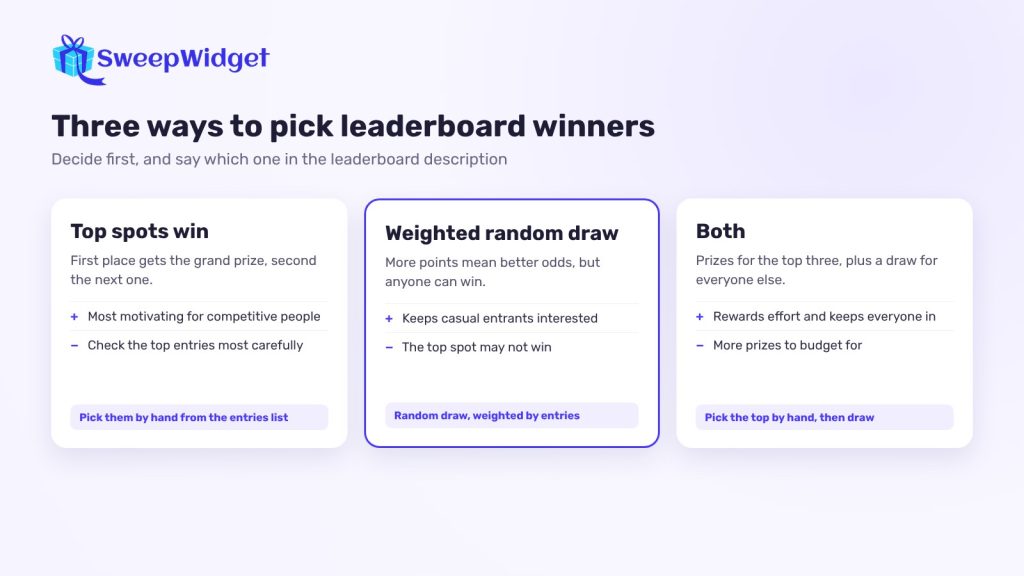
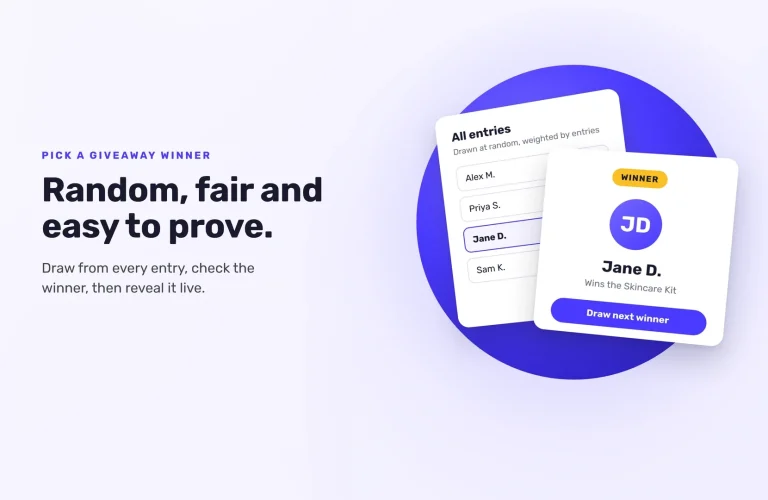
The leaderboard doesn’t pick winners on its own. In SweepWidget, you either pick the top entrants by hand from the entries list, or run a random draw, which is weighted by entries. Whichever you choose, write it in the leaderboard description, in a sentence or two.
Step 2: Decide what earns points
Give more points for the actions that matter most to you:
- Referrals. Each entrant gets a link and earns entries when a friend enters through it. This is what makes leaderboard contests spread. Referral links are on the Pro plan and above. For a contest built around referrals, see how to run a referral contest.
- High-value actions. A newsletter signup or a YouTube subscribe can be worth more entries than a page visit.
- Daily actions. A bonus action with Allow daily re-entry gives people a reason to return, and keeps the race moving.
- Purchases. In a store contest, entries for every dollar spent turn the leaderboard into a sales tool. Keep a free way to earn points too.
Keep it simple enough to explain in one line. “Get 5 points for every friend who enters, 1 point a day for checking in” works. A table of 15 point values doesn’t.
Step 3: Turn on the leaderboard
In the giveaway builder, open the Leaderboard & Instant Coupons tab and tick Add a leaderboard. Then set:
- Header. “Leaderboard”, or something on-theme like “Top Fans”.
- Description. How points work and how winners are chosen.
- Number of leaders to show, up to 500. Ten makes the race at the top tight. Fifty or more gives more people a reason to keep going.
- Name format. Full name, first name and last initial, first initial and last name, or anonymous (“1st place user”). For consumer contests, first name and last initial is a good balance.
Entrants see a Leaders tab next to their own entries.
Step 4: Give everyone something to aim for
A leaderboard has a weakness: once the top spots are out of reach, everyone below stops trying. Fix it with rewards that don’t depend on rank:
- Tiered rewards (Business plan and above). Prizes or coupons unlock when someone reaches a set number of entries, like a discount at 10 entries and free shipping at 25. Everyone who reaches the target gets it.
- A random draw for a prize among everyone below the top spots. When you draw, you can set a maximum number of entries so only smaller players are included. Say so in your rules.
- A minimum to win. Set a minimum number of entries for the main draw, so the prize goes to someone who took part properly.
Step 5: Keep it fair
Leaderboards reward effort, so they also reward cheating. Set up the protections before launch:
- Referral limits. SweepWidget gives each referrer credit for up to 25 referrals per hour and 200 per 24 hours in a giveaway. The friend still gets their entry. Nobody gets credit for referring their own account.
- Cap referrals or require real friends (Business plan and above). Set a maximum number of referrals per person (not available with purchase entries), or only give credit once the friend has earned a set number of entries themselves.
- Security level Standard or higher. From Standard up, device fingerprinting helps catch bots and repeat entries. Disposable email addresses are blocked on every giveaway.
- Block VPNs in the security settings.
Step 6: Keep the race visible
Post the leaderboard (or a screenshot) mid-way through. Shout out climbers. Announce “48 hours left” before the end. A race nobody watches isn’t a race.
Run it for one to two weeks. Longer contests let the leaders pull too far ahead.
Step 7: Check the top before you award prizes
Before announcing winners, open each top entrant in Manage Entries and look at all their entries:
- Do their referrals look like real people, or a run of similar names and emails?
- Did they do the actions they claim, especially on platforms where actions are taken on trust?
- Does anything look off compared with everyone else?
Disqualify anyone who broke the rules, and say so in your rules from the start. Then award the prizes, contact the winners and announce them. For how to check winners and show the draw was fair, see how to pick a giveaway winner fairly.
Leaderboards for teams and events
Leaderboard contests also work for closed groups, like a sales team, a class or event attendees:
- Only allow specific emails to enter, so just your group can take part. (Premium plan and above)
- Add points for offline actions by opening someone’s entries and using Add Entries.
- Upload entries in bulk from a CSV with an entry amount for each person (Premium plan and above).
Want a contest ranked by votes instead?
If the ranking should come from public votes on photos or videos rather than points, that’s a photo contest, not a leaderboard contest. See how photo voting contests work.
FAQ
No. You decide how winners are chosen and say so in the description. Pick the top entrants yourself, run a random draw weighted by points, or do both.
Each entrant’s total entries, from every action they’ve done, including referrals, daily bonuses and purchases.
Ten for a tight race at the top, 25 to 50 for medium contests, more if you want lots of people to see themselves on it. The maximum is 500.
Use the built-in referral limits, cap referrals per person, keep security at Standard or higher, block VPNs, and check the top entries by hand before awarding prizes.
Decide in advance and write it in your rules, for example a random draw between the tied entrants, or a shared prize.