How to Pick a Winner From Instagram Comments (Fairly, in a Few Minutes)
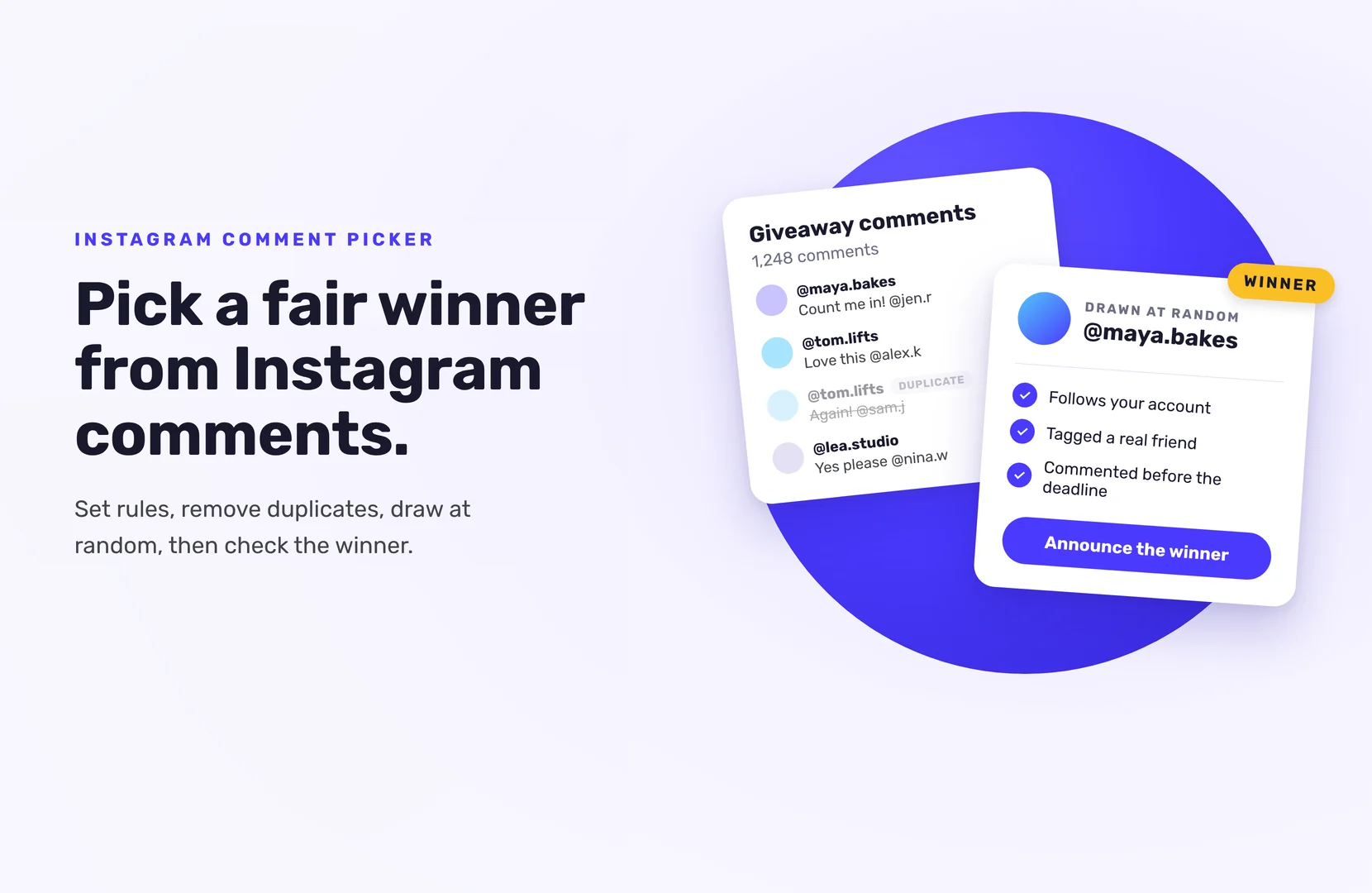
To pick a winner from Instagram comments, export every comment on your giveaway post with an Instagram comment picker, remove duplicates and entries that break your rules, then draw one at random. Check the winner’s profile before you announce them.
It takes a few minutes. Most of the work is setting clear rules before the post goes live, so the draw is easy to defend afterwards.
Before you post: set rules a comment picker can follow
A comment picker can only be as fair as your rules. Decide these before you publish:
- What counts as an entry. One comment? A comment that tags a friend? Each tag as a separate entry?
- Whether repeat comments count. Most giveaways allow one entry per person. Say so.
- The end date and time, with time zone. Comments after the deadline don’t count.
- Who can enter. For example, age and country.
- What else is required. If entrants must follow your account, say it, and plan to check it on the winner.
Put the short version in your caption and the full version in your official rules.
How to pick a winner from Instagram comments, step by step
- Wait for the deadline. Don’t draw while comments are still coming in.
- Load the post into a comment picker. Paste the post link, or connect your Instagram business or creator account, depending on the tool.
- Apply your filters. Typical options: remove duplicate users, require a mention (tag), exclude your own account and team accounts.
- Draw the winner at random. Record your screen while you do it.
- Check the winner. Open their profile. Did they follow you, tag a real friend, and meet your rules? If not, draw again.
- Announce and contact. Reply on the post or in your stories, and send a direct message with a reply deadline.
How to check an Instagram winner
No tool can confirm automatically that someone followed your account or liked your post, because Instagram’s API doesn’t allow it. That’s true for comment pickers and for full giveaway platforms alike.
So check the winner by hand:
- They follow your account (if your rules required it).
- The friends they tagged look like real accounts, not empty or throwaway profiles.
- Their comment was posted before the deadline.
- They meet your eligibility rules.
You only do this for the winner, so it’s quick. If they don’t qualify, disqualify them and draw again.
What to look for in an Instagram comment picker
- Duplicate removal, so one person posting 50 comments doesn’t get 50 chances (unless your rules allow it).
- Mention filters, for “tag a friend” giveaways.
- A record of the draw, like a results page or certificate you can share.
- Comment limits. Free plans often cap how many comments they load. Check the cap is above your comment count, or you’re not drawing from everyone.
When comments aren’t enough: run a hosted giveaway
Comment giveaways are simple, but they have limits. You get a winner, not an email list. Entrants can only do one thing: comment. And everyone who enters stays inside Instagram.
A hosted giveaway gives you more:
- More ways to enter. With SweepWidget, entrants can follow you, like or repost a post, tag a friend in the comments of a post you choose, and submit their own post, each for extra entries.
- Entries from other platforms. Add a Discord join or a Twitch follow, which SweepWidget can check automatically on paid plans.
- Their email address. Every entrant gives one, so you can stay in touch after the giveaway.
- A built-in random draw. Pick winners from all entries, with optional minimum entry requirements, then check the winner’s Instagram actions by hand.
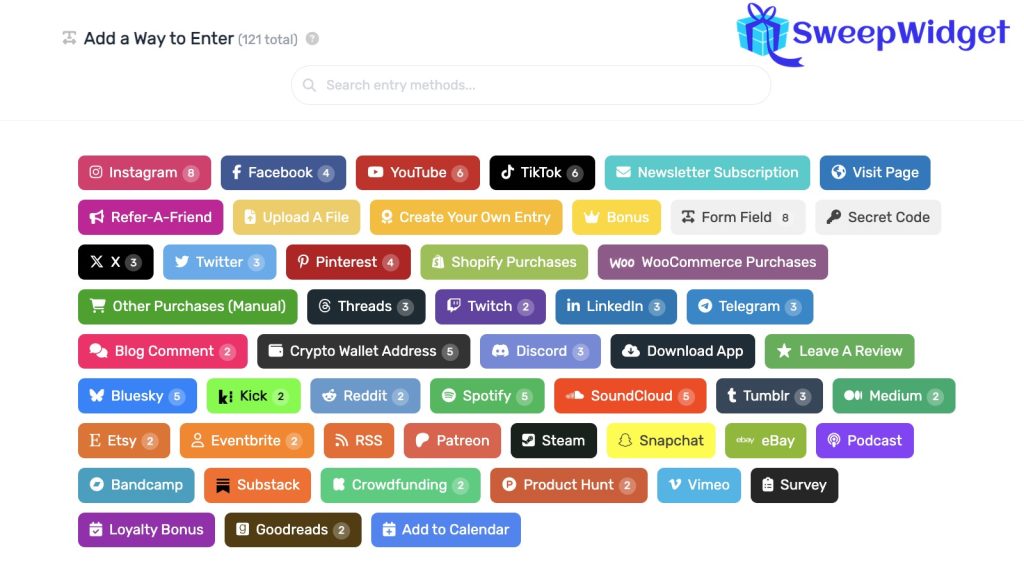
For Instagram actions, entrants confirm the username they used, and you verify the winner before announcing. Same check as a comment giveaway, with a lot more to show for it.
Ready to try it? Run your next Instagram giveaway free, or see how SweepWidget picks a random winner.
FAQ
Yes, several tools have free plans. They usually limit how many comments they load, so check the limit is higher than the number of comments on your post.
No. Instagram doesn’t let outside tools check follows or likes. Check the winner’s profile yourself before announcing.
Only if your rules say so. Most giveaways count one entry per person, and most pickers can remove duplicates.
Record your screen while you draw, and announce when and how the winner was picked. Some tools also give you a shareable results page.
Some comment pickers support this. In a hosted giveaway, you can add a “comment on a post” entry action for each post, all in one draw. Entrants confirm their username, and you check the winner’s comment by hand.