
How To Export Entries From Your Giveaway Into A CSV File
Follow these steps to export entries from your giveaway as a CSV file.
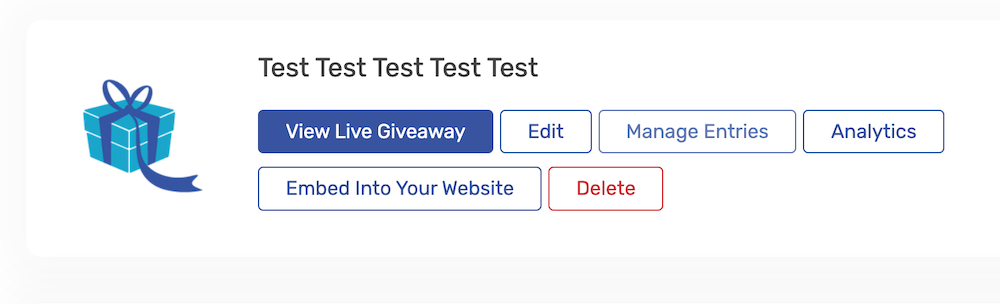
Export users, entries or winners
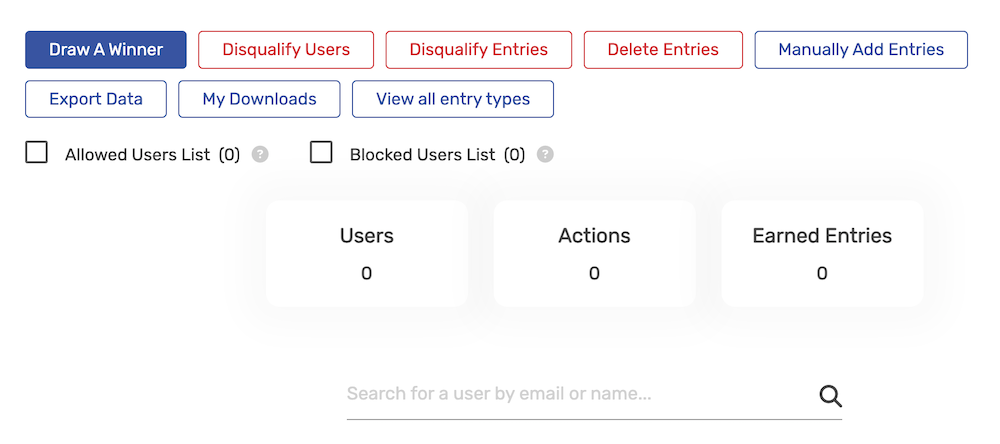
- From your account, go to Manage Entries for the giveaway
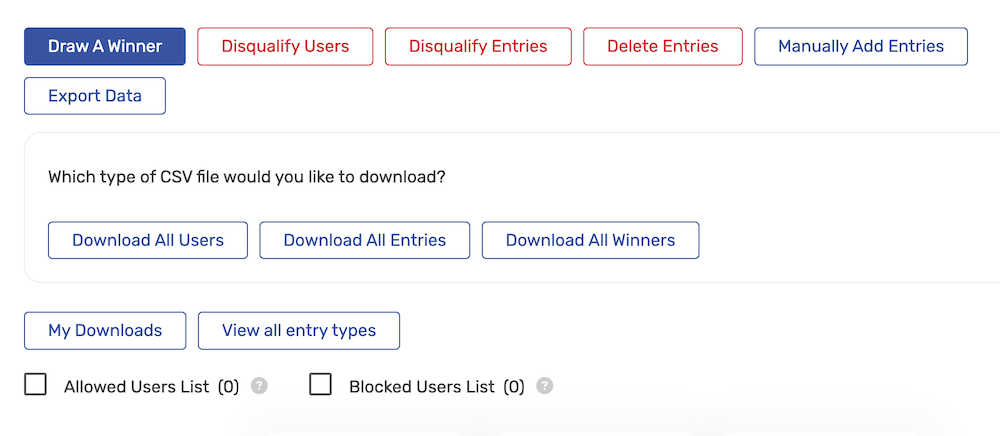
- Click Download CSV File
- Click one of:
- Download All Users – each unique participant with all login fields
- Download All Entries – every entry method completed by every participant
- Download All Winners – each winner with all login fields
- SweepWidget builds the file and emails a download link to your account email within 5-10 minutes. Check spam if it doesn’t arrive.
- You are taken to the CSV Downloads page, where the file appears when it is ready. You can open this page any time with View Downloads.
Other exports
- One entry method – click View all entry types, choose the entry method, then click Download Entries.
- Earned coupon codes – click View Earned Coupons (shown when locked prizes or coupons are on), then Export To CSV.
- Uploaded photos and videos – click Download All Files (N) for a ZIP. This button appears only when your giveaway has uploads. One ZIP holds up to 500 files or 2 GB.
All of these are emailed to you and listed on the CSV Downloads page.
Export File Management
- Exports run in the background, so you can keep working
- Only one export per giveaway runs at a time
- The link in the email expires after 7 days. The CSV Downloads page creates a new link each time you open it.
- You can export again at any time to get the latest data
Free plan
On the Free plan, every row is exported, but after the first 10 rows names show “Upgrade to view” and emails are partly hidden. Upgrade to Pro or higher for full data.