
Add Multiple Prizes To Your Giveaway
With SweepWidget, you can add one or more prizes to the same giveaway. You can also assign multiple winners to the same prize.
Adding your prizes
Prizes are on the Basic Info tab of a giveaway (the Entry Form Info tab of a photo contest). For each prize, fill in:
- Prize name
- # of Winners – how many people can win this prize
- Value and Currency

Click + Add another prize to add more. Once you have more than one prize, drag the handle on each prize card to re-order them.

Your plan limits the total number of winners across all prizes in one giveaway: Free 1, Pro 50, Business 250, Premium 1,000, Enterprise unlimited. The counter under the prizes shows how many you have used.
Picking your winner
You can randomly or manually select winners. While picking, choose the prize under What prize would you like to allocate to the winner/s?. Each prize shows how many places are left, e.g. “Grand Prize (2/3 left)”. If a prize runs out during a draw, only the remaining places are filled.

Once your winners have been chosen, you can view their details on the Winners page (Manage Entries > View Winners).

Display the winners in your widget
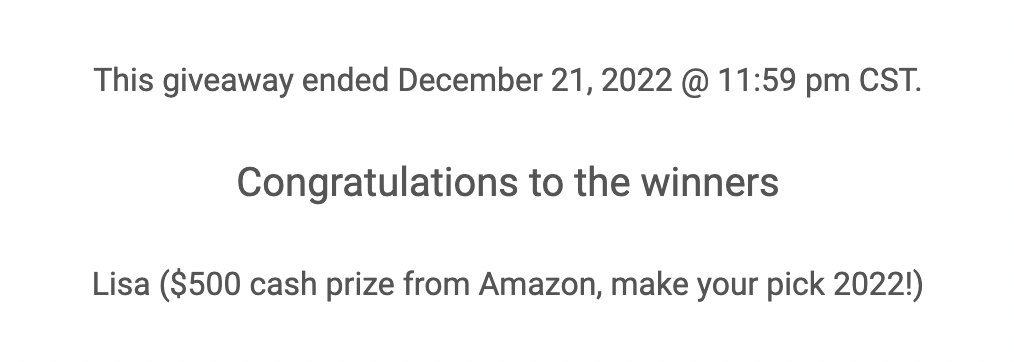
New winners are hidden by default. To show a winner in the widget, go to Manage Entries > View Winners and change Show winner? for that winner to:
- Display full name
- Display first initial & full last name
- Display full first name & last initial
Choose Hide winner’s name to hide them again.