How to Run a TikTok Giveaway or Competition: 8 Steps From Goal to Winner
Last updated on November 16th, 2026 at 05:07 pm
To run a TikTok giveaway or competition, choose a format (comment to enter, a video challenge with your hashtag, or a hosted giveaway with TikTok entry actions), pick a prize your audience wants, write short rules with an end date, and promote it with a short video and the link in your bio. When it ends, draw the winner at random (or judge a video challenge against set criteria), check they did what the rules asked, and announce the result on TikTok.
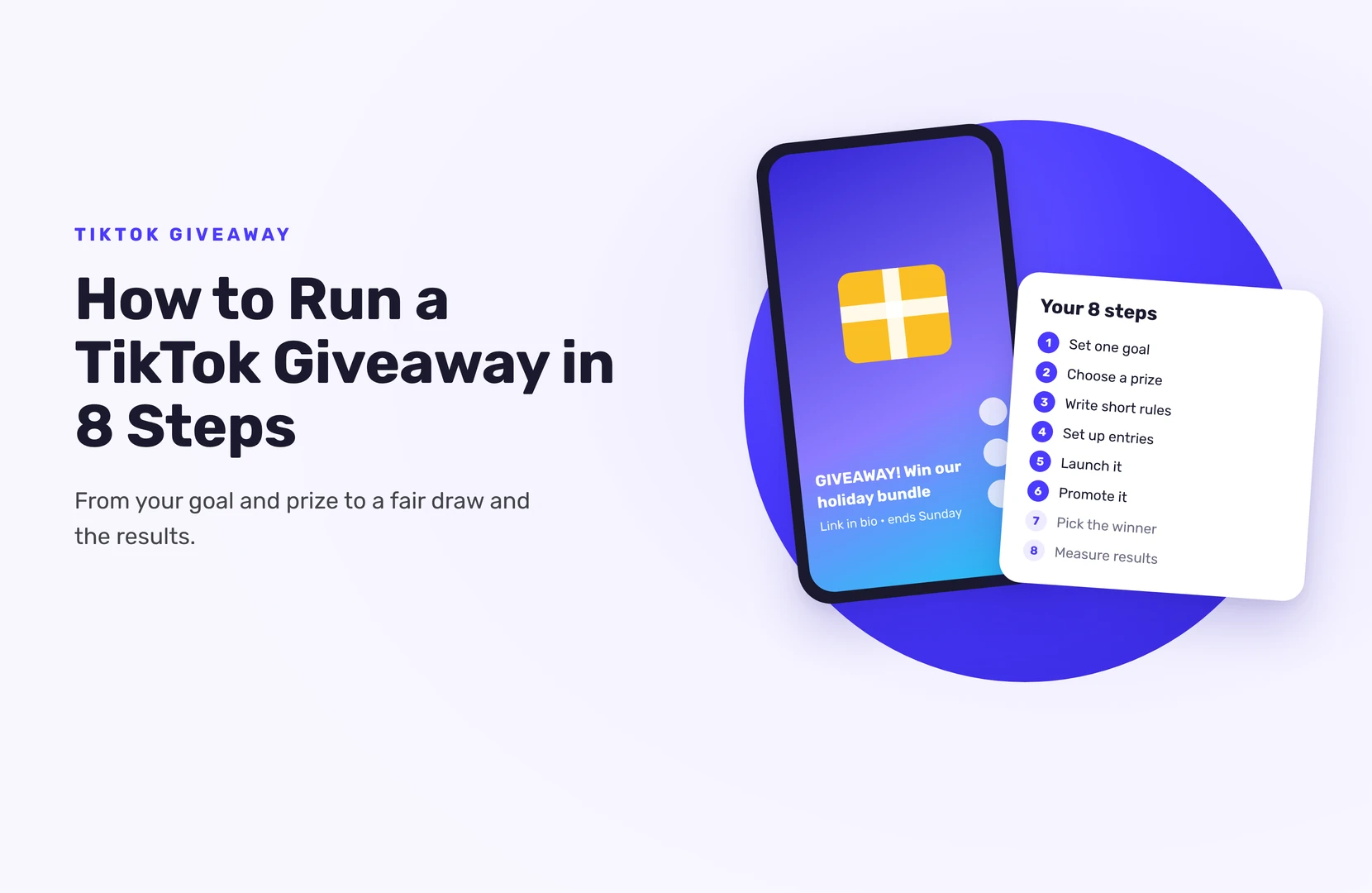
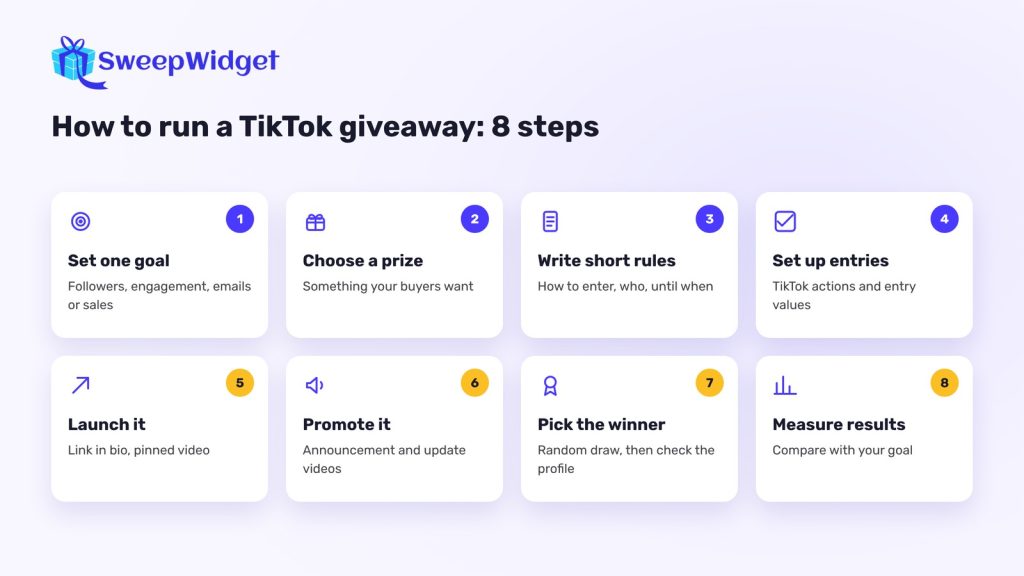
Below are the eight steps, with what works on TikTok in particular.
Which kind of TikTok competition should you run?
- Comment to enter. People comment on your giveaway video. Fast to set up; you only get a username.
- Video challenge. People post their own video with your hashtag or sound, and you judge or count votes. More effort to enter, but you get content made by your audience.
- Hosted giveaway. People enter on a giveaway page with their name and email and earn entries for TikTok actions, like following you or watching a video. You keep the email list after the giveaway ends.
You can combine them: a video challenge announced on TikTok, with entries collected on a giveaway page. Comparing tools for this? See the best tools to run a TikTok giveaway.
Step 1: Set one goal
Followers, video engagement, email signups or sales. Pick one, because it decides which entry actions you ask for. If the goal is an email list, a hosted giveaway is the only format that gives you one.
Step 2: Choose a prize your audience wants
Your own product, a bundle, or a gift card to your store attracts people who might buy from you later. Big generic prizes (cash, the newest phone) bring in lots of prize hunters who disappear afterwards. If you’re a smaller brand, a product your followers already talk about in your comments beats an expensive prize they don’t care about.
Step 3: Write short rules
Your caption or giveaway page should say how to enter, who can enter (age, country), the end date and time with time zone, and how and when the winner is picked and contacted. Link to full official rules. SweepWidget’s terms and conditions generator fills in a template from your giveaway details; check it fits where you and your entrants are.
Follow TikTok’s Community Guidelines. If you pay or gift creators to promote your giveaway, they must turn on TikTok’s commercial content disclosure setting, which labels the video as a Paid partnership. TikTok’s rule covers any content that promotes a brand, product or service, so check whether your own giveaway videos need it too. This isn’t legal advice: for a large prize, check your rules with a lawyer.
Step 4: Set up how people enter
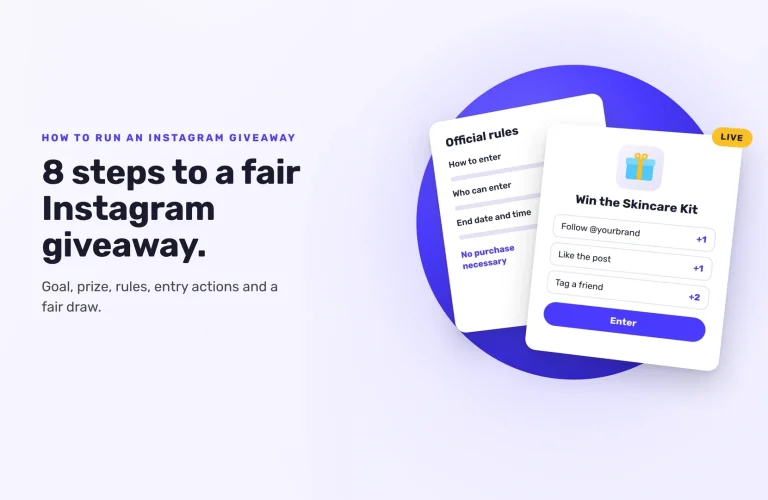
For a hosted giveaway in SweepWidget, start from a starter template, describe your giveaway to Create with AI, or build it from scratch. Then add TikTok entry actions:
- Visit A User: entrants open your profile (works on the free plan)
- Follow A User: entrants follow you and confirm the username they used
- Watch A Video: your video plays inside the giveaway
- Like A Video, Comment On A Video and Share A Video: entrants do the action on TikTok and confirm their username
The last five need the Pro plan or higher.
TikTok doesn’t let outside tools confirm follows, likes, comments or shares, so these are taken on trust. You check the winner’s profile before you announce them, which takes a minute.
Running a hashtag or video challenge? Use Create Your Own Entry Method: tell entrants to post a video with your hashtag, then add one verification question: “Paste the link to your TikTok video.” The link includes their username, so you get both in one answer. You’ll have every submission in one list to judge.
Give each action an entry value. Bigger actions (a video, a follow) can be worth more than a profile visit.
Step 5: Launch it
When you click Save & Publish, you get a hosted landing page link, embed code for your website (it works on WordPress, Shopify, Wix, Squarespace and others) and a QR code.
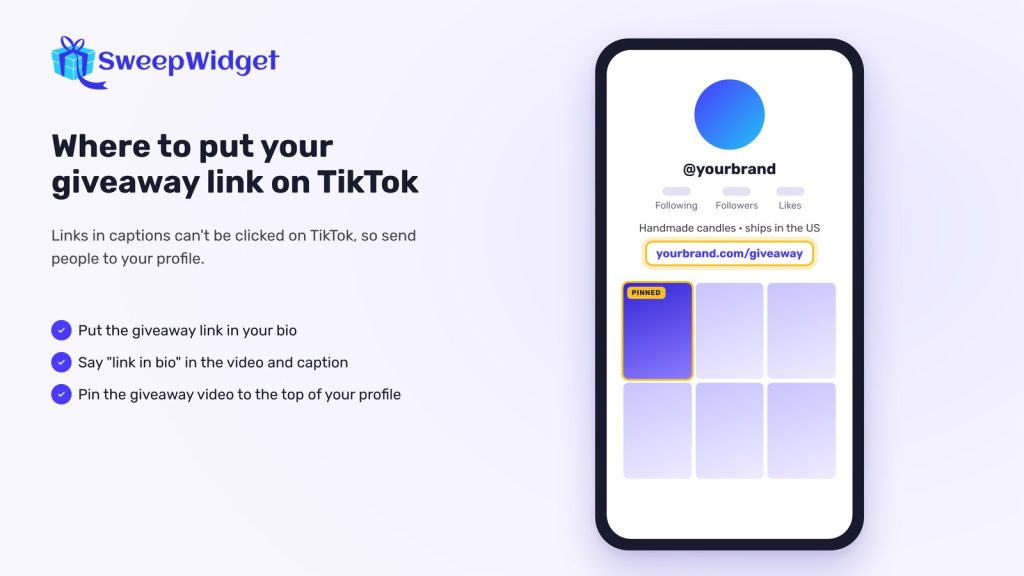
On TikTok, links in captions don’t work, so:
- Put the giveaway link in your bio, if your account can show one.
- Say “link in bio” in the video and caption.
- Pin the giveaway video to the top of your profile.
Step 6: Promote it
- An announcement video. Show the prize in the first second, then say how to enter and the end date. Keep it native: talking to camera beats a polished ad.
- Update videos. “3 days left”, a behind-the-scenes look at the prize, a reminder on the last day.
- Your other channels. Instagram, email list, website banner.
- Refer-a-friend. Add SweepWidget’s refer-a-friend action (Pro plan and up) and each entrant gets a personal link that earns them extra entries when friends enter through it.
Step 7: Pick the winner
When entries close, draw at random from every valid entry: in SweepWidget, Manage Entries > Pick A Winner > Randomize the Selection. The draw is weighted by entries and never picks the same person twice. For a judged video challenge, write your criteria down first and use Choose Yourself to pick the winners you’ve judged.
Check the winner’s TikTok profile (did they follow you, is their comment or video there?), then contact them using the email they entered with. For a step-by-step check, see how to pick a TikTok giveaway winner. Drawing on TikTok LIVE? Live Draw (every paid plan, from Pro) shows only the winner’s name and prize on screen, with a countdown or spin wheel reveal.
Then post a short winner video: remind people what the prize was, say how many entries you got, reveal the winner (with their permission) and thank everyone.
Step 8: Measure the results
Compare the numbers with the goal from step 1:
- On TikTok: follower growth, views and engagement on the giveaway videos, in your TikTok analytics.
- In SweepWidget: entries, and how many people completed each entry action.
- On your site and in ads: connect Google Analytics 4 (Pro and up) to track views, entries and each action. The TikTok Pixel [TO CONFIRM: plan] sends giveaway events to TikTok Ads Manager, so you can build audiences from people who entered.
Then email the people who didn’t win with a small thank-you offer. That’s often where a giveaway turns into sales. On SweepWidget’s free plan, you can view or download up to 10 entrants’ emails; Pro and higher give you every entrant’s email.
Want to see a TikTok giveaway set up end to end? See how TikTok giveaways work in SweepWidget.
Ready to run your first giveaway?
Start free on SweepWidget and move to Pro when you want to view and download all your entrants’ emails and get fraud controls. Or compare SweepWidget’s plans and features first.
No credit card required
FAQ
Yes, as long as the giveaway follows TikTok’s Community Guidelines and the law where you run it. Publish clear rules and don’t promise anything you can’t deliver.
In a giveaway, the winner is drawn at random. In a competition, entrants create something, like a video, and the best one wins by judging or votes.
No. TikTok doesn’t allow it. Entrants confirm their username, and you check the winner’s follow before announcing them.
One to two weeks is common. It gives the For You feed time to show your videos to new people without the giveaway going stale.
Yes, with a hosted giveaway. Add entry actions for both platforms on one page and draw one winner from all entries.