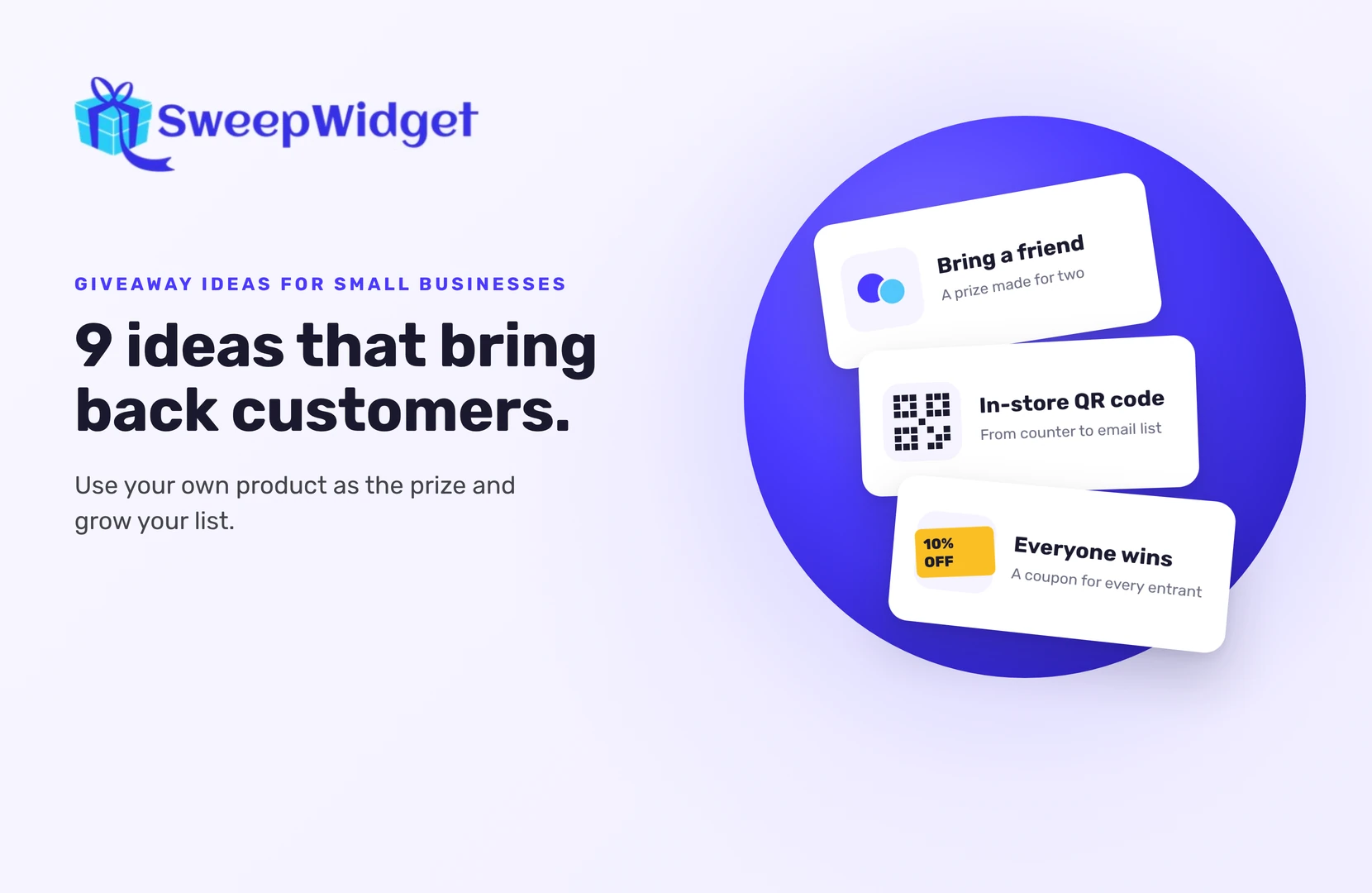
9 Giveaway Ideas for Small Businesses (That Bring Back Customers)
The best giveaway ideas for small businesses use your own product as the prize and ask entrants for one thing that helps the business: an email signup, a referral, a follow or a visit to your shop. You don’t need a big budget. A prize your customers already want beats an expensive one they don’t care about.
Here are nine ideas, with the prize and the entry actions that suit each one.
How to choose the right idea
Pick one goal first. Each idea below helps with a different one:
- More email subscribers: ideas 1 and 2
- More customers through the door or the site: ideas 3, 4 and 8
- More reach: ideas 2, 5 and 6
- Content and feedback from customers: ideas 7 and 9
One goal, one prize and a few entry actions keep it easy to enter and easy to measure.
1. The “best of the shop” bundle
Prize: a bundle of your best sellers. Entry actions: join your newsletter, follow you on Instagram, visit a product page.
This is the classic for a reason. Everyone who enters for your products is a likely customer, and the newsletter signup turns them into people you can reach next week. Connect the giveaway to your email platform (Mailchimp, Klaviyo and many others) so subscribers are added automatically (email integrations start on the Pro plan).
2. Bring a friend
Prize: something made for two: a class for two, a dinner for two, two of your product. Entry actions: a referral link, plus a newsletter signup.
Each entrant gets their own link and earns entries for every friend who enters through it. A prize meant for two gives people an obvious reason to share with the person they’d bring. Referral links start on the Pro plan.
3. In-store QR code giveaway
Prize: a gift card to your shop. Entry actions: name, email and one quick action.
Every SweepWidget giveaway can generate a QR code for its landing page. Print it on a counter sign, receipts, packaging or thank-you cards. It brings your offline customers onto your email list. For an in-store tablet only, you can limit entries to that device’s IP address (paid plans).
4. Everyone wins something
Prize: one grand prize, plus a discount code for every entrant. Entry actions: any; the coupon unlocks at a set number of entries.
With instant coupons (Business plan and above), entrants get a code on screen as soon as they reach the number of entries you set. You can also run it as an instant win, where each entrant has set odds of winning a code. If you do, state the odds in your rules. A discount for everyone means the giveaway can lead to sales even for people who don’t win.
5. Partner with the business next door
Prize: a combined bundle from both businesses. Entry actions: follow each business, join each newsletter.
Team up with a business whose customers look like yours but who doesn’t compete with you: a bakery and a coffee roaster, a yoga studio and a smoothie bar. You split the prize cost, and each of you reaches the other’s audience. Agree in advance on who runs the giveaway and who contacts the winner, and name both businesses in your rules.
6. Milestone or anniversary thank-you
Prize: your product, or a “year of” something small (a coffee a week, a monthly refill). Entry actions: follow, share, tag a friend.
A thank-you for reaching a follower count or celebrating your shop’s birthday feels natural, and people like celebrating with a small business they know. Keep entry light; this one is about goodwill.
7. Customer photo contest
Prize: your product, plus a feature on your page. Entry actions: upload a photo using your product.
Customers upload a photo or video. You can let your audience vote, pick the winner yourself, or draw one at random. You get real customer photos you can reshare (ask permission first, and say so in your rules). Photo contests start on the Pro plan. If the photo has to show your product, also accept a photo that fits your theme, so people who haven’t bought from you can still enter.
8. Find the secret code
Prize: anything from your shop. Entry actions: a secret code entry, plus a visit to your website.
Hide a code on a product page, in a blog post, in a video or in your shop window. Entrants find it and type it in to earn entries. You can change the code now and then so people come back to look again. It sends people to the parts of your site you want them to see.
9. Tell us what to make next
Prize: the first item from your new range. Entry actions: answer a short survey with custom form fields (Pro plan and up) (a dropdown, a few checkboxes, one open question).
You get honest feedback from interested customers, and the winner gets something they helped choose. Keep it to three or four questions, so it still feels like entering a giveaway, not filling in a form.
Before you launch any of these
- Write short rules. How to enter, who can enter, end date and time, and how the winner is picked, plus a line saying no purchase is necessary to enter or win. SweepWidget’s rules generator gives you a template; check it fits your local laws.
- Start from a template. Pick a starter template close to your idea, then change the prize, dates and entry actions.
- Use the free landing page. No website needed. Every giveaway gets a hosted page you can link from social media and email.
- Check your winner. SweepWidget can’t confirm follows or likes on Instagram, Facebook, TikTok, YouTube or X. Draw at random, then check the winner’s profile before you announce them.
- Check your plan. The free plan includes unlimited entries, a hosted landing page and basic social entry actions, and shows up to 10 entrants’ emails. Referral links, photo contests, form fields and email integrations start on Pro; instant coupons and instant win start on Business.
- Follow up with everyone. A thank-you email with a small discount turns entrants into customers.
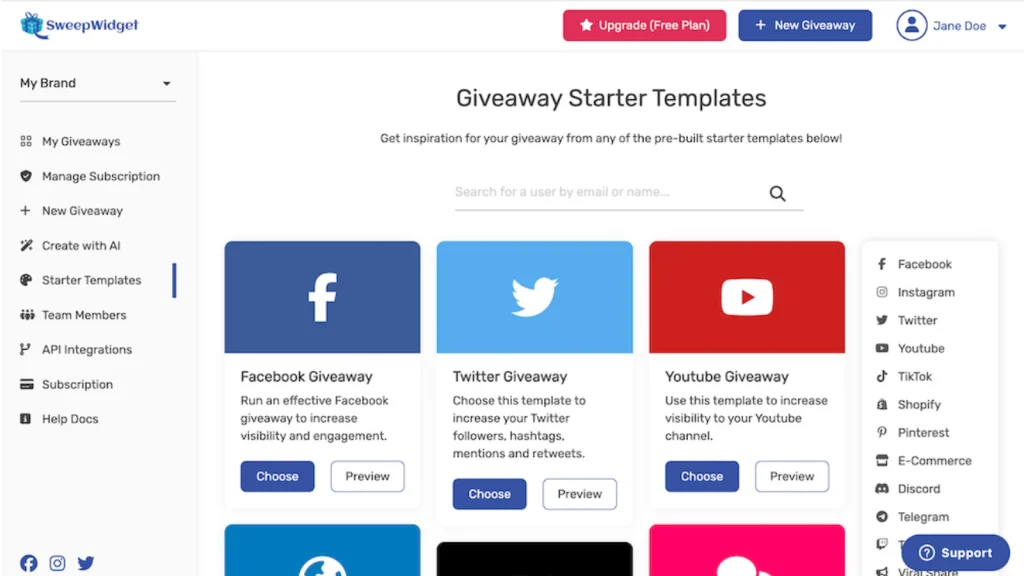
Want a head start? Browse SweepWidget’s starter templates.