
How to Run a Photo Contest Online (Uploads, Voting and Picking a Winner)
To run a photo contest online, pick a theme and a prize, set up an entry page where people upload their photo, review submissions before…

Articles focused on how to create a giveaway.
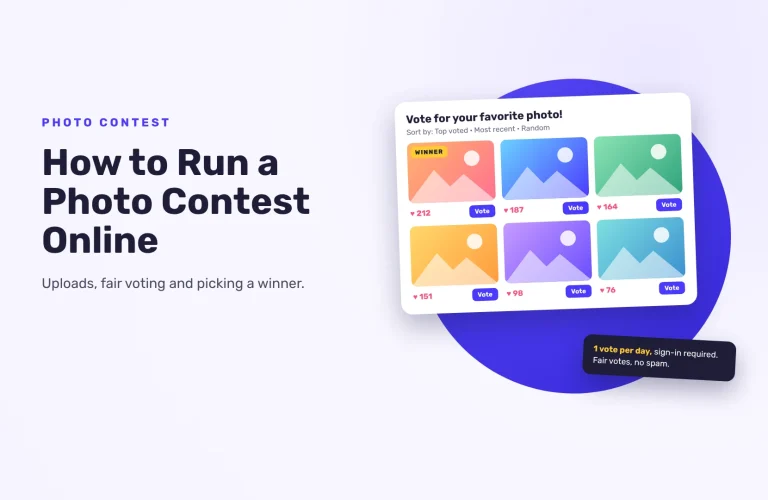
To run a photo contest online, pick a theme and a prize, set up an entry page where people upload their photo, review submissions before…
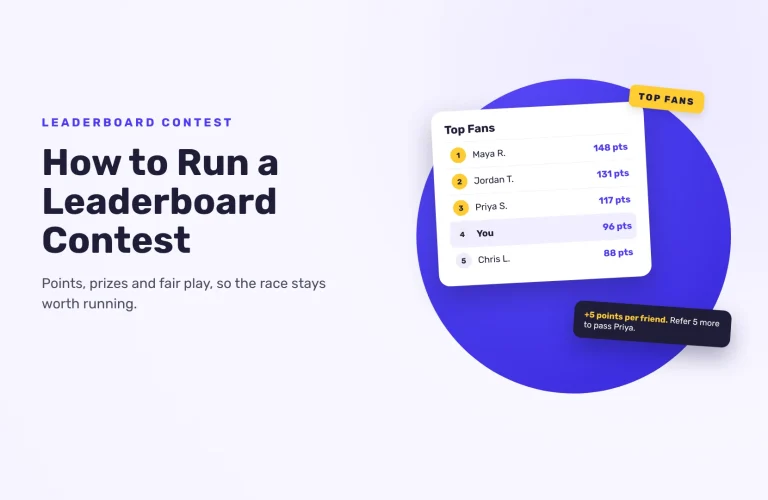
A leaderboard turns a giveaway into a race. Here’s how to decide what earns points and how winners are picked, keep people below the top spots trying, and check the leaders before you award prizes.
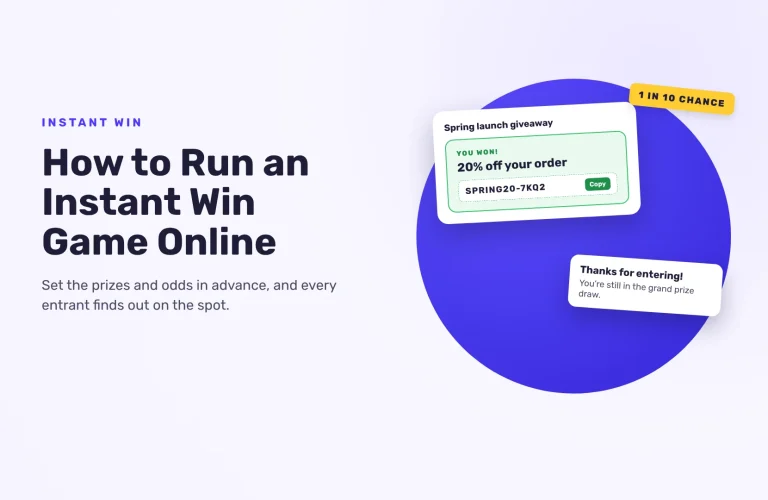
In an instant win game, every entrant finds out right away whether they won. Here’s how it works, how to set the odds from your prize budget, and how to run one online with a grand prize draw at the end.
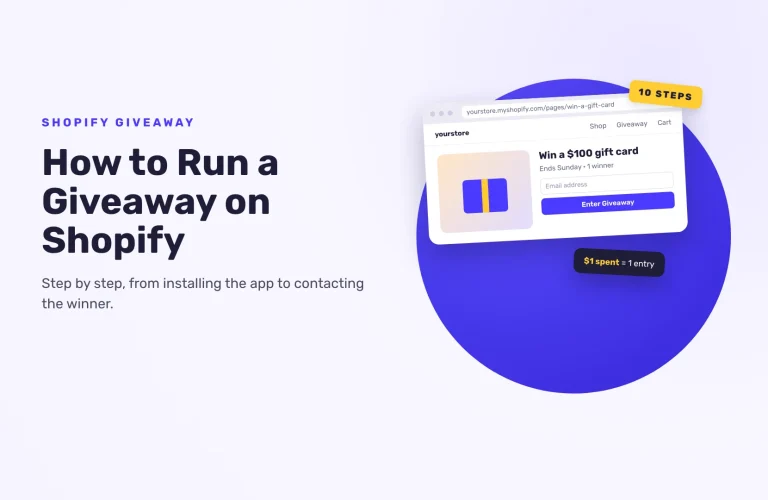
Shopify has no built-in giveaway feature, so you run one with an app. Here’s the whole process with SweepWidget, from installing the app and rewarding purchases to embedding it in your store and contacting the winner.
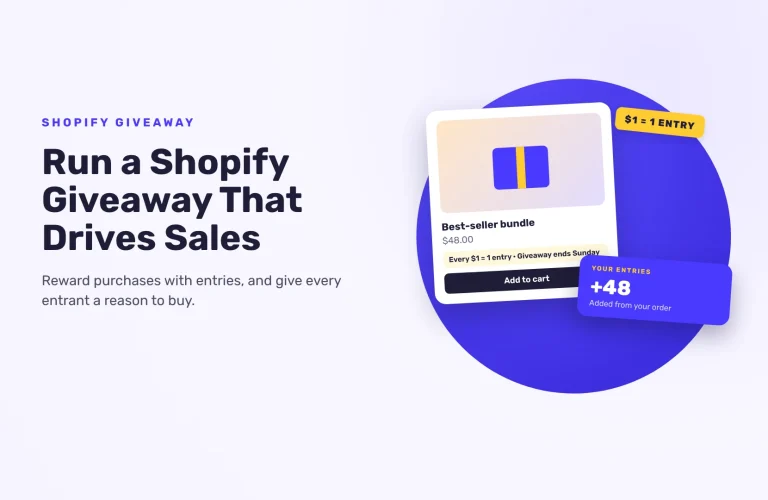
A Shopify giveaway drives sales when entries are tied to orders. Here’s how to reward purchases with entries, nudge order size, keep a free way to enter and give every entrant a reason to buy.
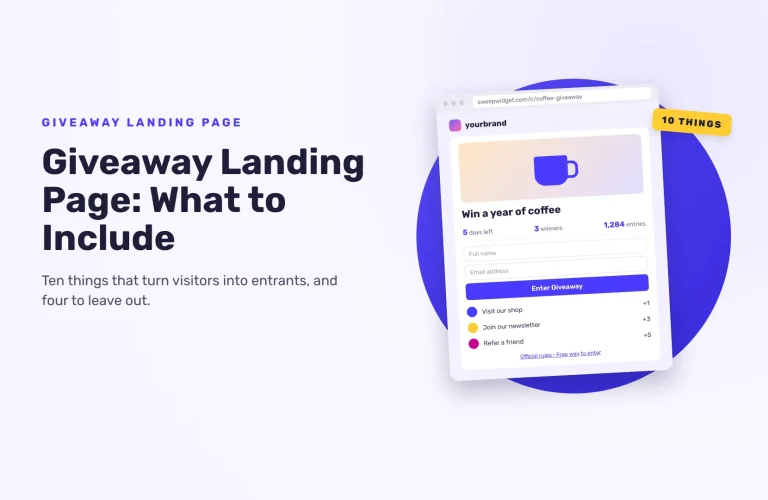
A giveaway landing page has one job: turn a visitor into an entrant. Here are the ten things to put on it, in order, the four things to leave off, and how to tell whether the page is working.
The best event and trade show giveaways make entering take seconds, ask for the details sales actually needs and give people a reason to come back. Here are 12 ideas, plus how to set one up and draw a fair winner.
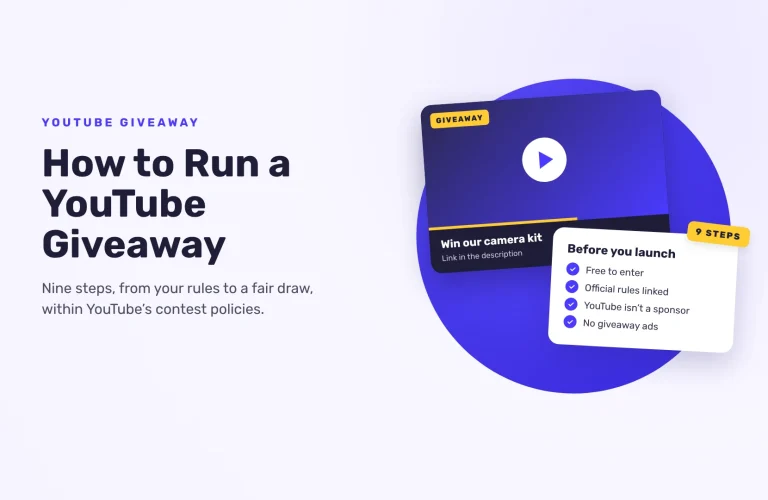
Pick a prize your viewers want, write official rules that follow YouTube’s contest policies, announce it in a video and draw the winner at random. Nine steps, and what YouTube’s rules mean for subscribe-to-enter.
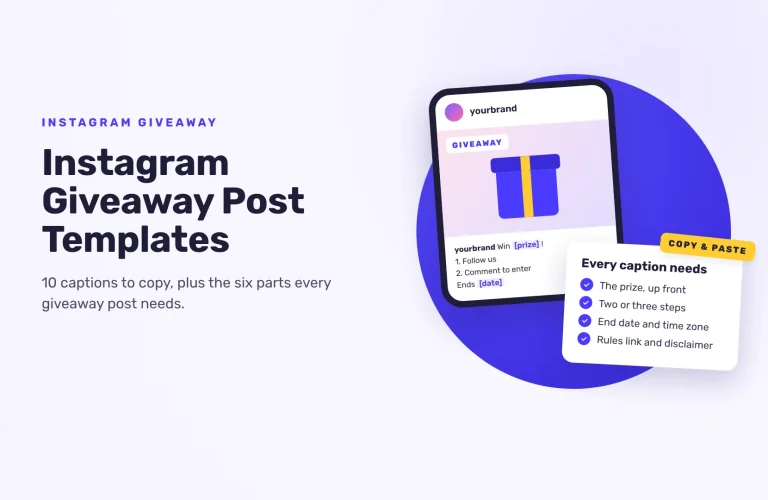
A good Instagram giveaway post leads with the prize, lists two or three steps to enter, and ends with the date, who can enter, the rules link and the Instagram disclaimer. Here are 10 captions to copy
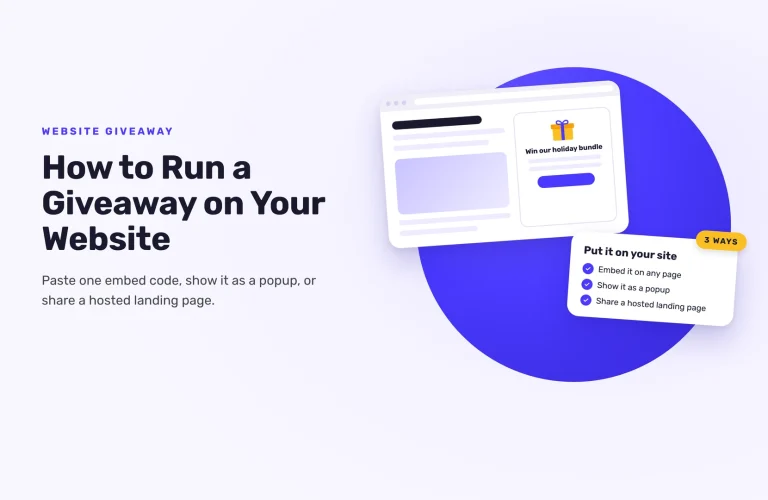
To run a giveaway on your website, create it in a giveaway tool, paste its embed code into a page or show it as a popup, then add rules, promote it and pick a winner at random. Here are the 8 steps.