Holiday Giveaway Ideas: 12 Days of Christmas, Black Friday and More
The best holiday giveaways are simple: a prize people would happily get as a gift, a short entry window, and a reason to come back. For a 12 days of Christmas giveaway, either run twelve one-day giveaways with a new prize each day, or run one giveaway for twelve days and reveal a new secret code every day that earns extra entries.
Below are eight holiday ideas, then the 12 days of Christmas setup step by step.
Before you pick an idea: three holiday rules
- End early enough to ship. If the prize is a gift, close the giveaway in early to mid December so it arrives before Christmas. Say in the rules when you’ll ship. Check your carrier’s holiday shipping deadlines before you set the end date.
- Keep it short. People are busy and inboxes are full. One to two weeks is plenty; a single day works for flash giveaways.
- Give it its own page. Your feed moves fast in December. Put the giveaway on one page you can link from your bio, stories, emails and site.
8 holiday giveaway ideas
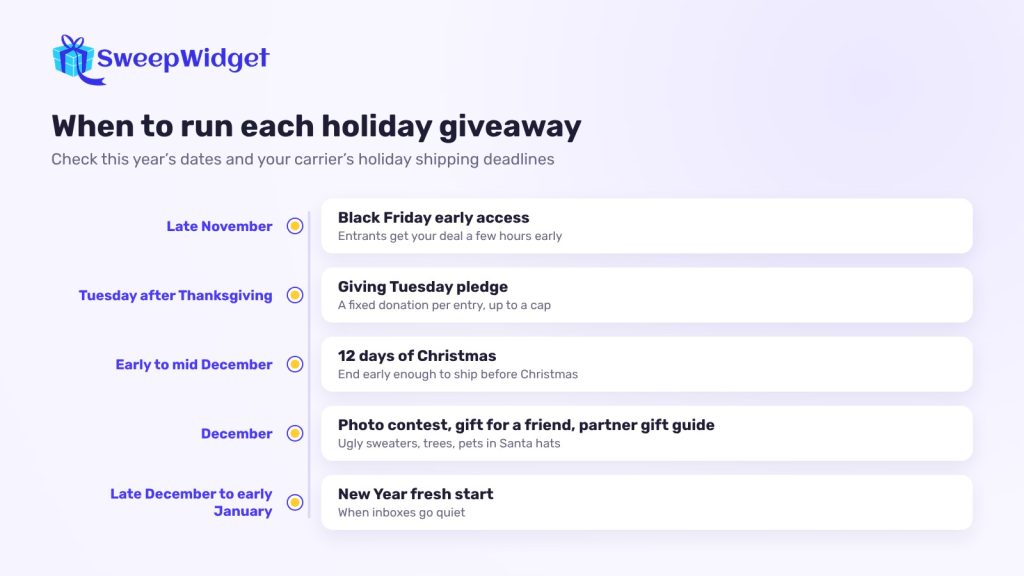
1. 12 days of Christmas
The classic. A new prize or a new way to win every day for twelve days. It works because it gives people a reason to check your account every day. Full setup is below.
2. Black Friday early access
Instead of adding to the discount noise, give away early access. Entrants join your list, and on the day you pick winners, everyone who entered gets your Black Friday deal a few hours before the public. The prize can be a big bundle or a “shop on us” gift card. Planning one this year? Sign up free and get our Black Friday Giveaway Playbook.
3. Gift for you, gift for a friend
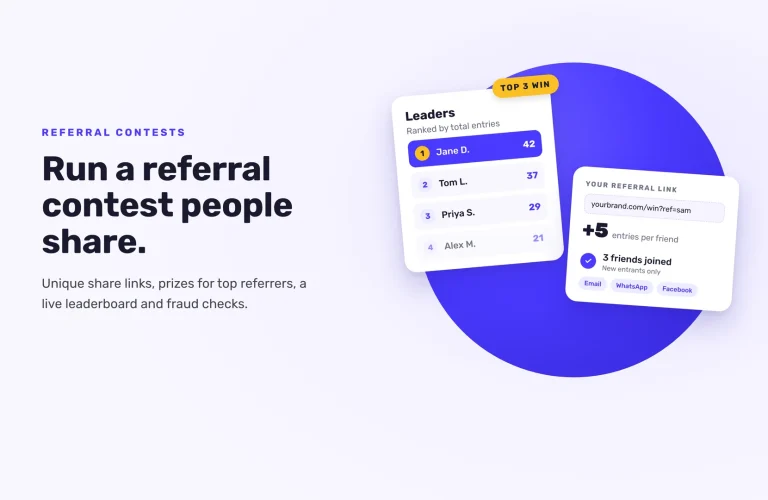
Two prizes: one for the winner and one for a friend they choose. Use a referral link so each entrant earns extra entries when a friend enters through it. It fits the season (people are already thinking about gifts for others) and spreads further than a “tag a friend” comment. Referral links are on the Pro plan and above.
4. Holiday photo contest
Ugliest sweater, best-decorated tree, pet in a Santa hat. People upload a photo, and either your team or public votes decide the winner. SweepWidget’s photo contest tool handles uploads, a gallery and voting, with an option to approve photos before they show.
5. Holiday instant coupons
Everyone who enters gets a discount code on screen once they reach the entries you set, and one person wins the main prize. On Business and above, you can turn this into an instant win, where each entrant has set odds of winning a code. Non-winners still leave with a reason to shop.
6. Giving Tuesday pledge
Pledge a fixed donation to a charity for every entry, up to a cap you set, and say so clearly on the giveaway page. The prize can be small; the cause does the work. Name the charity and the cap in your rules, and post the receipt afterwards. Some US states have rules for promotions where a business promises a donation to charity (commercial co-venture laws), such as a written agreement with the charity, registration or exact donation wording in your ads, so check them before you launch.
7. Partner gift guide
Team up with three to five brands your audience also buys from. Each adds a product to one big gift bundle, and each entrant earns entries for following every partner. All partners promote the same link, so each of you reaches the others’ audiences.
8. New Year fresh start
Run it in the last week of December or the first week of January, when inboxes go quiet. Pick a prize that fits a new-year goal: a planner, a course, a gym-bag bundle, a year’s supply of something.
How to run a 12 days of Christmas giveaway
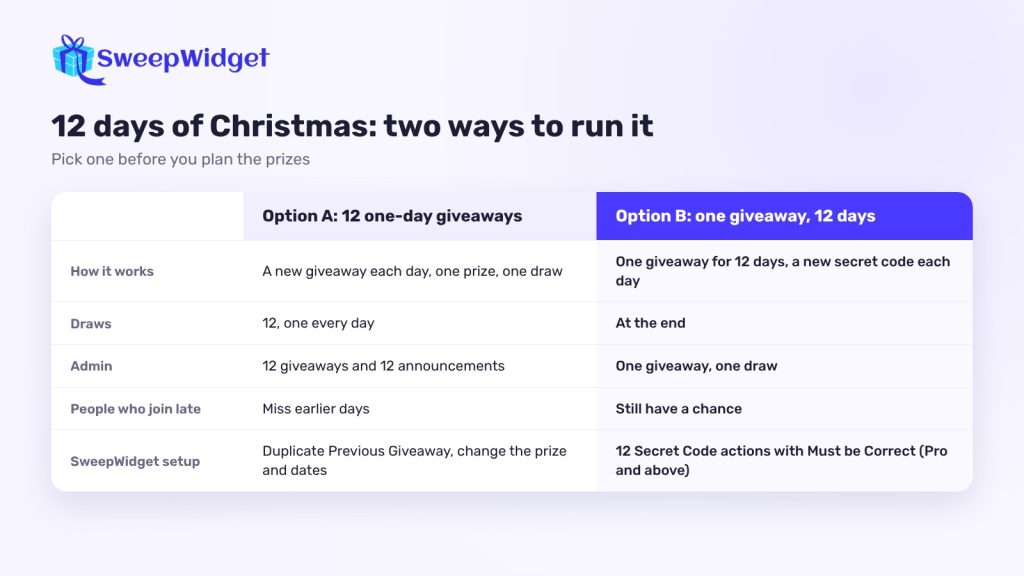
There are two ways to do it. Pick one before you plan prizes.
Option A: twelve one-day giveaways. One prize per day, one winner per day. It’s the most exciting for followers, because there’s a draw every day. It’s more work: twelve giveaways and twelve winner announcements.
Option B: one giveaway, twelve days. One giveaway runs for the whole twelve days. Each day you reveal a new way to earn entries, and you draw all the winners at the end. Less admin, and people who join late still have a chance.
Option A, step by step
- Pick twelve prizes. Mix a few big ones with smaller ones, and save the best for the last day.
- Build day one. Create the giveaway, add the prize, and set the start and end time to that day (with the time zone).
- Copy it for the other days. Use Duplicate Previous Giveaway when you create a new one. The entry actions and design carry over, so you only change the prize and the dates. You can build all twelve ahead of time, each with its own start date.
- Draw and announce daily. Pick each day’s winner the next morning and announce them before the next prize goes live. Announcing winners is the best proof that the giveaway is real.
Option B, step by step
- Add your prizes. List each prize with its number of winners. When you pick winners, you choose which prize each one gets.
- Add a secret code action for each day. Use the Secret Code entry method (Pro plan and above) twelve times, one per day, and tick Must be Correct. Each day, reveal that day’s code in your Instagram story, your email or on your site.
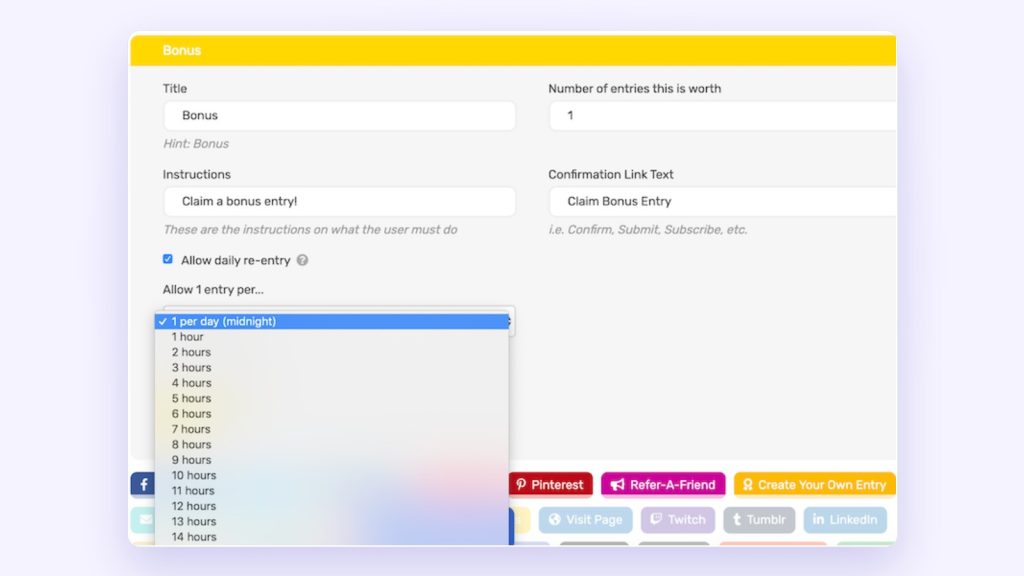
- Let people come back. Add a bonus action with Allow daily re-entry so returning entrants earn a little more each day.
- Check your plan’s limit. Twelve codes plus a few other actions add up. Pro allows up to 40 actions per giveaway, 5 of which people can repeat (such as daily re-entry); Business allows 60, with 8 repeatable.
- Draw at the end. Pick winners at random from all entries. If you want to reward people who came back most days, set a minimum number of entries for the draw.
How to run a Christmas giveaway on Instagram
Most holiday giveaways live on Instagram, so a few specifics:
- Comment giveaway or hosted giveaway? A comment giveaway (“comment your favorite ornament”) is quick, but you pick from comments with a separate comment picker (see how to pick a winner from Instagram comments). A hosted giveaway collects an email from every entrant, so you can reach them again in January. SweepWidget runs hosted giveaways; it doesn’t import Instagram comments.
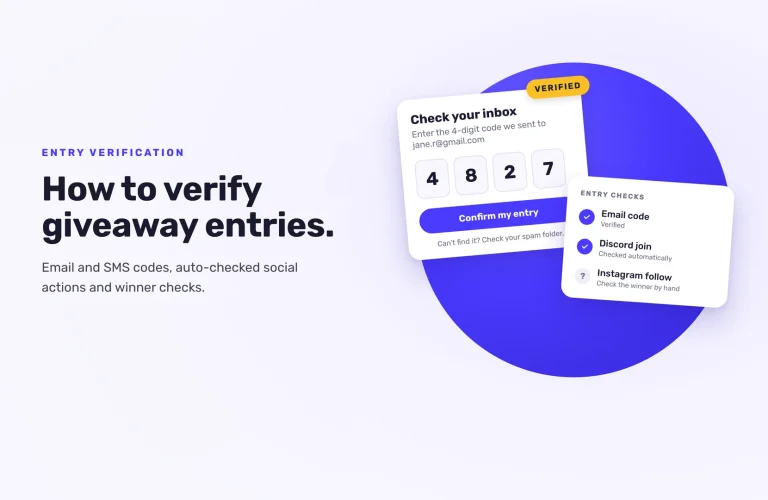
- Instagram actions are taken on trust. Follow, like, comment and tag-a-friend actions ask entrants for their username. Instagram doesn’t let outside tools check them, so look at the winner’s profile before you announce.
- Put the link everywhere. Bio, story link stickers every few days, and a pinned post. Stories are where a 12-day giveaway lives.
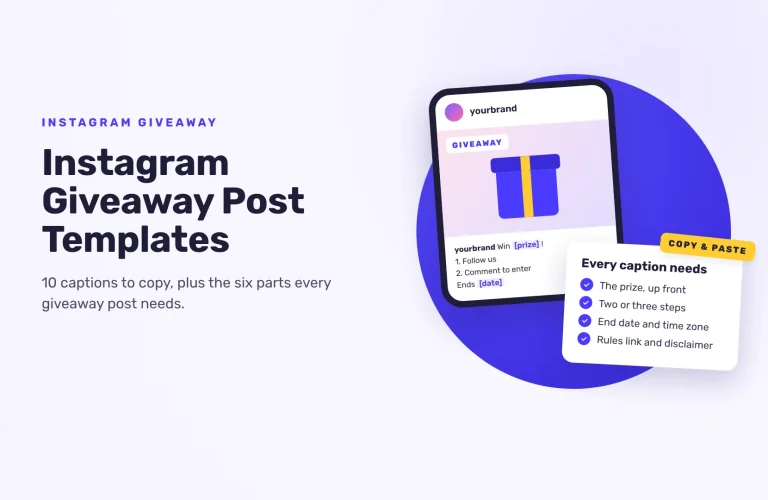
- Check Instagram’s promotion guidelines before you post, and link your official rules from the caption. End the caption with: “This giveaway is not sponsored, endorsed or administered by, or associated with, Instagram.” For ready-made captions, see our Instagram giveaway caption templates.
After the holidays
Your entrants are the most interested people you’ll reach all season. Send them a thank-you with a small January discount, and tell them when your next giveaway is. If you ran a 12-day giveaway, note which days and prizes got the most entries; that’s your plan for next year.
Planning a holiday giveaway for Instagram? See an example Instagram giveaway. For the full setup, see how to run an Instagram giveaway.
FAQ
Late November or the first days of December. That leaves time to pick winners and ship prizes before Christmas.
Either you give away a different prize on each of twelve days, with a new draw daily, or you run one giveaway for twelve days with a new way to earn entries each day and draw at the end.
Things people would happily give or receive as a gift: a bundle of your best sellers, a gift card for your store, or an experience. A prize your customers want beats a generic expensive one.
Yes. Set each giveaway’s start and end date when you build it, and duplicate the first one to save time.
It doesn’t need one. If you do reward purchases with extra entries, keep a free way to enter and check the rules where you run the giveaway.