How to Run a Referral Contest (Prizes, Leaderboard and Fraud Checks)
To run a referral contest, give every entrant a unique share link, reward them for each friend who enters through it, and show a leaderboard so people can see where they rank. Before launch, decide whether the top referrers win or the winner is drawn at random, and set limits that stop fake referrals.
Here’s how to set it up so it stays fair and your best promoters stay motivated.
Two ways to reward referrals
Decide this first, because your prizes, leaderboard text and rules all depend on it.
- Random draw, weighted by entries. Each referral earns entries, and more entries mean better odds. Anyone can still win. This keeps casual entrants interested.
- Top referrers win. The people who referred the most friends win. You pick them from the referral list when the contest ends. This pushes your most active promoters hardest, but people who are far behind may stop sharing.
- Both. Prizes for the top spots, plus a random draw from everyone else. This is usually the best balance.
1. Pick prizes that are worth sharing for
People share a link when the prize is something they’d brag about winning, and something their friends want too. Your own product or a bundle works well, because the friends who enter are likely customers.
Then give people who refer a handful of friends something too. With tiered rewards (Business plan and above), you set prizes or coupons that unlock at a number of entries. Each one can be a guaranteed reward or another random draw. If you add a single coupon code, everyone who qualifies gets it. If you add several unique codes, only that many people can claim one.
2. Set up the refer-a-friend entry
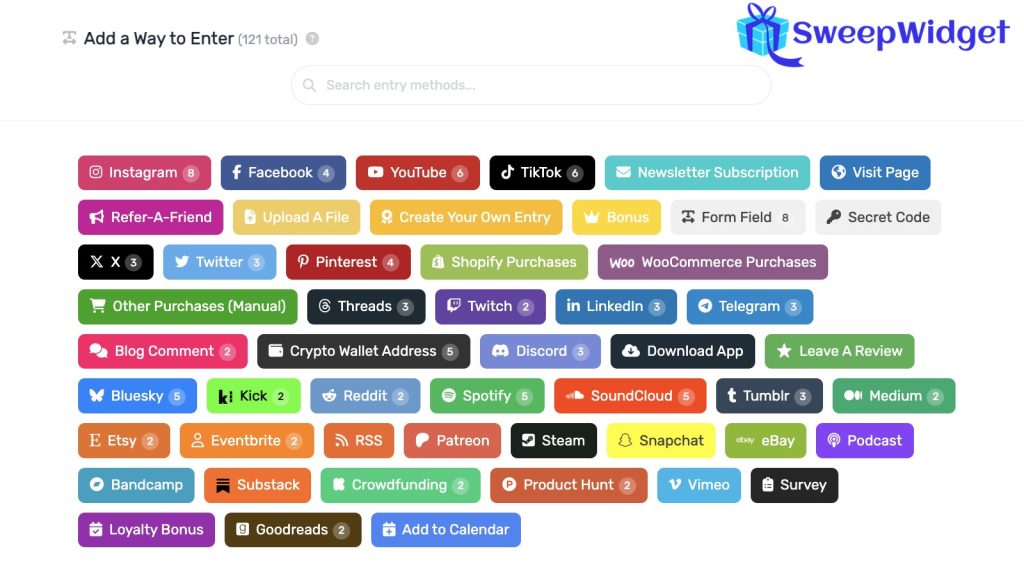
In the giveaway builder, add the Refer-A-Friend entry method.
- Choose how many entries each referral is worth.
- Choose Featured at top so the share link is the first thing entrants see after they enter.
- Pick the share buttons to show: email, Facebook, X, WhatsApp, Telegram, LinkedIn and more. Entrants can also copy the link and share it anywhere.
- Optional: tick Unlock After # Of Entries so people can only invite friends after earning a few entries themselves.
A referral only counts when the friend actually enters, and only if they’re new to the giveaway. Clicking the link isn’t enough.
On Premium and above, two options make links more trustworthy. Masked referral links swap the random code for the entrant’s username. A custom referral URL sends referred friends to the giveaway embedded on your own website.
3. Add a leaderboard
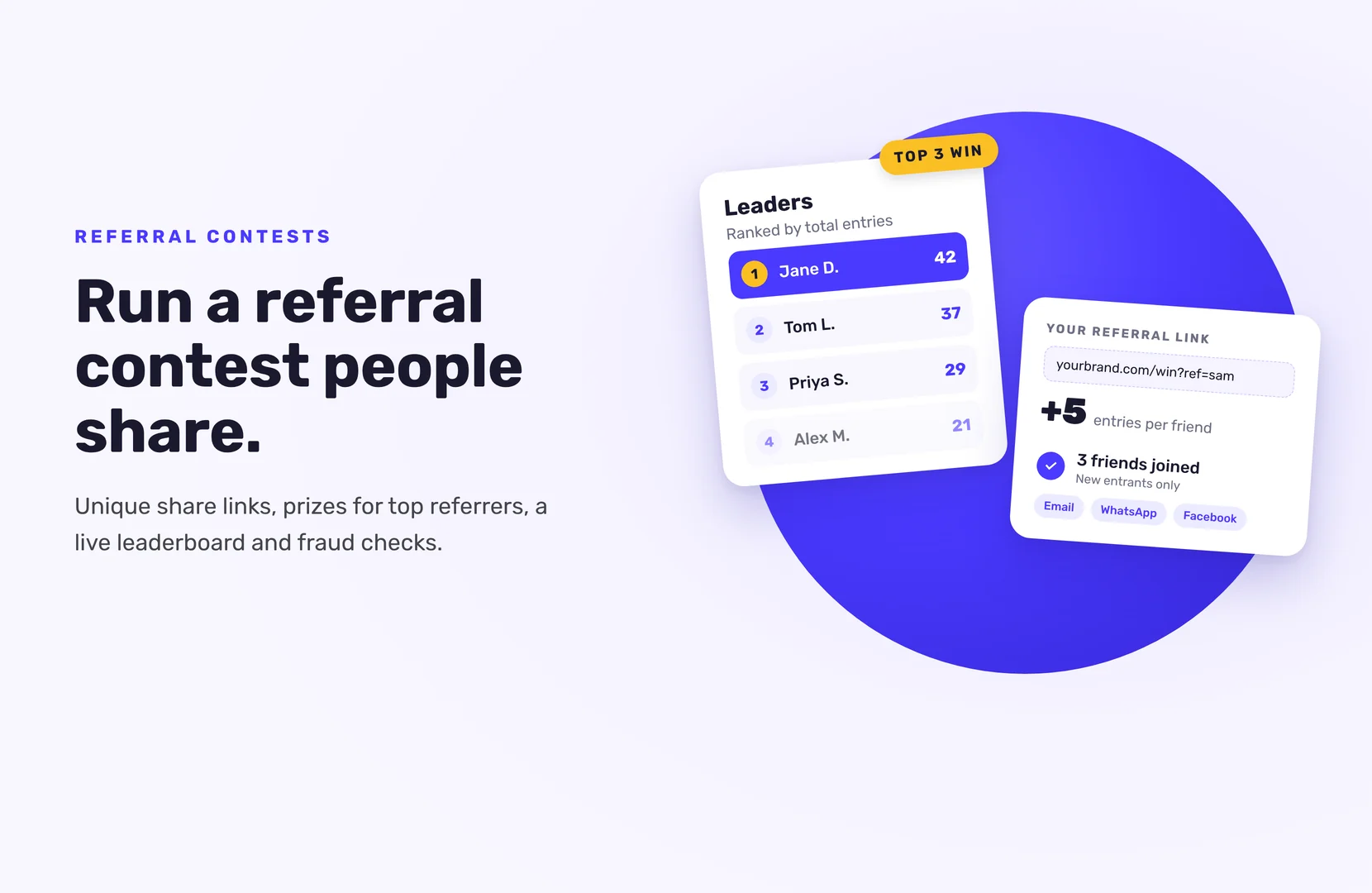
A leaderboard shows everyone their rank by total entries (not referrals), which keeps people sharing. In SweepWidget it’s on Business and above. Turn it on in the giveaway builder’s leaderboard tab, then set:
- Header and description. Explain in a sentence or two how winners are chosen.
- Number of leaders to show. Up to 500. A short list (10 or so) makes the race at the top tighter. A longer one gives more people a reason to keep going.
- Name format. Full name, first name and last initial, first initial and last name, or anonymous (“1st place user”).
Entrants see it in a Leaders tab next to their entries.
4. Write rules that cover referrals
Your official rules should say:
- How many entries each referral earns, and any cap per person
- What counts as a valid referral (a new person who completes entry)
- Whether top referrers win, or winners are drawn at random, or both
- That fake or self-made referrals will be disqualified
- The end date and time, with time zone
SweepWidget’s rules generator fills in a template from your giveaway details. Edit it to add your referral terms, and check that it fits your local laws.
5. Stop fake referrals
Referral contests attract cheating, because every fake account is another entry. SweepWidget has some protection built in:
- No self-referrals. Nobody earns referral credit for their own account.
- Referral rate limits. A single user can earn credit for up to 25 referrals per hour and 200 per 24 hours. The friend still gets their entry.
Then add your own limits:
- Max allowed referrals (Business and above). Cap how many friends one person can refer, from 1 to 999.
- Friend entry requirement (Business and above). Give referral credit only after the friend earns a set number of entries. This makes empty signups worthless.
- Block VPNs and duplicate IP addresses. Both are available on the Pro plan and up.
- Security level. Every level from Standard up uses device fingerprinting, which helps catch fake friend referrals. Strict can block some real people, so start with Strong.
6. Keep the momentum going
Most sharing happens right after someone enters, so the share link needs to be the first thing they see. After that:
- Post leaderboard updates during the contest.
- Remind entrants to share at the halfway point and on the last day.
- Add a daily bonus entry so people come back, see their rank, and share again.
7. Check top referrers, then pick winners
Before you announce anything, filter your entries by the referral entry method to see who referred the most people. Look at the friends your top referrers brought in. A long list of similar names or throwaway emails is a warning sign.
Then pick winners the way your rules promised:
- Top referrers: click Pick A Winner, then Choose Yourself, and select them from the referral list.
- Random draw: choose Randomize the Selection. Setting a maximum entry count stops a few heavy referrers from dominating the draw.
SweepWidget only emails winners for prizes with redemption codes (Manage Entries > Winners > Contact Winners). For other prizes, contact winners yourself. Their email and social handles are on the Winners page.
If your main goal is email subscribers rather than the contest itself, pair the referral link with a newsletter signup. We cover that in our guide to growing your email list with a referral giveaway.
Ready to build one? See how to set up refer-a-friend in SweepWidget. Leaderboards, tiered rewards and referral caps are on the Business plan and up, so compare plans before you launch.
FAQ
Something your customers want and would tell friends about, usually your own product or a bundle. Add a smaller reward or coupon that unlocks at a set number of entries, so it’s not only the top referrer who gets something.
Either works, as long as your rules say which. Many contests do both: prizes for the top spots and a random draw for everyone else.
SweepWidget never gives referral credit for your own account, and device fingerprinting (Standard level and up) helps catch the same device entering twice. You can also give credit only after the friend earns a set number of entries.
Yes. By default there’s no total cap, only rate limits of 25 referral credits per hour and 200 per 24 hours. On Business and above, you can set a maximum of 1 to 999 referrals per person.
No. Referral credit only goes to the sharer when a new person enters through their link.