Fun Christmas Contest Ideas to Try This Holiday Season
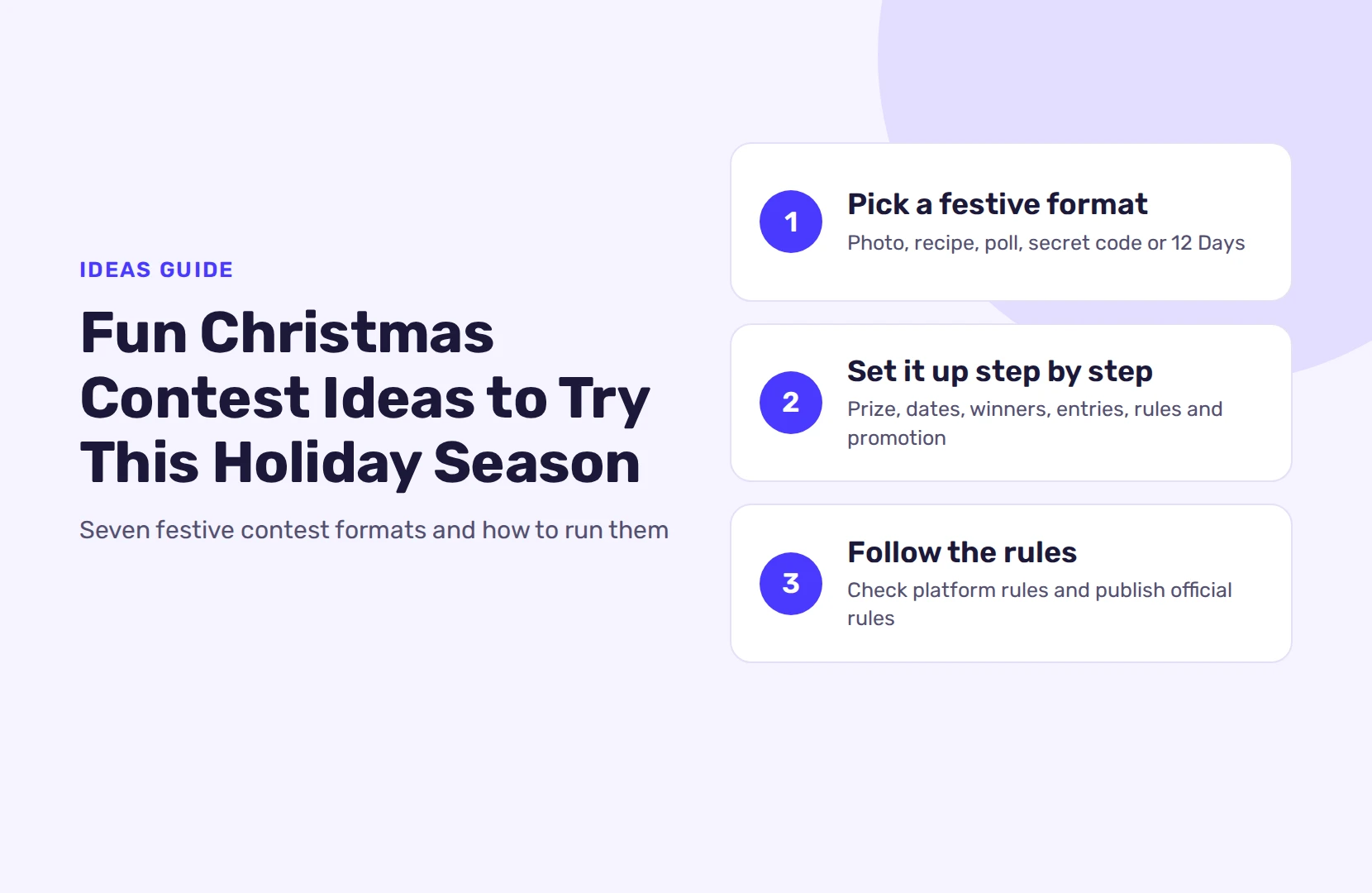
The best Christmas contest ideas ask people to share something festive: a photo, a tradition, a vote or a recipe. SweepWidget is the tool you can use to build any of them as a single contest page, collect entries and pick winners. With 120+ entry methods to choose from, below are seven ideas, how to set one up, and the rules to follow.
What are the best Christmas contest ideas?
Pick the idea that matches your goal. Photo and recipe contests tend to suit brands that want content and engagement. Newsletter and referral contests suit brands that want to grow an email list. The 12-day format suits brands that want people to come back every day.
| Idea | Best for | Plan note |
| Ugly sweater or decor photo contest | Content and engagement | Photo contests and voting need Pro |
| 12 Days of Christmas | Daily return visits | Needs several winners, so Pro or above |
| Christmas tradition or recipe share | Community and stories | Text-field entries need Pro; a Free version can use a blog comment entry |
| Holiday poll (“Eggnog or hot cocoa?”) | Quick, low-effort entries | Form-field entries need Pro |
| Secret code advent hunt | Repeat visits | Secret code needs Pro (locked on Free) |
| Wish-list giveaway | Gift-focused shoppers | Form-field entries need Pro |
| Refer-a-friend holiday draw | List growth | Needs Pro; check your platform’s rules first |
1. Ugly sweater or decor photo contest
Ask entrants to post a photo of their ugliest sweater or best-decorated tree, then pick a winner by vote or by random draw. You get fresh user-generated content you can reshare (ask for permission first). If photos are the main entry, the photo contest tool page shows how that format works. Photo and video contests (uploads and voting) need Pro. For the full walkthrough, see how to run a photo contest online.
2. 12 Days of Christmas
Give away one small prize a day, such as an ornament, a discount or a branded item, and finish with a bigger prize on Christmas Eve. Each day needs its own winner, and the Free plan allows one winner per giveaway. For more winners you need Pro (50 winners per giveaway, $29/mo or $290/yr) or higher. For more daily-prize ideas, see our holiday giveaway ideas.
3. Christmas tradition or recipe share
Ask: “What’s your favorite Christmas tradition?” or “Share your best holiday recipe.” These entries are easy to write, and you can feature a few in your emails while the contest runs. Always ask permission before you republish someone’s story or recipe.
4. Holiday poll
Keep it light. “Eggnog or hot cocoa?” takes two seconds to answer, so more people finish the entry. To set this up, add the Form Field entry method, then choose Radio Buttons as the custom input field type (Pro plan and above). Radio Buttons is where you write a question with some options for people to select and answer. This type of poll gives you a quick read on what your audience likes before you plan your next campaign.
5. Secret code advent hunt
Hide a code in your emails, your social posts or your store, and let entrants type it in to earn an entry. It rewards people who follow your channels all month. SweepWidget has a secret code entry method built for treasure-hunt style contests (Pro; it is locked on Free).
6. Wish-list giveaway
Let entrants tell you which product they most want, then give the winner that product. You get real product preference data, and the prize feels personal. This idea suits e-commerce and Shopify brands.
7. Refer-a-friend holiday draw
Give entrants extra chances when friends join from their personal link. This can help grow a list in December. Refer-a-friend needs Pro (it is locked on Free). It is not allowed everywhere, though: skip it on Facebook Pages and groups (see the rules section below).
How do you set up a Christmas contest?
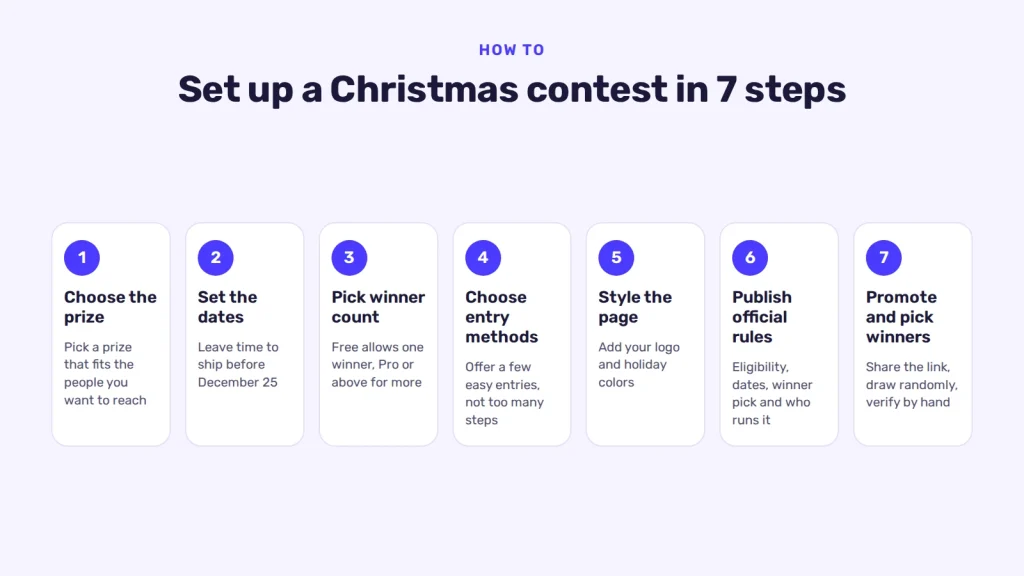
- Choose the prize and the job it does. A stocking stuffer, a gift bundle or your own product all work. Make sure the prize fits the people you want to reach.
- Set the dates. Pick a clear start and end, and leave time to ship before December 25.
- Pick the winner count. The Free plan allows one winner per giveaway. For 12 days of prizes or a prize pool, plan for Pro or above.
- Choose entry methods. Offer a few easy entries, such as a newsletter signup, a form field or a photo upload. Too many steps put people off. On Free you have 20 basic entry methods, such as visiting a page, a blog comment or a bonus entry. Newsletter signup, form field and photo uploads need Pro.
- Style the page. Add your logo and holiday colors. Removing SweepWidget branding needs the Premium plan or above.
- Publish official rules. Include eligibility, dates, how you pick the winner, and who runs the contest. The terms and conditions generator is on every plan, including Free; it gives you a starting template, and you stay responsible for your own rules.
- Promote it. Share the link in your emails, social posts and on your site.
- Pick and verify winners. Draw randomly, then check the winner by hand. SweepWidget keeps no draw history, so take a screenshot or screen recording of the draw.
What should you check before you launch?
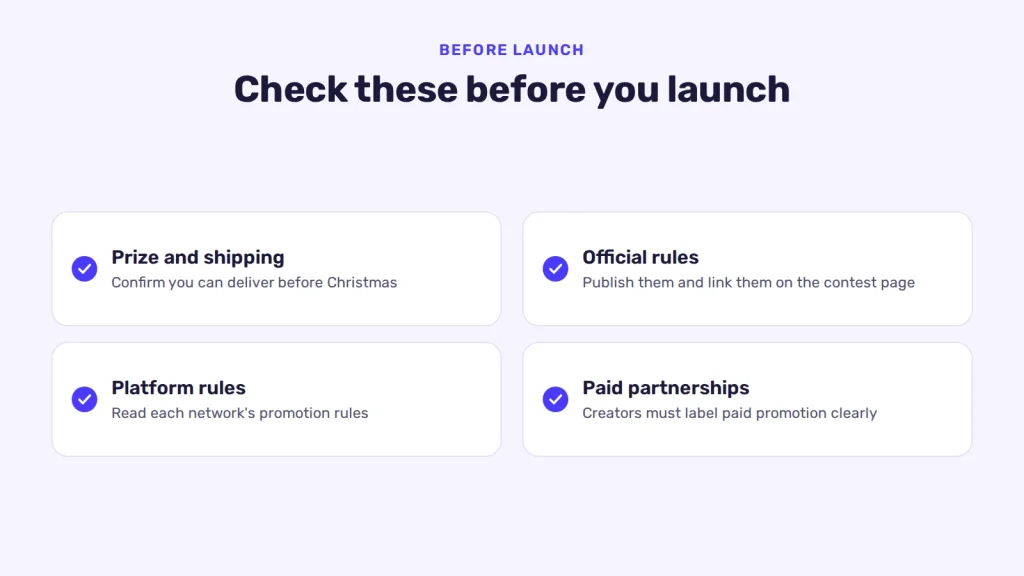
- Prize and shipping: Confirm you can deliver before Christmas, and say so in the rules.
- Official rules: Publish them and link them on the contest page.
- Platform rules: Each social network has its own promotion rules. Read them before you launch.
- Paid partnerships: If a creator promotes your contest for payment or free product, they must label it clearly.
- Fraud controls: Decide how strict to be about duplicate or fake entries. Email verification codes and geo-blocking need the Premium plan or above; phone (SMS) verification is Enterprise.
Which platform rules apply?
Instagram, Facebook and TikTok do not let outside tools check follows or likes. Those entries are taken on trust, so check the winner’s account by hand before you announce.
Meta says a promotion on a Page, group or event must not require or incentivize people to share, repost, tag others or otherwise publicize it. Entrants must also release Meta and hold it harmless, and acknowledge that Meta doesn’t sponsor or run the promotion. Skip those entry types on Facebook and use form field (e.g. a question with some answers to select or vote), comments or newsletter signups instead. Instagram also restricts tagging people who aren’t in a photo, so don’t make “tag a friend” a required entry there. Platform names and rules change, so read the current promotion guidelines before you launch. For more platform-specific formats, see our Facebook giveaway guide.
This is general information, not legal advice. Ask a lawyer if the prize is large. Contest and sweepstakes laws vary by country and state. In the US, the FTC says a sweepstakes that requires a purchase to enter is illegal; read No Purchase Necessary and Sweepstakes vs contest vs lottery. If the prizes total more than $5,000 and the promotion is tied to consumer products or services, you may have to register ahead of time with New York and Florida, and may need a bond or deposit. For disclosure rules on endorsements, read the FTC’s guidance on endorsements and influencers.
How do you grow your email list with a Christmas contest?
Every SweepWidget entry captures an email address. The Subscribe to Newsletter entry method (Pro) can also sync new subscribers to your email platform, including Mailchimp, Klaviyo, ConvertKit and HubSpot, among 30+ email integrations. Seeing all your entrants’ emails needs the Pro plan. On Free, entrants’ emails are still collected in your SweepWidget dashboard, and you can view or download up to 10 entrants’ emails.
What should you do after the contest ends?
Don’t stop at the winner announcement. Send a thank-you email to everyone, and offer non-winners a discount or early access to your January sale. Coupons are part of the Business plan ($59/mo or $590/yr). For more on plans, see SweepWidget pricing.
Keep in mind the scam risk. Fake accounts often message “winners” to ask for money or card details. Announce winners publicly on your official channels, contact them only from your verified account, and never ask a winner to pay a fee.
When is a simple setup not enough?
A basic contest is fine for one prize and a small audience. You’ll want more when you run a daily prize schedule (more winners per giveaway), need leaderboards or coupons (Business), or want email verification, geo-blocking or a white-label page (Premium). Enterprise adds phone verification and API access.
Ready to run your first giveaway?
Start free on SweepWidget and move to Pro when you want to view and download all your entrants’ emails , run photo contests and connect your email tool.
No credit card required
FAQ
Start early enough to promote it and ship the prize before December 25. Many brands run theirs from late November through mid-December.
One to two weeks suits a single-prize contest. A 12 Days of Christmas contest runs for exactly 12 days.
Yes. The Free plan includes unlimited campaigns and unlimited entries, and you can view or download up to 10 entrants’ emails. It allows one winner per giveaway. Photo contests, newsletter signup, secret code and refer-a-friend need Pro.
Your own products, gift bundles, gift cards or small daily treats all work. Choose a prize your audience wants, so entrants are your real customers.
Yes. Publish rules with dates, eligibility, how you pick the winner and who runs the contest, and follow each platform’s promotion rules.