What Are the Best Giveaways to Attract Customers?
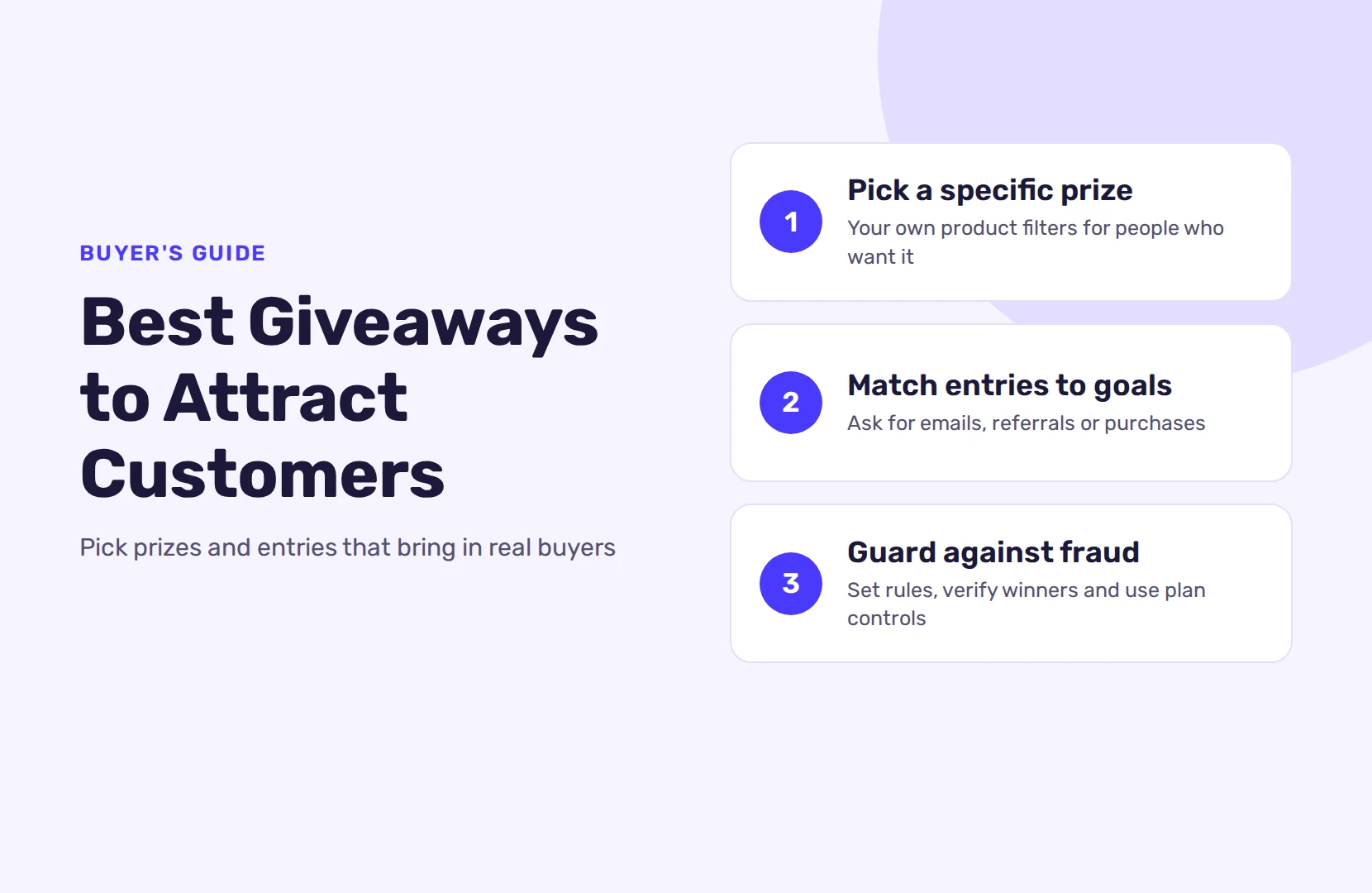
The best giveaways to attract customers give away your own product (or something your buyers want) and ask for entries that move people toward your store. With SweepWidget, you can build that giveaway in one widget: pick the prize, choose from 120+ entry methods, such as email signup, referrals or purchases, and pick winners. A generic prize brings in everyone. In contrast, a specific prize brings in people who care about what you sell. For more ideas, see our giveaway ideas for small businesses.
Why does the prize decide who enters?
People enter for the prize, so the prize filters your audience. For example, an Amazon gift card or cash appeals to anyone, including people who will never buy from you. Similarly, SweepWidget’s own guidance for Etsy sellers says the same: generic prizes attract sweepstakes hunters who won’t become customers.
Instead, pick a prize that only makes sense if someone is interested in your brand. Then the entry list starts to look like a list of prospects.
Which giveaway types work best?
The best type depends on what you sell. Below are the ones that tend to attract buyers.
For product brands and shops
- A bundle of your best sellers. That’s because people who want it are already interested in what you make.
- A custom or personalized version of a popular item. As a result, it has little appeal to general entrants.
- A gift card to your own store. It can only be spent with you, so it filters for buyers.
- A limited-edition or sold-out item. This one appeals mostly to real fans.
For software and services
- A free annual subscription or premium feature access. This way, entrants get to try the product.
- Consulting hours. They attract serious prospects.
For B2B brands
- Role-specific gear or professional courses. These fit a business audience.
- Industry conference passes or VIP event tickets. Likewise, they suit prospects in your field.
SweepWidget’s LinkedIn guidance recommends business-relevant prizes like these and advises avoiding generic gift cards for B2B.
For community and content
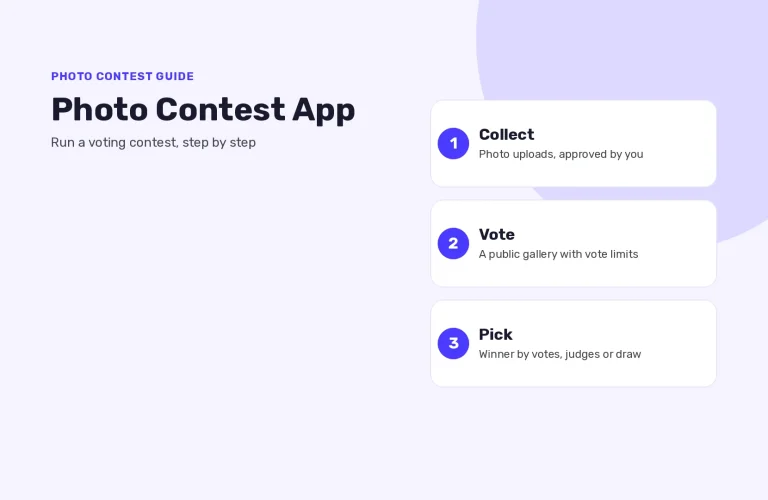
- A photo or video contest with voting. Entrants submit content with your product and the audience votes, or a panel of judges picks. SweepWidget supports both on Pro and above. However, this is a contest, so check the rules that apply to it.
- A milestone or anniversary giveaway. It also brings your existing customers and their networks into the loop.
How do you choose entry methods that bring in customers?
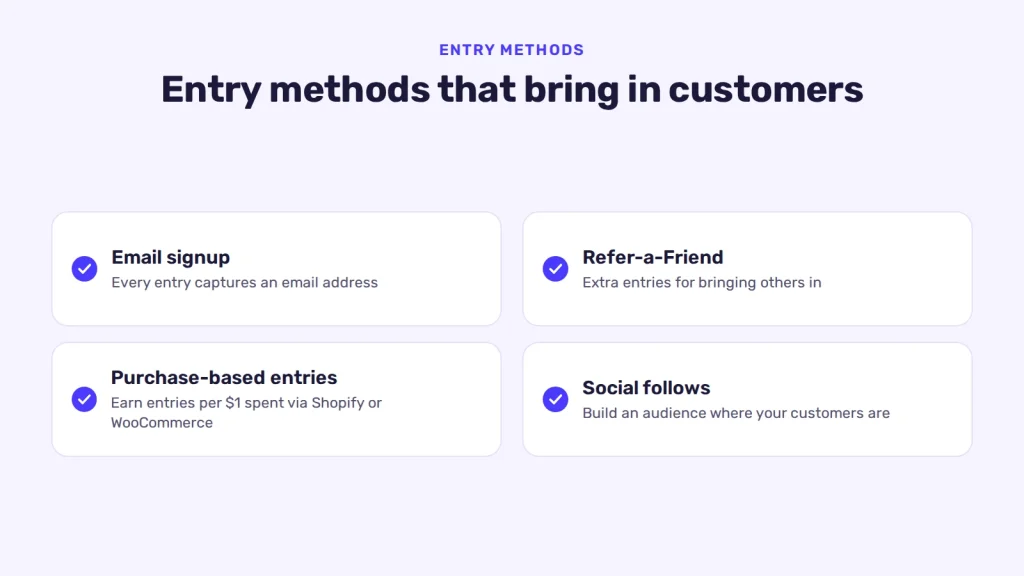
Match each entry method to what you want people to do next. For example, ask for an email if you want emails. Similarly, reward purchases if your goal is sales.
Which entry method fits your goal?
- Email signup. Every SweepWidget entry captures an email address. The Subscribe to Newsletter method (Pro) also syncs new subscribers to your email platform, such as Mailchimp, Klaviyo, ConvertKit or HubSpot (30+ email integrations, all on Pro). On Free, entrants’ emails are still collected in your SweepWidget dashboard, and the first 10 are visible.
- Refer-a-Friend. Entrants earn extra entries for bringing others in. This method works well when you want reach without paid ads. It needs Pro and is locked on Free.
- Purchase-based entries. SweepWidget integrates with Shopify and WooCommerce, so you can add actions like “Earn entries per $1 spent” to the same giveaway (Pro and above).
- Social follows. You can use these to build an audience on the platforms your customers use. On Free you can use the visit-type entries for Instagram, Facebook, YouTube, TikTok and Pinterest and the X follow, post and repost entries. Follow, like and comment entries for Instagram, YouTube and TikTok are Pro.
Why offer more than one entry method?
Offer a few options, because more choice can matter. For instance, SweepWidget data shows giveaways with 5 entry methods average 787 entrants, compared with 163 for single-method giveaways. However, that’s an average across many giveaways, so treat it as a guide, not a promise. Free giveaways can have up to 5 entry methods.
Which entries can’t be checked automatically?
Instagram, Facebook and TikTok don’t let outside tools check follows or likes. Therefore, those entries are taken on trust, and you check the winner by hand. Facebook also has its own rules. Meta says a promotion on a Page, group or event must not require or incentivize people to share, repost, tag others or otherwise publicize it. Entrants must also release Meta and acknowledge that Meta doesn’t sponsor or run the promotion. See our Facebook giveaway guide. So, skip those entry types for Facebook. Instead, use email signup, referrals through your own link, or purchases instead.
How do you set up a giveaway that attracts customers?
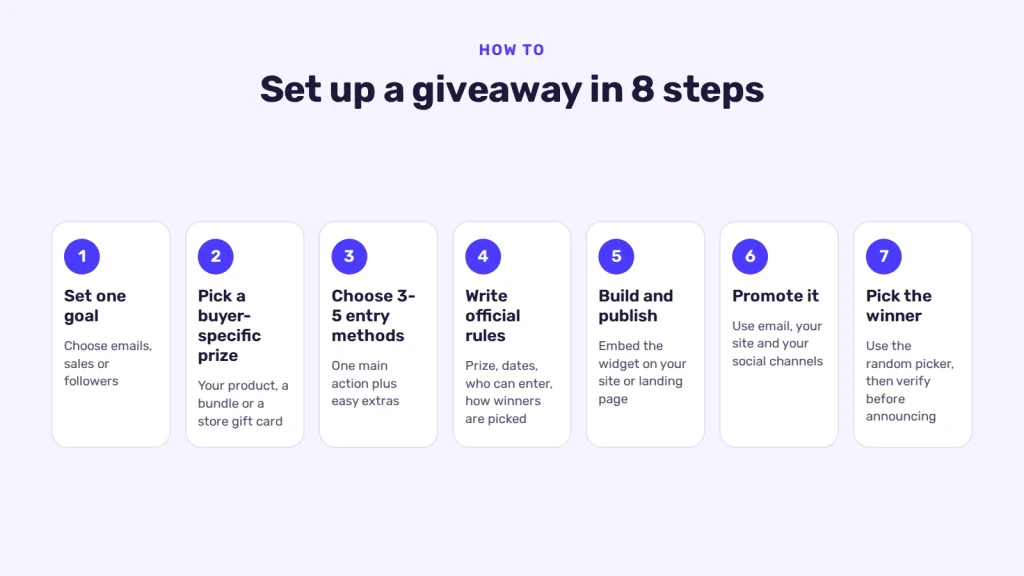
- Set one goal. Choose emails, sales or followers. This way, one goal keeps the entry list short and useful.
- Pick a buyer-specific prize. For example, use your own product, a bundle or a gift card to your store.
- Choose 3–5 entry methods. Combine one main action (email, purchase) with easy extras such as a referral.
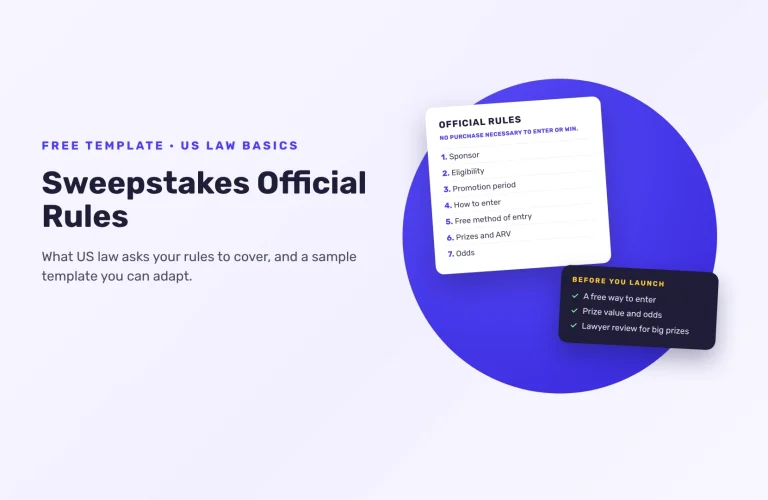
- Write official rules. Include the prize, the dates, who can enter, how the winner is picked and who runs the giveaway. Then publish them where entrants can see them. SweepWidget’s terms and conditions generator is on every plan, Free included, and gives you a starting template.
- Build and publish the widget. Copy the embed code into your own site’s HTML, or share the free hosted page. Turning the giveaway into a popup needs Pro. Shopify stores can follow the Shopify giveaway setup guide.
- Promote it. Use your email list, your site and the social channels your customers already use. Also, if you work with creators, they must label paid partnerships clearly.
- Pick and contact the winner. Use SweepWidget’s random picker or a leaderboard (leaderboards need Business), then verify the winner before announcing.
- Follow up with every entrant. Finally, send an email thanking them and, if it suits your brand, an offer for non-winners.
Do you need to worry about fraud and fake entries?
Yes. That’s because free prizes attract bots and duplicate accounts. On the Free plan you get unlimited campaigns and unlimited entries, and you can view or download up to 10 entrants’ emails. In comparison, Pro shows all entrants’ emails. Disposable email addresses are blocked on every plan. Email verification codes and geo-blocking need the Premium plan, and phone (SMS) verification needs Enterprise. Finally, you can compare these on the SweepWidget pricing page.
Winner scams are also common. Fake accounts message people claiming they won. Therefore, say in your rules how you’ll contact winners, and tell entrants you’ll never ask for payment or card details.
What rules apply?
This is general information, not legal advice. First of all, rules vary by country and state, and prize value, entry requirements and the contest type all matter. Ask a lawyer if the prize is large.
- Publish official rules for every giveaway.
- Don’t require a purchase to enter. In the US, the FTC says a sweepstakes that requires a purchase to enter is illegal. See No Purchase Necessary and Sweepstakes vs contest vs lottery. Purchase entries work as extra entries alongside a free way to enter.
- If the prizes total more than $5,000 and the promotion is tied to consumer products or services, you may have to register ahead of time with New York and Florida, and may need a bond or deposit.
- Follow each platform’s promotion rules (Instagram, Facebook, TikTok and others have their own).
- Disclose paid partnerships. See the FTC’s guidance on endorsements and influencers and our post on FTC rules for giveaways.
When is a basic giveaway not enough?
A single giveaway is a good start. However, if you run them regularly, you’ll want more control:
- More winners. Free allows 1 winner per giveaway, Pro 50, Business 250, Premium 1,000 and Enterprise unlimited.
- More brands. Business supports 2 brands, Premium 3 and Enterprise 5.
- Leaderboards, coupons and Zapier. These need the Business plan or above.
- Your own branding. Removing SweepWidget branding and using a custom URL for the giveaway page need Premium.
Ready to run your first giveaway?
Start free on SweepWidget and move to Pro when you want to view and download all your entrants’ emails and connect your email tool, add referral entries and run photo and video contests.
No credit card required
FAQ
Your own product or a bundle of your best sellers. It attracts people who already want what you sell.
They tend to draw people who only want the prize. A gift card to your own store is a better choice because it can only be spent with you.
Three to five is a sensible range. SweepWidget data shows giveaways with 5 methods average more entrants than single-method ones, though your results will vary.
Yes. The Free plan has unlimited campaigns and unlimited entries, and you can view or download up to 10 entrants’ emails. No credit card needed.
Start with the plan’s fraud controls: email verification codes and geo-blocking (Premium) or phone verification (Enterprise). Disposable emails are blocked on every plan. For follows and likes on Instagram, Facebook and TikTok, check the winner by hand, since outside tools can’t verify those actions.
Yes, on any plan. Copy the embed code into your site’s HTML, or share the free hosted page. Turning the giveaway into a popup needs Pro.