Giveaway App Certificate of Validity: What You Can Get
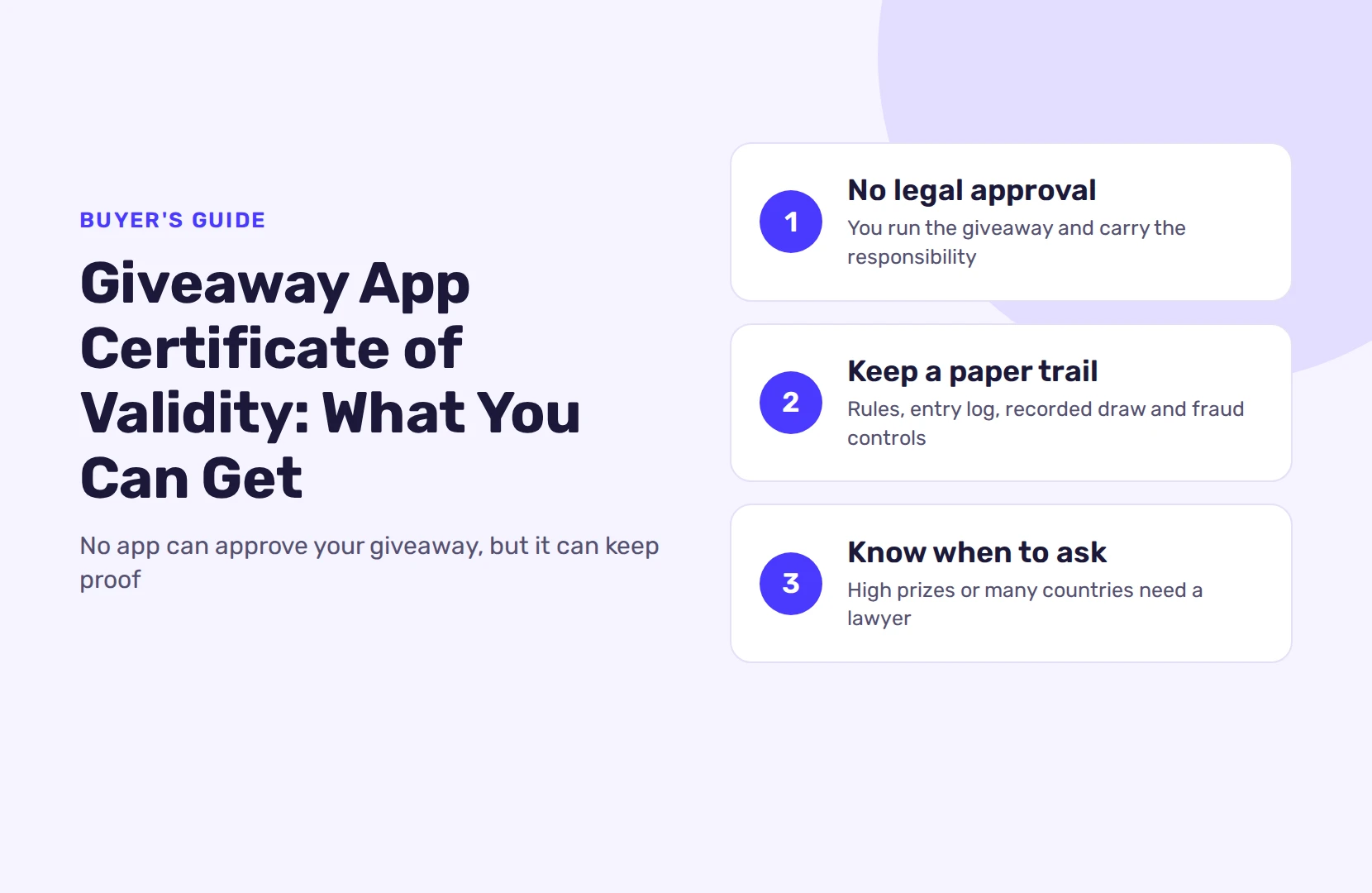
A giveaway app certificate of validity can’t be a legal approval: no tool can certify that your giveaway is legally valid, because you run it and you carry that responsibility. What SweepWidget can help with is the evidence: a way to pick winners at random, fraud controls, and a record of the draw that you save yourself. Here’s what to ask for, and what to do yourself.
This is general information, not legal advice. Check your local rules, ask a lawyer if the prize is large, before you launch a prize promotion.
Does a giveaway app give you a certificate of validity?
No. A certificate of validity would mean someone with legal authority has approved your giveaway. A software tool can’t do that.
SweepWidget’s Terms of Use say it plainly. You affirm that you follow the laws of your local and national jurisdiction, and you take responsibility for your giveaway. SweepWidget can ask you questions about its validity and can end a giveaway at its discretion.
So when a tool says “certified,” ask what is being certified. A record that shows how a winner was drawn is useful. A claim that the giveaway is legal is not something a tool can make for you.
What proof can an app realistically give you?
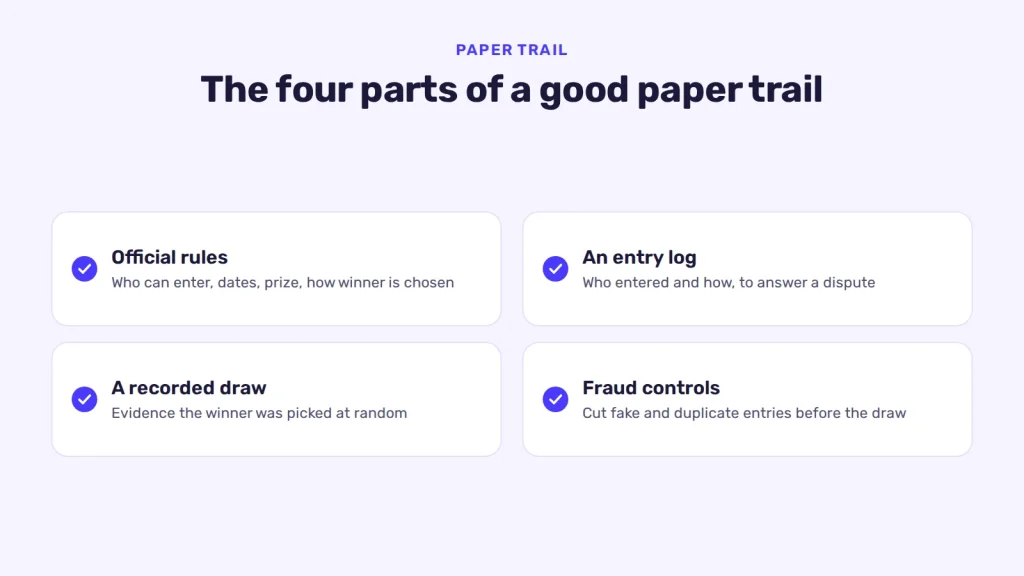
Think of it as a paper trail. A good one has four parts:
- Official rules. A public page that says who can enter, when it starts and ends, what the prize is, and how the winner is chosen. SweepWidget’s Terms and conditions generator is on every plan, Free included. It gives you a starting template; you stay responsible for your own rules and local law. See our official rules template.
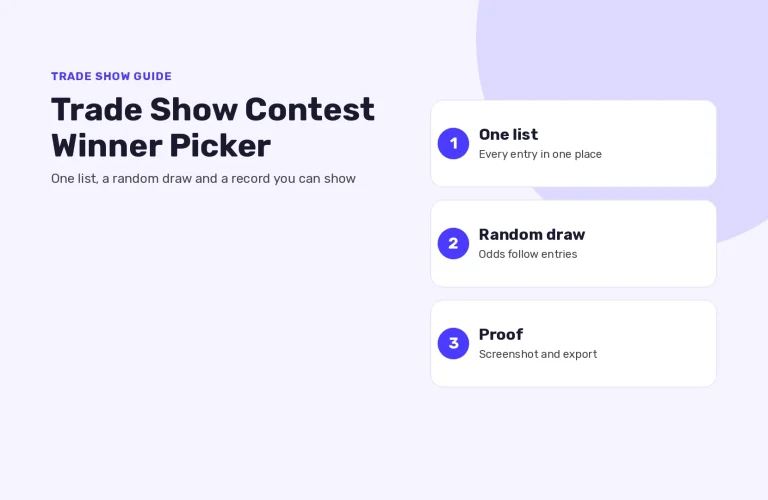
- An entry log. A list of who entered and how, so you can answer a dispute.
- A recorded draw. Evidence that the winner was picked at random, not by hand.
- Fraud controls. Settings that cut fake and duplicate entries before the draw.
SweepWidget can pick winners at random from your entries, with 120+ entry methods to collect them. It does not keep a draw history or audit log: unpicking a winner or drawing again replaces the earlier result, and the winners list shows current winners only. So make your own record: take a screenshot or screen recording of the draw, and download the winners list and your entries. On Free you can view or download only the first 10 entrants’ details; Pro and above show everyone.
How do you set up a giveaway you can defend?
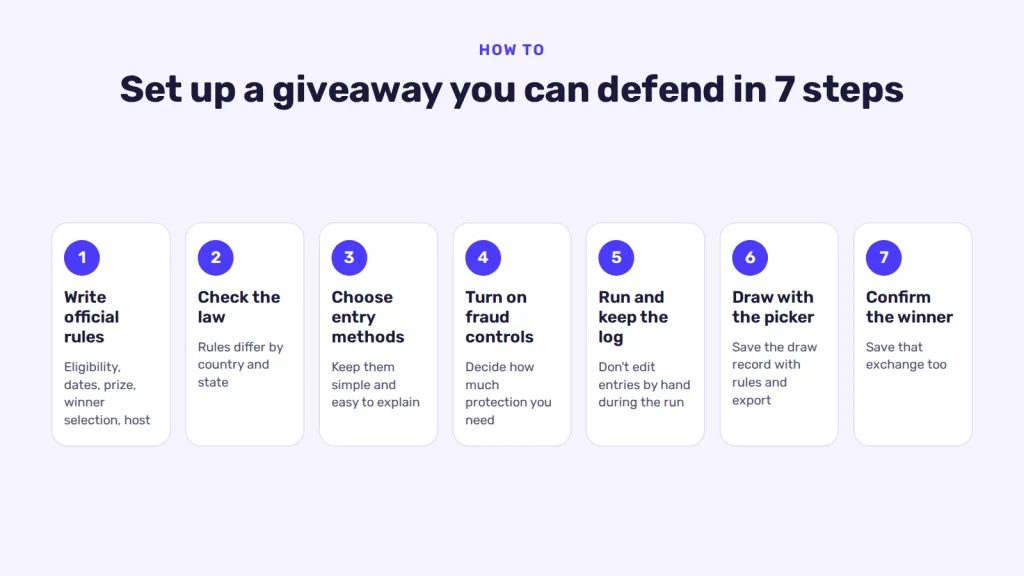
Do these in order. Set up first, then promote, then draw.
- Write your official rules first. Include eligibility (age, country), start and end dates, the prize and its value, how entries are counted, how the winner is picked and contacted, and who runs the giveaway. Publish them where entrants can read them before they enter.
- Check the law where you and your entrants are. Rules differ by country and state. In the US, the FTC says a sweepstakes that requires a purchase to enter is illegal; see No Purchase Necessary and Sweepstakes vs contest vs lottery. If the prizes total more than $5,000 and the promotion is tied to consumer products or services, you may have to register ahead of time with New York and Florida, and may need a bond or deposit. See Is my giveaway legal?.
- Choose entry methods that fit the platform. Keep them simple and easy to explain in your rules.
- Turn on fraud controls. Decide how much protection you need (see the next section).
- Run the giveaway and keep the entry log. Don’t edit entries by hand during the run.
- Draw the winner at random. Save a screenshot or recording of the draw with your rules and entry export.
- Contact and confirm the winner. Then save that exchange too.
Which entry methods should you skip?
Some platform rules limit what you can ask for.
- Facebook and Instagram (Meta). Meta says a promotion on a Page, group or event must not require or incentivize people to share, repost, tag others or otherwise publicize it. Skip those entry types there. Entrants must also release Meta and hold it harmless, and acknowledge that Meta doesn’t sponsor or run the promotion; put that in your official rules. See our Facebook giveaway guide.
- Instagram, Facebook, TikTok and X. These entries are taken on trust, because the platform doesn’t let outside tools check them, so check the winner’s account by hand before you announce. Some other entries, such as YouTube watch, Twitch and Bluesky, are checked through the platform’s API.
- Platform rules in general. Read the promotion rules of every platform you run on, and say in your official rules that the giveaway isn’t sponsored or endorsed by it.
What fraud controls matter before the draw?
A draw is only as fair as the entries behind it. Disposable and temporary email addresses are blocked on every plan. SweepWidget’s own pages list VPN blocking and IP limits as protections against alt accounts and fake entries. Plan availability varies. From SweepWidget’s pricing information:
- Email verification code, geo-blocking and email and IP whitelists need the Premium plan or above.
- Phone (SMS) verification needs the Enterprise plan.
- The Free plan still collects every entrant’s email in your SweepWidget dashboard, but shows the details (emails) of up to 10 entrants. Pro and above show all entrants’ emails and connect to your email tool. The newsletter entry method and the email integrations also need Pro.
- Photo and video contests (uploads and voting) need Pro. Refer-a-friend, secret code, file upload and purchase entries are locked on Free.
Check the pricing page to match the controls you need with a plan. Fraud controls reduce fake entries. They don’t remove every one, so keep a manual check on the winner.
How many winners can each plan draw?
This matters if your rules promise several prizes.
| Plan | Price | Winners per giveaway |
| Free | $0 | 1 |
| Pro | $29/mo or $290/yr | 50 |
| Business | $59/mo or $590/yr | 250 |
| Premium | $119/mo or $1,190/yr | 1,000 |
| Enterprise | $249/mo or $2,490/yr | Unlimited |
Prices are list prices. Every plan, Free included, has unlimited campaigns and unlimited entries. Yearly plans save 17%, which is 2 months free. One random draw picks at most 250 winners at a time.
How do you contact the winner safely?
Fake winner scams are common. Scammers copy your account and message your entrants to say they’ve won. To protect people:
- Say in your official rules how and where you’ll announce and contact the winner.
- Contact winners only from your official accounts or the email they gave you.
- Never ask a winner to pay a fee, shipping charge or “tax” to receive a prize.
- Post the winner’s name or handle (with permission) on your official page so others can check.
- Tell entrants that you’ll never ask for passwords or card details.
Do you need to label paid partnerships?
Yes, if someone is paid or gets free product to promote your giveaway. They should disclose it clearly, using the platform’s paid partnership label where it has one. Put the rule in your brief to them, and keep a copy.
When is an app alone not enough?
If your prize is high value, you run in several countries, or you need a registration or bond, talk to a lawyer. A tool can keep your records tidy, but it can’t replace legal review. SweepWidget’s Terms of Use put legal responsibility on you.
If you’re still comparing tools, see the giveaway and contest tool alternatives.
Ready to run your first giveaway?
Start free on SweepWidget and move to Pro when you want to view and download all your entrants’ emails, and to Premium when you want email verification and geo-blocking.
No credit card required
FAQ
Not one that can promise legal validity. Software can help you pick a winner at random, but you’re responsible for following the law where you run the giveaway.
SweepWidget doesn’t keep a draw log. Take a screenshot or screen recording of the draw, download the winners list, and keep them with your rules and entry log.
Yes, we’d recommend it. Short, clear rules protect you and your entrants. Check your local requirements, as some prizes need more.
Yes, but Instagram doesn’t let outside tools check follows or likes. Those entries are taken on trust, so check the winner by hand. On Free you can use the Instagram visit entries; follow, like and comment entries need Pro.
Write in your rules how long you’ll wait and that you’ll draw again after that. Then follow that rule exactly and save the record.