Free Sweepstakes App: How to Run a Giveaway at No Cost
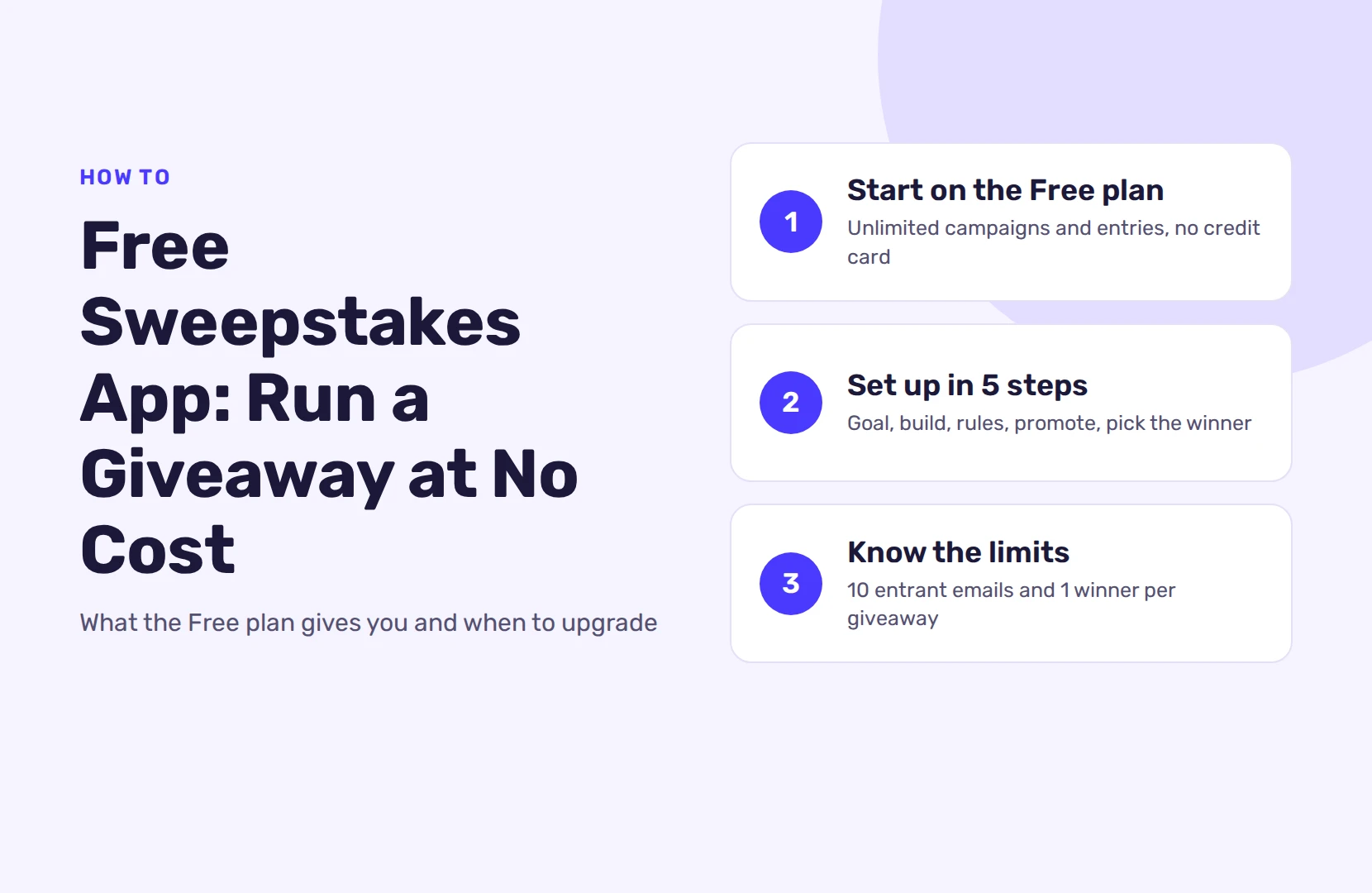
SweepWidget is a free sweepstakes app: the Free plan gives you unlimited campaigns and unlimited entries, and you can view or download up to 10 entrants’ emails. No credit card is needed. If you want to enter sweepstakes instead, browse the free giveaways page. The rest of this guide is for people who want to run one.
What does a free sweepstakes app actually do?
A sweepstakes app lets you create a giveaway, put it on your website or share it by link, and collect entries. Entrants give their email and complete actions, such as following an account or inviting a friend, to earn entries. You then review the results, draw a winner and contact them.
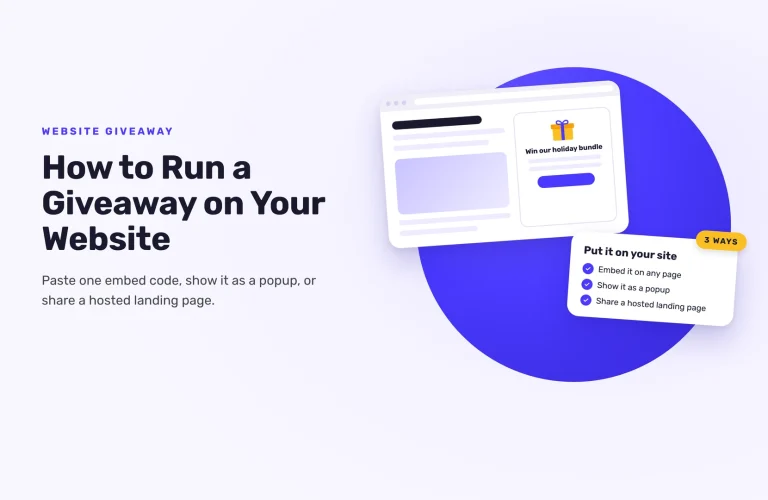
With SweepWidget you copy the embed code and paste it into your own site’s HTML, or share the free hosted page. Turning the giveaway into a popup needs Pro. You can see reports, pick winners and send prize emails from the same place. SweepWidget has 120+ entry methods across plans. For a wider look at the software category, see our guide to sweepstakes software and what the Free plan gets you in our free online contest platform guide.
What do you get on the free plan, and where does it stop?
Here’s the plain version, from SweepWidget’s pricing:
- Campaigns and entries: unlimited on the Free plan.
- Entrant data: you can view or download up to 10 entrants’ emails. Everyone’s emails are still collected in your SweepWidget dashboard.
- Winners: 1 winner per giveaway.
- Brands: 1.
- Entry methods: 20 basic ones, including Visit a page, Bonus, and the visit-type entries for Instagram, Facebook, YouTube, TikTok and Pinterest, plus X follow, post and repost. Follow, like and comment entries for Instagram, YouTube and TikTok are Pro, and so are the Instagram like, comment, share and submit-post entries.
- Bonus limits: on Free you get 1 repeatable Bonus action. Pro allows 5, Business 8, Premium 12 and Enterprise 20.
The limits that matter most:
- Email data. If your goal is a bigger email list, you’ll hit the 10-email view quickly. The Pro plan ($29/mo or $290/yr) lets you view and download all entrants’ emails and adds the newsletter signup entry with 38 email integrations. Both need Pro.
- Photo and video contests. Uploads and voting need Pro.
- Locked on Free. Refer-a-friend, secret code, file upload and purchase entries.
- Fraud controls. Paid plans unlock fraud protection. Email verification code, geo-blocking and whitelists need the Premium plan ($119/mo). Phone (SMS) verification is Enterprise.
- Multiple winners. Pro allows up to 50 winners per giveaway, Business 250, Premium 1,000, and Enterprise is unlimited.
See all plans on the pricing page.
How do you set up a free sweepstakes in 5 steps?
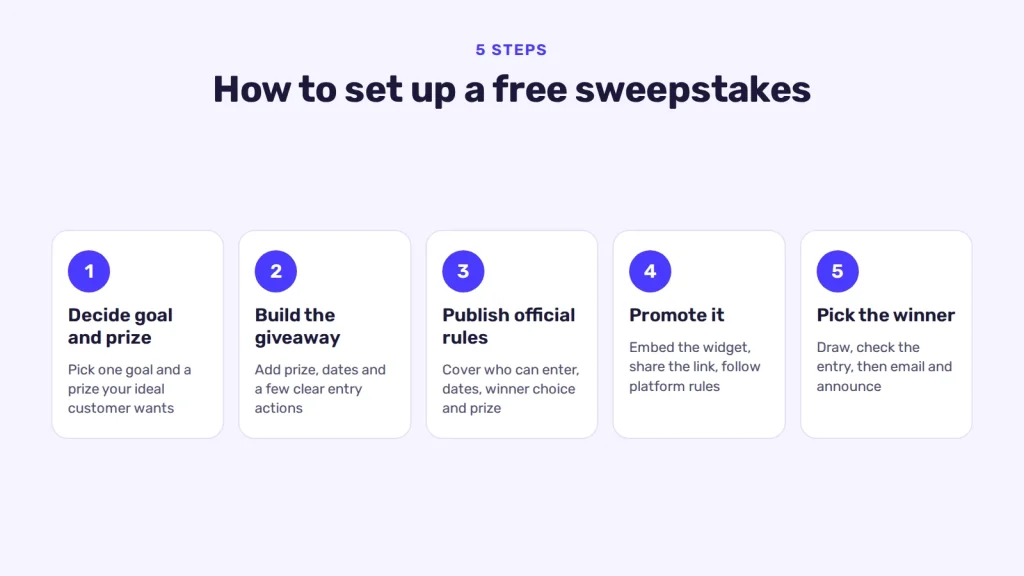
1. Decide the goal and the prize
Pick one goal: more email subscribers, more followers, or more traffic to a product page. Choose a prize your ideal customer wants, ideally your own product. A prize that only appeals to everyone tends to attract entrants who never buy.
2. Build the giveaway
Sign up for the Free plan, create a campaign, and add the prize, start and end dates, and entry actions. Keep it short. A few clear actions usually work better than a long list.
3. Write and publish your official rules
Official rules should cover who can enter, the dates, how the winner is chosen, the prize and its value, and who runs the promotion. Our terms and conditions generator is on every plan, Free included, and gives you a starting template; you stay responsible for your own rules and local law. If a purchase could be needed to take part, offer a free alternative way to enter. In the US, the FTC says a sweepstakes that requires a purchase to enter is illegal. Read more in No Purchase Necessary and sweepstakes vs contest vs lottery. SweepWidget’s help doc explains the alternative method of entry (AMOE). Link the rules from the giveaway page.
This is general information, not legal advice. Prize promotion rules vary by country and state. If the prizes total more than $5,000 and the promotion is tied to consumer products or services, you may have to register ahead of time with New York and Florida, and may need a bond or deposit. Ask a lawyer if the prize is large.
4. Promote it
Embed the widget on your site, share the link in email and on social, and say clearly when it ends. Follow each platform’s own promotion rules:
- Facebook and Instagram (Meta): a promotion on a Page, group or event must not require or incentivize people to share, repost, tag others or otherwise publicize it. Entrants must release Meta and hold it harmless, and acknowledge that Meta doesn’t sponsor or run the promotion. Skip share and tag entry types there. See our Facebook giveaway guide.
- Instagram, Facebook and TikTok: outside tools can’t check follows or likes on these platforms. Those entries are taken on trust, so check the winner by hand before you announce them.
- Influencers or partners: if you pay or gift someone to promote your giveaway, they must label it as a paid partnership.
5. Pick and contact the winner
When the giveaway closes, use the built-in random picker to draw a winner. Check that the entry is genuine. Then email the winner from the address on your rules, and announce the result publicly.
Watch for fake winner scams. Scammers pose as brands and message “winners” asking for fees or card details. Tell entrants in your rules that you never ask winners to pay anything, and only announce winners from your official accounts.
What should you check before you launch?
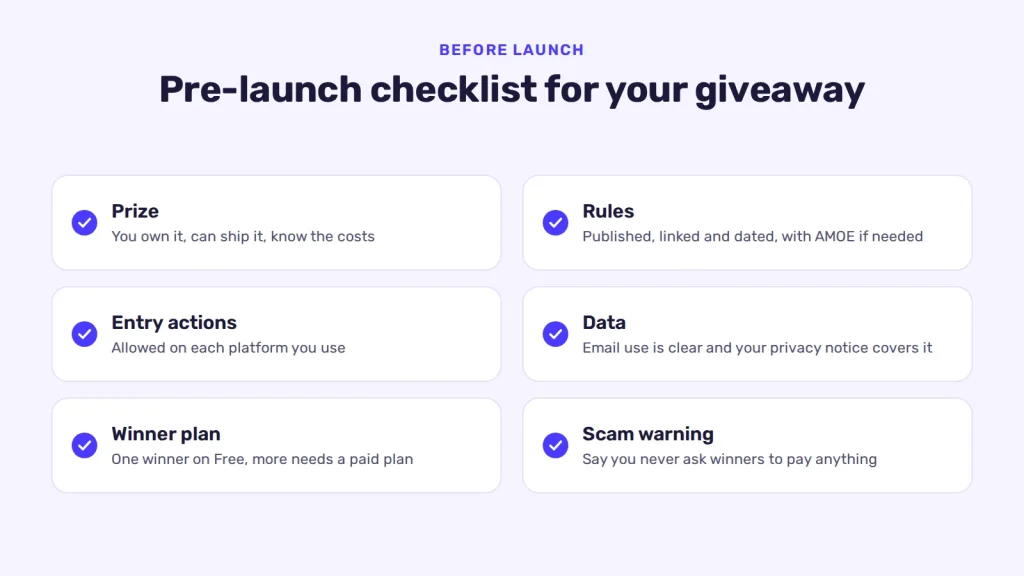
- Prize: you own it, can ship it, and know any tax or delivery costs.
- Rules: published, linked and dated, with the AMOE if one is needed.
- Entry actions: allowed on each platform you use.
- Data: you know how you’ll use the emails, and your privacy notice covers it.
- Winner plan: one winner on Free; more winners need a paid plan.
- Scam warning: say you never ask winners to pay anything.
When is the free plan not enough?
Move up when you need one of these:
- All entrants’ emails to import into your email tool. That’s the Pro plan.
- Fraud controls such as email verification code (Premium) or phone verification (Enterprise).
- No SweepWidget branding and a custom landing page URL (Premium).
- More winners than one.
Because campaigns and entries are unlimited on Free, you can build and test your giveaway before paying anything. If you downgrade later, your giveaways and entries are not deleted. They follow the limits of the new plan, and features the new plan doesn’t include stop working, even on existing giveaways.
Ready to run your first giveaway?
Start free on SweepWidget and move to Pro when you want to view and download all your entrants’ emails and connect your email tool.
No credit card required
FAQ
Yes. SweepWidget’s Free plan has unlimited campaigns and unlimited entries, and you can view or download up to 10 entrants’ emails. It needs no credit card.
Yes, but Instagram doesn’t let outside tools check follows or likes. Those entries rely on trust, so verify the winner by hand before announcing them. On Free you can use the Instagram visit-profile entry. Follow, like, comment, share and submit-post entries are Pro.
Yes. Publish them before you launch. They protect you and entrants, and they’re where you state the AMOE if you need one. This is general information, not legal advice; ask a lawyer if the prize is large.
One per giveaway on the Free plan. Pro allows up to 50, Business 250, Premium 1,000, and Enterprise is unlimited.
Real brands never ask winners to pay a fee or share card details. Announce winners from your own accounts, and tell entrants how you’ll contact them.