
Reset Your SweepWidget Password
Have you lost your SweepWidget password and can’t log in? No problem, there’s a solution.
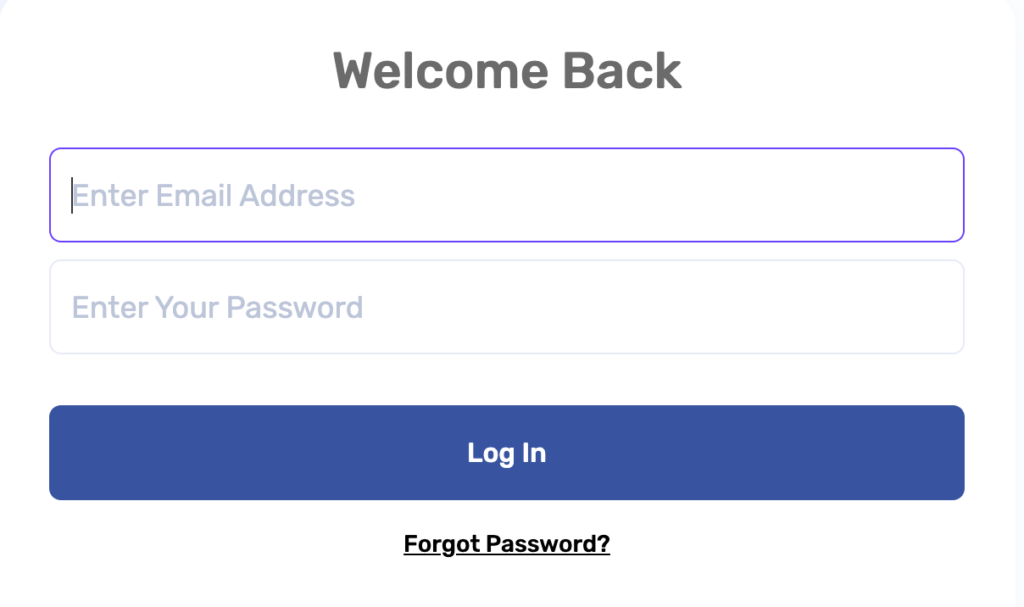
- Go to https://sweepwidget.com/login, then click the Forgot password? link.
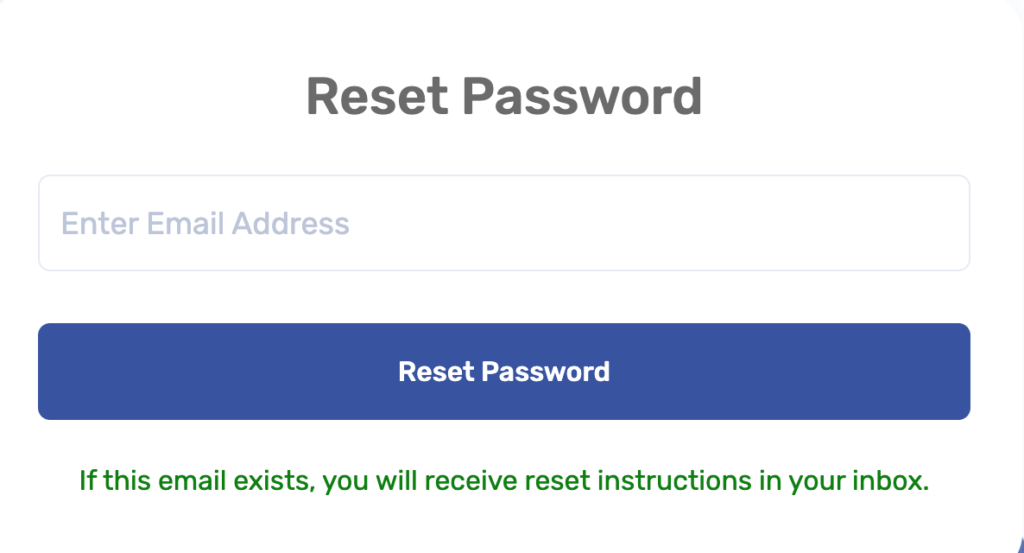
- Enter the email address associated with your SweepWidget account and click Reset Password. You’ll see “If this email exists, you will receive reset instructions in your inbox.”
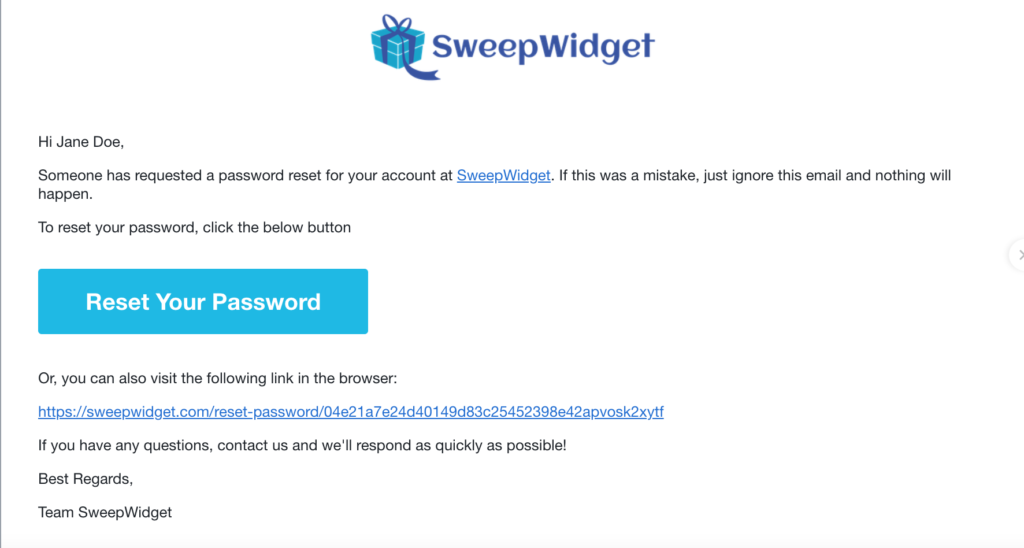
- You will receive an email titled “Password Reset Request” from [email protected]. Click the Reset Your Password link. Check your spam folder if you don’t see it.
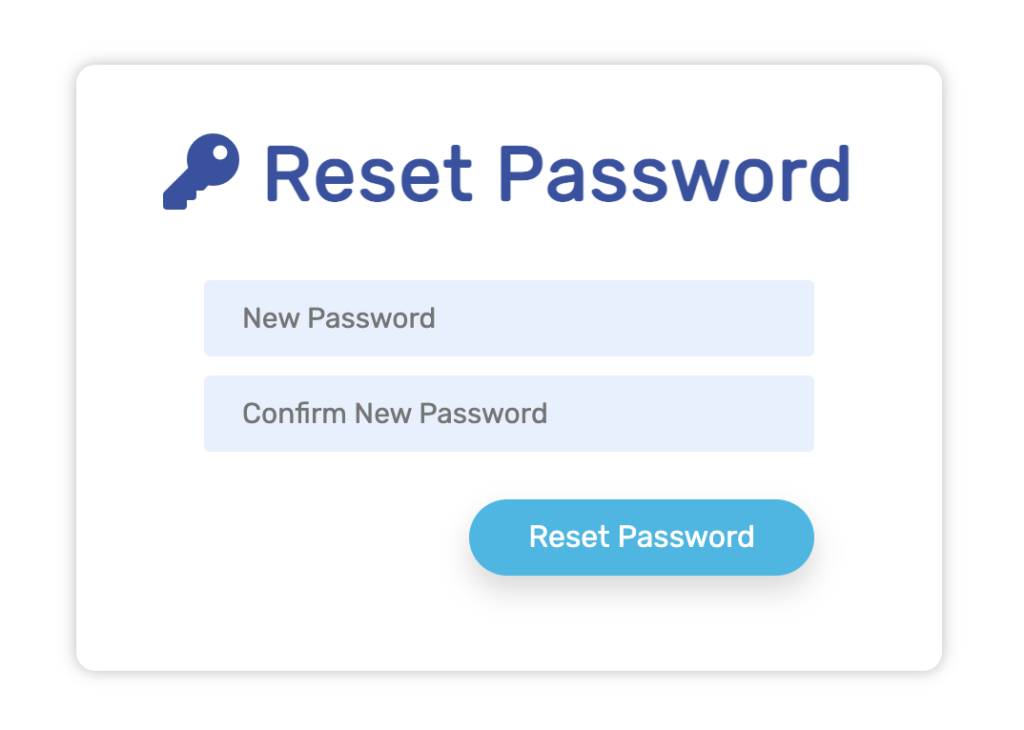
- Enter your new password (6 to 60 characters) in New Password and Confirm New Password, then click Reset Password.
Team members: if you were invited to someone else’s SweepWidget account, this form can’t reset your password. Contact support.