How to Use Sweepstakes to Get Sign Ups
The simplest way to use a sweepstakes to get sign ups is to offer a prize your ideal customer wants, make joining your list part of the entry, and promote the page where your audience already is. SweepWidget lets you do this without code: every entry captures an email address, and you choose which extra actions people can take from 120+ entry methods. Below are the steps, the limits and the numbers to watch.
What makes a sweepstakes bring in good sign ups?
Three things: a relevant prize, a short entry form and a clear reason to give an email. Sweepstakes attract two groups: people who want your product, and people who want anything free. You want the first group.
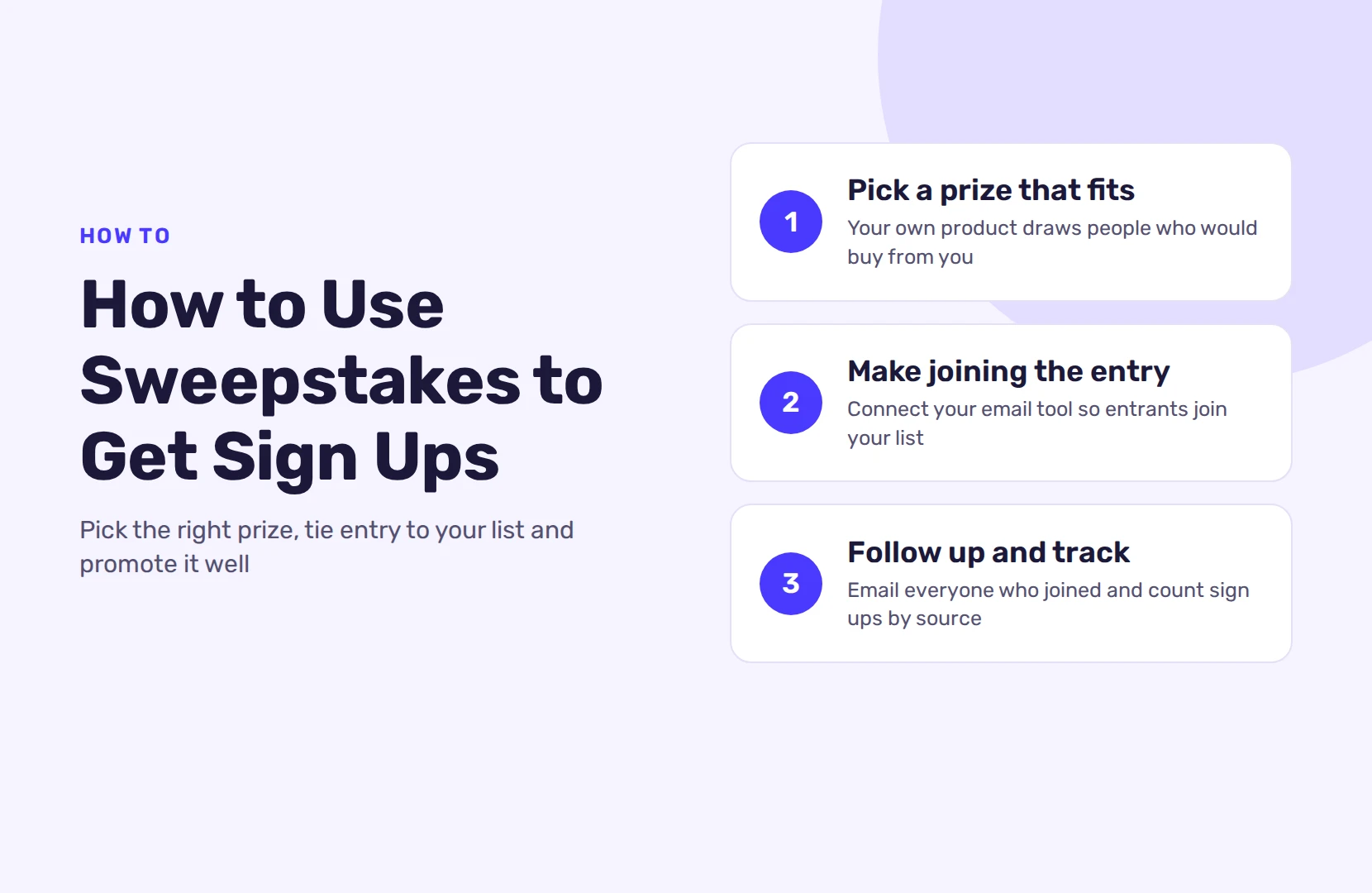
The prize does most of the filtering. A gift card to anywhere draws everyone. Your own product, a bundle or an experience tied to your niche draws people who’d buy from you anyway.
How do you set up a sweepstakes to get sign ups?
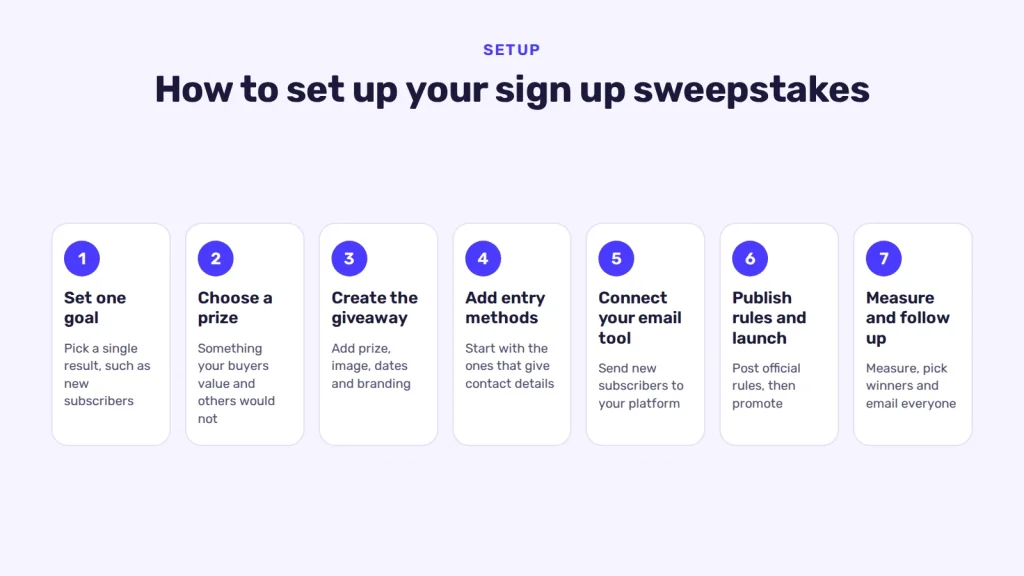
Follow these steps in order. Set up before you promote, and promote before you measure.
- Set one goal. Pick a single result, such as new newsletter subscribers or new account sign ups. Everything else is secondary.
- Choose a prize that fits your buyers. Use something your customers would value and others wouldn’t. Decide the value and the number of winners up front. The Free plan allows 1 winner, Pro up to 50, Business up to 250, Premium up to 1,000, and Enterprise is unlimited. See SweepWidget pricing.
- Create the giveaway in SweepWidget. Add your prize, image, start and end dates, and design. Removing SweepWidget branding needs the Premium plan or above.
- Add entry methods. See the next section.
- Connect your email tool. SweepWidget’s Subscribe to Newsletter entry method sends new subscribers straight to your email platform, with Mailchimp, Klaviyo, ConvertKit and HubSpot among 30+ email integrations. The newsletter entry method and the email integrations need Pro. On Free, entrants’ emails are still collected in your SweepWidget dashboard, and you can see the first 10. Check your tool is supported in the integration guide before you launch.
- Publish official rules. See the section on rules below. The terms and conditions generator is on every plan, Free included, and gives you a starting template.
- Launch and promote. See the promotion section.
- Measure, pick winners and follow up.
Which entry methods bring in the most useful sign ups?
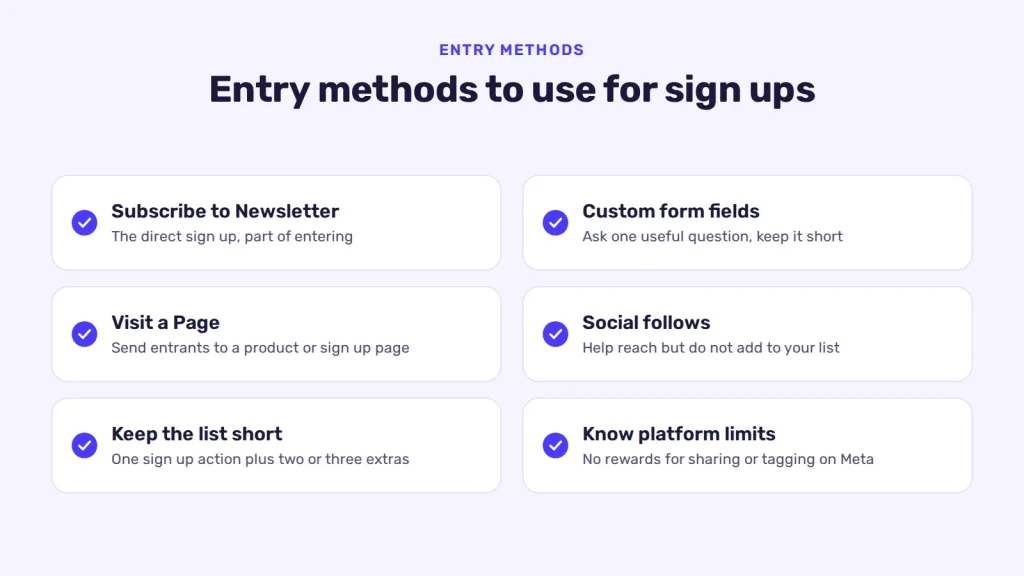
Start with the ones that give you contact details, then add a few that match your goal.
- Subscribe to Newsletter. This is the direct sign up (Pro and above). Entrants join your list as part of entering.
- Custom form fields. (Pro and above.) Ask one useful question, such as “What are you most interested in?” The answer helps you segment later. Each extra field tends to lower completion, so keep it short.
- Visit a Page. Send entrants to a product, sign up or registration page. This works on Free.
- Social follows. Follows on platforms like YouTube help your reach but don’t add to your email list. On Free you can use the visit-type entries for Instagram, Facebook, YouTube, TikTok and Pinterest and the X follow, post and repost entries; follow, like and comment entries for Instagram, YouTube and TikTok are Pro.
Refer-a-friend, secret code, file upload and purchase entries are locked on Free, and photo and video contests (uploads and voting) need Pro.
Be honest about limits. Instagram, Facebook and TikTok don’t let outside tools check follows or likes, so those entries are taken on trust and you check the winner by hand. On Facebook and Instagram, don’t reward sharing, tagging or inviting friends. Meta says a promotion on a Page, group or event must not require or incentivize people to share, repost, tag others or otherwise publicize it, so skip those entry types for any giveaway tied to a Meta page or group.
A short list works better than a long one. Pick the sign up action plus two or three easy extras.
What rules do you need to publish?
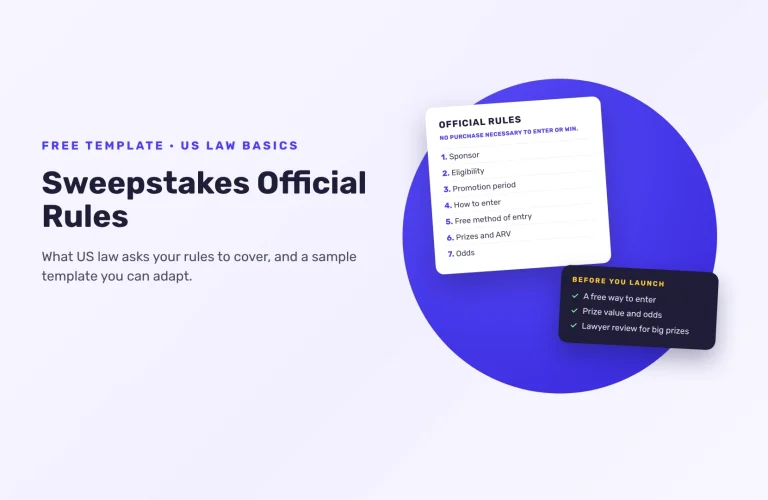
Publish official rules on the giveaway page. Include who can enter, dates, how winners are chosen and contacted, the prize value, and who runs it. Say clearly that the giveaway isn’t sponsored or endorsed by Instagram, Facebook, TikTok or any platform you use. For Facebook and Instagram, Meta also expects entrants to release Meta and hold it harmless, and to acknowledge that Meta doesn’t sponsor or run the promotion. See our Facebook giveaway guide.
Laws on sweepstakes, “no purchase necessary” wording and alternative ways to enter differ by country and state. Have the rules checked for the places you’ll accept entries from. In the US, the FTC says a sweepstakes that requires a purchase to enter is illegal; read No Purchase Necessary and Sweepstakes vs contest vs lottery. If the prizes total more than $5,000 and the promotion is tied to consumer products or services, you may have to register ahead of time with New York and Florida, and may need a bond or deposit.
This is general information, not legal advice. Ask a lawyer if the prize is large. Check the official guidance for your area, for example from the FTC on endorsements and disclosures.
If an influencer or partner promotes your giveaway for pay or free product, they should label it clearly as a paid partnership or ad.
Where should you promote it?
Go where your existing audience is, and send people to one link.
- Your email list and website. A banner or embedded giveaway pointing to the giveaway page reaches people already interested. You can copy the embed code into your own site’s HTML or share the free hosted page. Turning the giveaway into a popup needs Pro.
- Your social profiles. Pin the link in your bio and post about the prize.
- Partners. Another brand with a similar audience can co-promote, with the prize shared or added to.
- Your checkout or thank-you page. This works if you want to reward existing customers.
Use a separate tracking link for each channel so you can see which one brings sign ups.
How do you keep fake entries out?
Bots and repeat entrants can fill your list with addresses that never open an email. SweepWidget has controls for this, and they depend on your plan:
- Every plan blocks disposable and temporary email addresses.
- Pro and above: you can view and download all entrants’ emails.
- Premium: email verification code, geo-blocking and email and IP whitelists.
- Enterprise: phone verification.
The Free plan has unlimited campaigns and unlimited entries, and you can view or download up to 10 entrants’ emails.
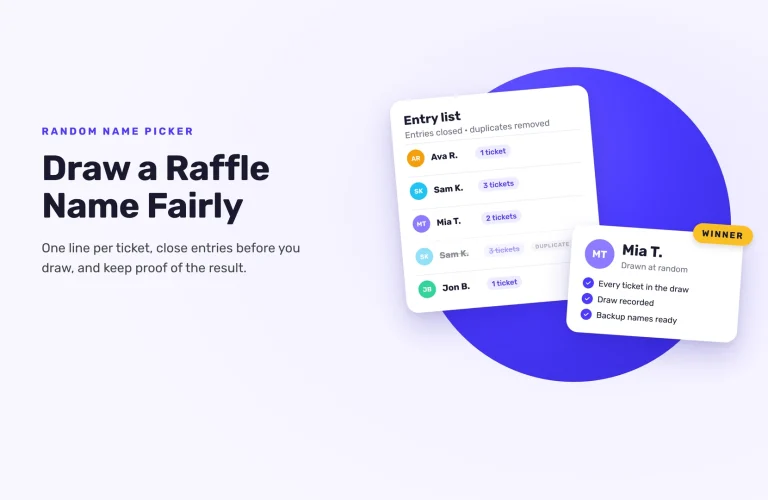
Pick winners with a random draw, and have a backup winner ready in case someone doesn’t respond.
What should you do after the giveaway ends?
Email everyone who joined your list, not just the winner. Thank them and tell them what to expect from you. Don’t skip this step, because sign ups cool off quickly.
When you contact winners, send the message from your official address and tell them to check your public giveaway page. Scammers often pretend to be giveaway hosts, so say clearly in your rules that you’ll never ask a winner to pay a fee or share a password or card number.
Which numbers should you track?
- Entries and new subscribers. They aren’t the same, so count both.
- Source of each sign up. Use your tracking links.
- Email open and click rates in the first few emails. These show whether the list is engaged.
- Unsubscribes after the giveaway. A spike suggests the prize attracted the wrong people.
- Sign ups that turn into customers. This is the number that tells you if the giveaway was worth running.
When is a basic sweepstakes not enough?
If you need all entrant emails, the newsletter entry or stronger fraud checks, you’ll need a paid plan. Pro covers all entrants’ emails and the newsletter entry with email integrations. Business adds leaderboards, coupons and Zapier. Premium adds email verification, geo-blocking, custom CSS and removal of SweepWidget branding. If you run giveaways across several brands, check the brand limits on each plan.
Ready to run your first giveaway?
Start free on SweepWidget and move to Pro when you want to view and download all your entrants’ emails and connect your email tool. Fraud controls such as email verification and geo-blocking start on Premium.
No credit card required
FAQ
Not exactly. A sweepstakes picks winners by chance. A contest picks them by skill or judging, such as a photo contest. Most “giveaways” online are sweepstakes. The legal rules can differ, so state clearly which you’re running.
Long enough to promote it in several channels, and short enough to keep urgency. Many brands run them for a few weeks. Test it and compare sign ups per day.
No, but the prize should be something your target customers want. Your own product often attracts people more likely to buy from you.
No, not in the US: the FTC says a sweepstakes that requires a purchase to enter is illegal. Many places require a free way to enter. Read the legal sources for your area and our No Purchase Necessary guide, and have your rules reviewed.
Some will leave. Send a welcome email soon after the draw, set expectations and make it easy to unsubscribe. Then watch engagement to see how many are real prospects.