
Twitter Entry Methods
This article covers all of the entry methods that SweepWidget allows with Twitter, also called X. The builder has two groups, X and Twitter. They work the same way. Pick the one whose name and logo you want.
These entry methods are available on every plan. SweepWidget does not check any X/Twitter action. The user types a username or pastes a link after doing the action and the entry is taken on trust. Check winners by hand before you award prizes.
Table of contents:
- Login
- Follow Account
- Post A Tweet
- Retweet
- Example Giveaway
Twitter login
SweepWidget allows users to log in to a giveaway with their Twitter account.
Admin view
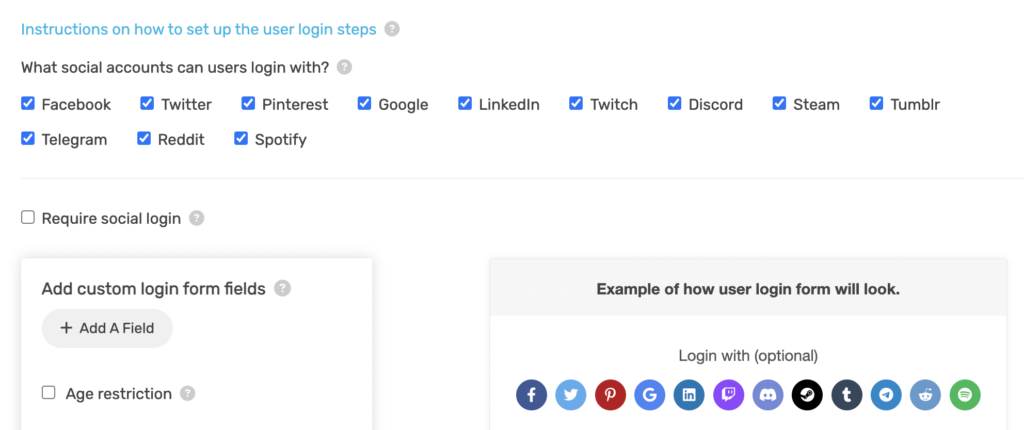
Go to the Login Fields tab. Under Social login options, tick Twitter. You can offer only Twitter, or as many logins as you like. You can make social login optional or required.
Public view
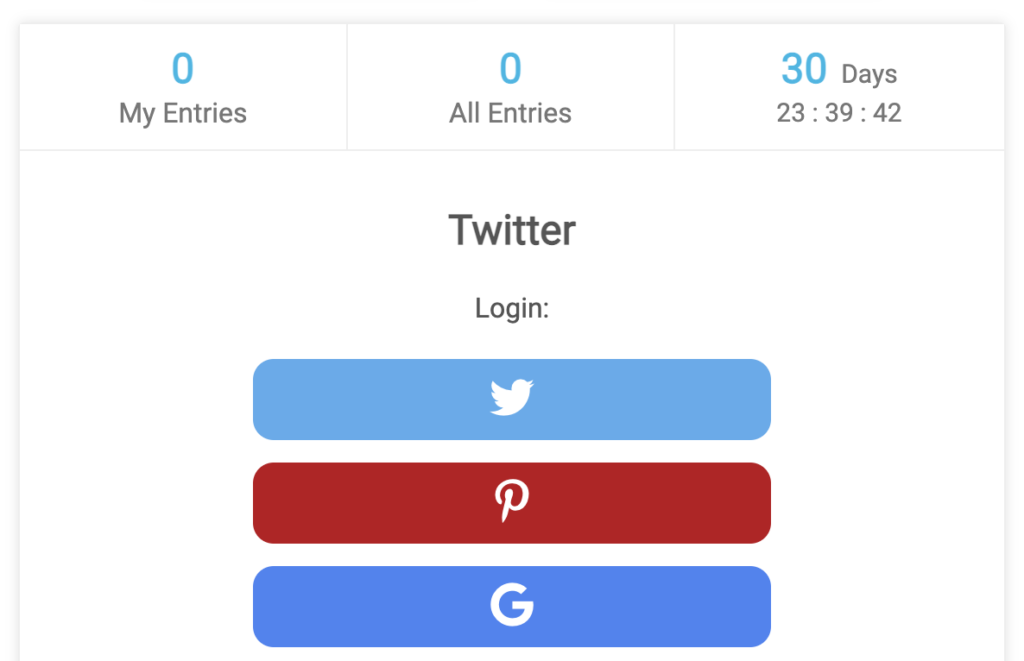
Optional Twitter login. The user can choose from the social logins you offer, Twitter included.
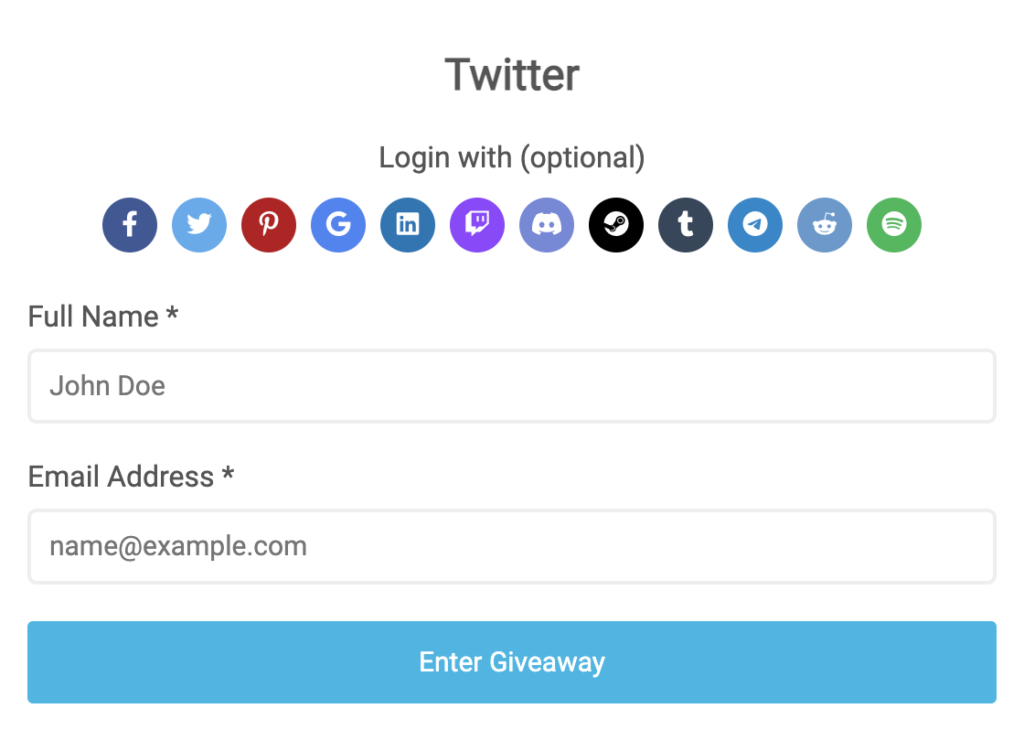
Required Twitter login. The user must log in with Twitter (or with one of the other options you ticked).
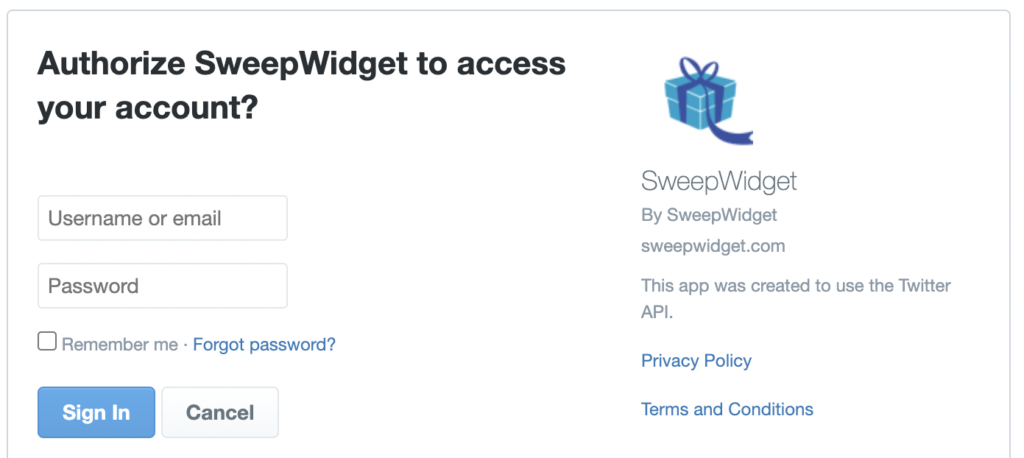
After the user clicks the Twitter login button, they are sent to Twitter and authorize the SweepWidget app. Their name and email address are filled in and they are entered.
Follow a Twitter account
SweepWidget allows users to gain entries by following a Twitter account.
Admin view
- Go to the Entry Methods tab.
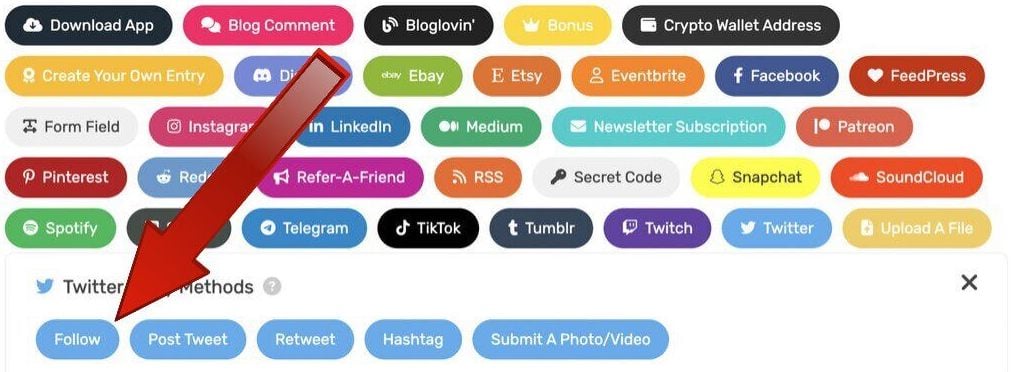
- Click Twitter > Follow (or X > Follow).
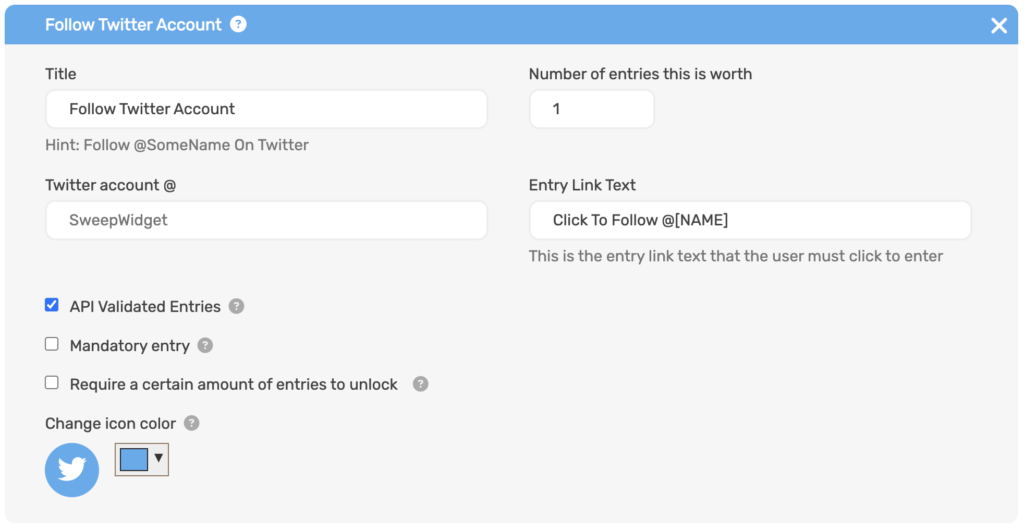
- Enter the username in Twitter account @. Enter the username only, not a link.
Public view
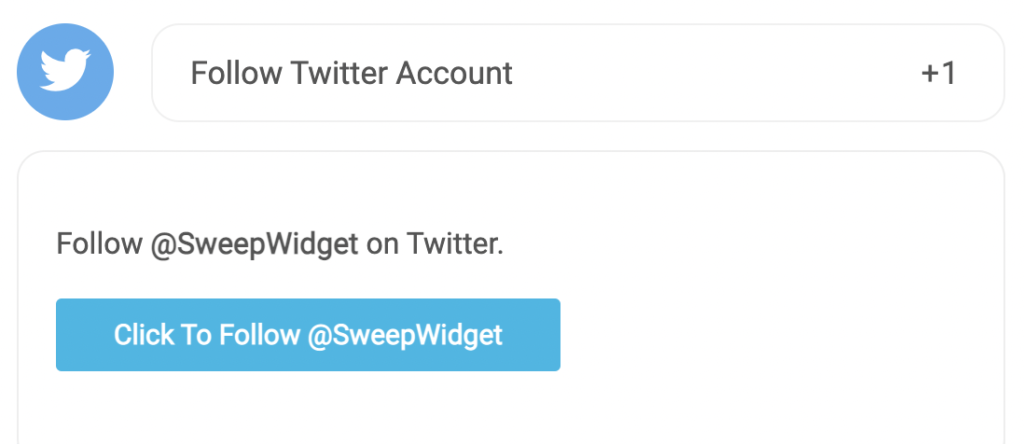
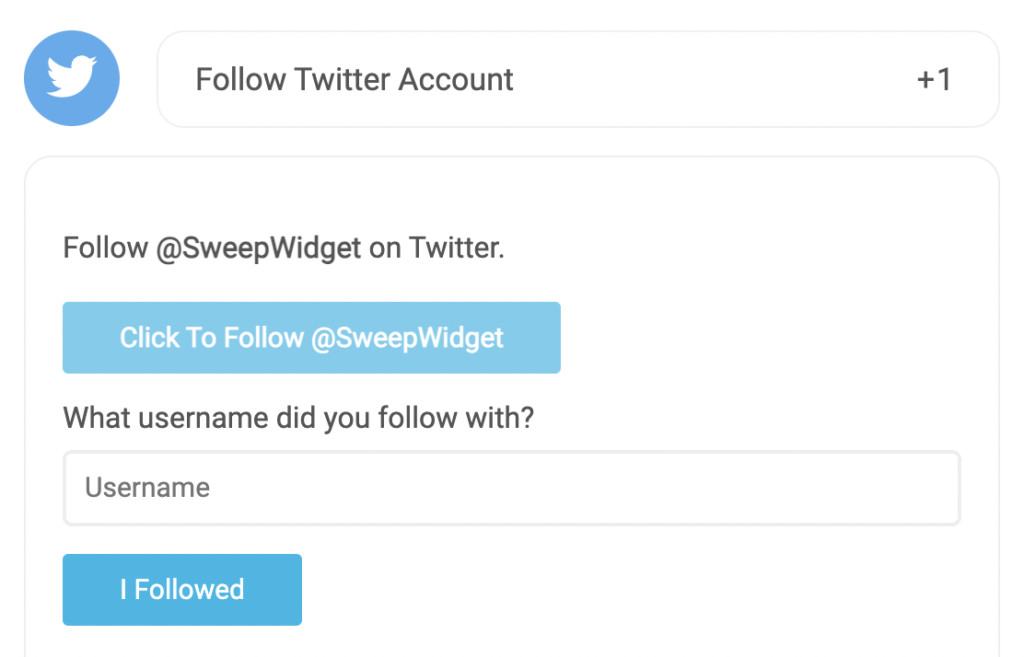
The user clicks Click To Follow and follows your account. Back in the giveaway they type the username they followed with and click I Followed. SweepWidget does not check whether they follow the account.
Post a tweet
SweepWidget allows users to gain entries by posting a tweet.
Admin view
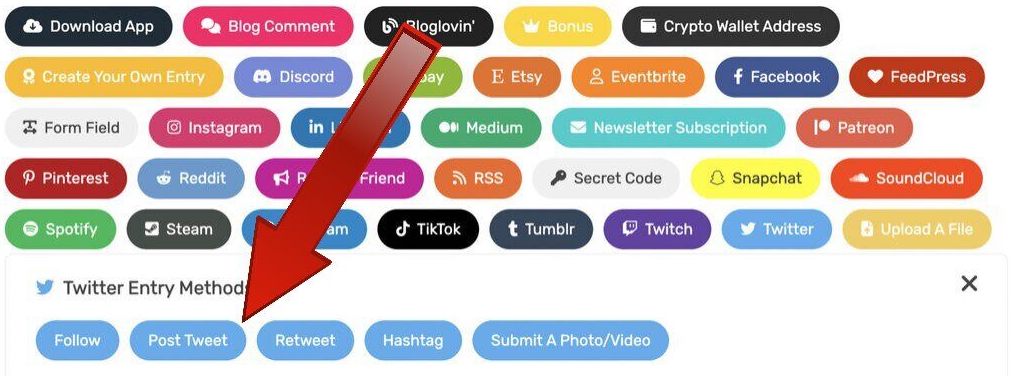
- Go to the Entry Methods tab.
- Click Twitter > Post Tweet (or X > Post).
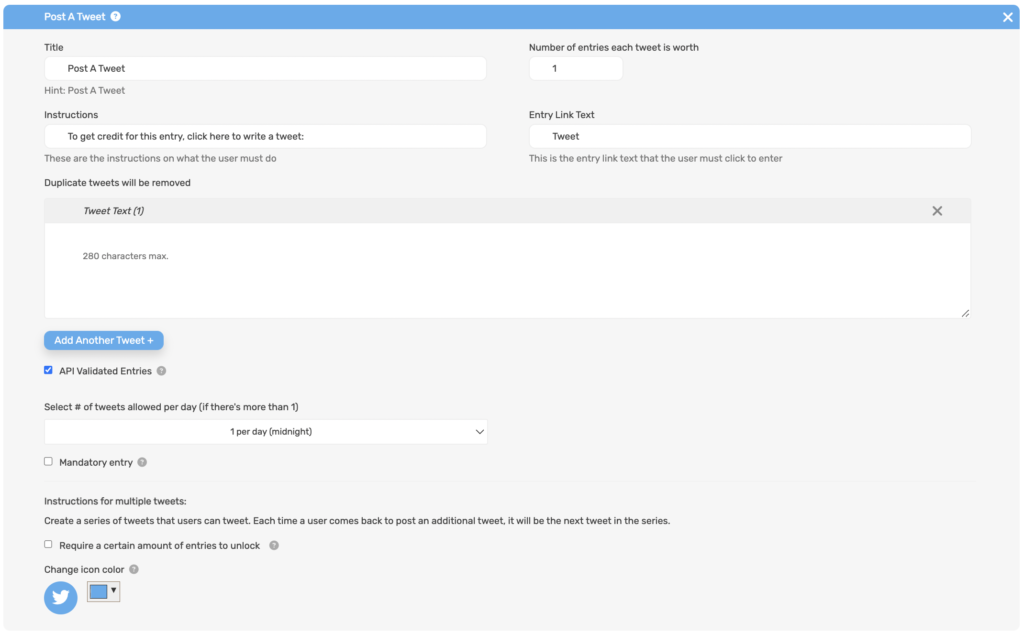
- Write the tweet in Tweet Text (1). The limit is 280 characters.
Daily tweets. Click + Add Another Tweet to build a list of tweets. Set Select # of tweets allowed per day (if there’s more than 1) to one of: 1 per day (midnight), 1 every 24 hours, 1 every 12 hours or 1 every 8 hours. Each time the user comes back to enter again, they get the next tweet in your list. Every tweet must be different, because Twitter does not allow duplicate tweets.
Public view
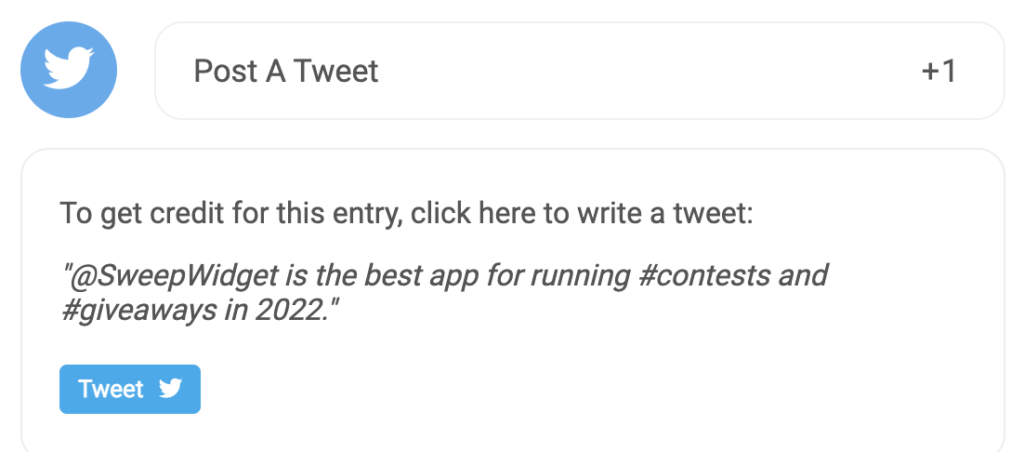
The user clicks Tweet and posts it. Then they paste the URL of their tweet and click I Tweeted. Our guide shows how to find a direct tweet URL.
Retweet a tweet
SweepWidget allows users to gain entries by retweeting a tweet.
Admin view
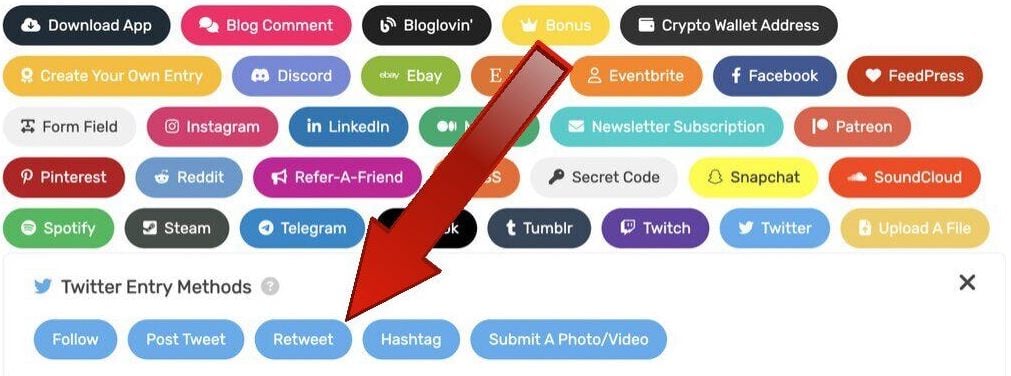
- Go to the Entry Methods tab.
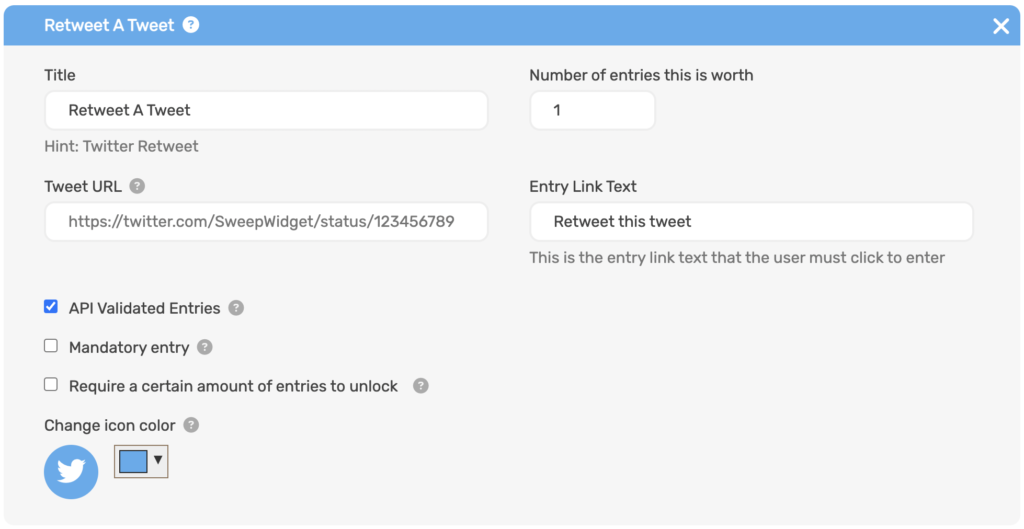
- Click Twitter > Retweet (or X > Repost).
- Paste the link to the tweet in Tweet URL.
Public view
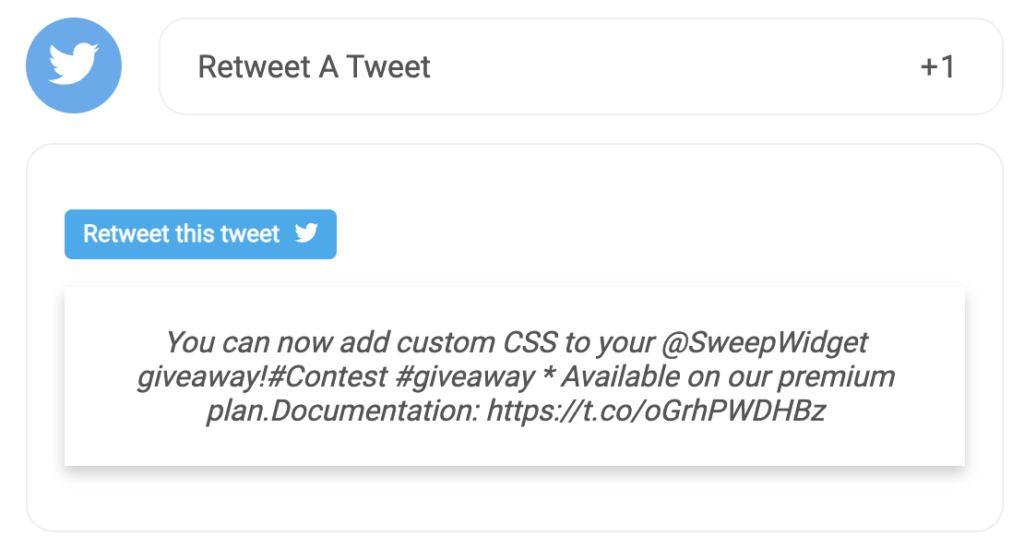
The user clicks Retweet this tweet and retweets it. Back in the giveaway they type the Twitter username they retweeted with and click I Retweeted.
Example Twitter Giveaway