
Pinterest Entry Methods
This article covers all of the entry methods that SweepWidget allows with Pinterest.
Table of contents:
- Login
- Visit Pin
- Visit Board
- Select A Pin From A Board (API verified)
- Select A Board (API verified)
- Example Giveaway
Visit Pin and Visit Board are available on every plan. Select A Pin From A Board and Select A Board need the Pro plan or above.
Pinterest login
Users can log in to a giveaway with their Pinterest account.
Admin view
Go to the Login Fields tab. Under Social login options, tick Pinterest. You can offer Pinterest alone or with other social logins, and you can make social login optional or required.

Public view
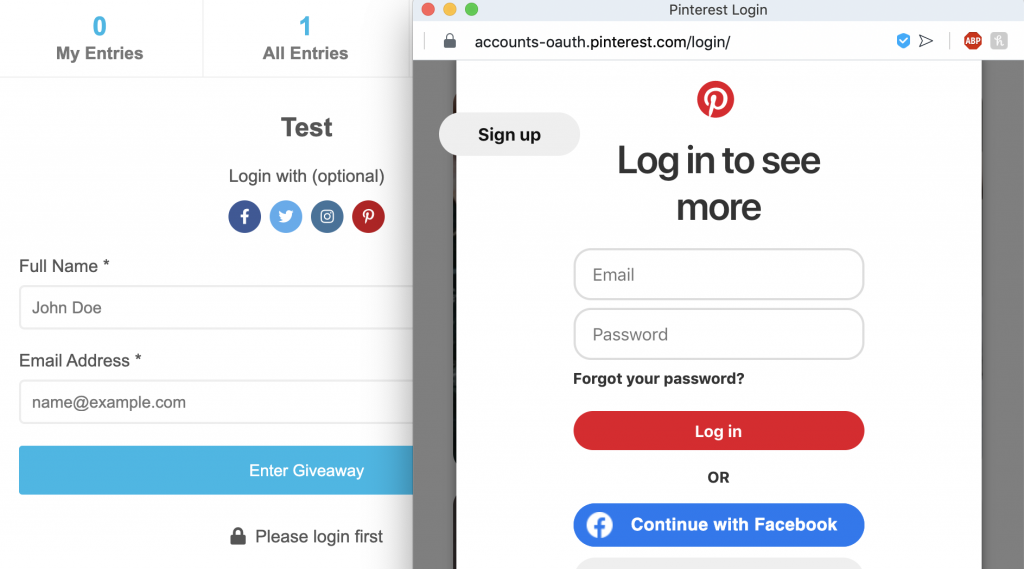
The user clicks the Pinterest login icon, signs in to Pinterest and authorizes the SweepWidget app. Their Pinterest username fills in the name field. Pinterest does not share an email address, so SweepWidget cannot fill that in.
Visit A Pin
Users earn entries by visiting a pin.
Admin view
- Go to the Entry Methods tab.
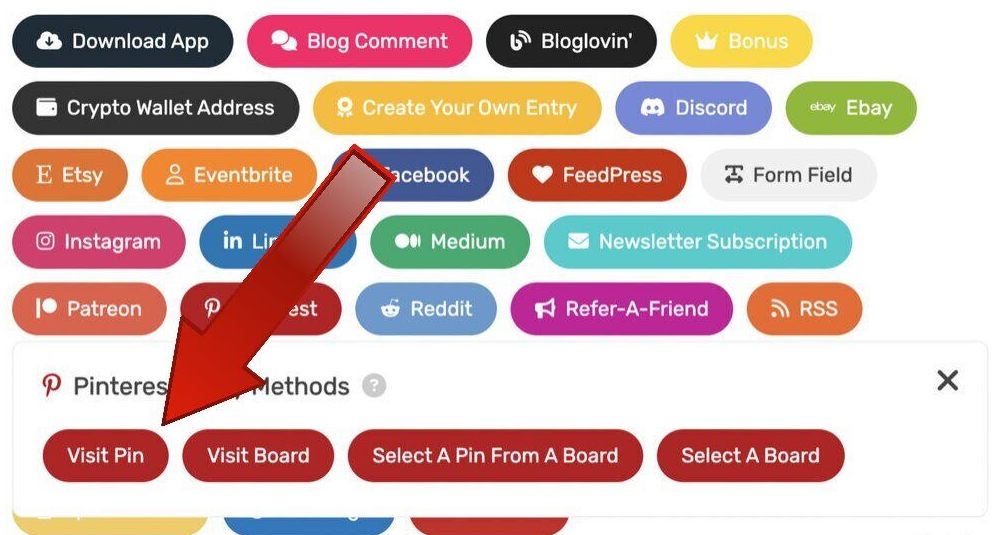
- Click Pinterest > Visit Pin.
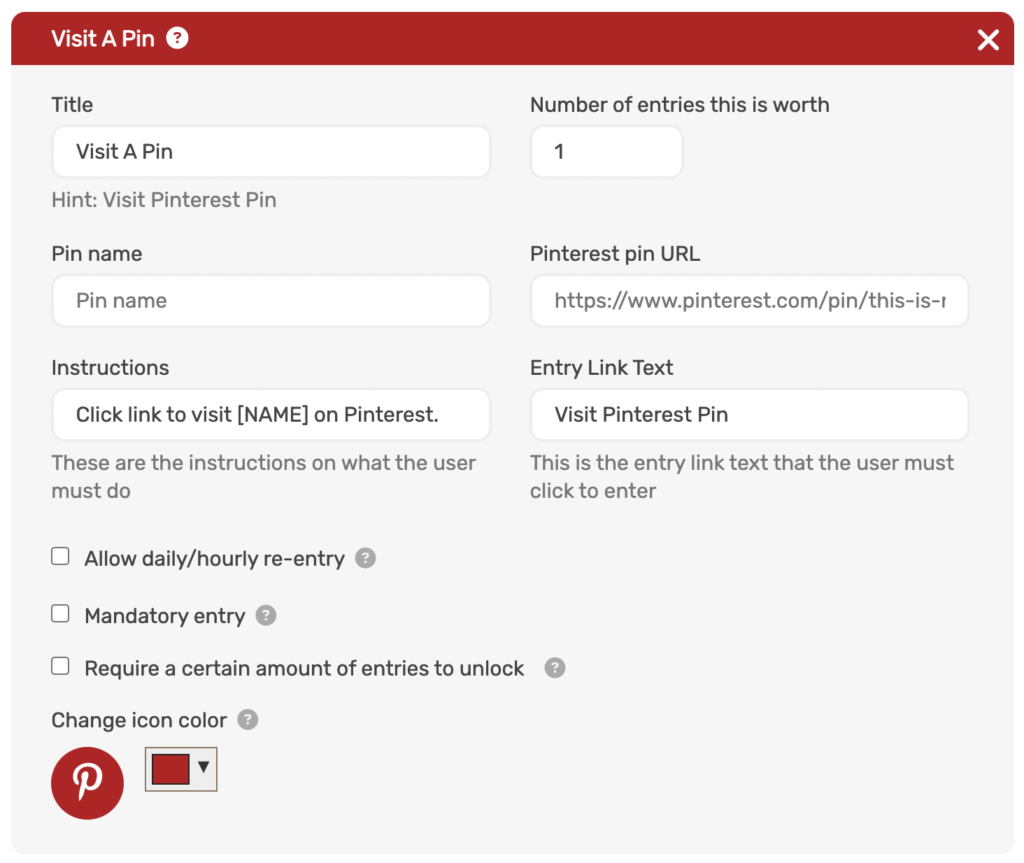
- Fill in Pin name and Pinterest pin URL.
Public view
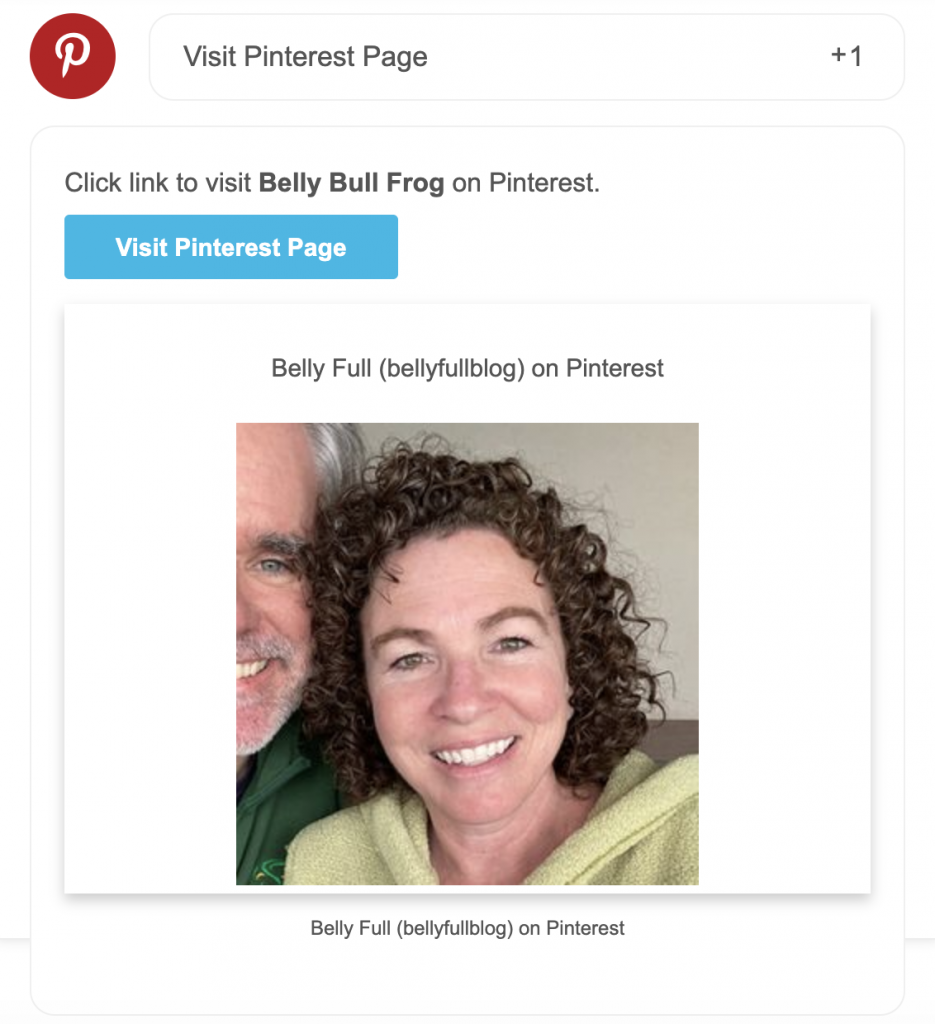
The user clicks Visit Pinterest Pin and gets credit right away. There is no verification step. To let users earn it again, tick Daily entry in the builder.
Visit A Board
Users earn entries by visiting a Pinterest board.
Admin view
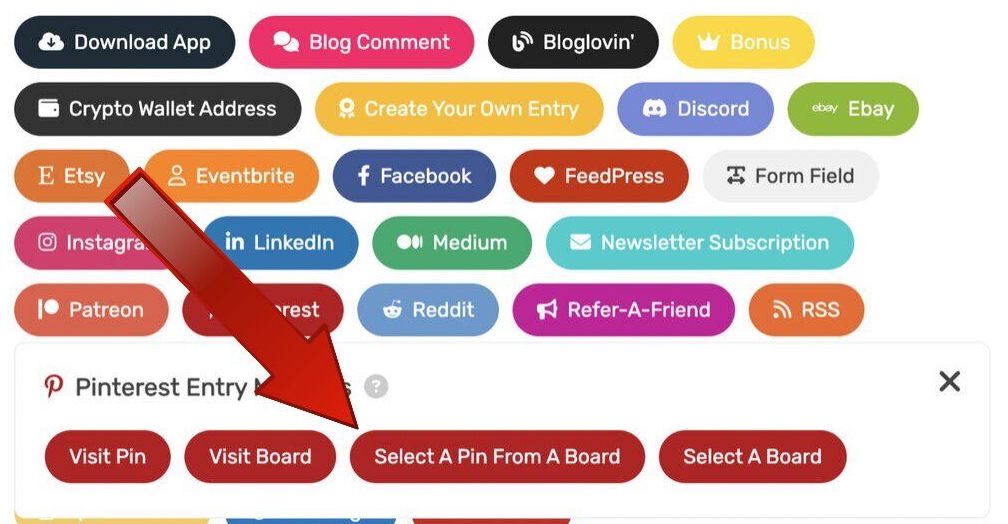
- Go to the Entry Methods tab.
- Click Pinterest > Visit Board.
- Fill in Board name and Pinterest Board URL.
Public view
The user clicks Visit Pinterest Board and gets credit right away. There is no verification step.
Select A Pin From A Board
The user picks a pin from one of their own Pinterest boards. SweepWidget reads the boards and pins live from their Pinterest account, so the pin is really theirs.
Admin view
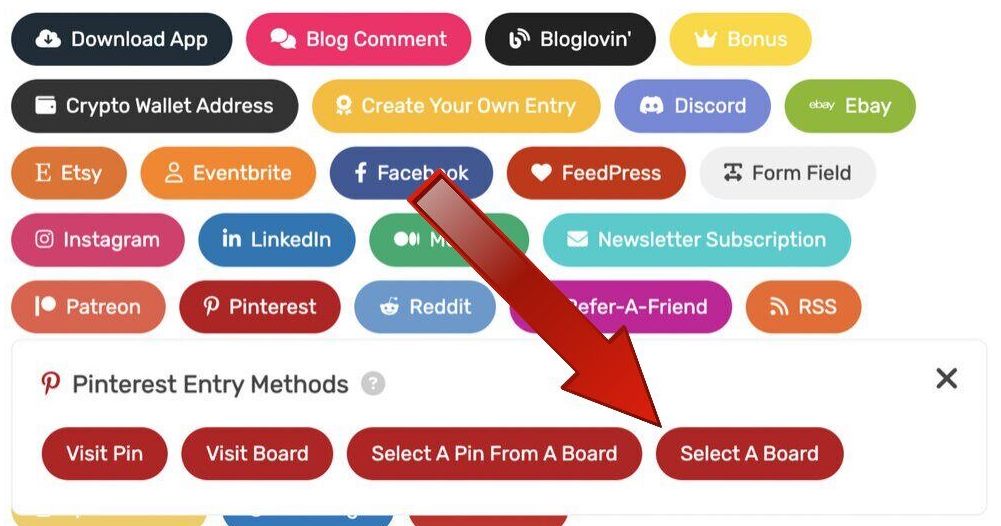
- Go to the Entry Methods tab.
- Click Pinterest > Select A Pin From A Board.
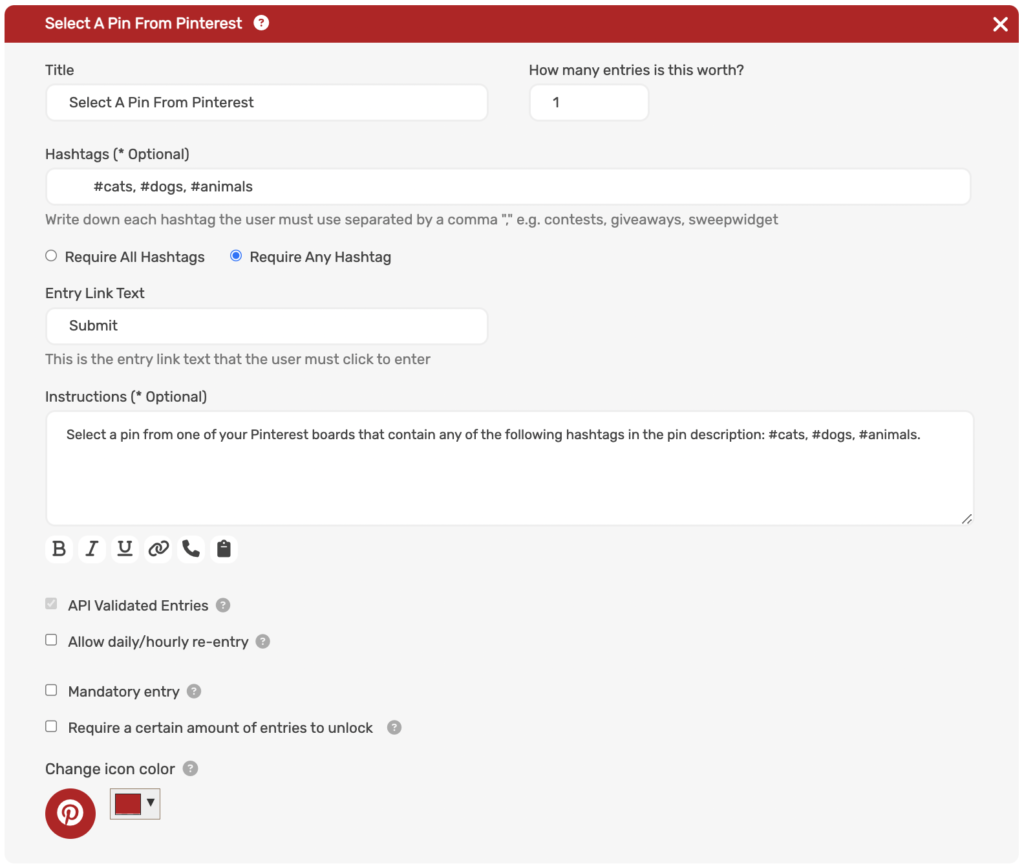
- Fill in the required fields.
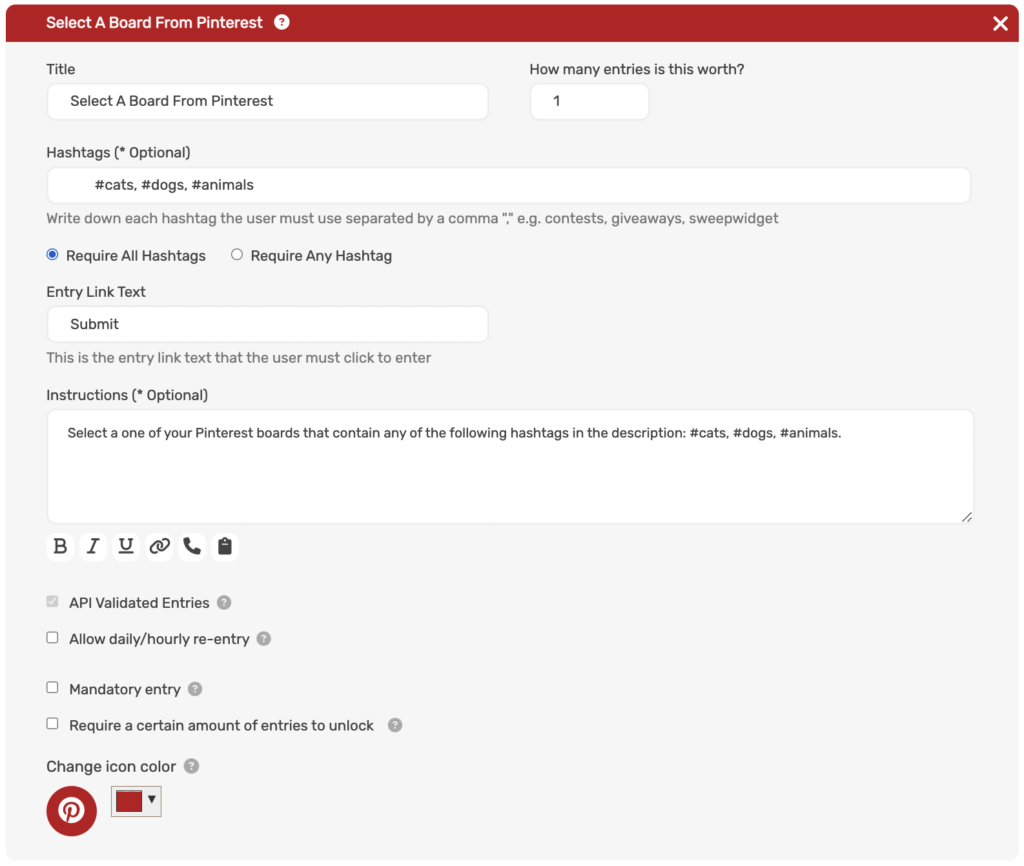
Hashtags ( Optional).* Enter the hashtags the pin must contain, separated by commas, for example cats, dogs, fish. SweepWidget looks in the pin’s title and description. Choose Require All Hashtags (default) or Require Any Hashtag.
Public view
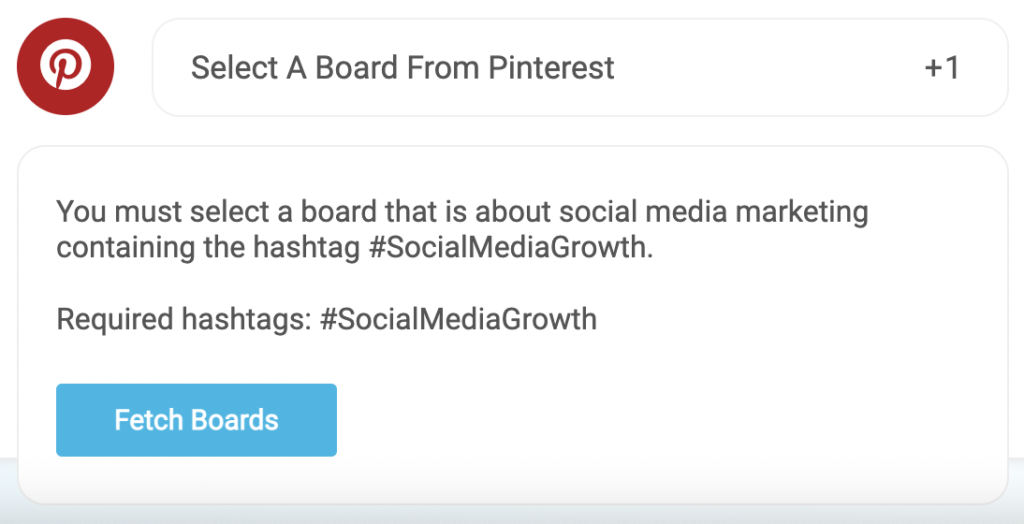
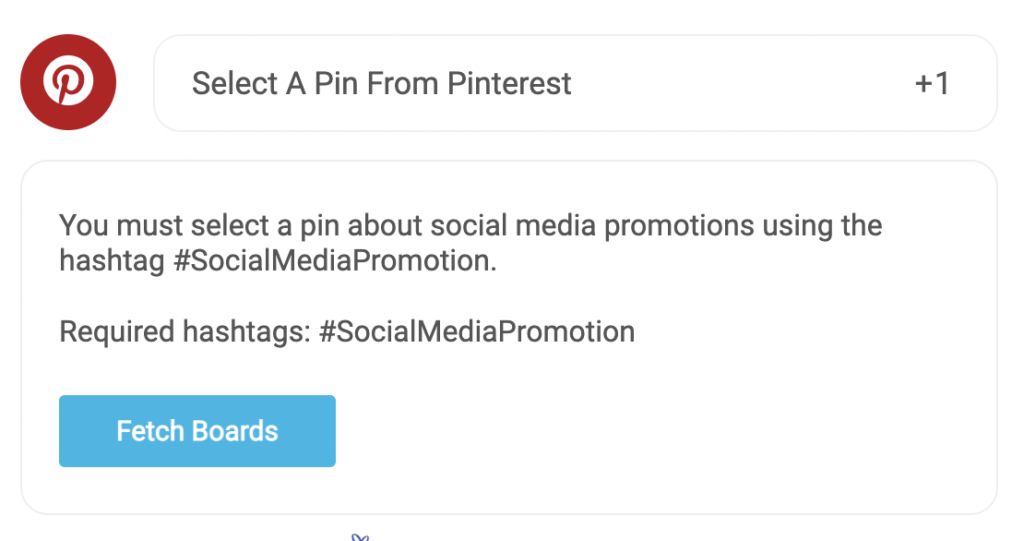
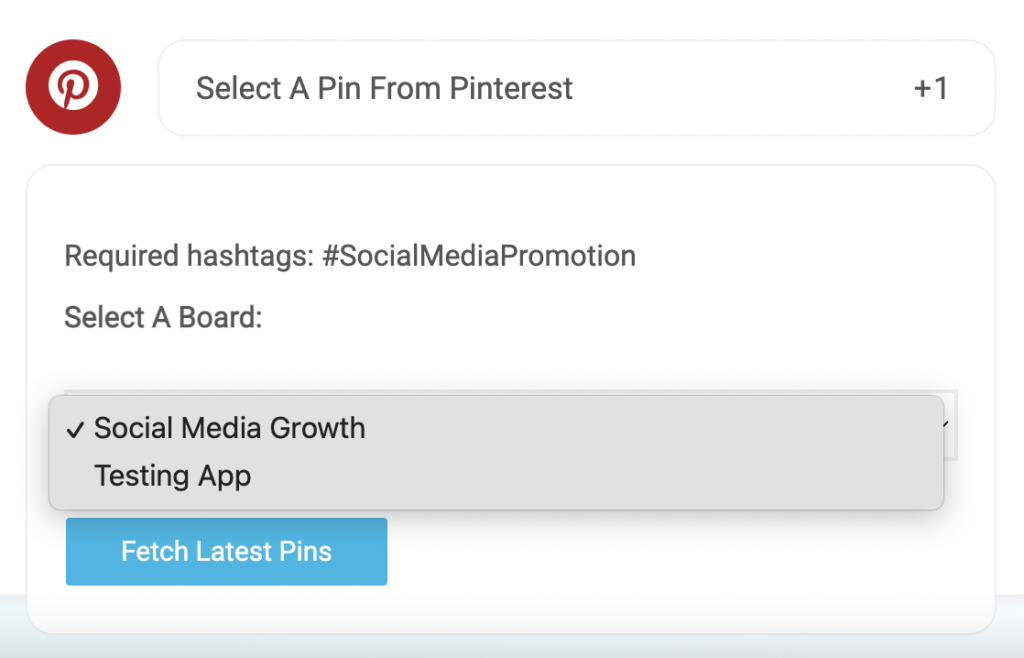
- After logging in to the giveaway, the user opens Select A Pin From Pinterest and clicks Fetch Boards.
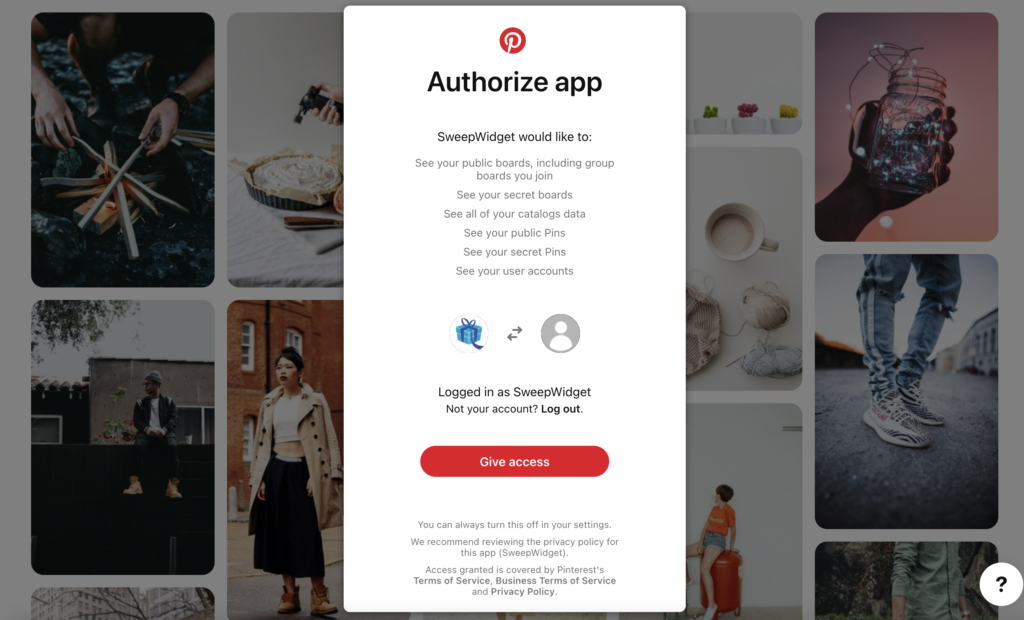
- They authorize the SweepWidget app on Pinterest. They are sent back to the giveaway.
- They pick one of their public boards and click Fetch Latest Pins.
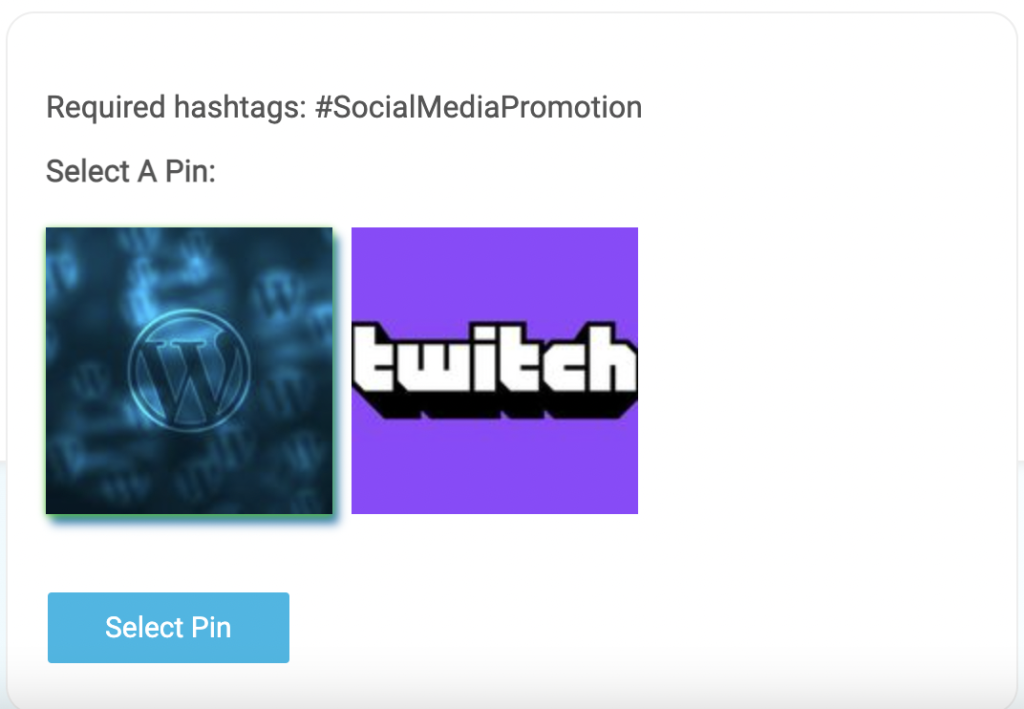
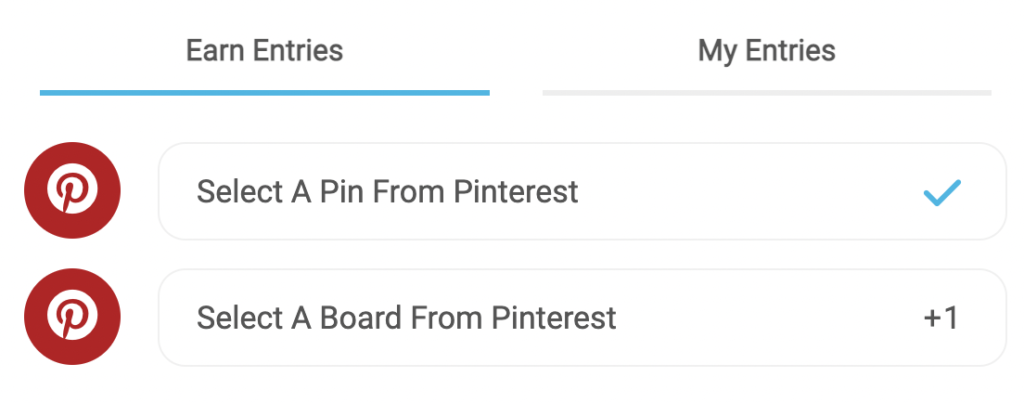
- They pick a pin and click Select Pin. They get credit.
If you require hashtags, only pins that match are listed.
Select A Board

The user picks one of their public Pinterest boards. Use the instructions field to say what kind of board you want, for example “a board of your favorite vegan meals”.
Admin view
- Go to the Entry Methods tab.
- Click Pinterest > Select A Board.
- Fill in the required fields.
Hashtags ( Optional).* Works like the pin method, but SweepWidget searches only the board’s description, not its name.
Public view
- The user opens Select A Board From Pinterest and clicks Fetch Boards.
- They authorize the SweepWidget app on Pinterest.
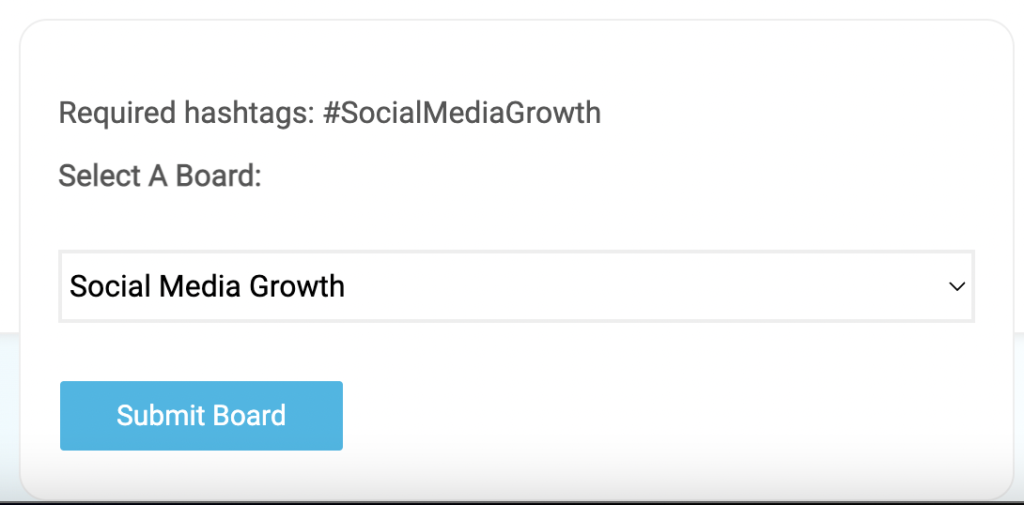
- They pick a public board and click Submit Board. They get credit.
Example Pinterest Giveaway