
Instagram Entry Methods
This article covers the 7 entry methods SweepWidget offers with Instagram: Visit Profile, Follow Profile, Like Post, Comment On A Post, Share Post, Submit Post and Tag a Friend.
Instagram actions are taken on trust. SweepWidget cannot check follows, likes, comments, shares or tags on Instagram, and it does not import comments. For most methods the entrant types their Instagram username and gets the entry. Review entries by hand before you pick winners.
Plan: Visit Profile is available on every plan. All other Instagram methods need Pro or higher.
You can turn off the username box on a method by unticking Require user verification. The entrant is then credited as soon as they click the link.
Table of contents:
- Visit profile
- Follow
- Like post
- Comment on a post
- Share post
- Submit post
- Tag a friend
- Example Giveaway
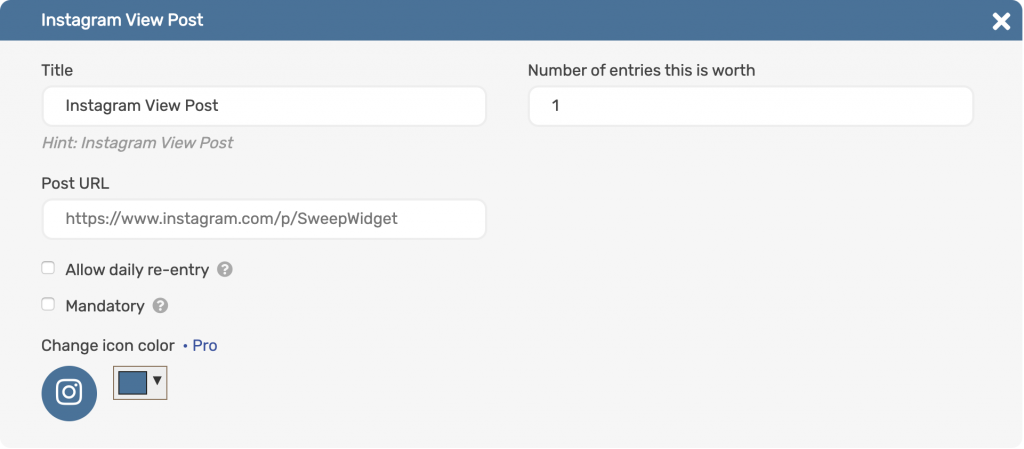
Instagram visit profile
Entrants gain entries by visiting an Instagram profile.
Admin view
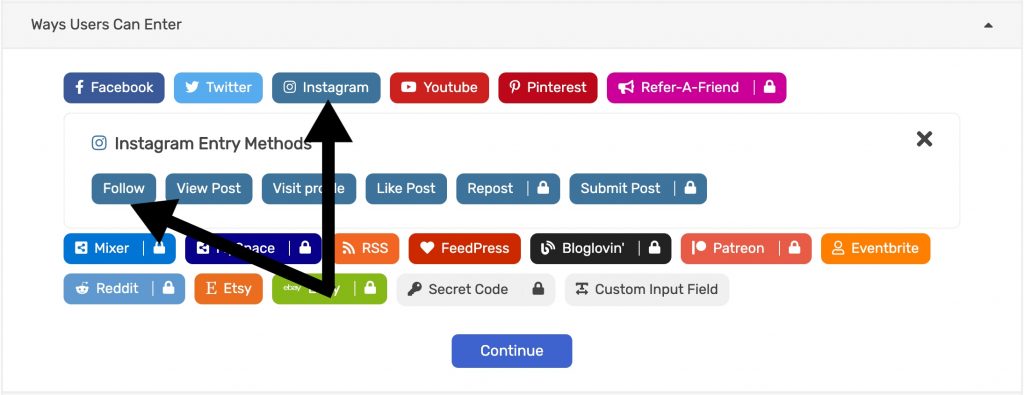
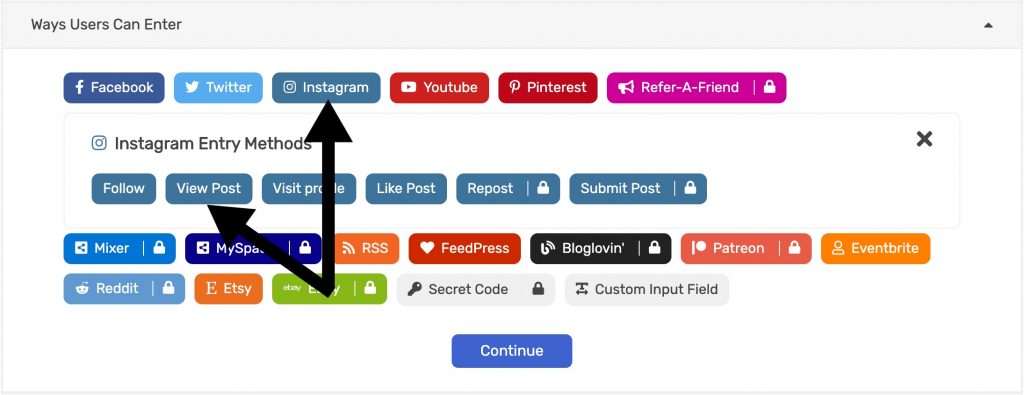
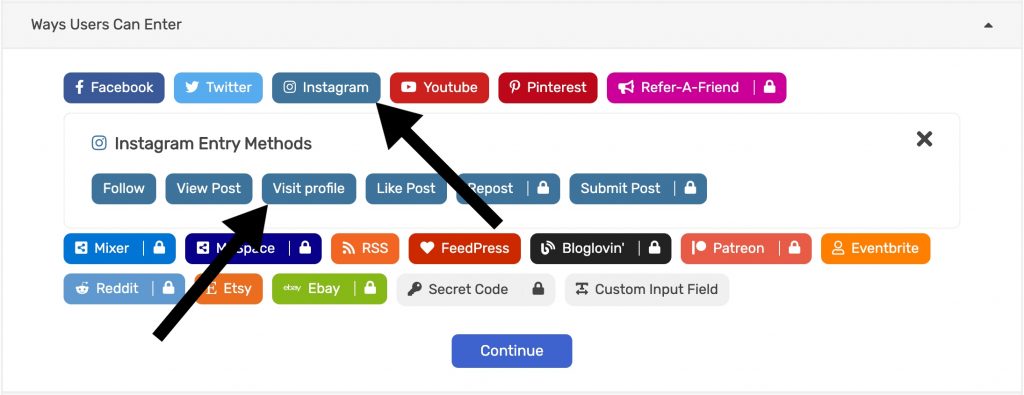
- Open the Ways Users Can Enter tab.
- Click Instagram > Visit Profile.
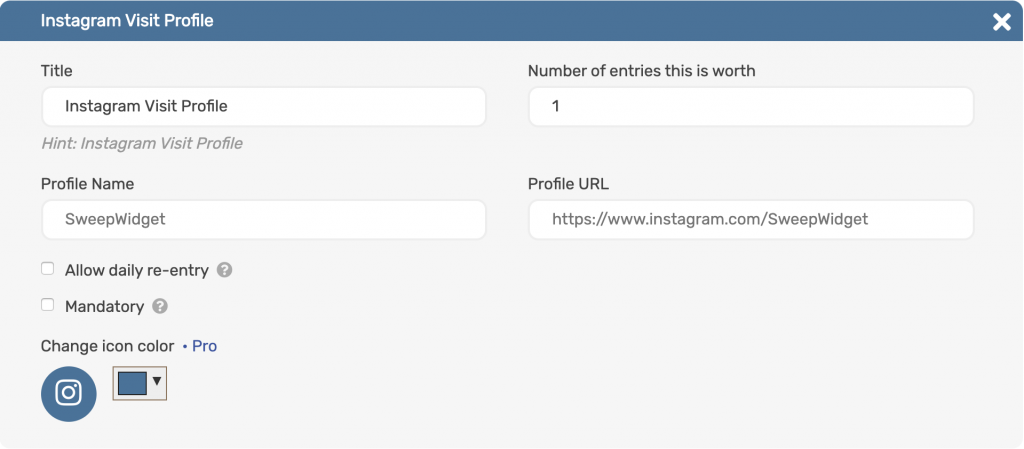
- Fill in the Profile Name and the Profile URL.
Public view
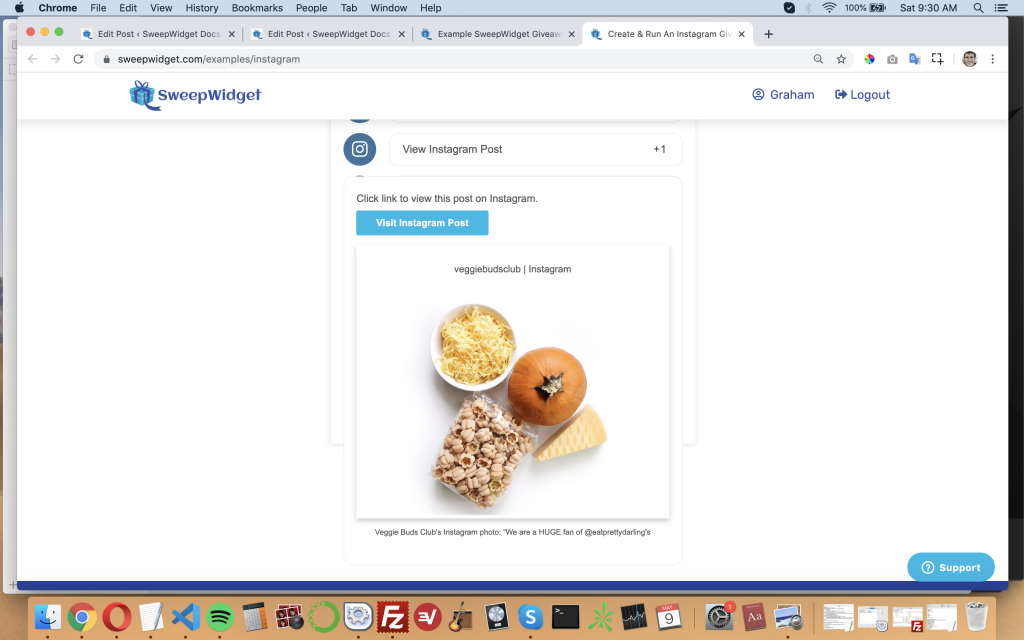
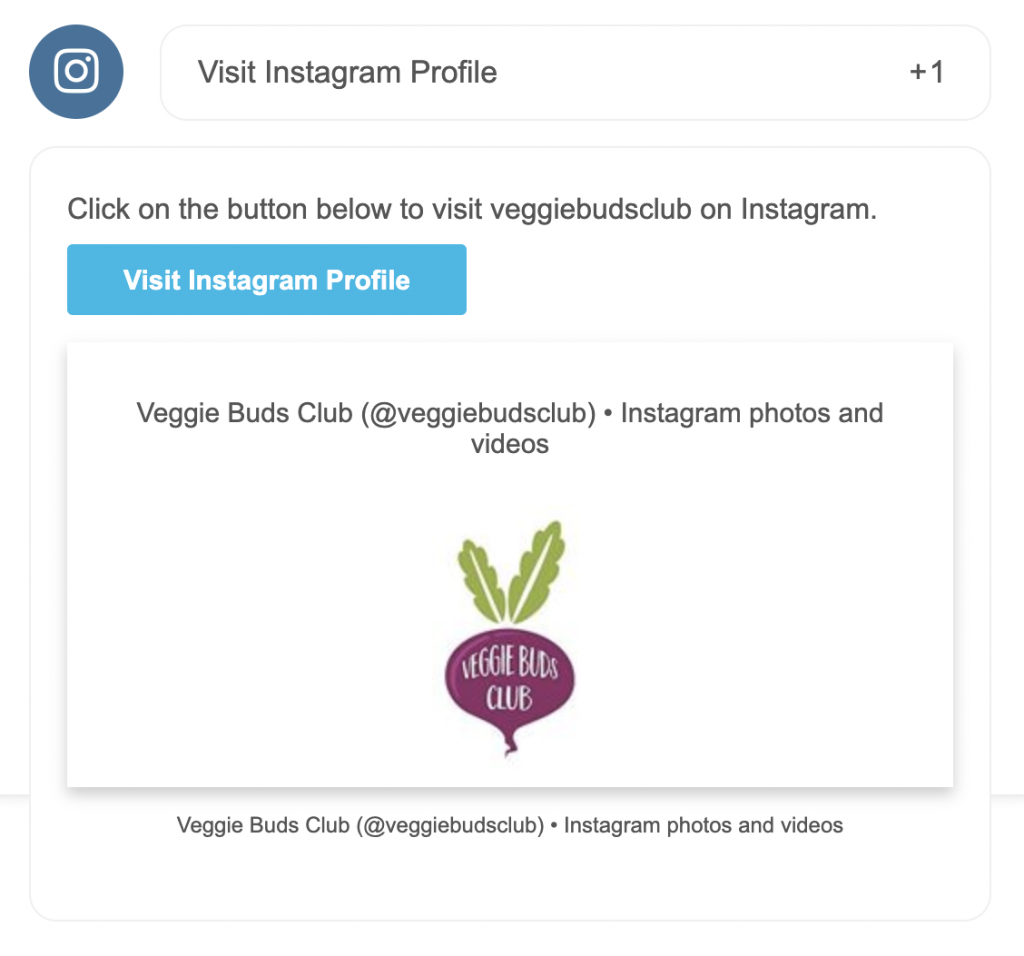
The entrant clicks the Visit Instagram profile link. The entry is credited when they click it.
Instagram follow
Entrants gain entries by following an Instagram profile.
Admin view
- Open the Ways Users Can Enter tab.
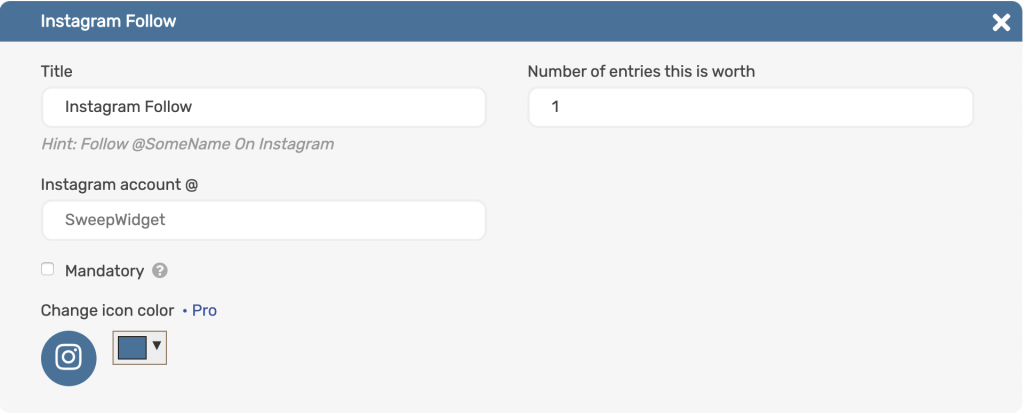
- Click Instagram > Follow Profile.
- Enter the Instagram account name (the username, not a link).
Public view
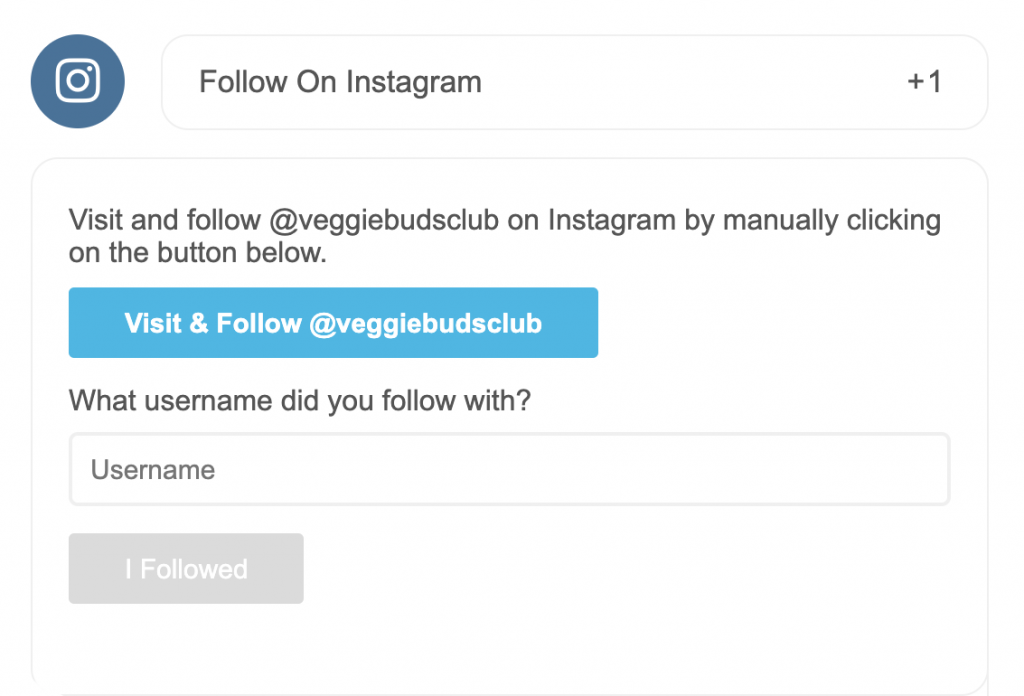
The entrant opens the profile and follows it. They then enter the username they followed with. SweepWidget does not check the follow.
Instagram like post
Admin view
- Open the Ways Users Can Enter tab.
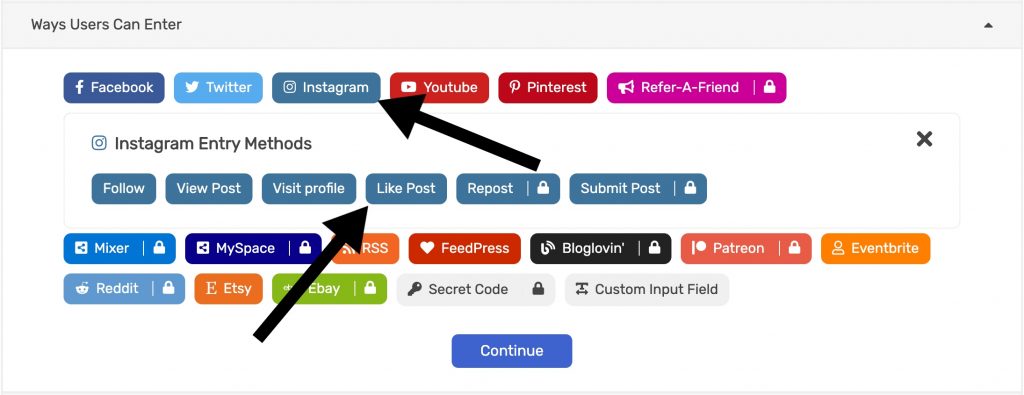
- Click Instagram > Like Post.
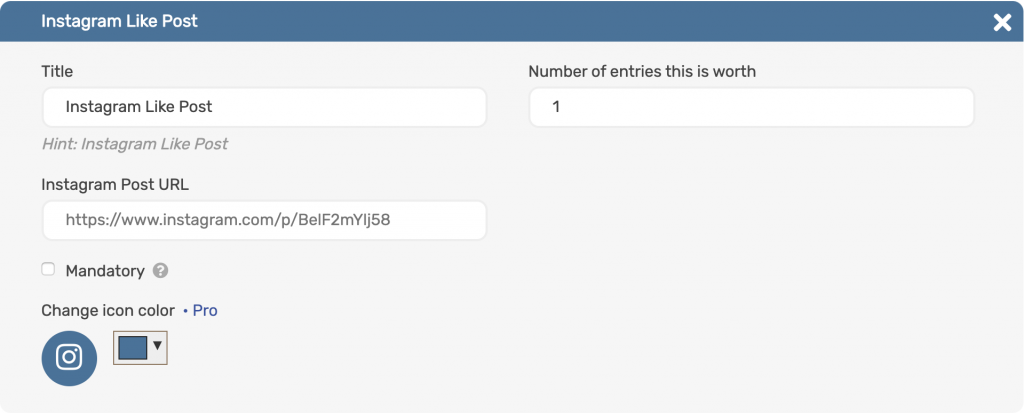
- Enter the Instagram Post URL.
Public view

The entrant opens the post and likes it. They then enter the username they liked with. SweepWidget does not check the like.
Instagram comment on a post
Admin view
- Open the Ways Users Can Enter tab.
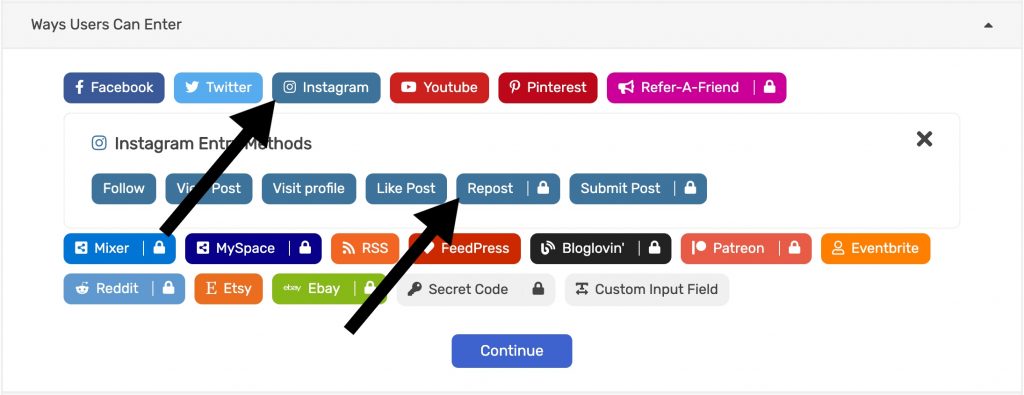
- Click Instagram > Comment On A Post.
- Enter the Instagram Post URL users should comment on.
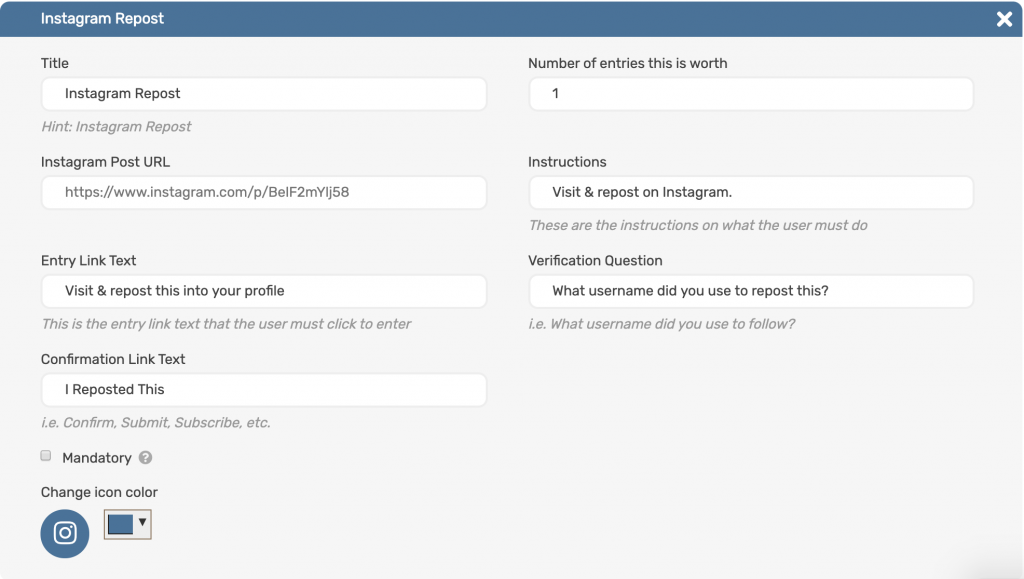
Public view
The entrant opens the post and comments. They then enter the username they commented with. SweepWidget does not read the comments.

Instagram share post
Admin view
- Open the Ways Users Can Enter tab.
- Click Instagram > Share Post.
- Enter the Instagram Post URL.
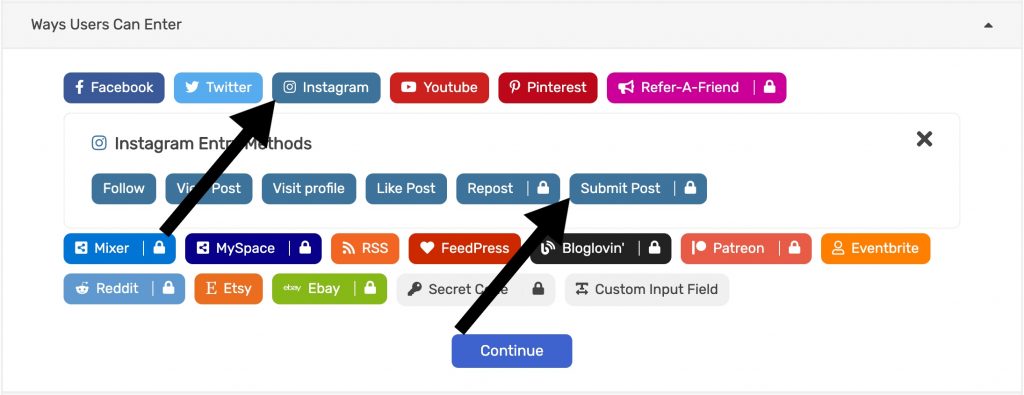
Public view
The entrant shares the post. They then enter the username they used. SweepWidget does not check the share.
Instagram submit post
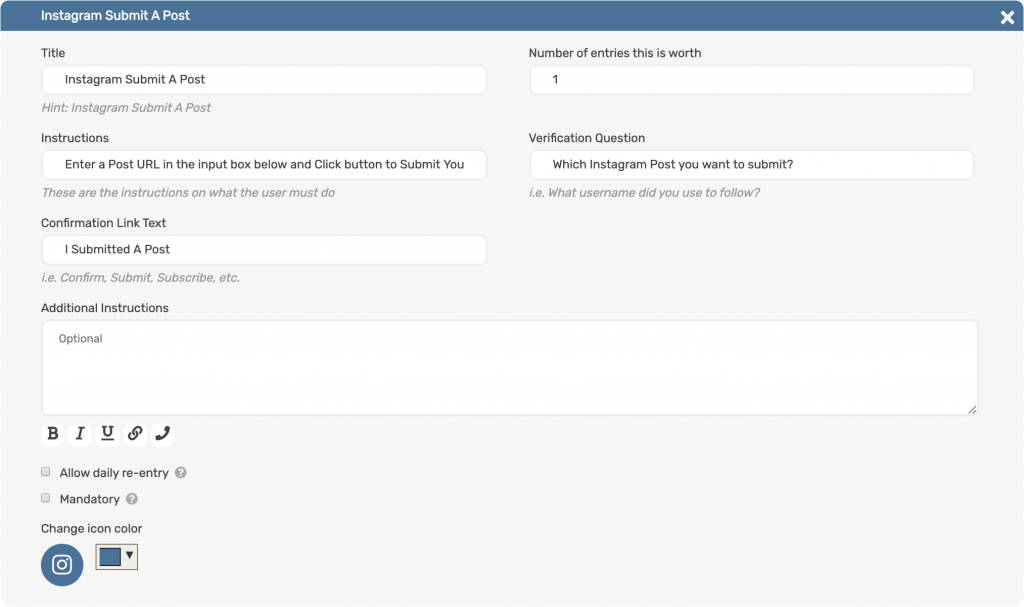
Admin view
- Open the Ways Users Can Enter tab.
- Click Instagram > Submit Post.
- Fill in the fields and the instructions.
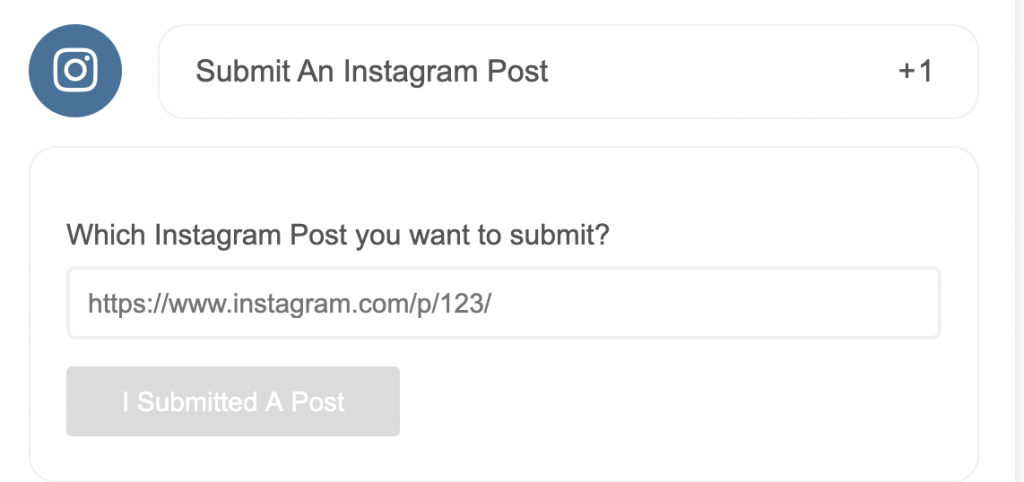
Public view
The entrant posts on Instagram, then pastes the link to their post and submits it. SweepWidget does not check that the link is a real Instagram post.
Instagram tag a friend
Admin view
- Open the Ways Users Can Enter tab.
- Click Instagram > Tag a Friend.
- Enter the Instagram Post URL where users should tag a friend.
Public view
The entrant tags a friend in the comments of the post. They then enter the username they used. SweepWidget does not read the comments.
Example Instagram Giveaway