
SoundCloud Entry Methods
Learn how to make a giveaway that rewards users for completing SoundCloud actions.
All SoundCloud entry methods need the Pro plan or above. SoundCloud actions are not checked by SweepWidget. Users type a username or paste a link, and the entry is taken on trust. Check winners by hand before you award prizes.
Table of contents:
- Follow Artist
- Like Song
- Repost Song
- Submit Song
- Listen To Song
- Example Giveaway
SoundCloud Follow Artist
SweepWidget allows users to gain entries by following a SoundCloud artist.
Admin view
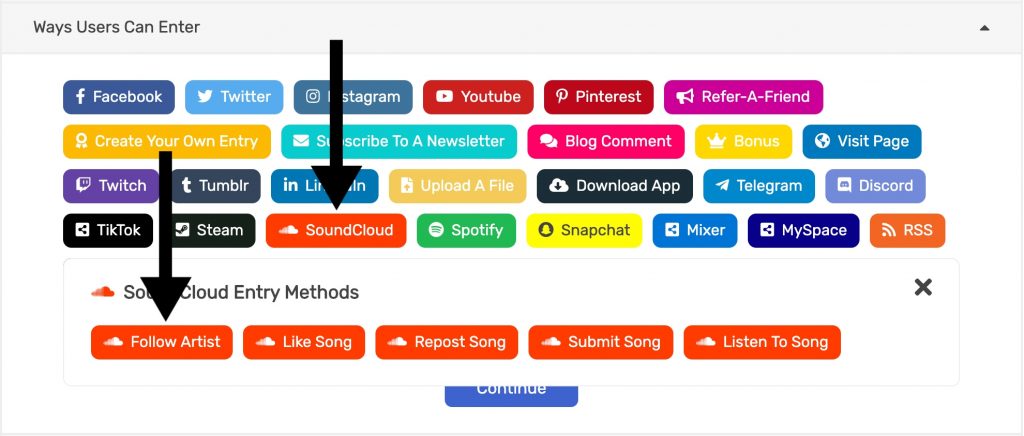
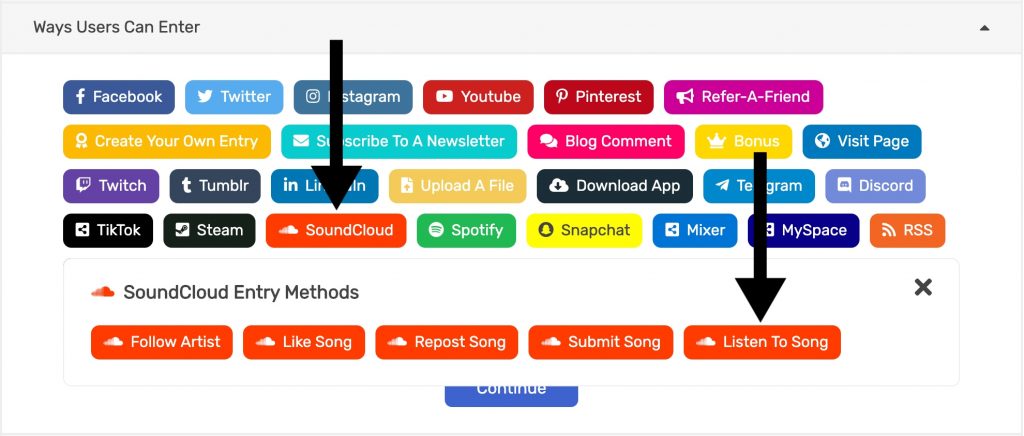
- Go to the Entry Methods tab.
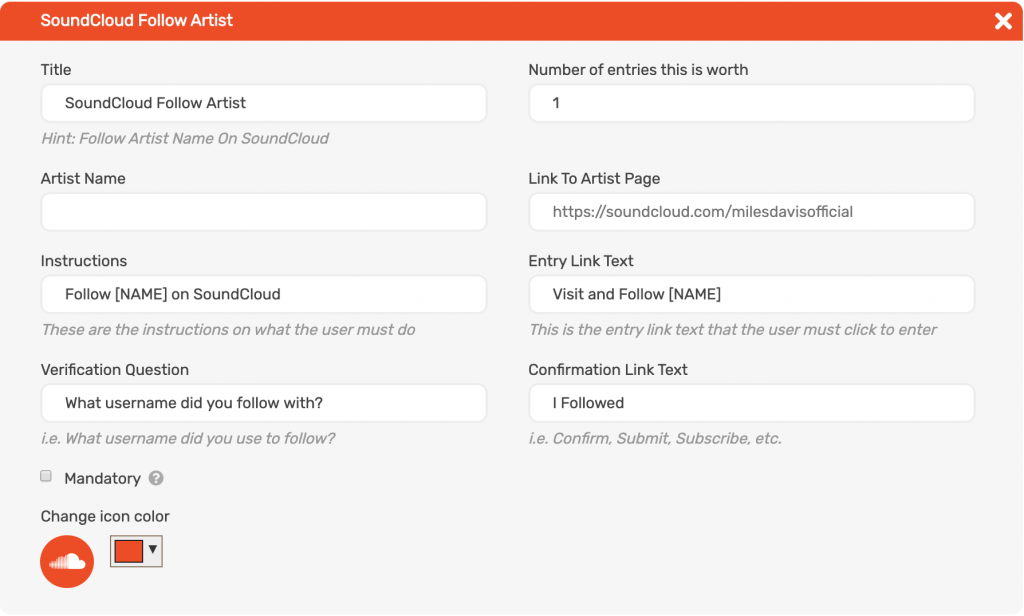
- Click SoundCloud > Follow Artist.
- Fill in Artist Name and Link To Artist Page.
Public view
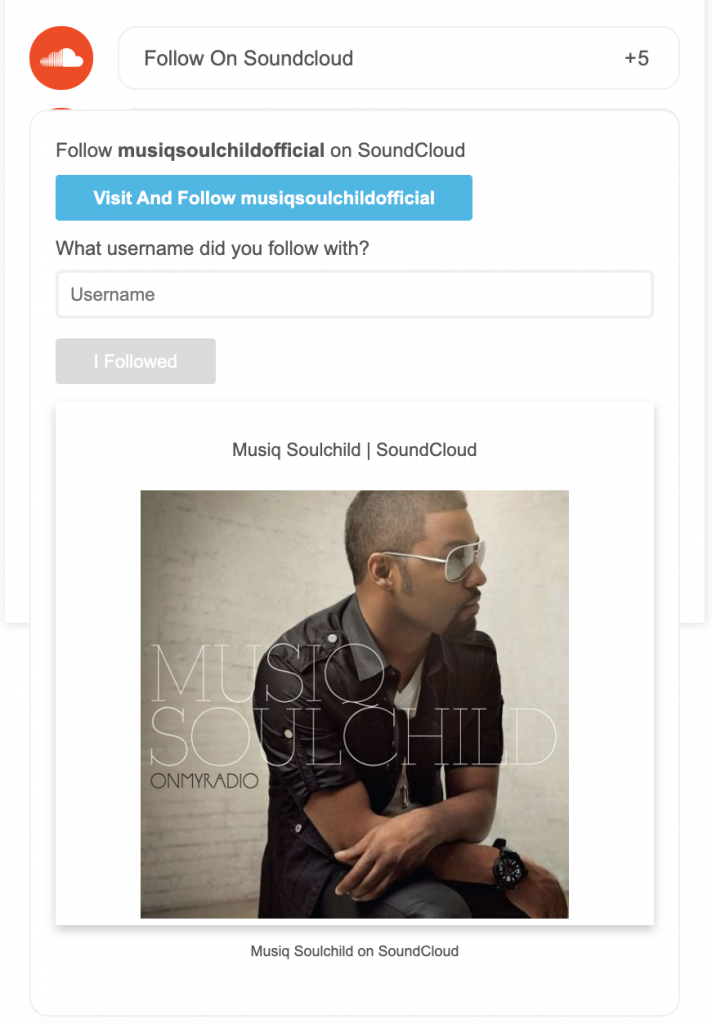
The user opens the artist’s SoundCloud page and follows it. Back in the giveaway they type the username they followed with and click I Followed.
SoundCloud Like A Song
Admin view
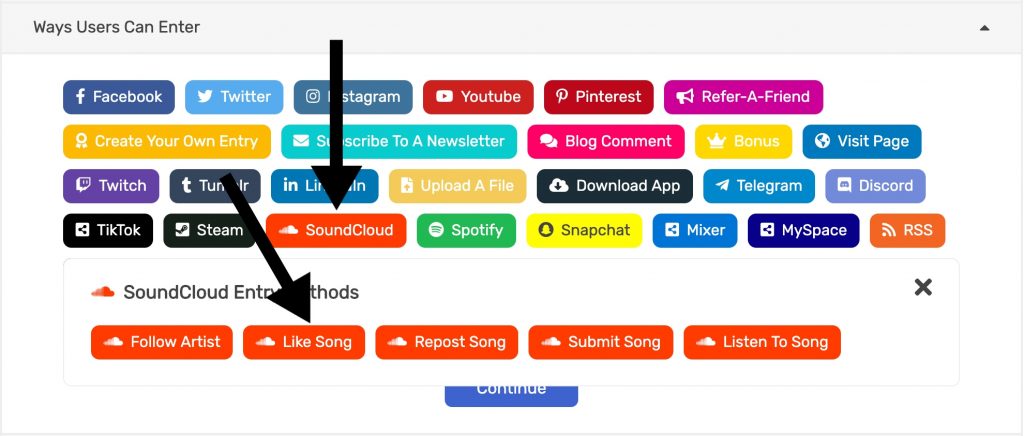
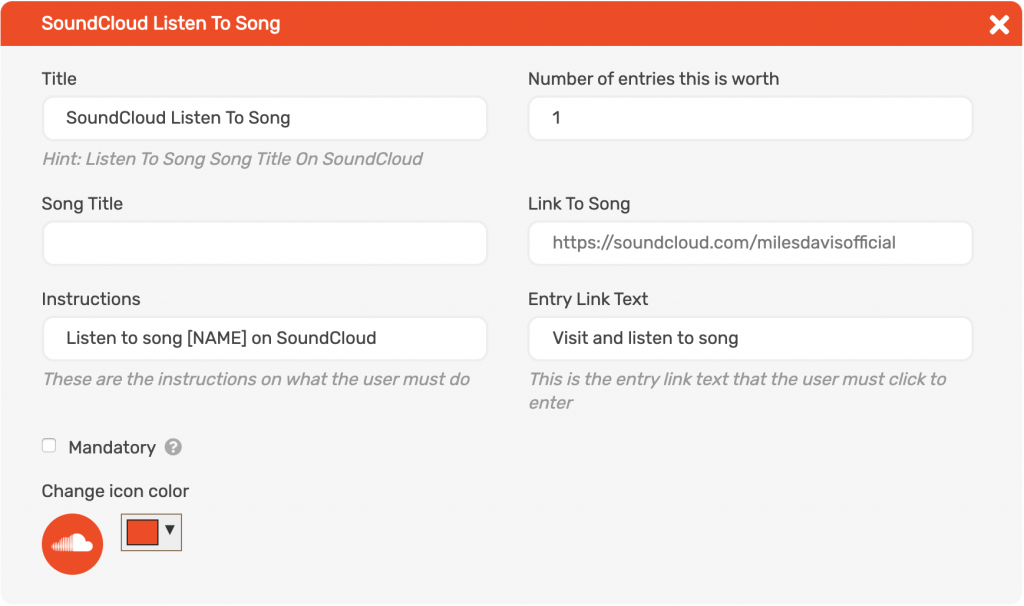
- Go to the Entry Methods tab.
- Click SoundCloud > Like Song.
- Fill in Song Title and Link To Song.
Public view
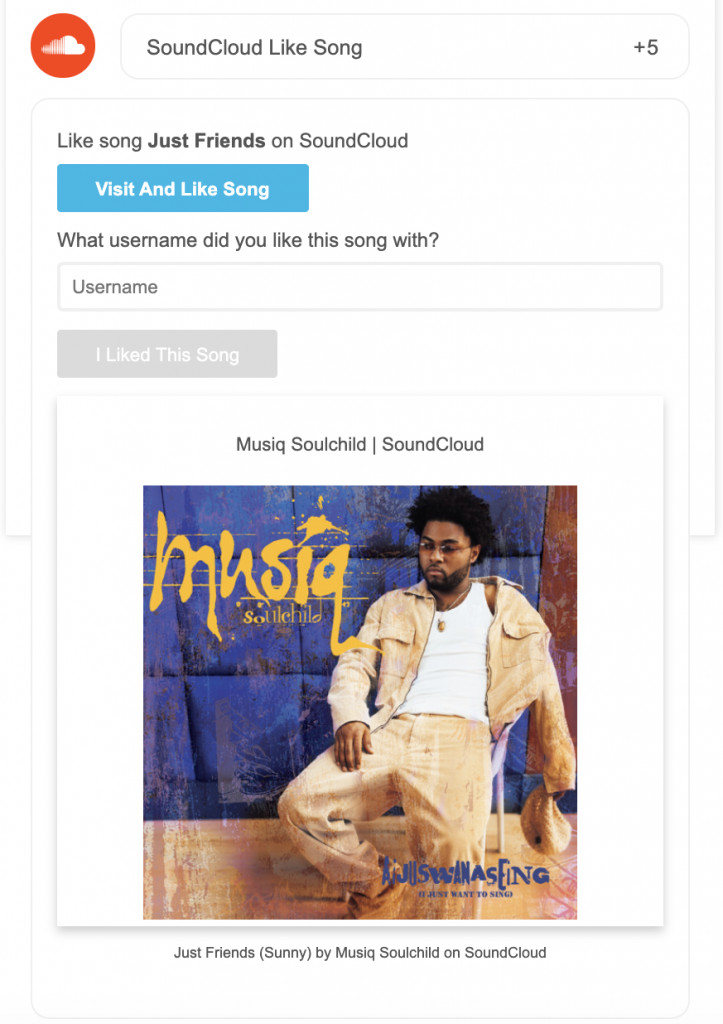
The user opens the song and likes it. Back in the giveaway they type the username they liked it with and click I Liked This Song.
SoundCloud Repost A Song
Admin view
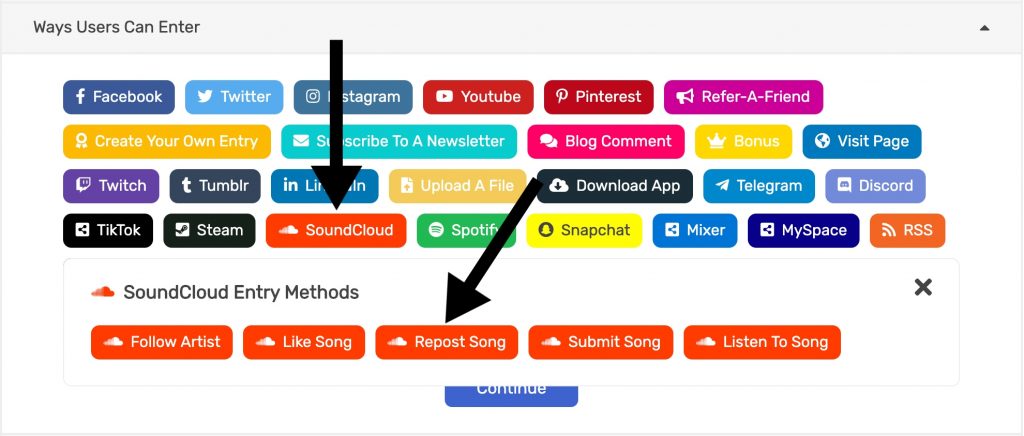
- Go to the Entry Methods tab.
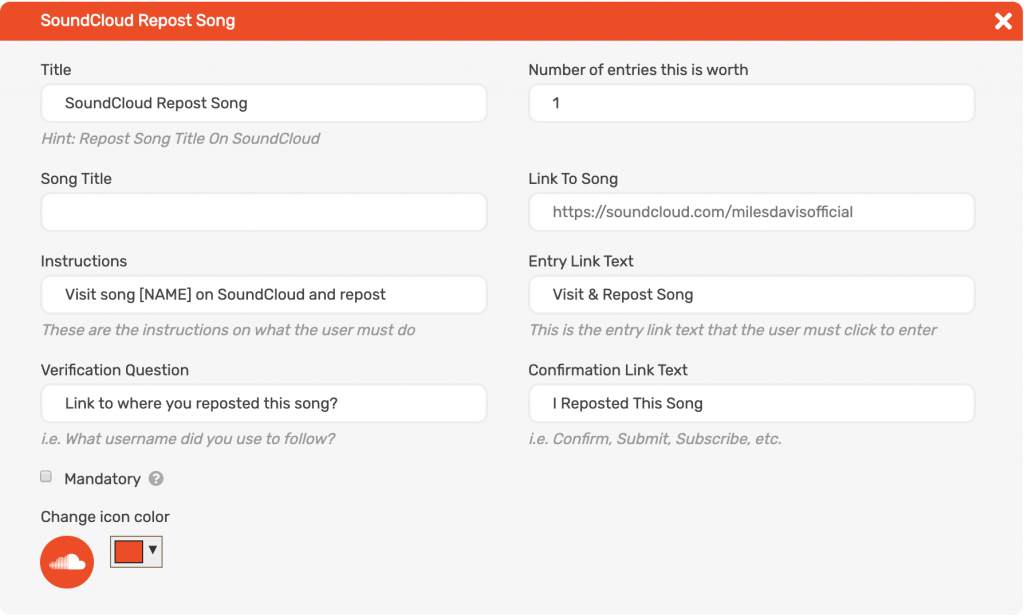
- Click SoundCloud > Repost Song.
- Fill in Song Title and Link To Song.
Public view
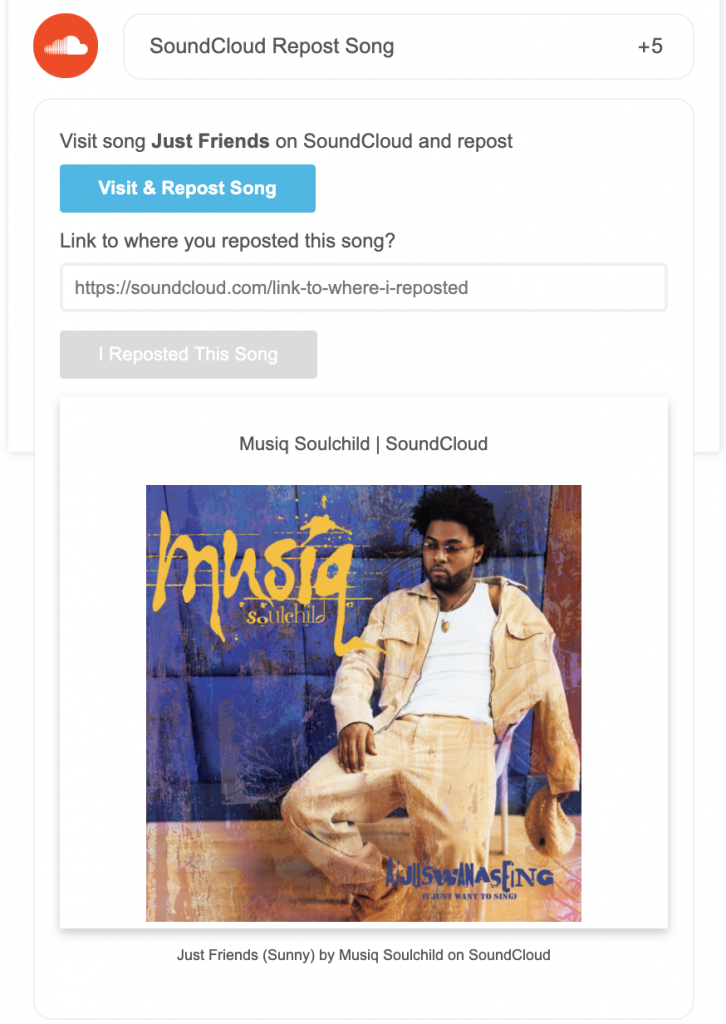
The user opens the song and reposts it. Back in the giveaway they paste the link to their repost and click I Reposted This Song.
SoundCloud Submit A Song
Admin view
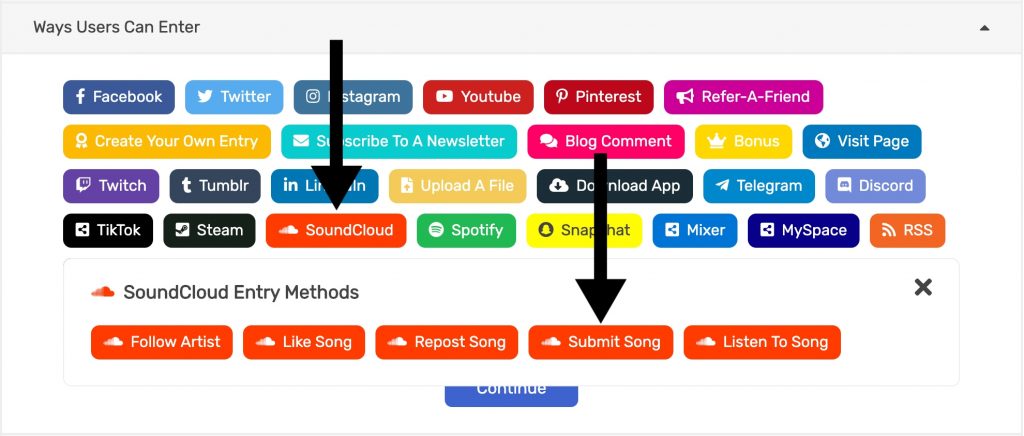
- Go to the Entry Methods tab.
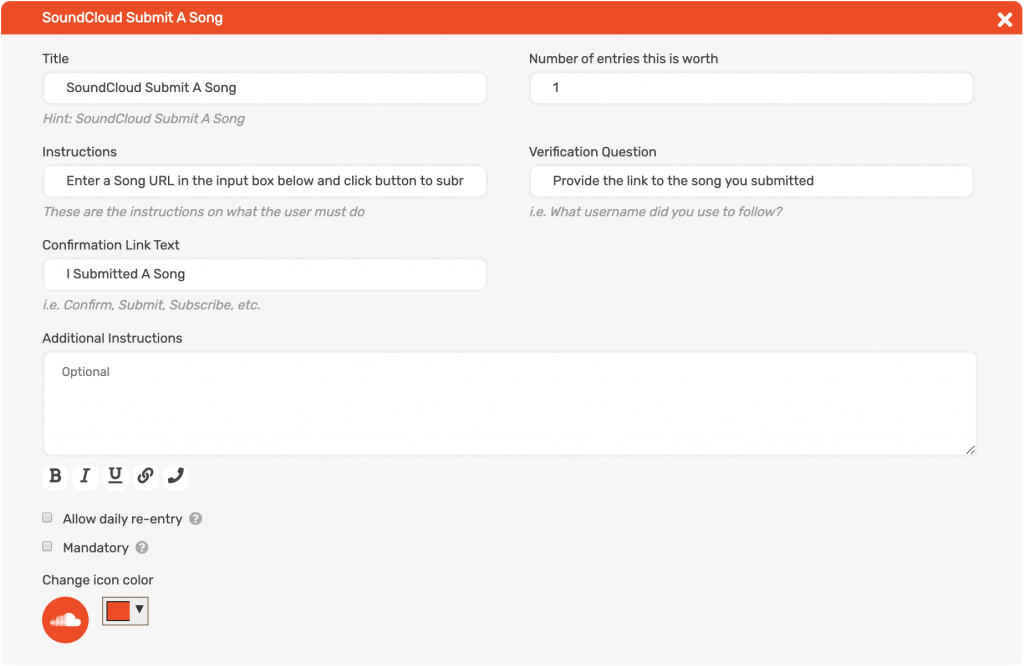
- Click SoundCloud > Submit Song.
- Add instructions that say what kind of song you want.
Public view
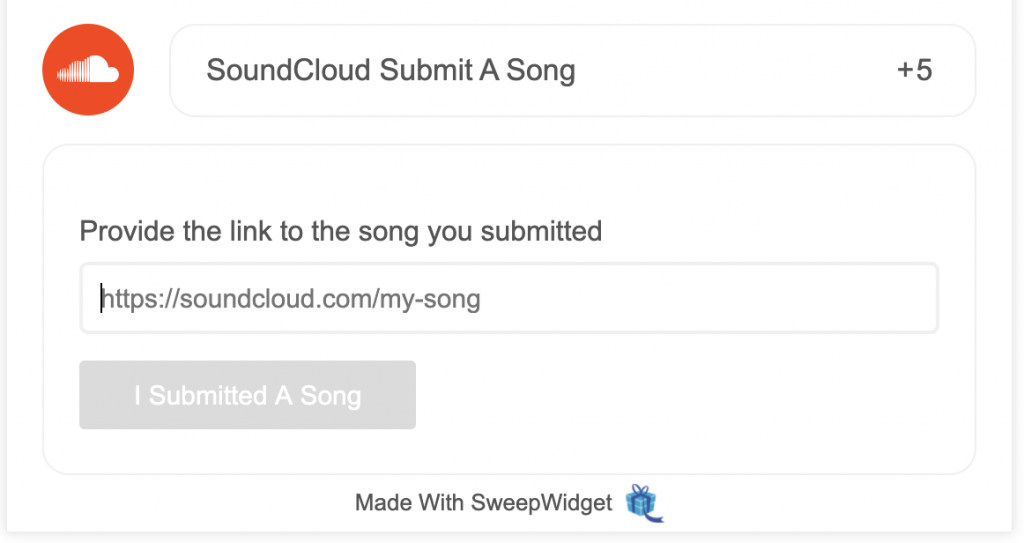
The user enters the link to the song they submitted and clicks I Submitted A Song.
SoundCloud Listen To A Song
Admin view
- Go to the Entry Methods tab.
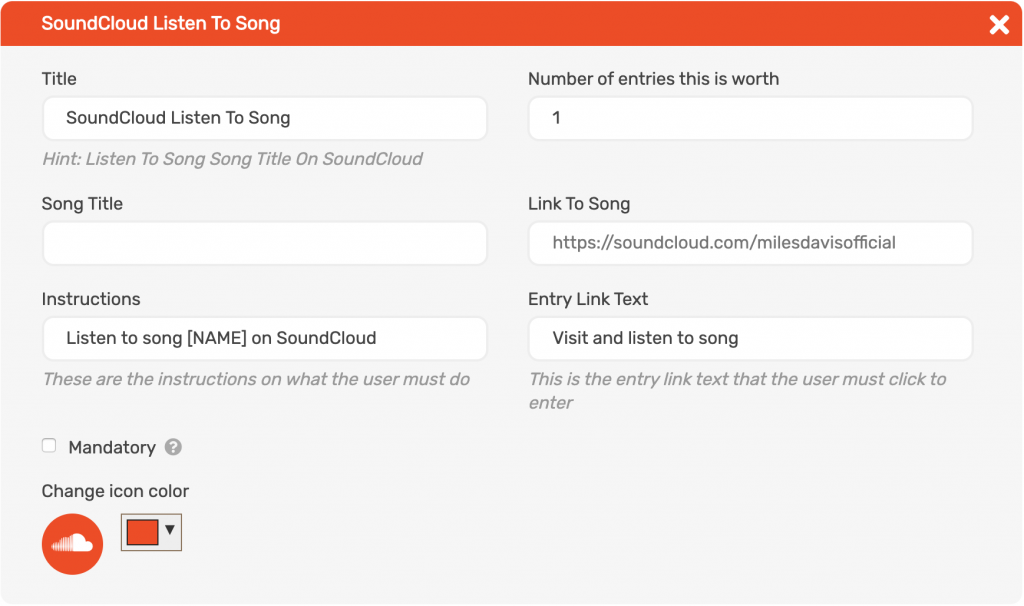
- Click SoundCloud > Listen To Song.
- Fill in Song Title and Link To Song.
Public view
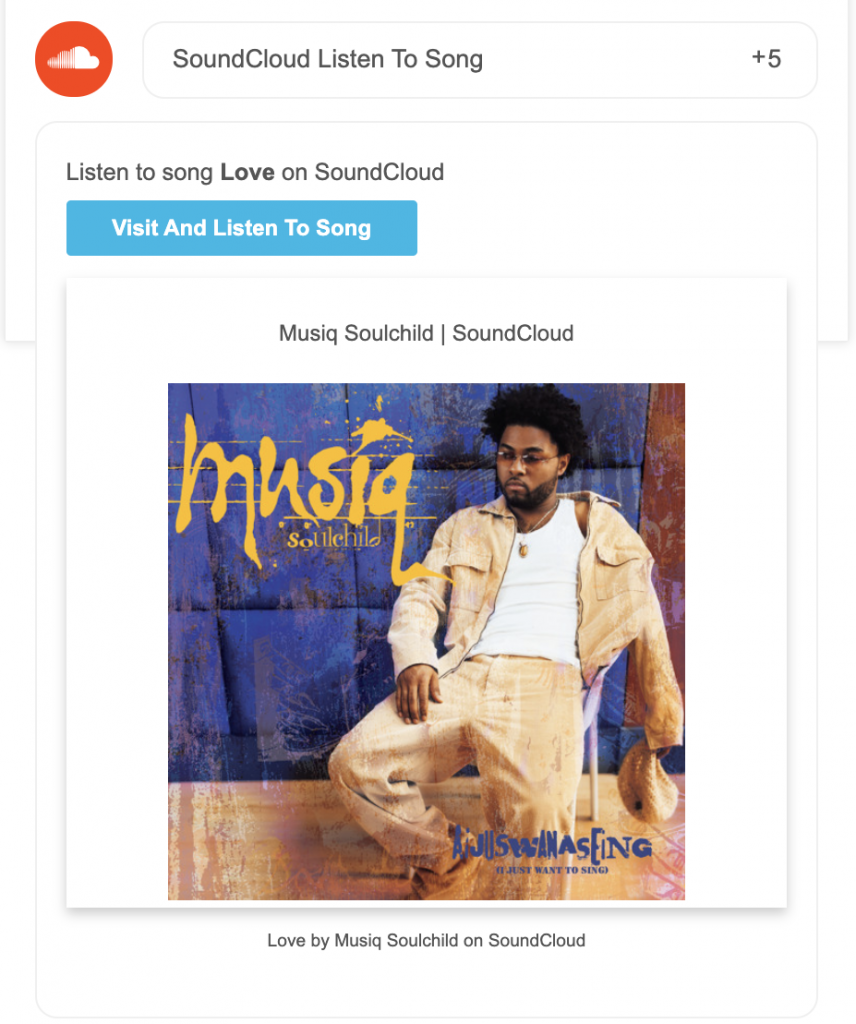
The user clicks the link to open the song on SoundCloud. They get credit when they click. There is no verification step and SoundCloud does not tell SweepWidget whether they listened.
Example SoundCloud Giveaway