
Add A New Brand
In this article we will learn how to add a new/additional brand to your SweepWidget account.
First, click on the profile dropdown in the top right of the webpage and click Account Settings. Then click on Manage Brands.
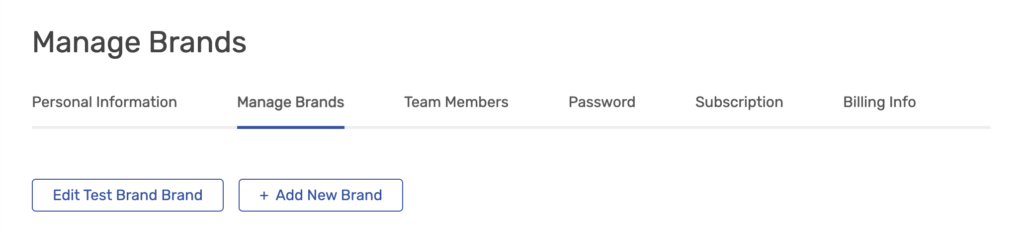
Then click on + Add New Brand and complete the information and submit.
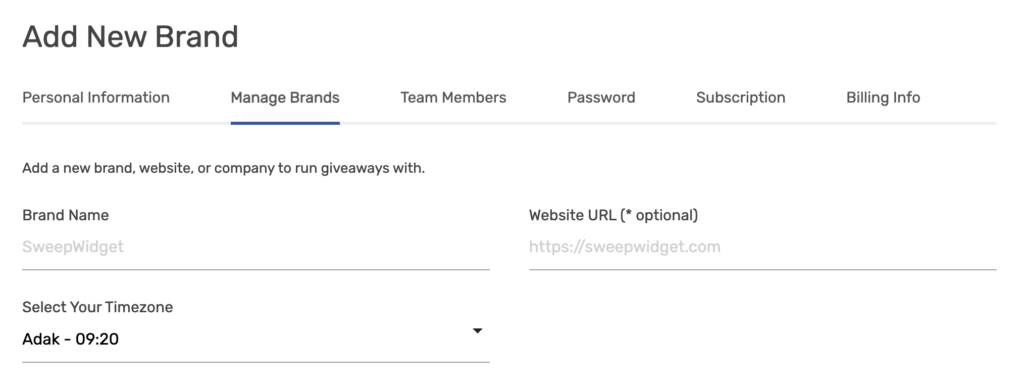
Need more brands than your plan includes? You can add extra brands for $25/mo each ($250/yr on annual plans) on any paid plan. When you have reached your plan’s brand limit, you will see the option to add an extra brand on the Add New Brand page.